150+ GIF Pfp Ideas: Animated Avatars for Discord
Scroll through any busy Discord server and you’ll notice it: most avatars sit perfectly still, and then one blinks, waves or glitches into a new color. Your eye goes straight to it. That’s the whole appeal of a GIF pfp. It’s a profile picture with a pulse.
We built 150+ animated avatars across 22 styles, from dark and aesthetic loops to memes, anime, Gojo fan art, cute characters and matching pairs for best friends. Before you fall in love with one, though, it helps to know where animation actually plays and where it freezes, so we’ve folded that into the guide as well.
Gif Pfp

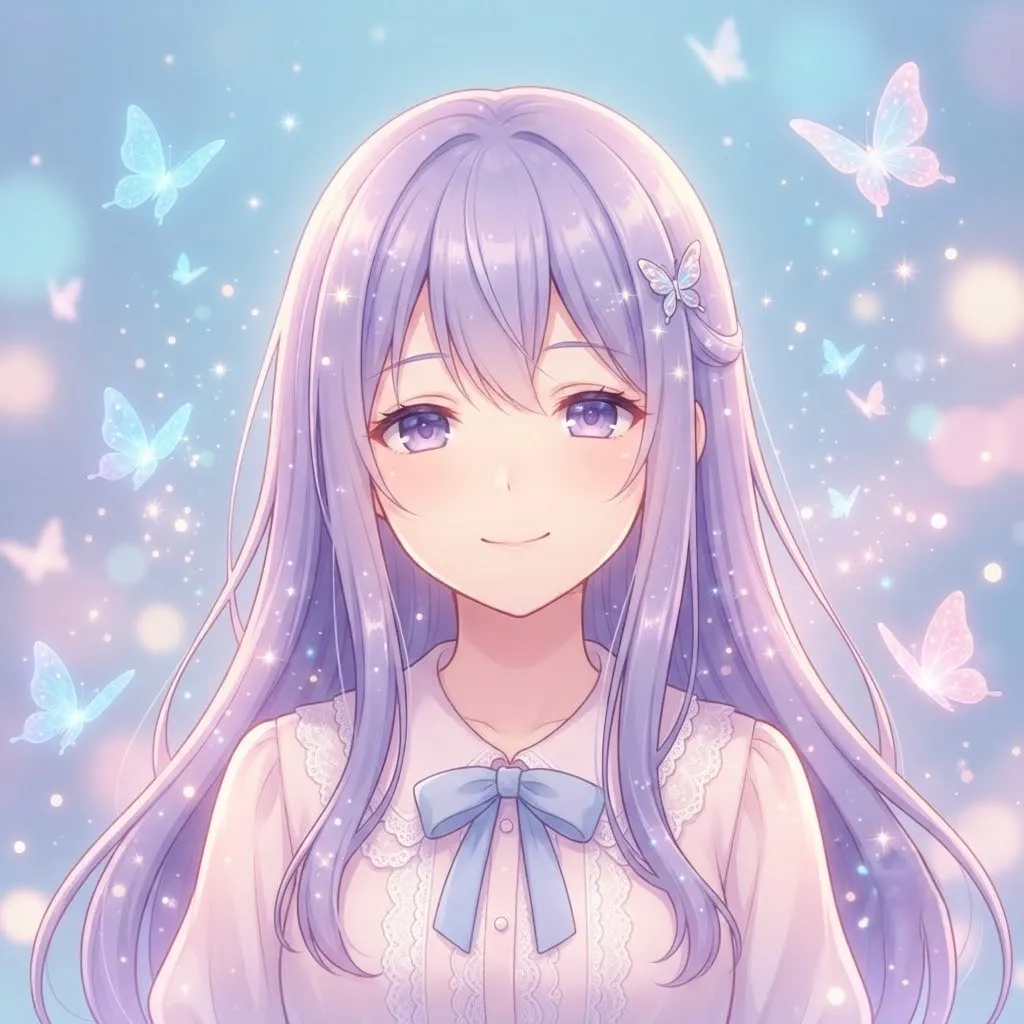
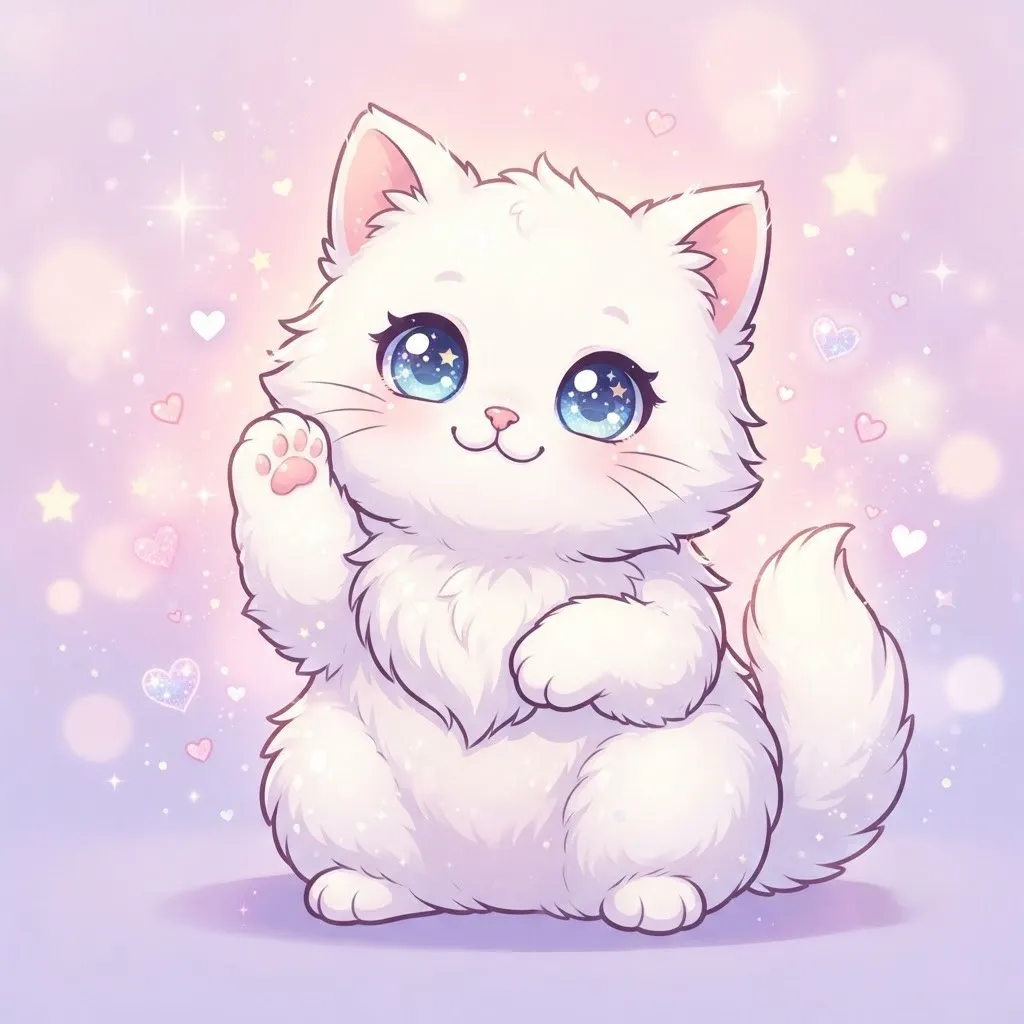
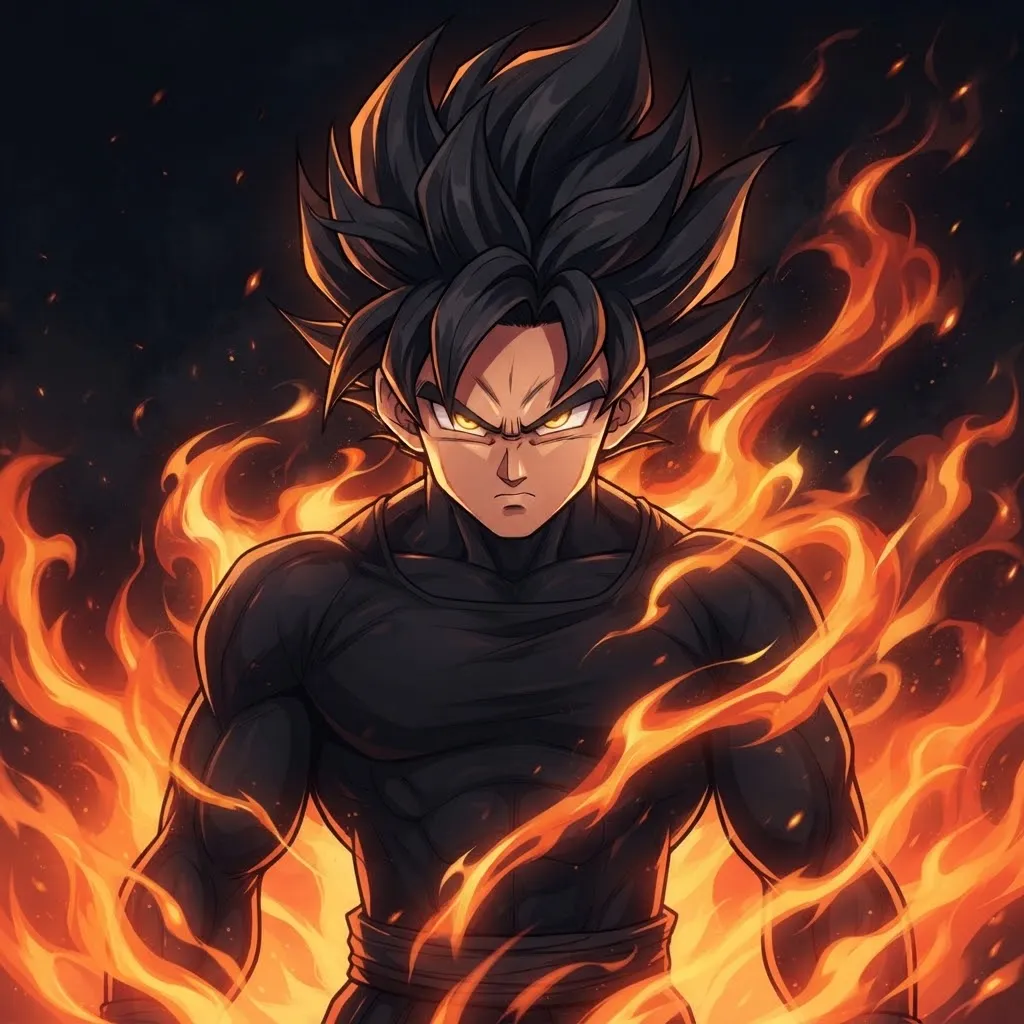
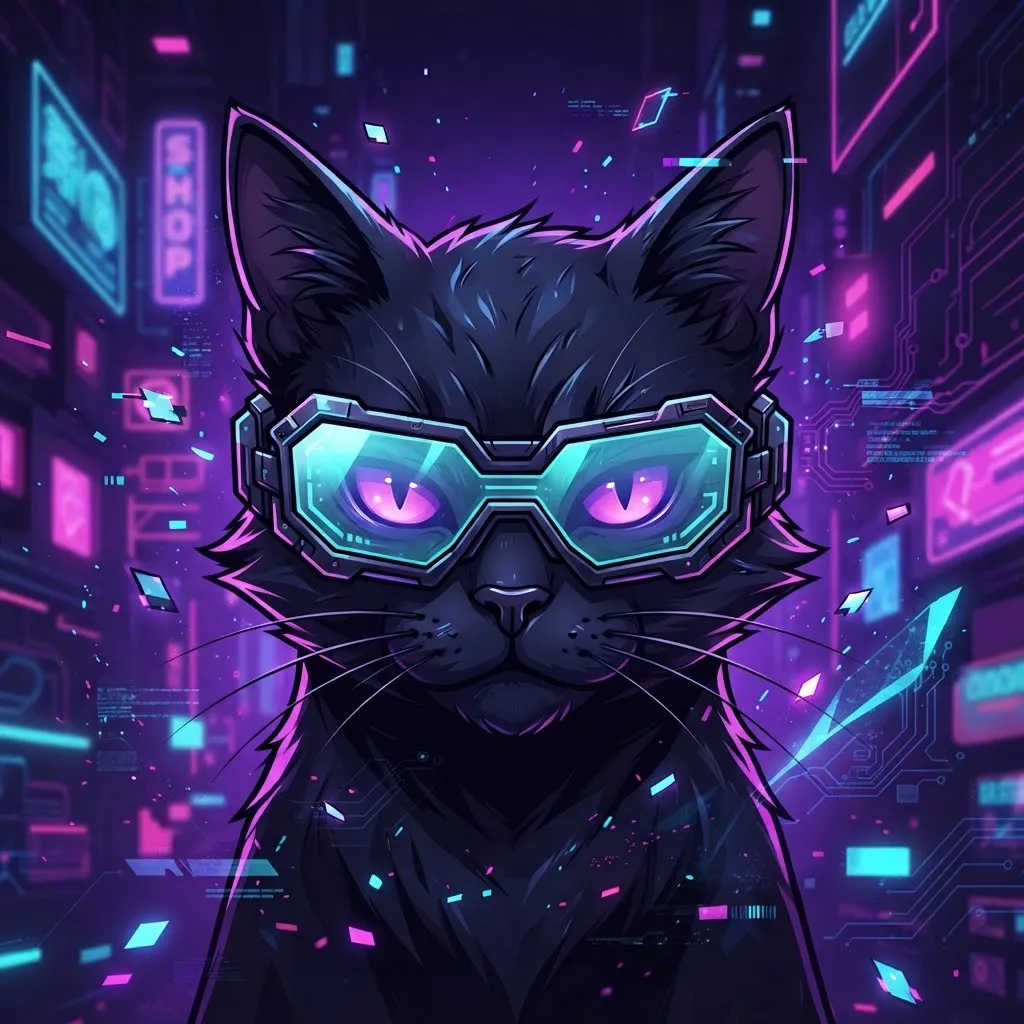
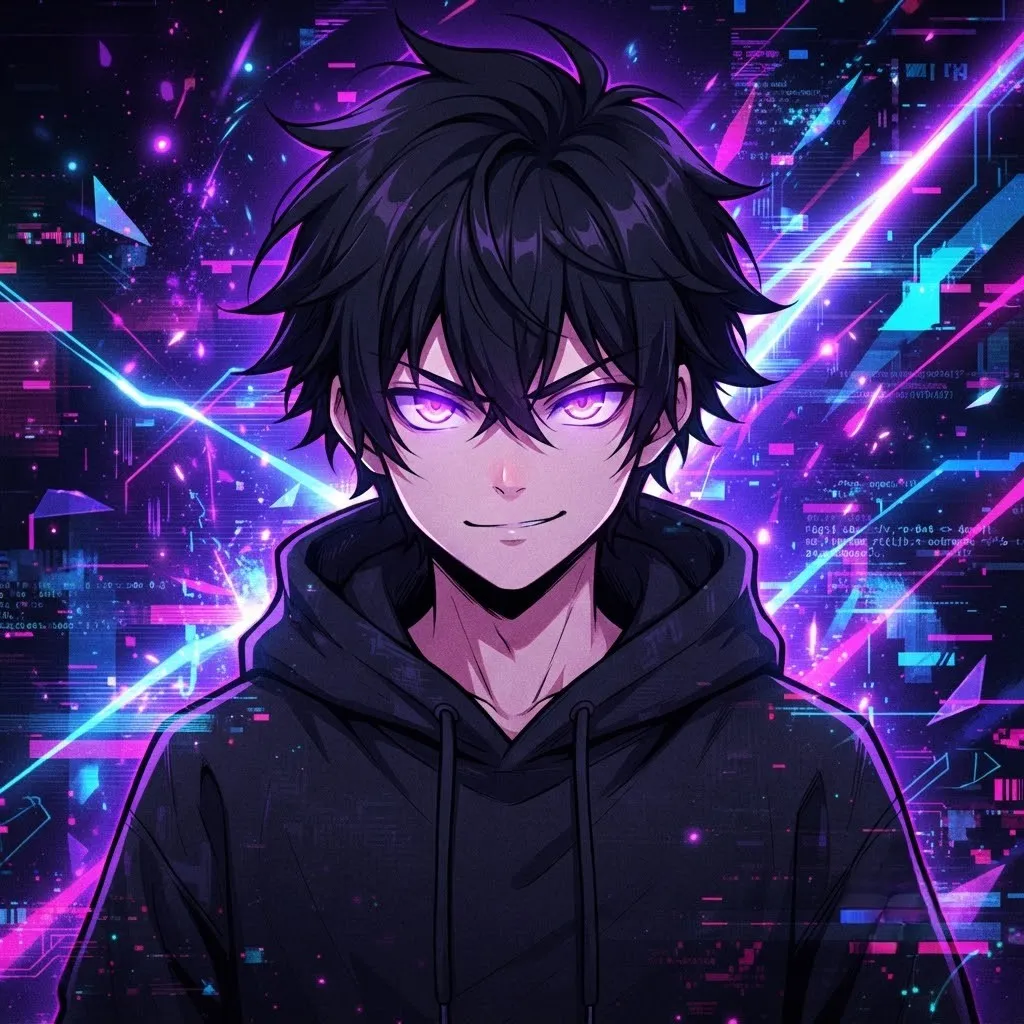
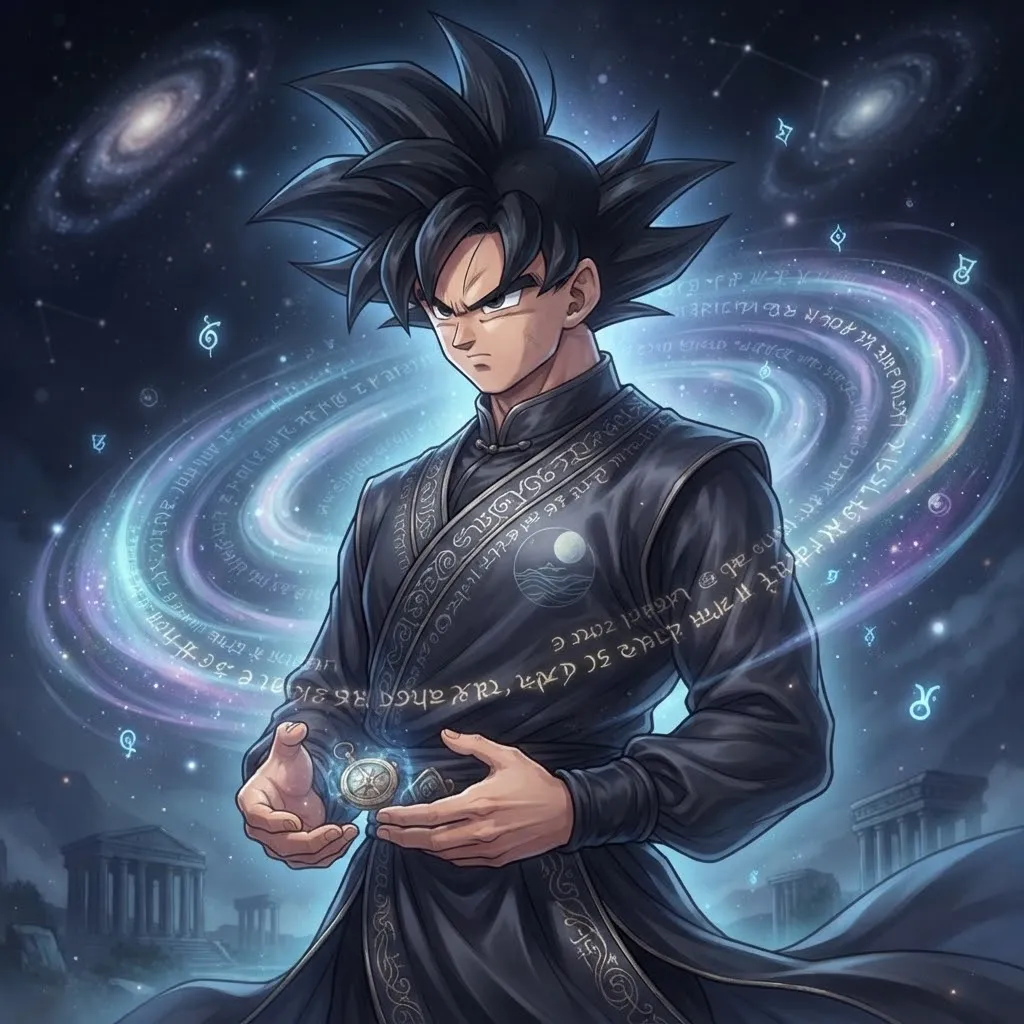
A GIF pfp is an animated profile picture made from a short, looping GIF file instead of a still image. GIFs can hold many frames, so the avatar can move, blink, sparkle or loop a tiny scene. Discord is the main place people use them, but the same loops work for forum signatures, Steam-style profiles and personal sites.
Where animated avatars actually move
- Discord: animated avatars are a Nitro perk. Free accounts show a still frame.
- Instagram, TikTok and most other social apps: profile photos generally display as still images, so a GIF upload will usually freeze or be converted.
- Forums and personal websites: often support GIF avatars, depending on the platform’s settings.
App features change often, so double-check your platform’s current rules before you rely on the animation.
Discord Gif Pfp
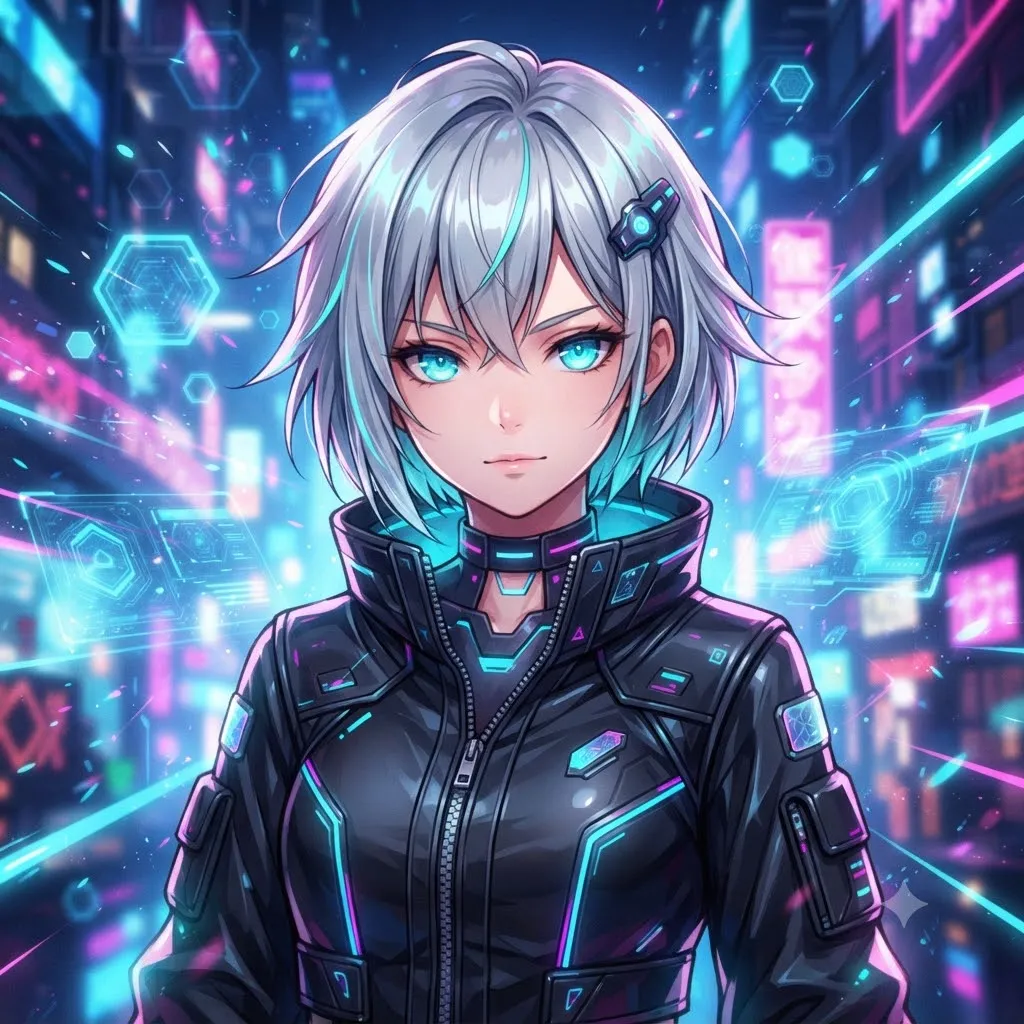
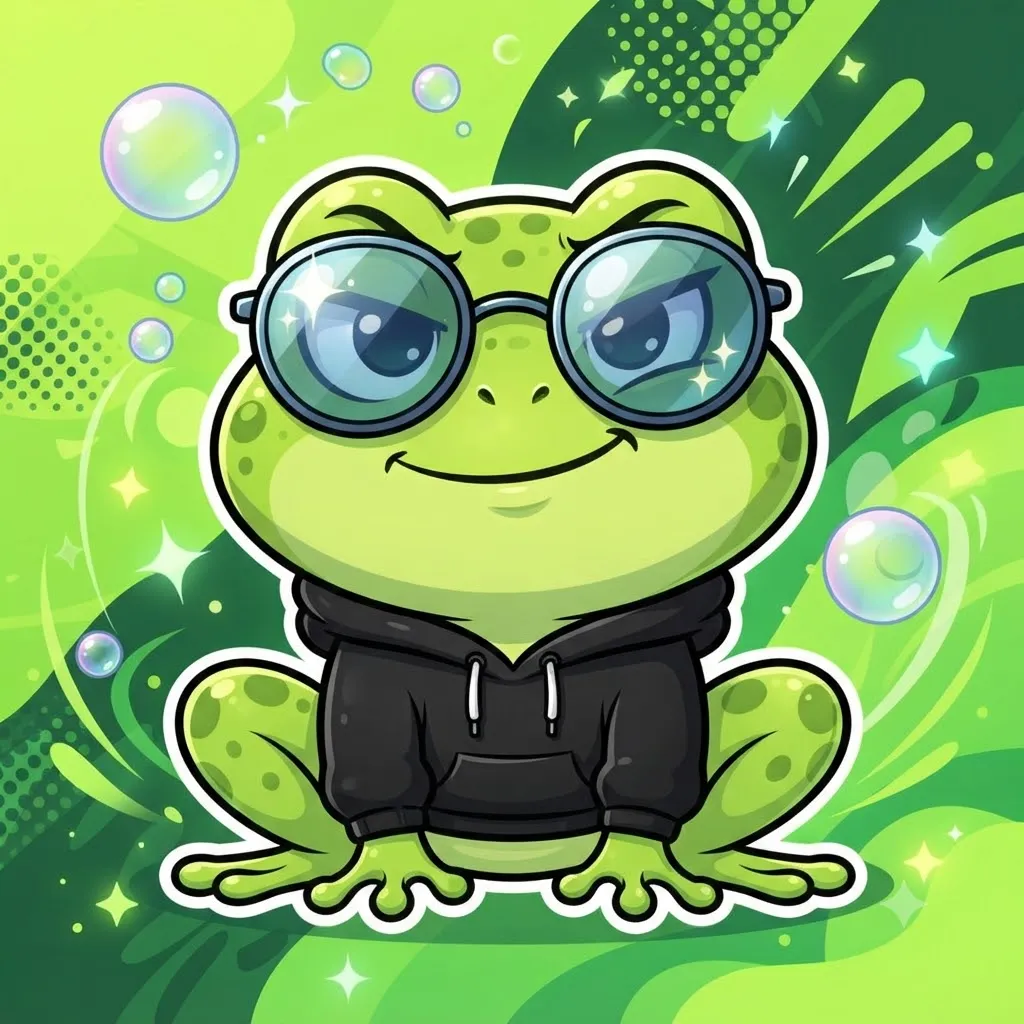
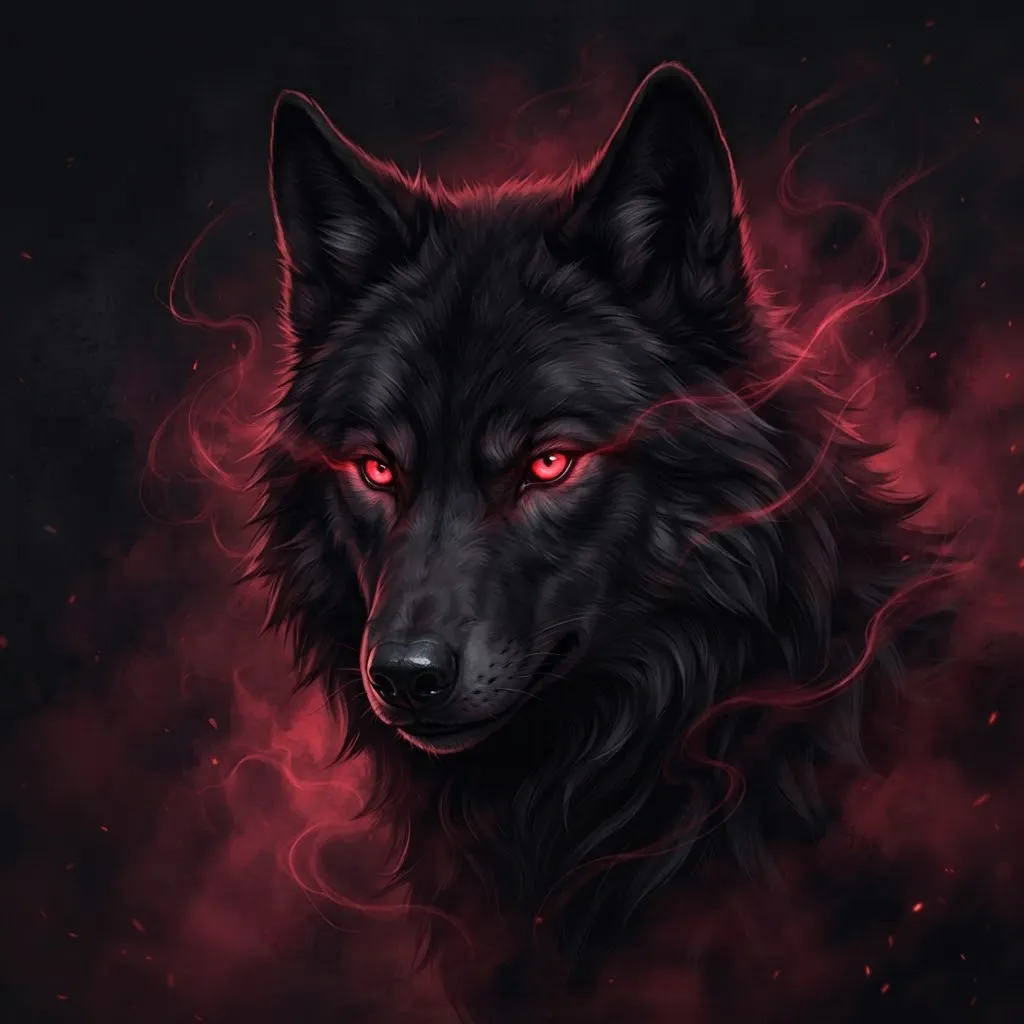
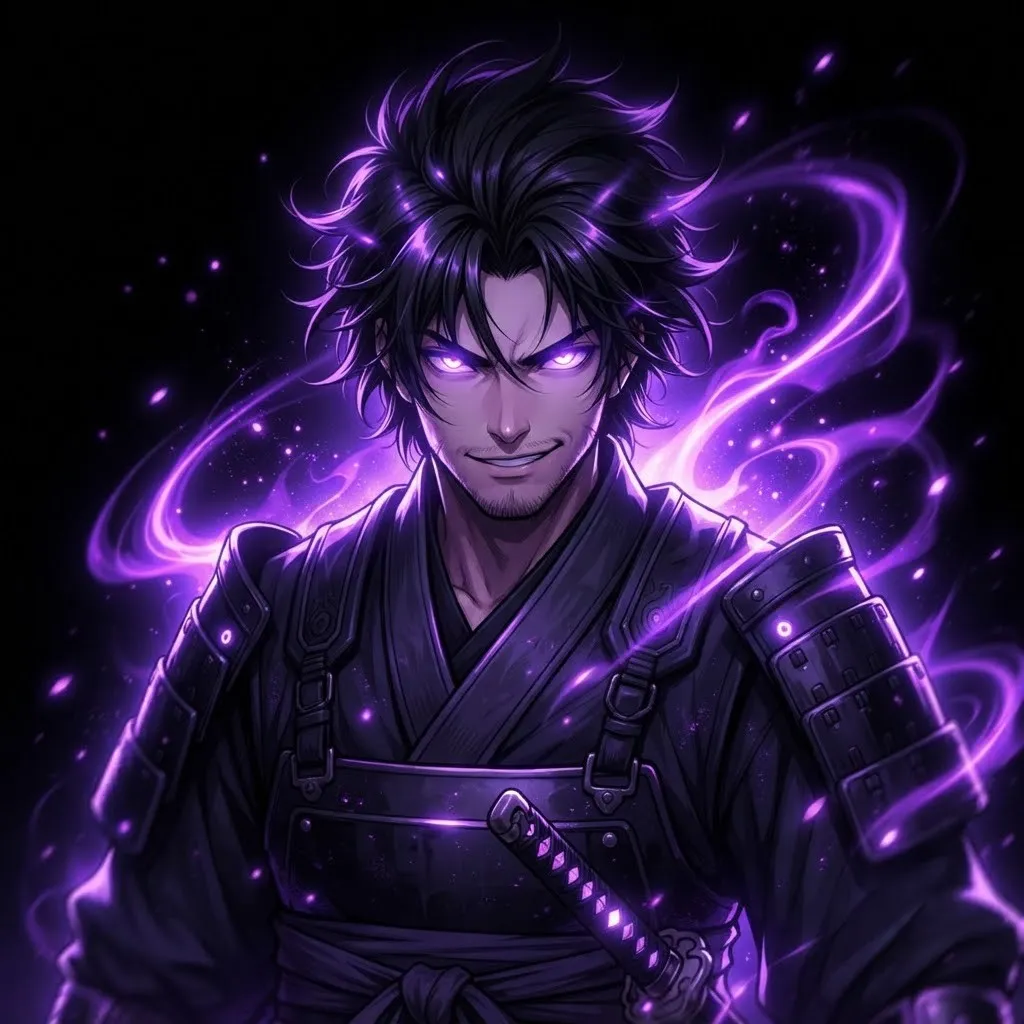
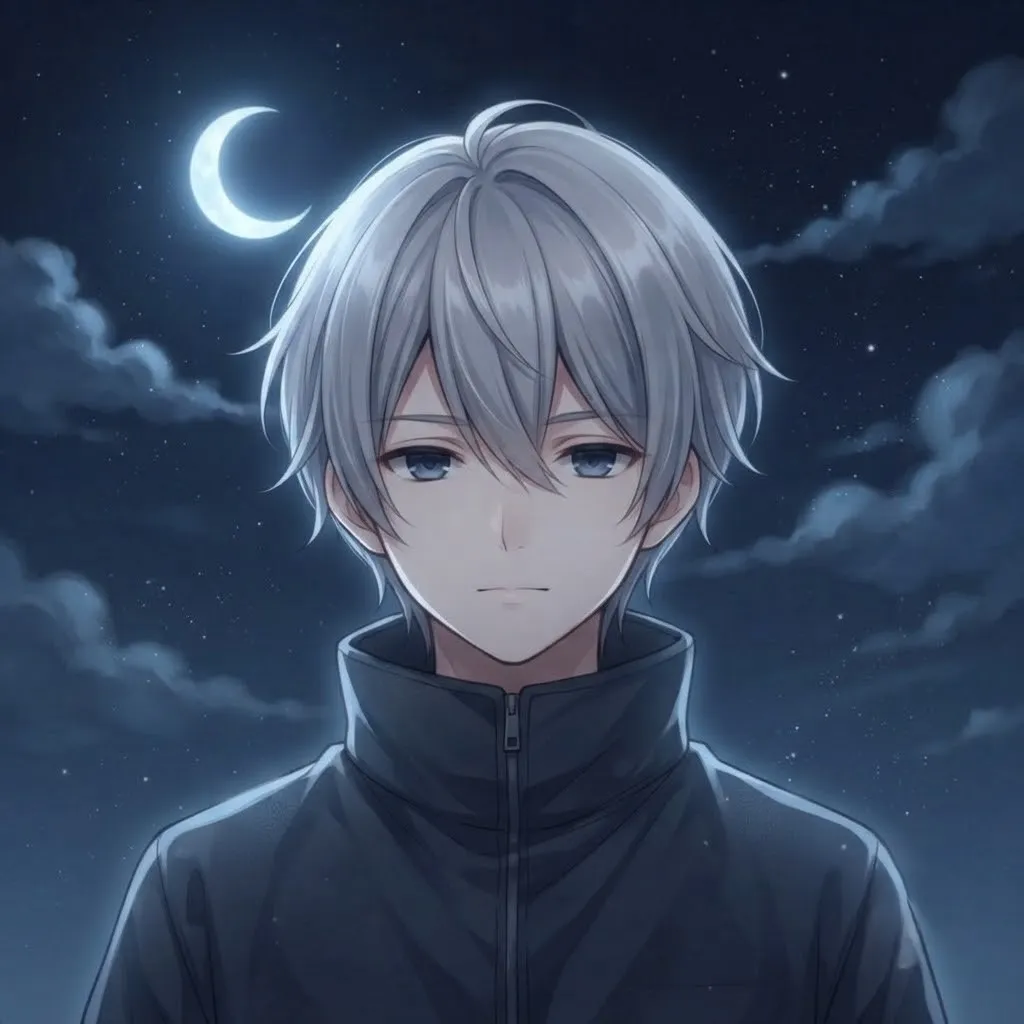
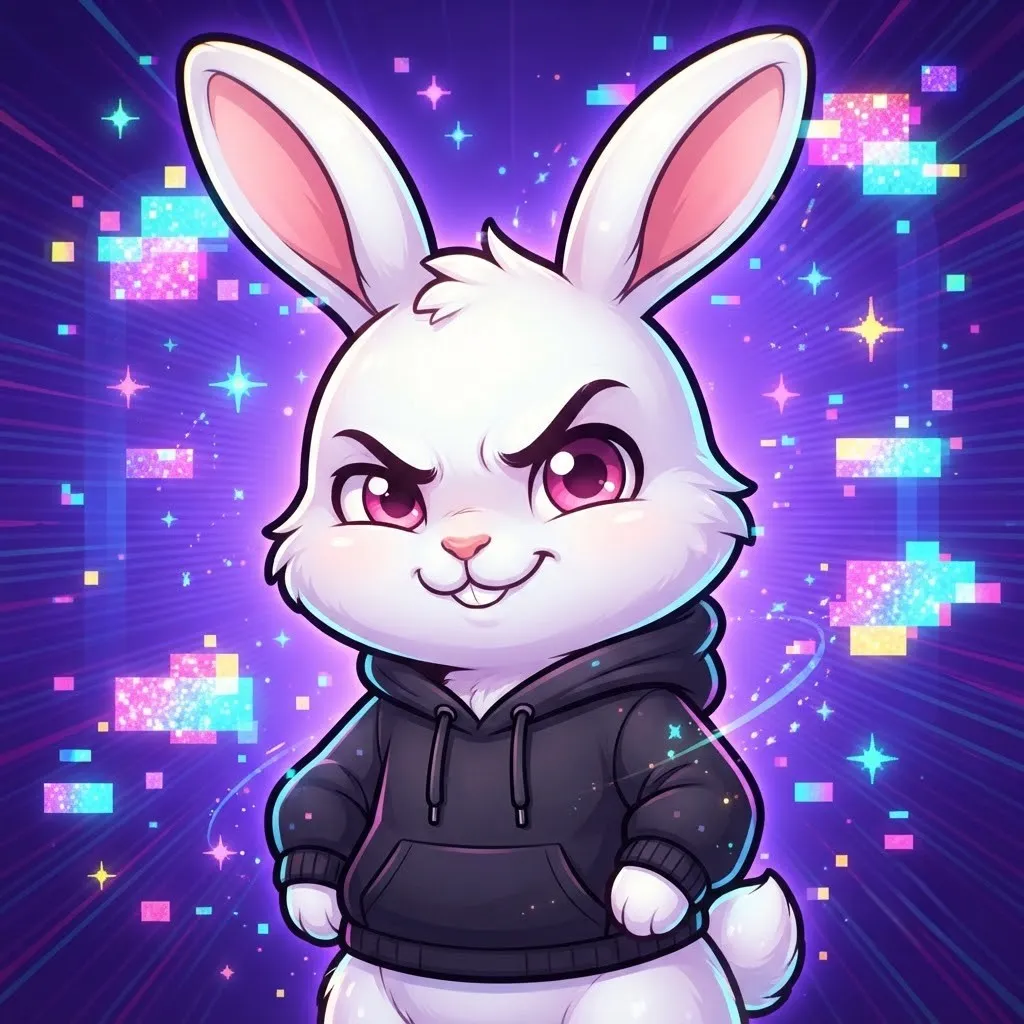
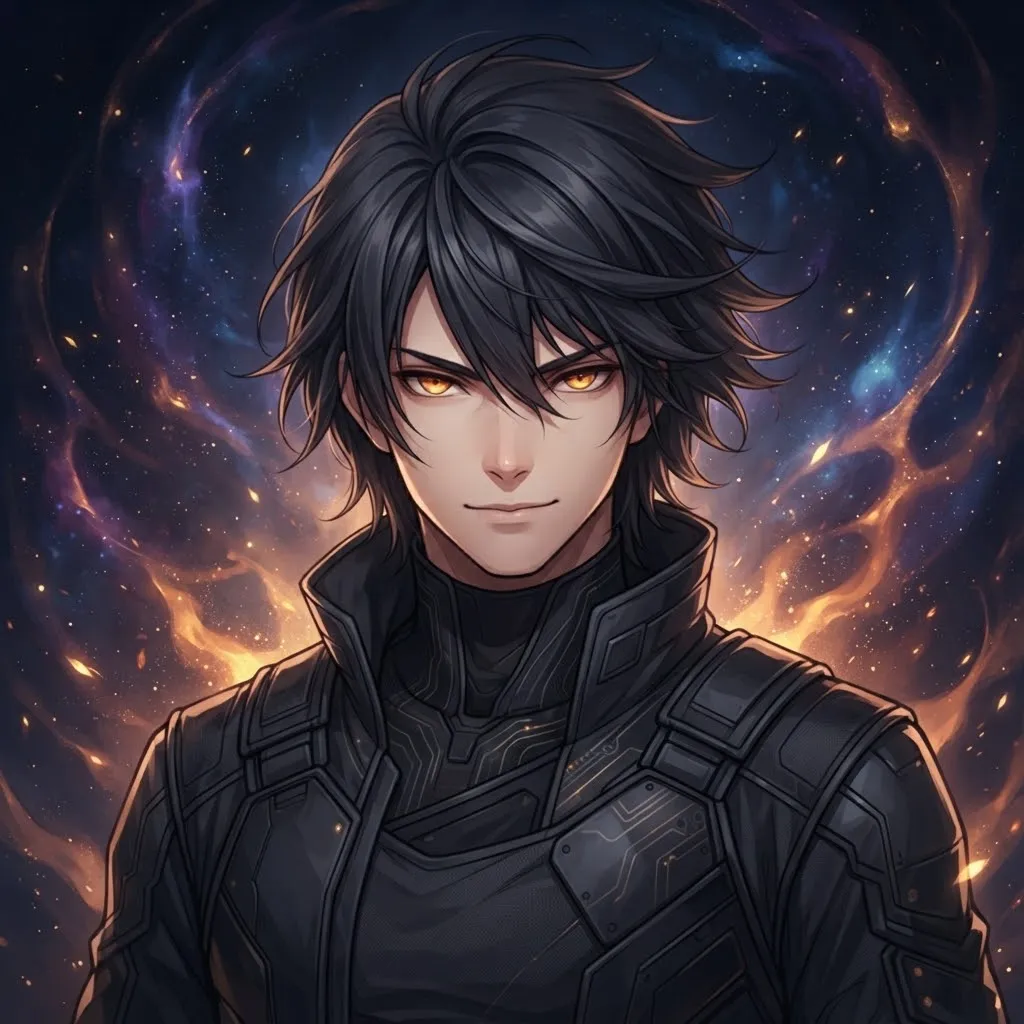
Discord is the natural home for animated avatars. With Nitro, the loop plays on hover in member lists and in chat, and it runs on your profile card. Our Discord set uses bold outlines and bright accents, because the avatar has to read against charcoal gray at a fairly small size.
Setting one is simple. Open User Settings, go to Profiles, choose Change Avatar and upload your file. Discord lets you crop it before saving, so drag the frame until the moving part sits in the middle of the circle. If the preview stays still, your account may not have Nitro active.
Dark Gif Pfp
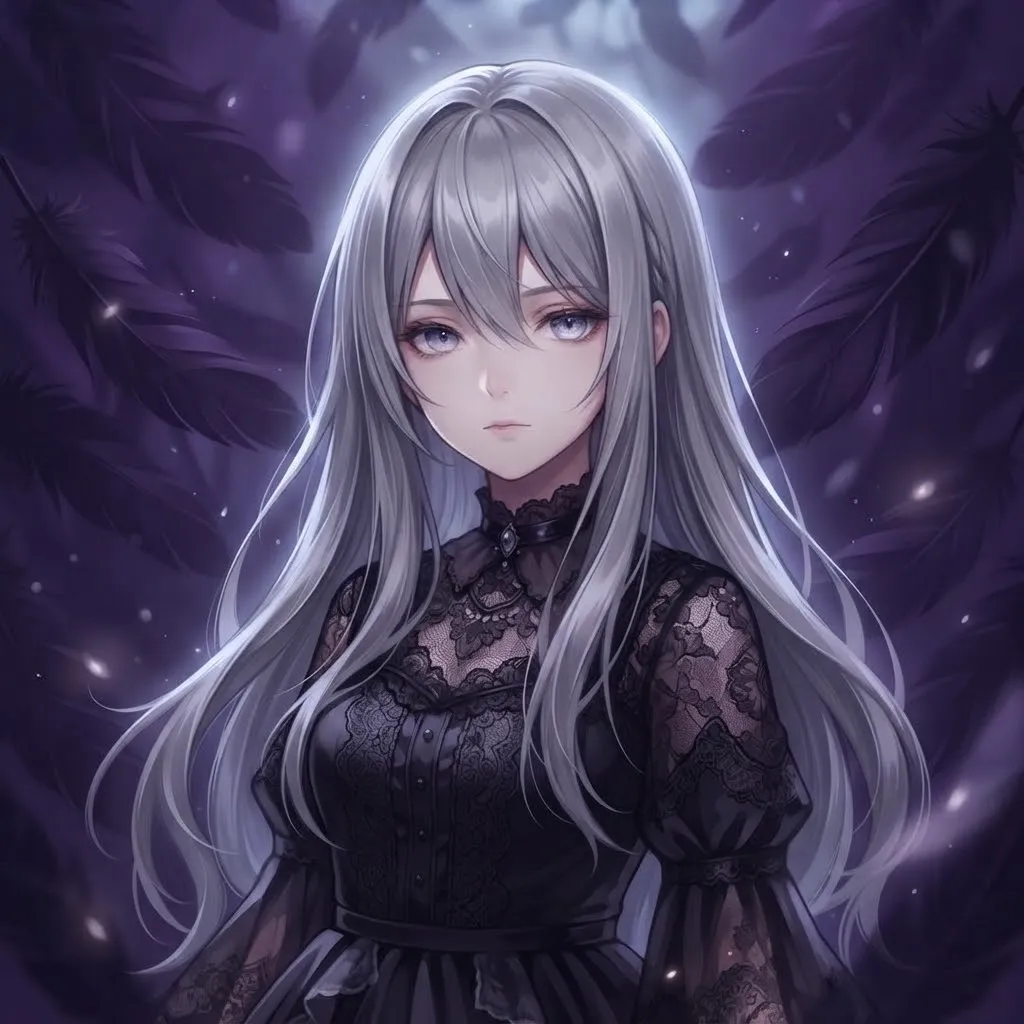
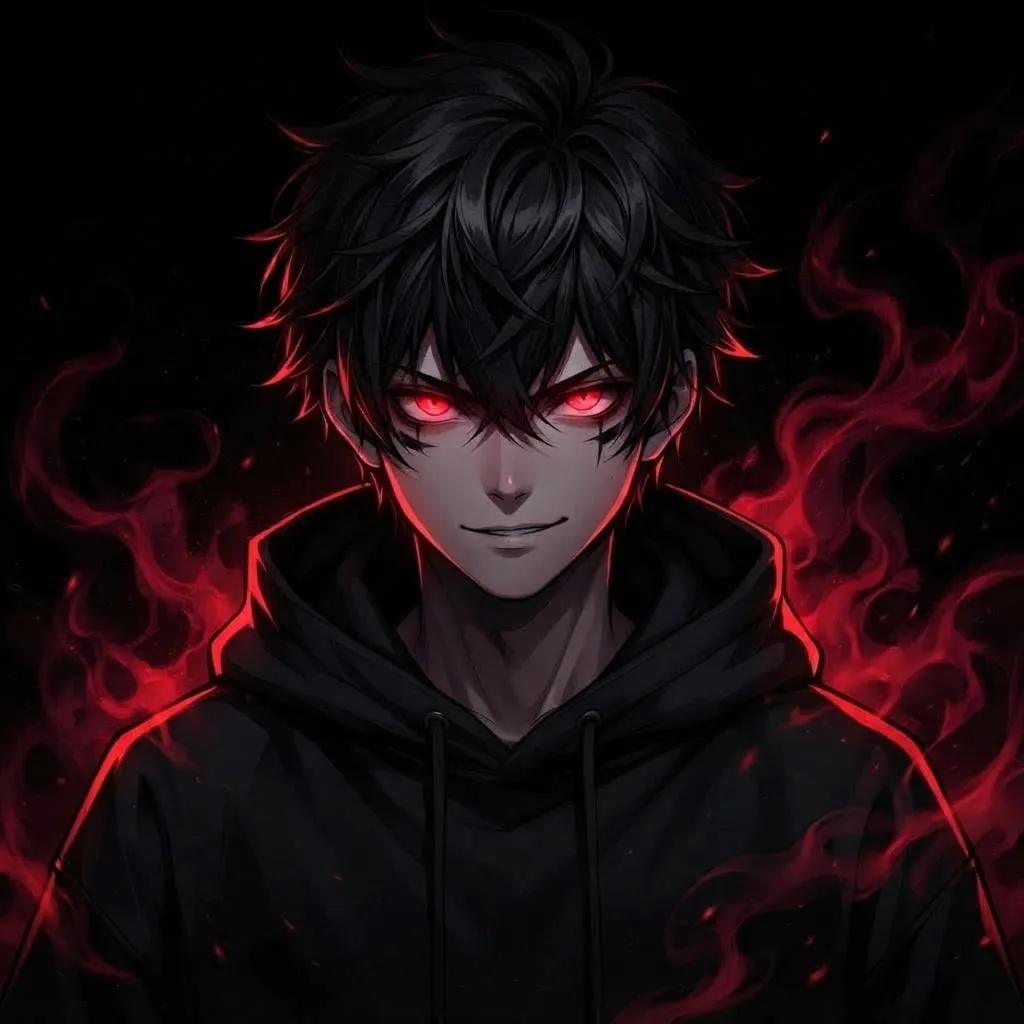
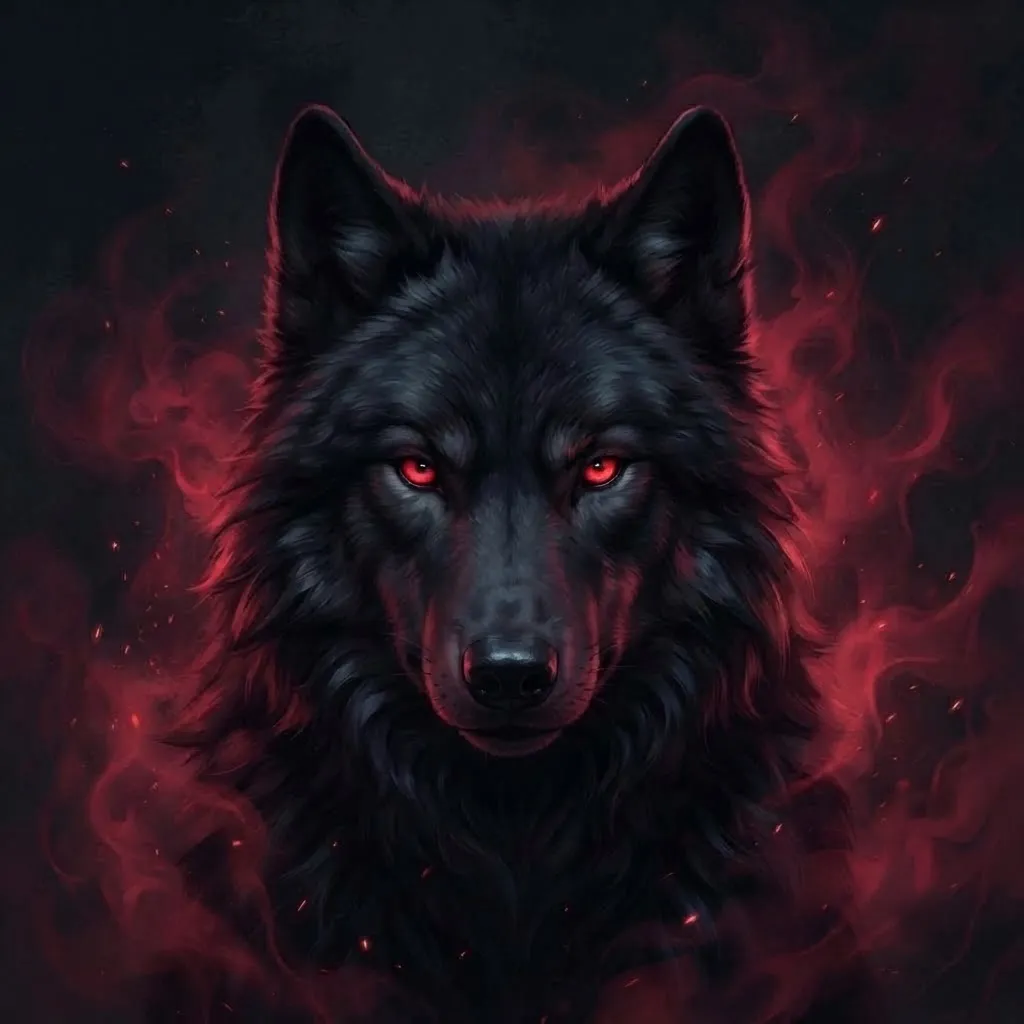
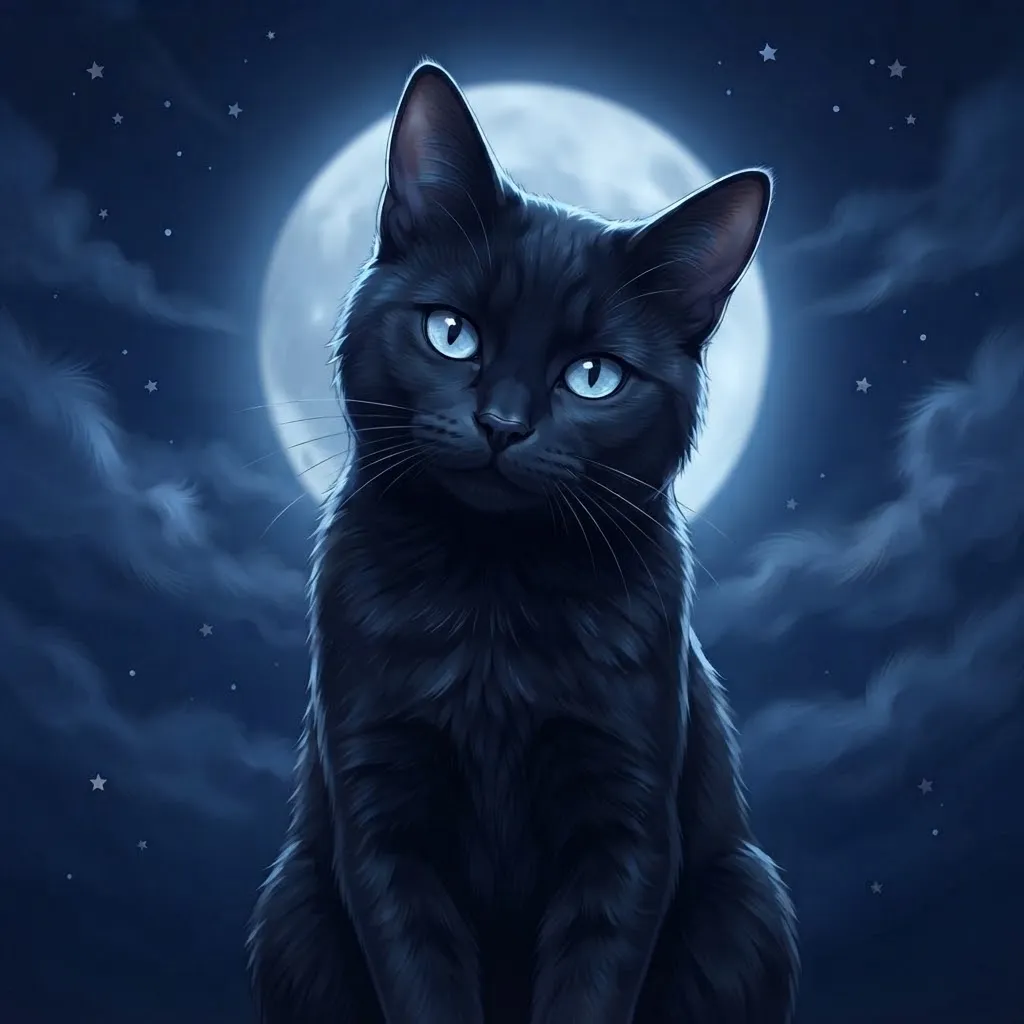
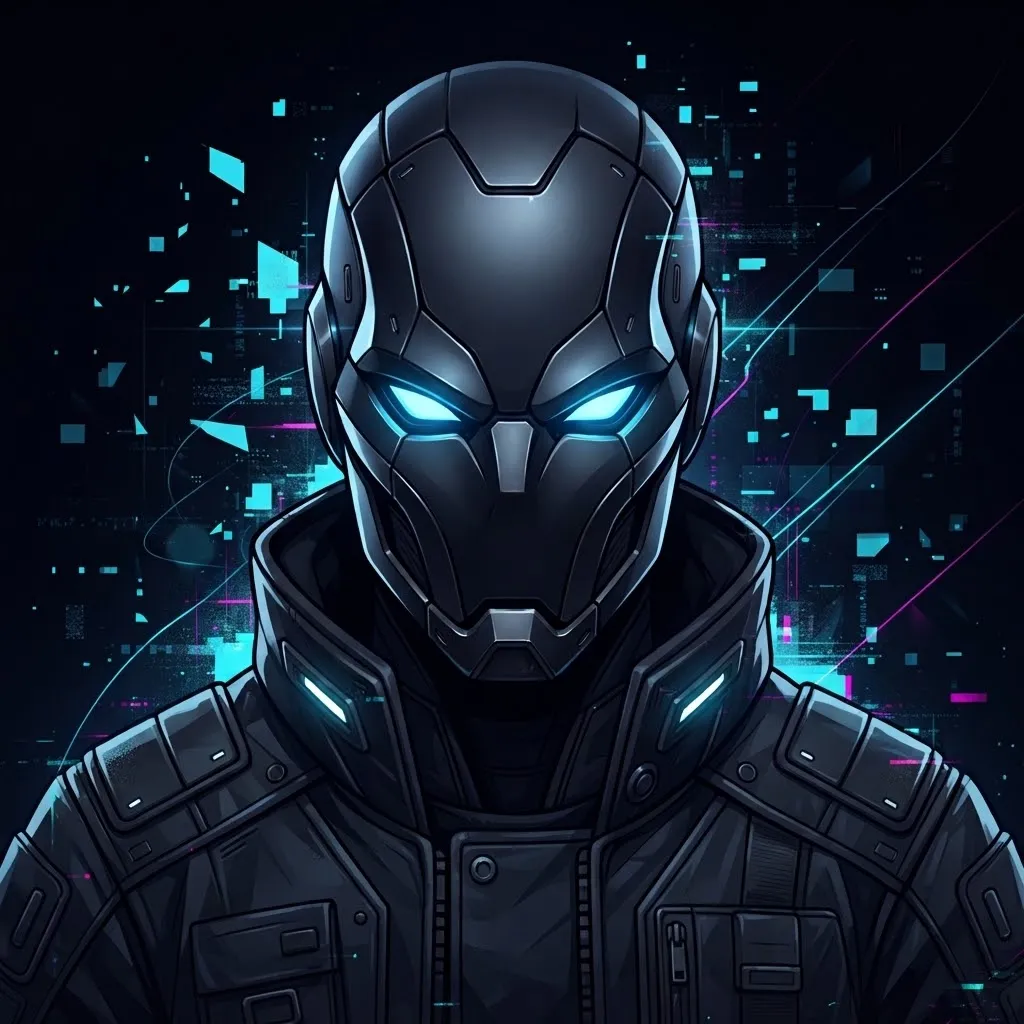
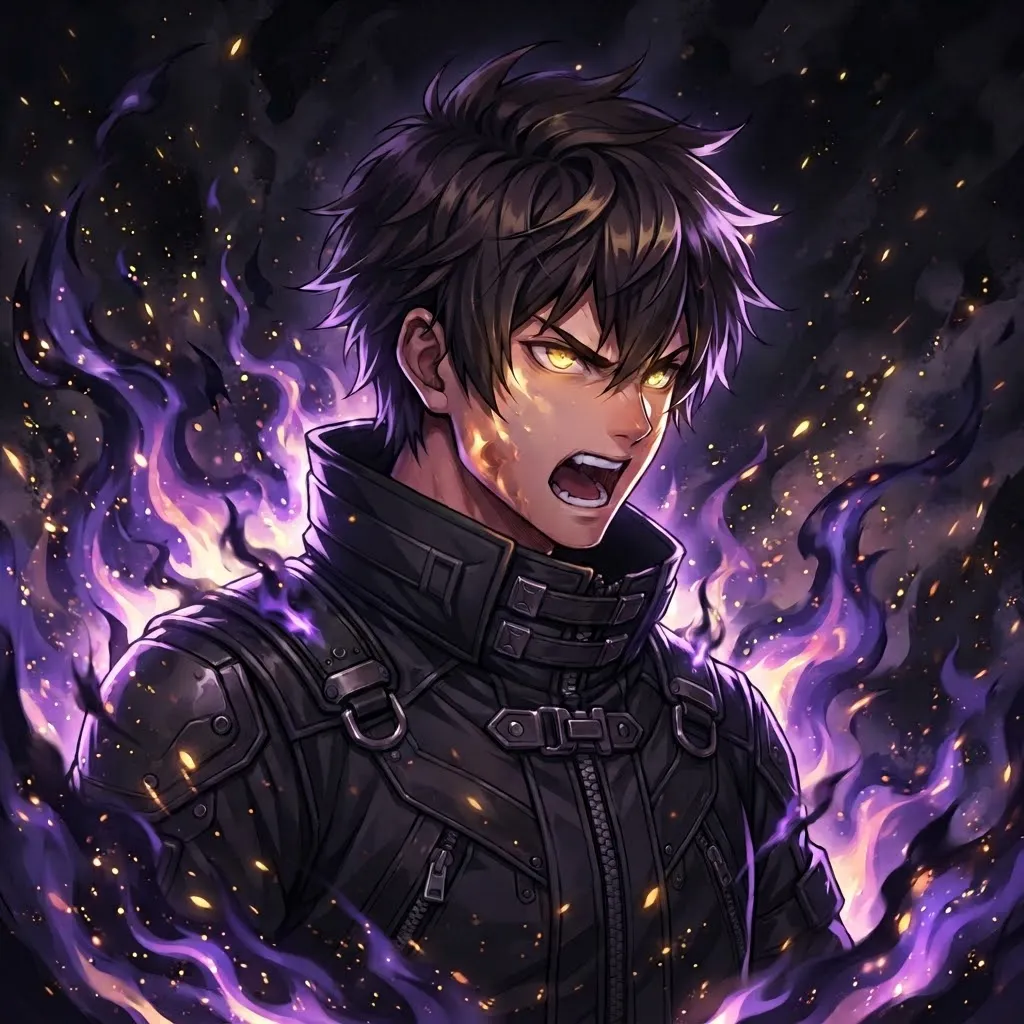
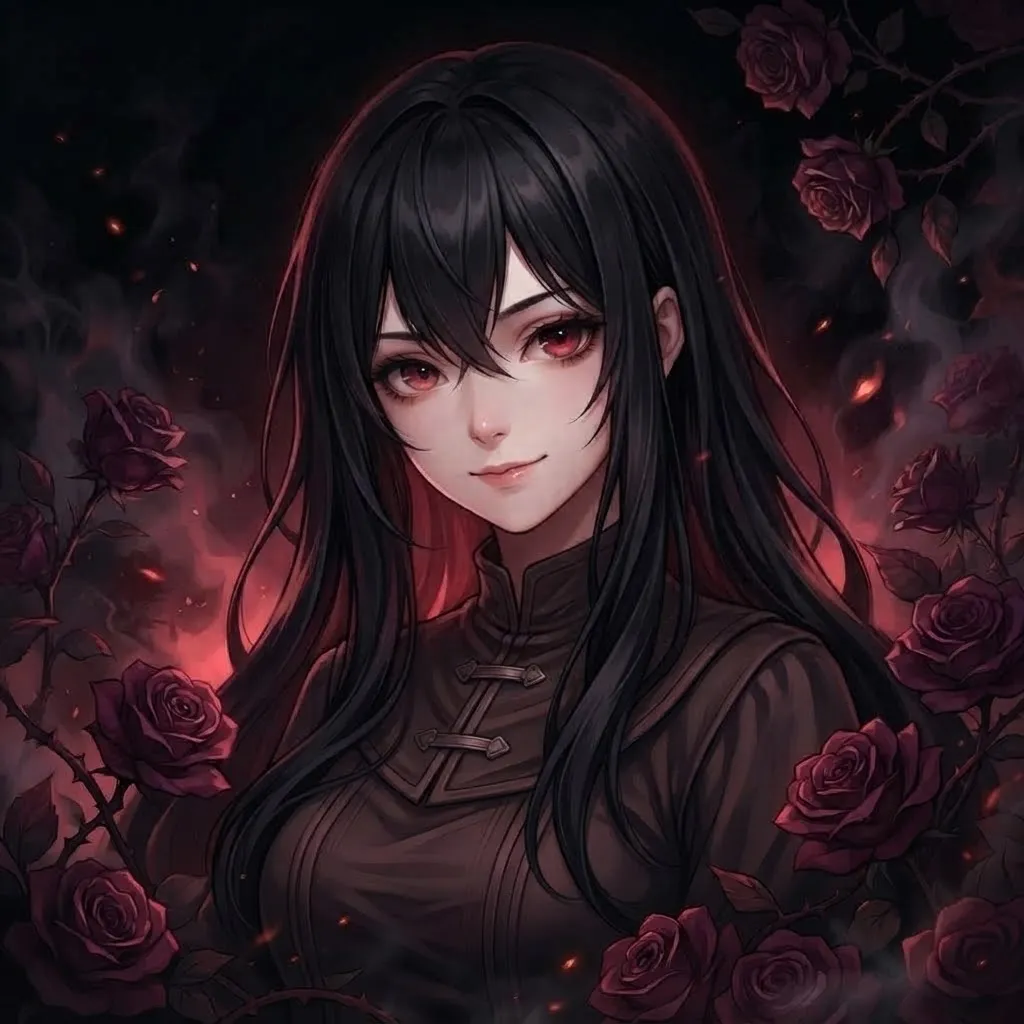
Slow smoke, flickering candles, rain sliding down a window and eyes that glow for a beat before fading. These dark loops are moody without being loud. The trick with darker animation is contrast, so every one of these has at least one light element that moves.
One more thing worth knowing: GIFs only support a limited number of colors per frame, so very dark gradients can turn blotchy. That’s why we built these with flat shadows and a few strong highlights rather than smooth fades. The result looks cleaner once the app compresses it.
Gif Pfp Tiktok
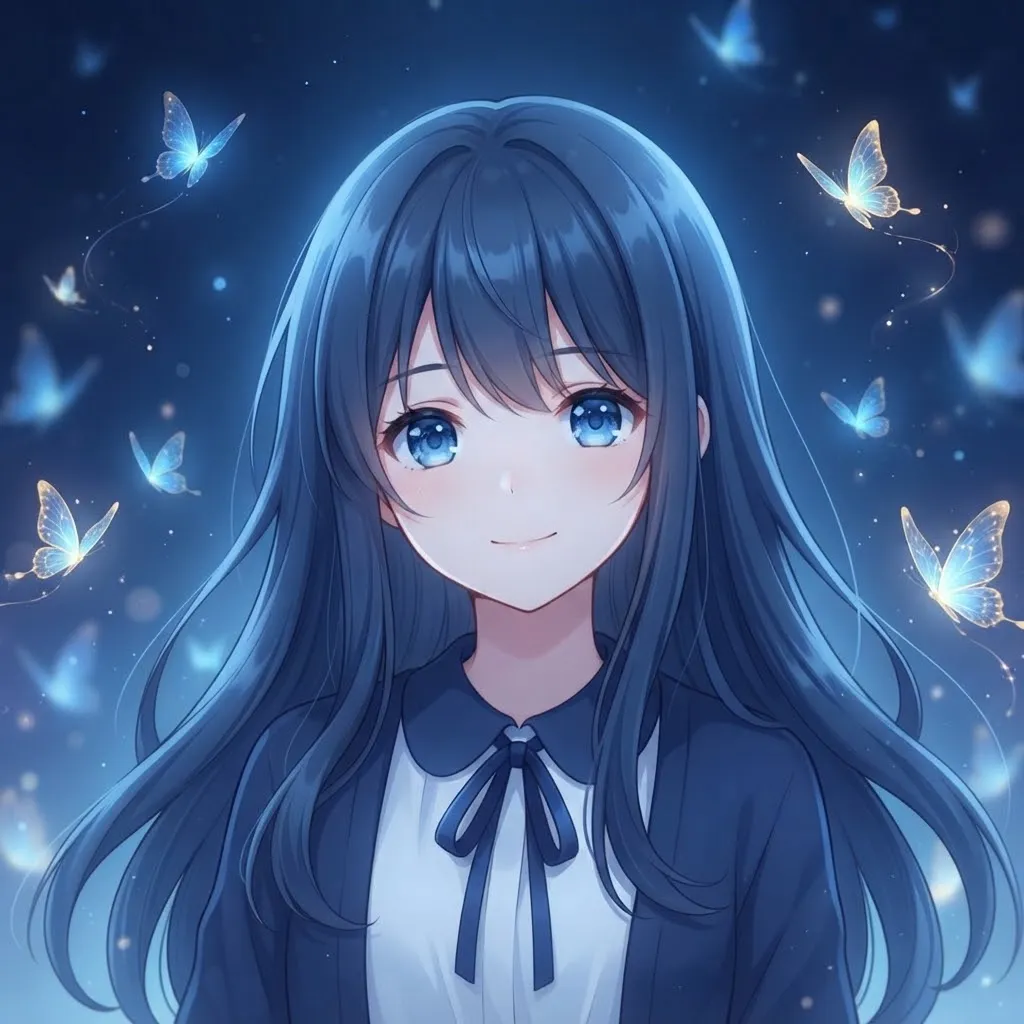
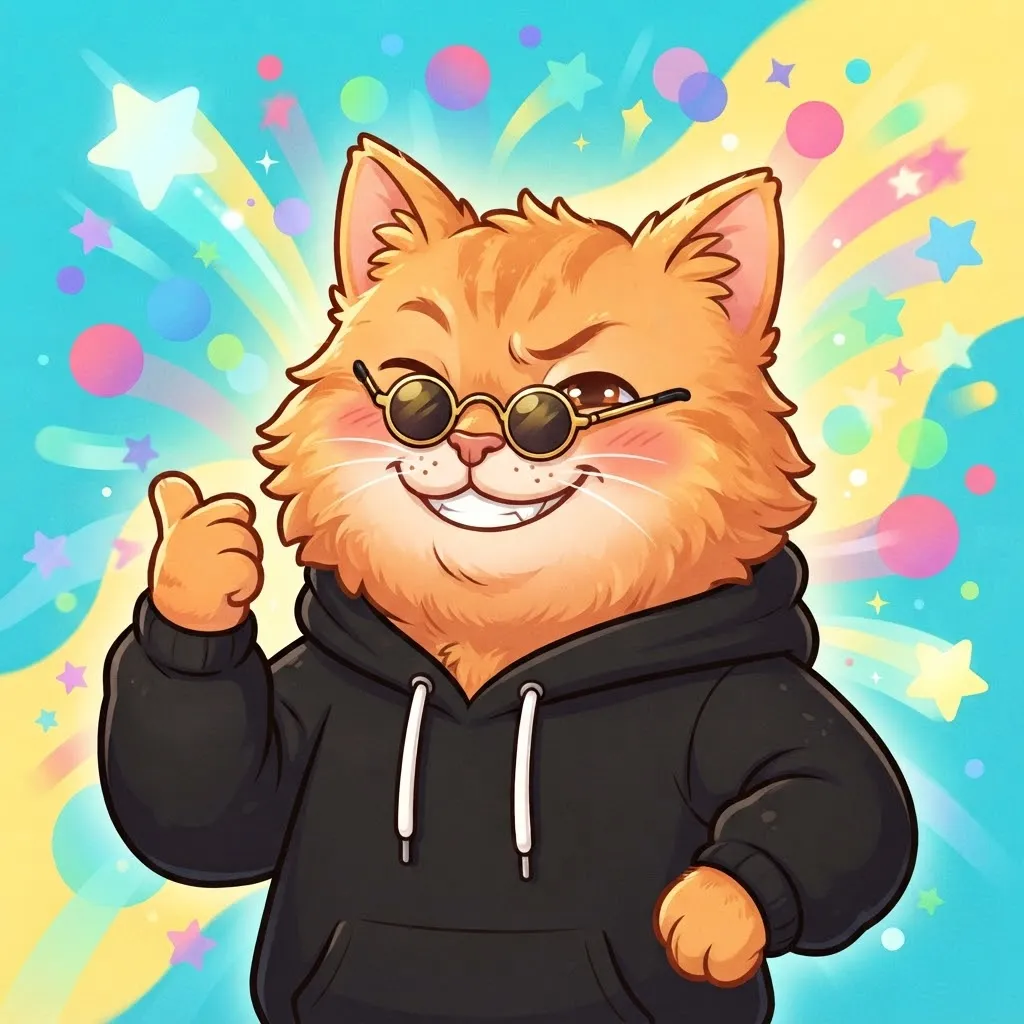
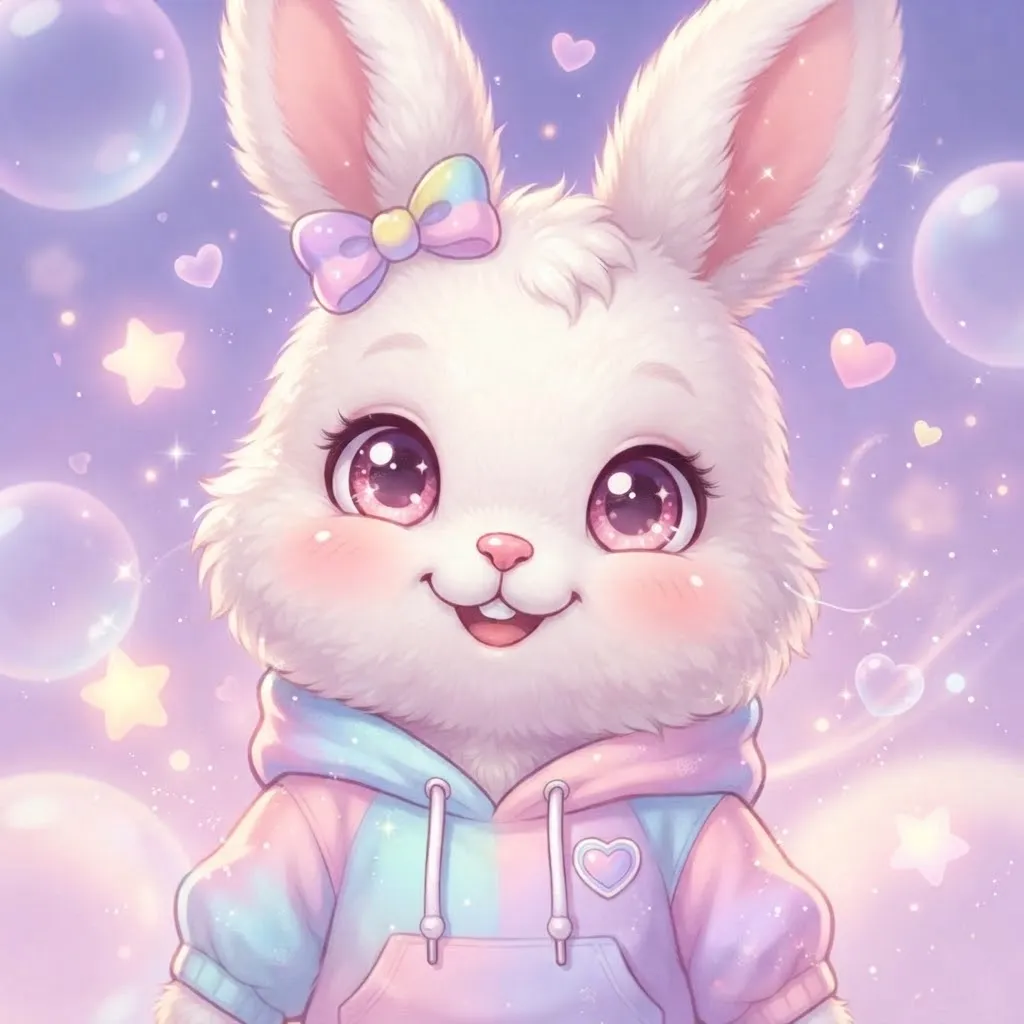
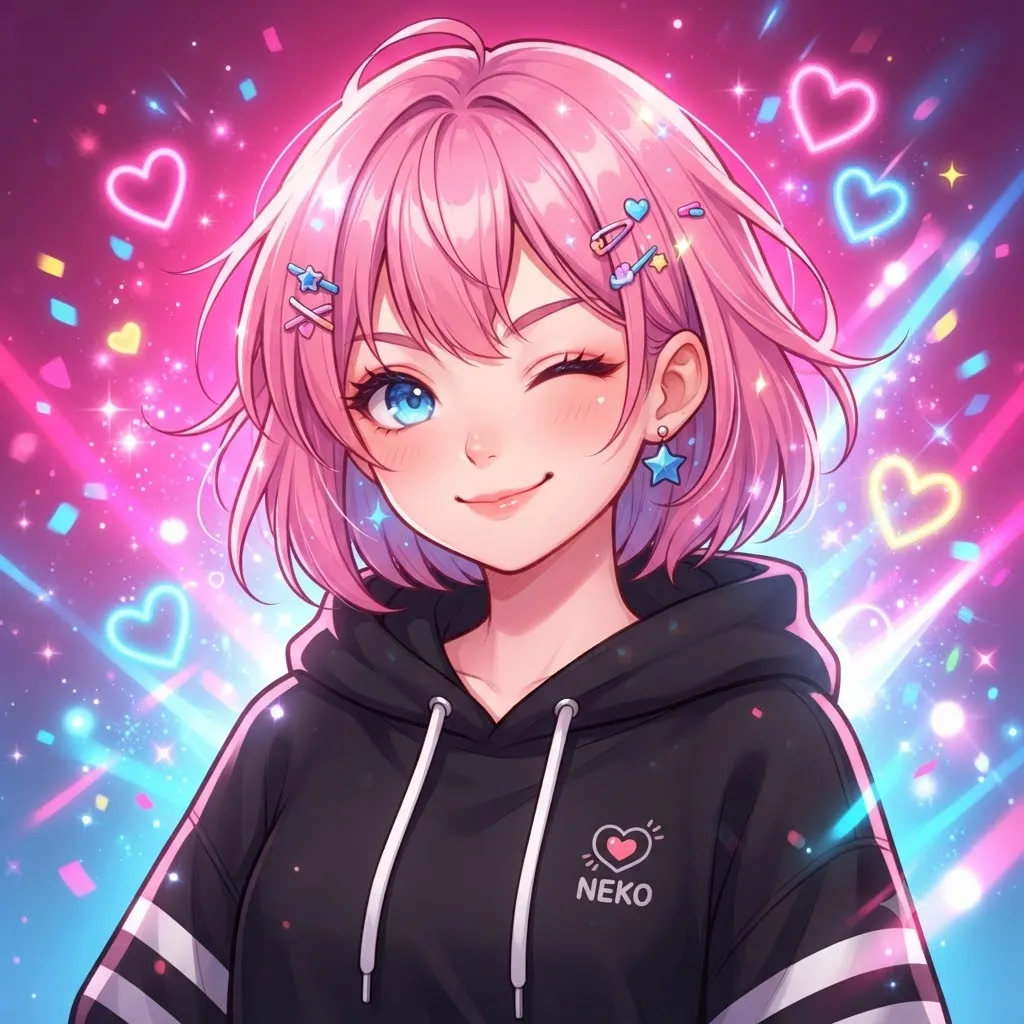
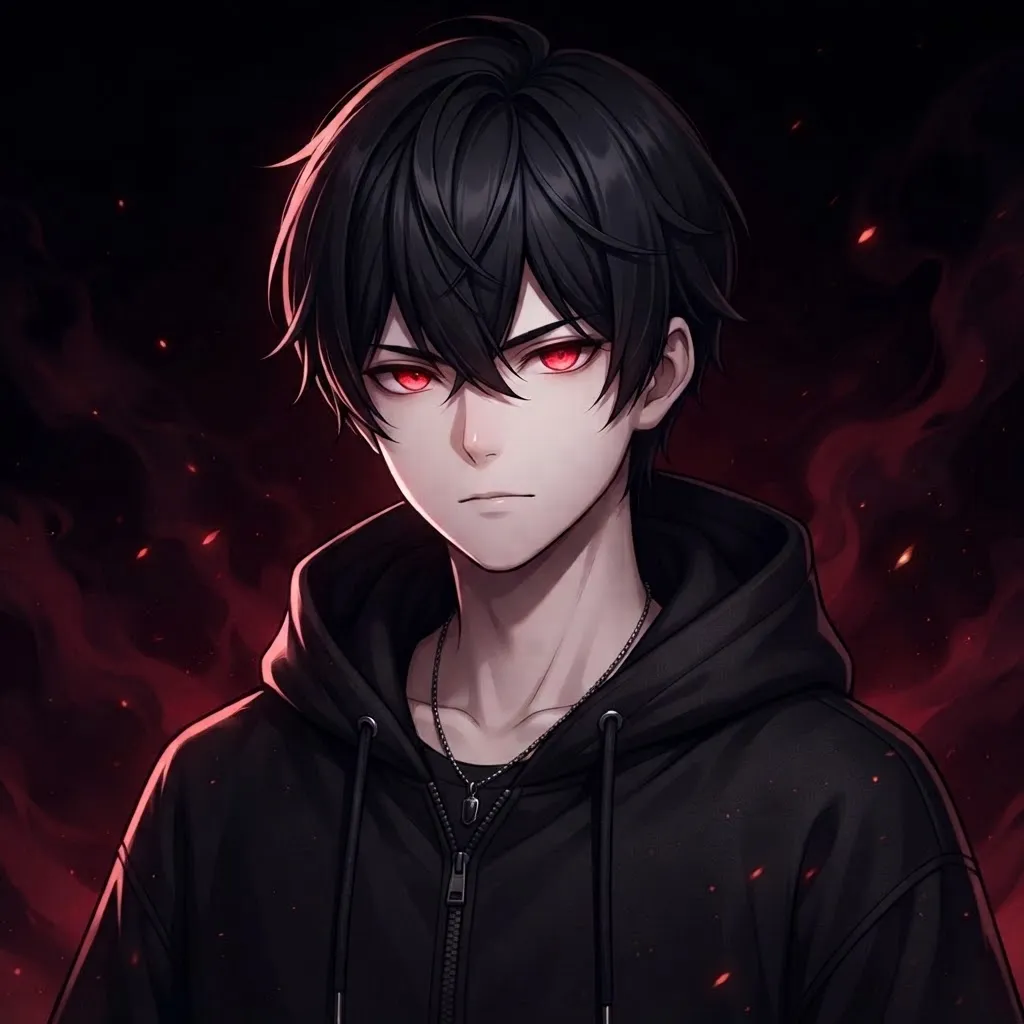
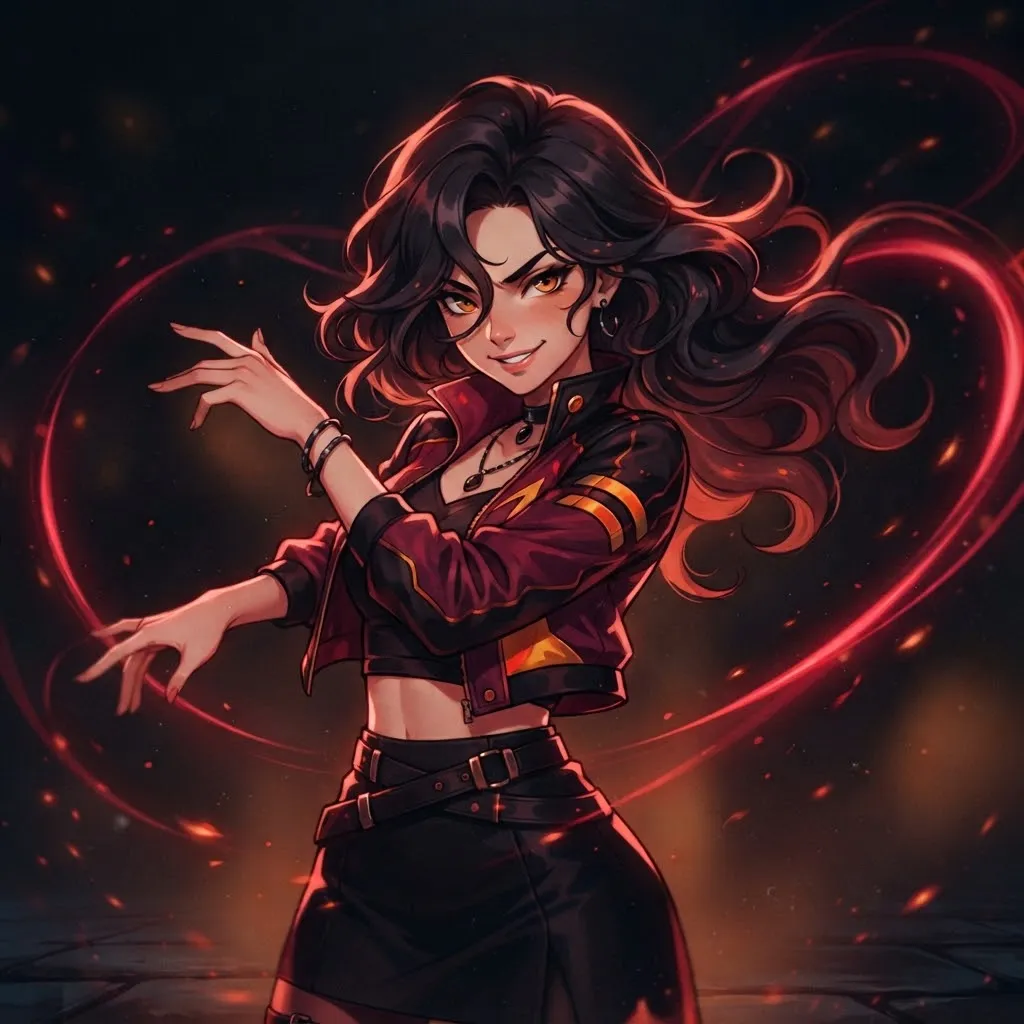
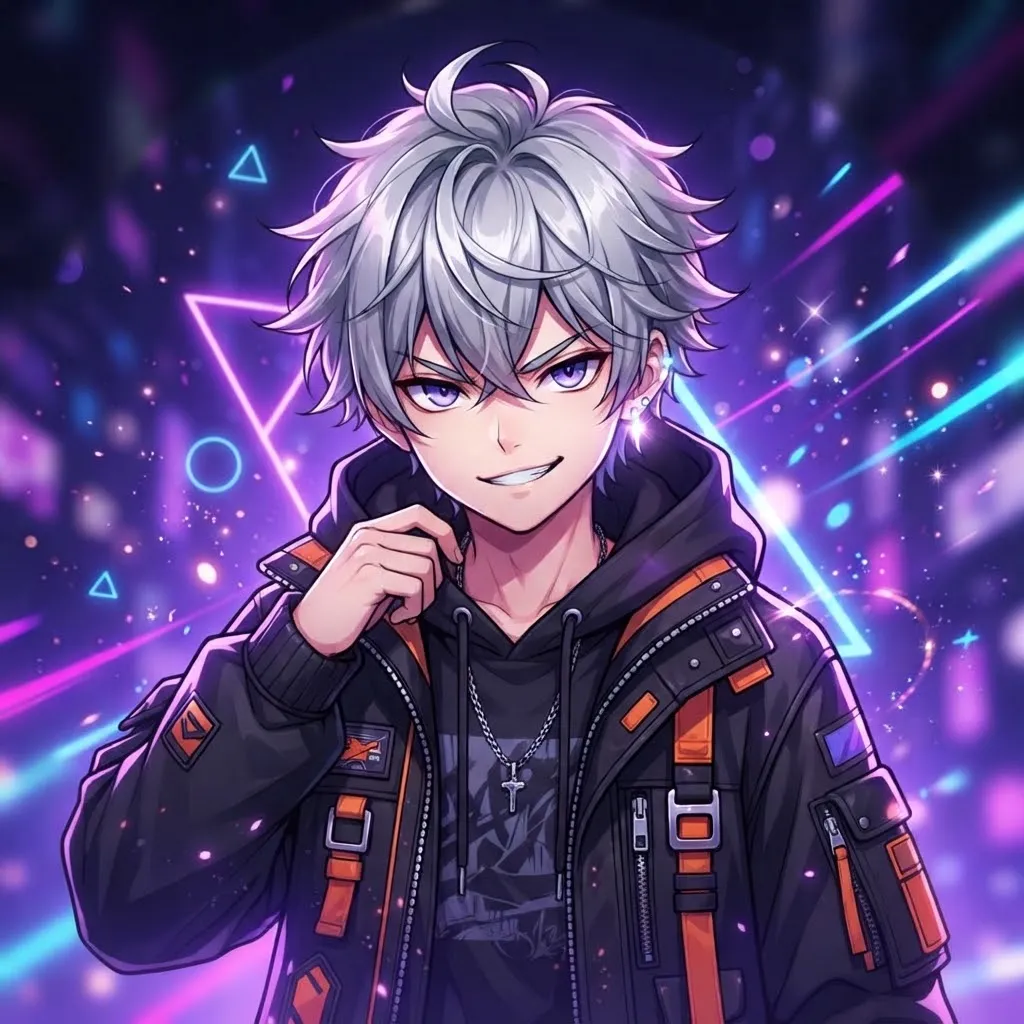
TikTok users love motion, which is why so many people search for animated avatars for it. The catch is that the app’s profile photo is generally a still image.
Our workaround: pick the loop you love, then use its strongest single frame as your TikTok photo and keep the moving version for Discord. You get a consistent look across both apps, and nobody sees a frozen half-blink.
Tuff Gif Pfp
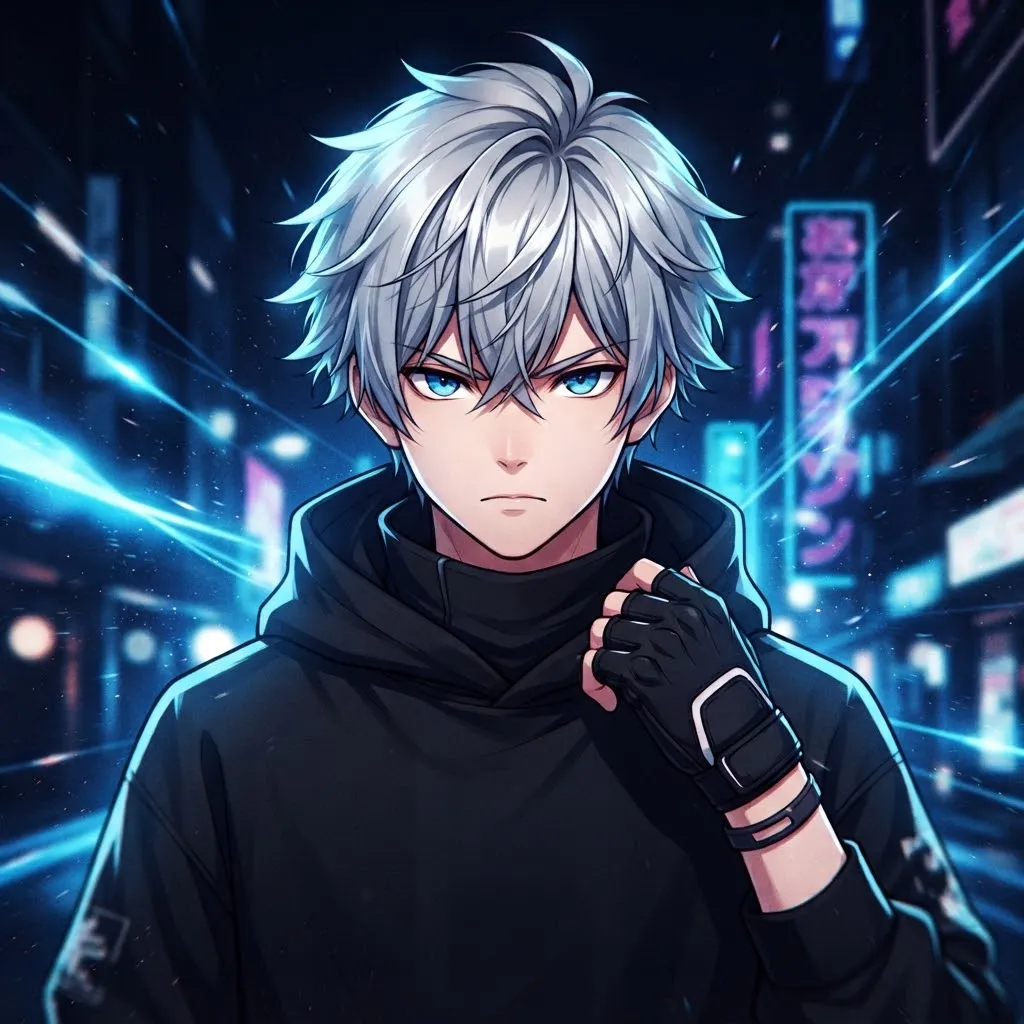
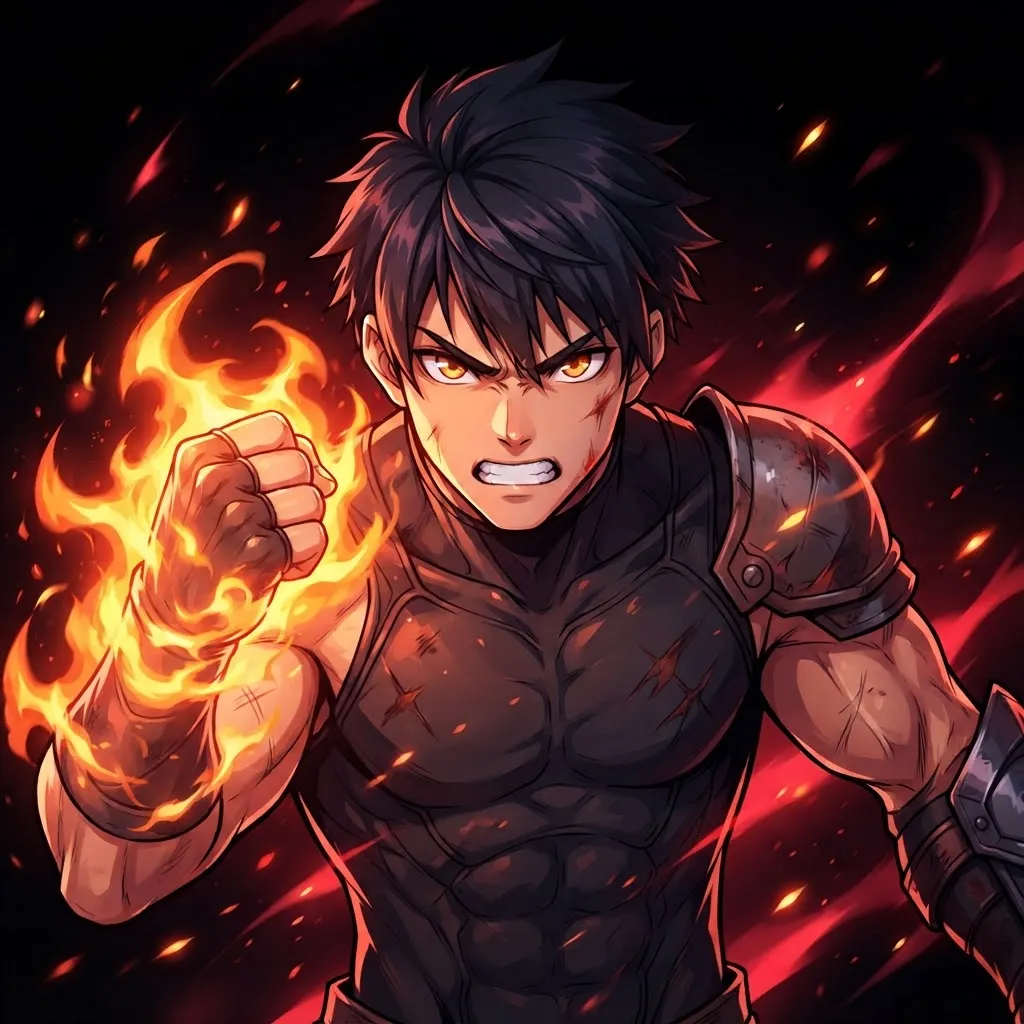
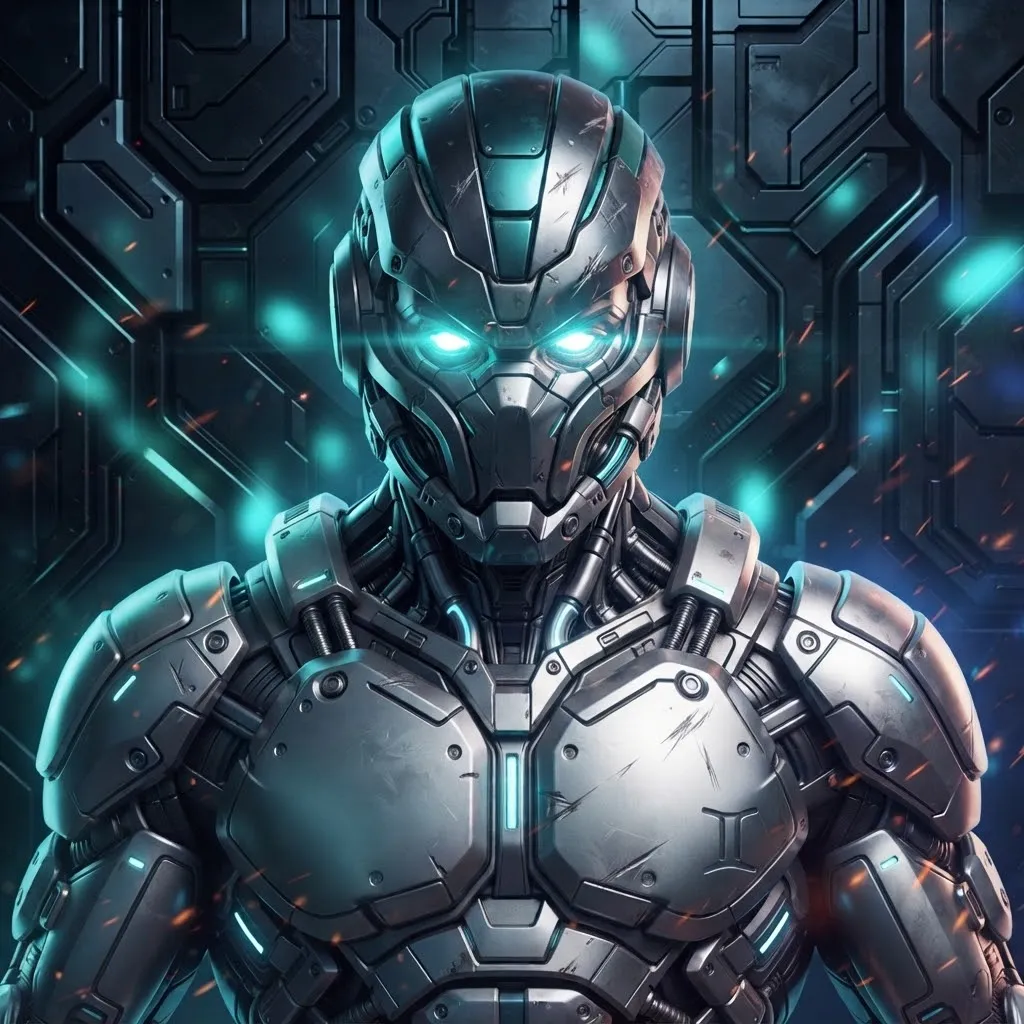
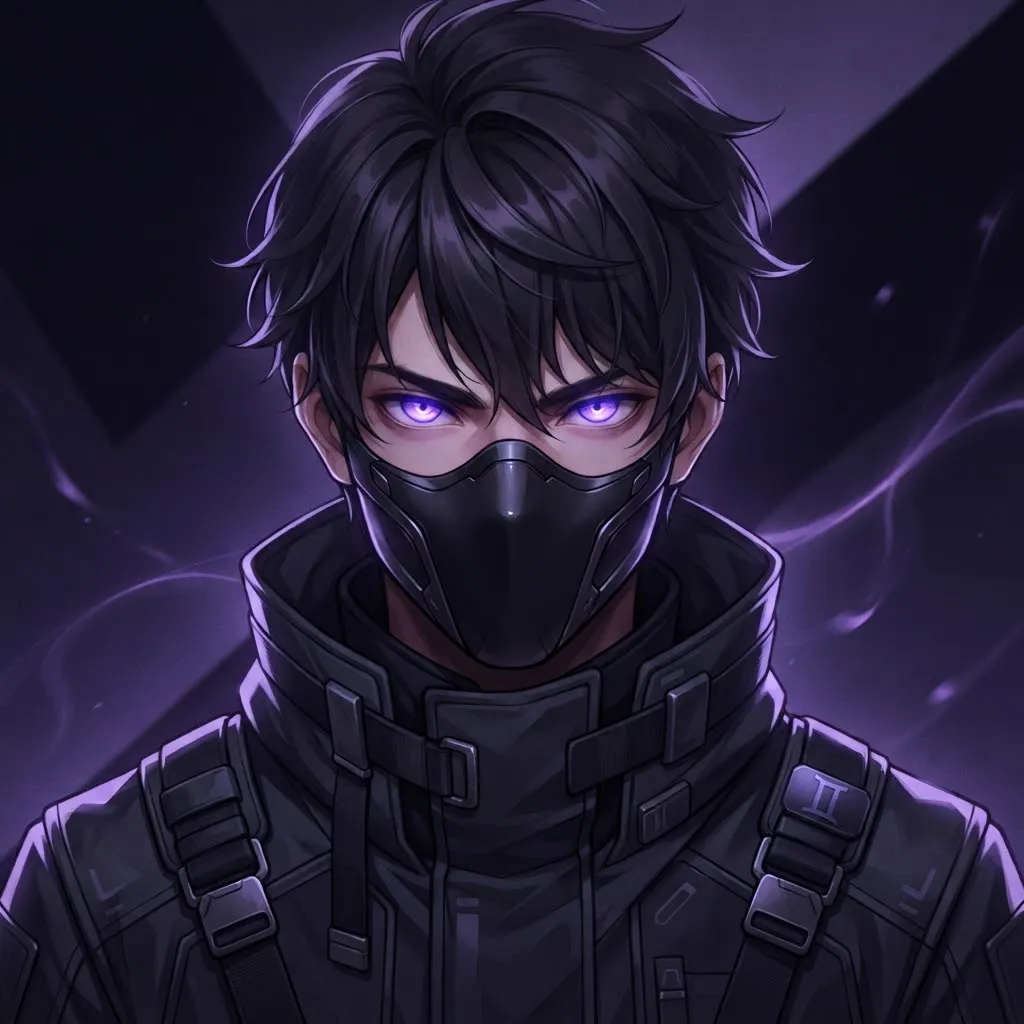
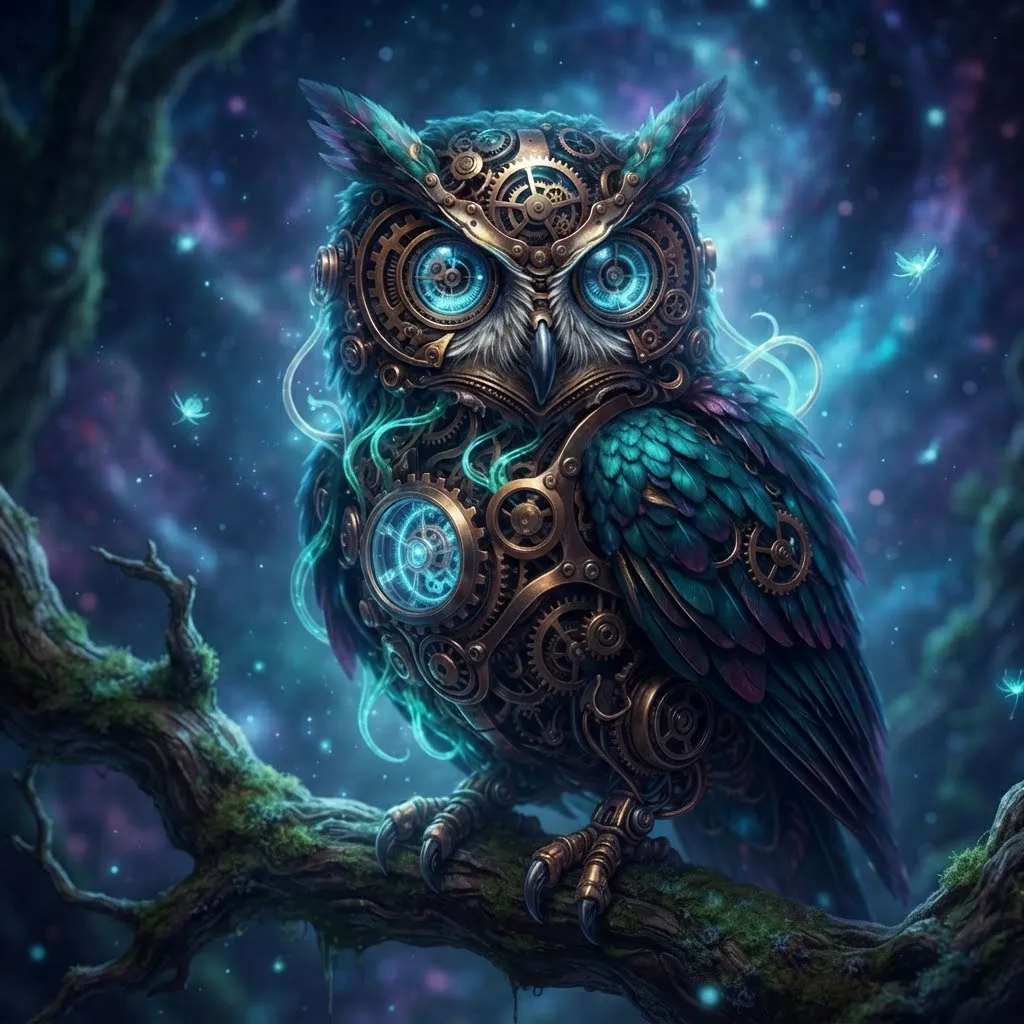
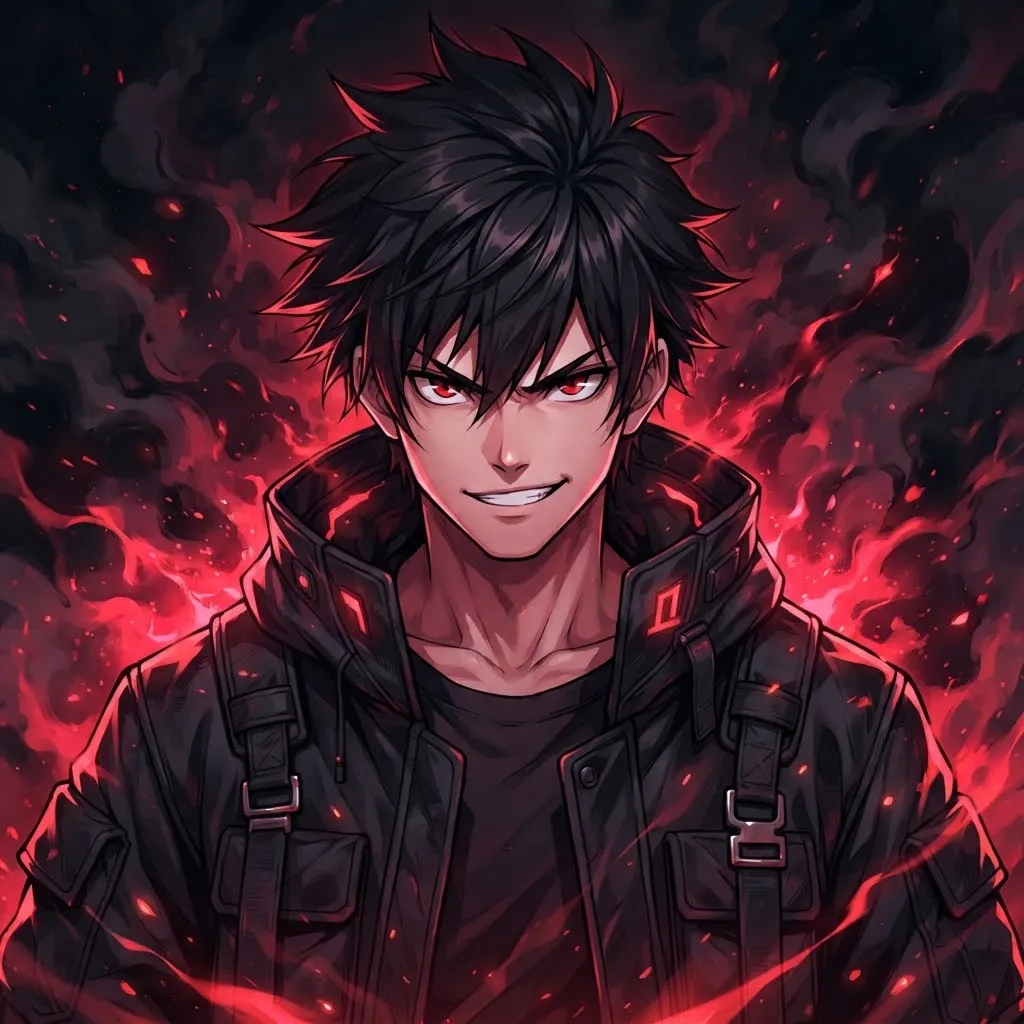
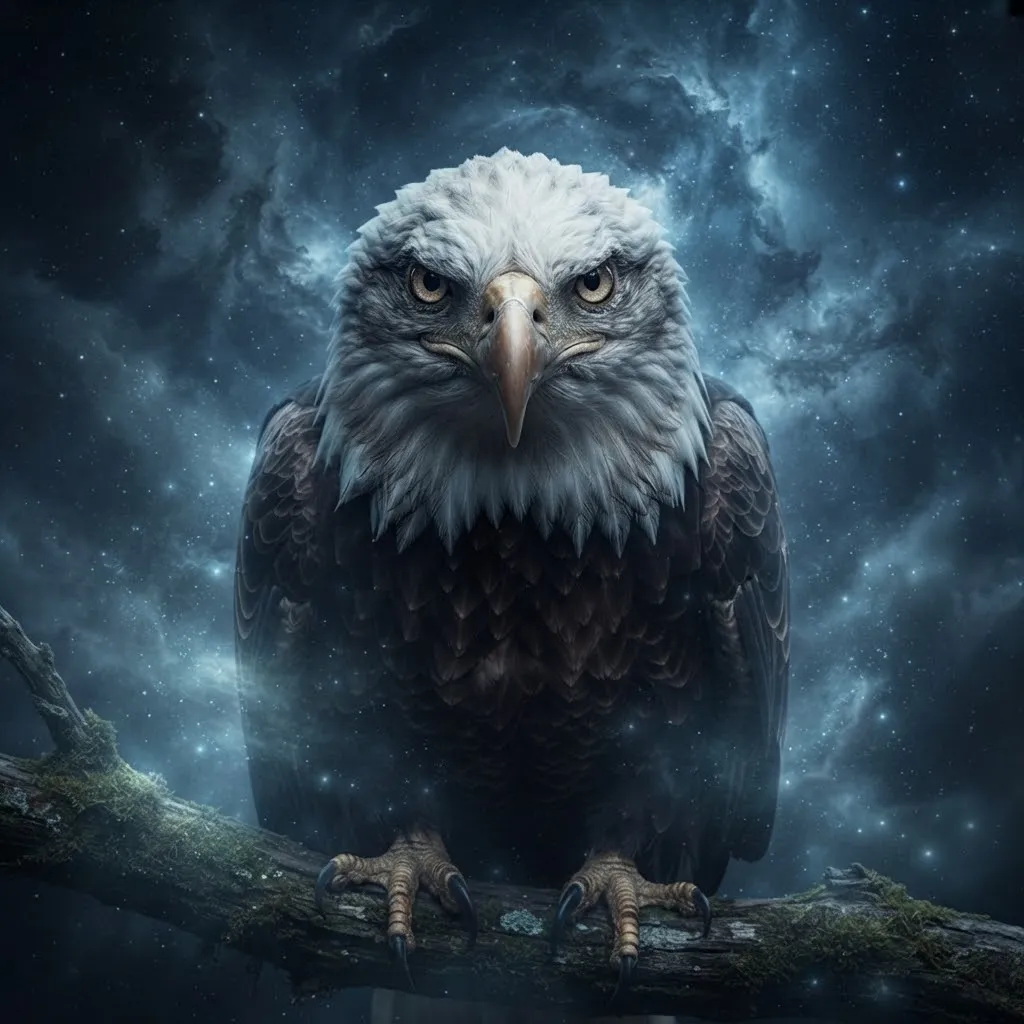
“Tuff” is slang for something that looks hard. In this set that means slow-motion head turns, sparks flying off a blade, a hood dropping in the rain and an aura flaring up around a figure. They suit gaming lobbies and competitive servers where your avatar shows up right next to a kill feed.
Watch the length on these. Action loops are tempting to make long, but a three-second slow-motion turn reads better than a ten-second fight. Short clips also load faster for people on mobile data.
Cool Gif Pfp
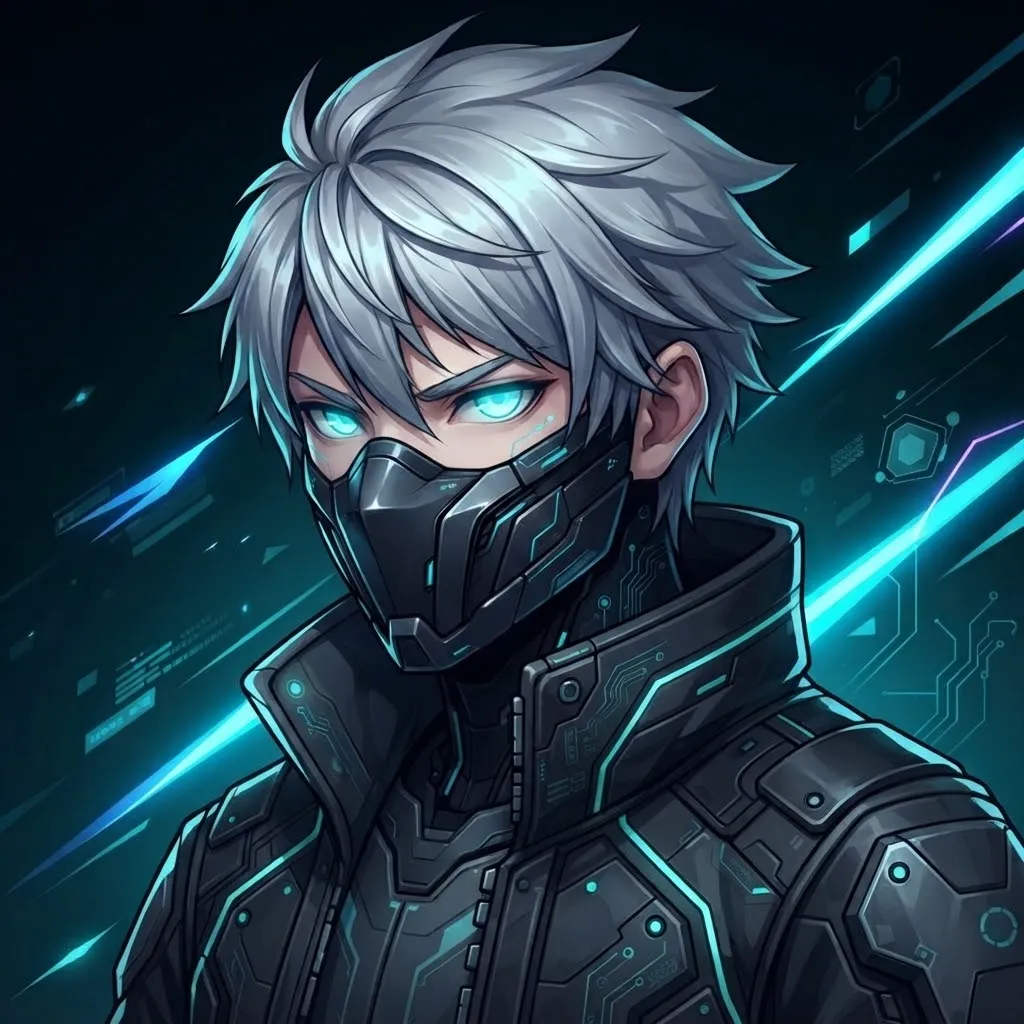
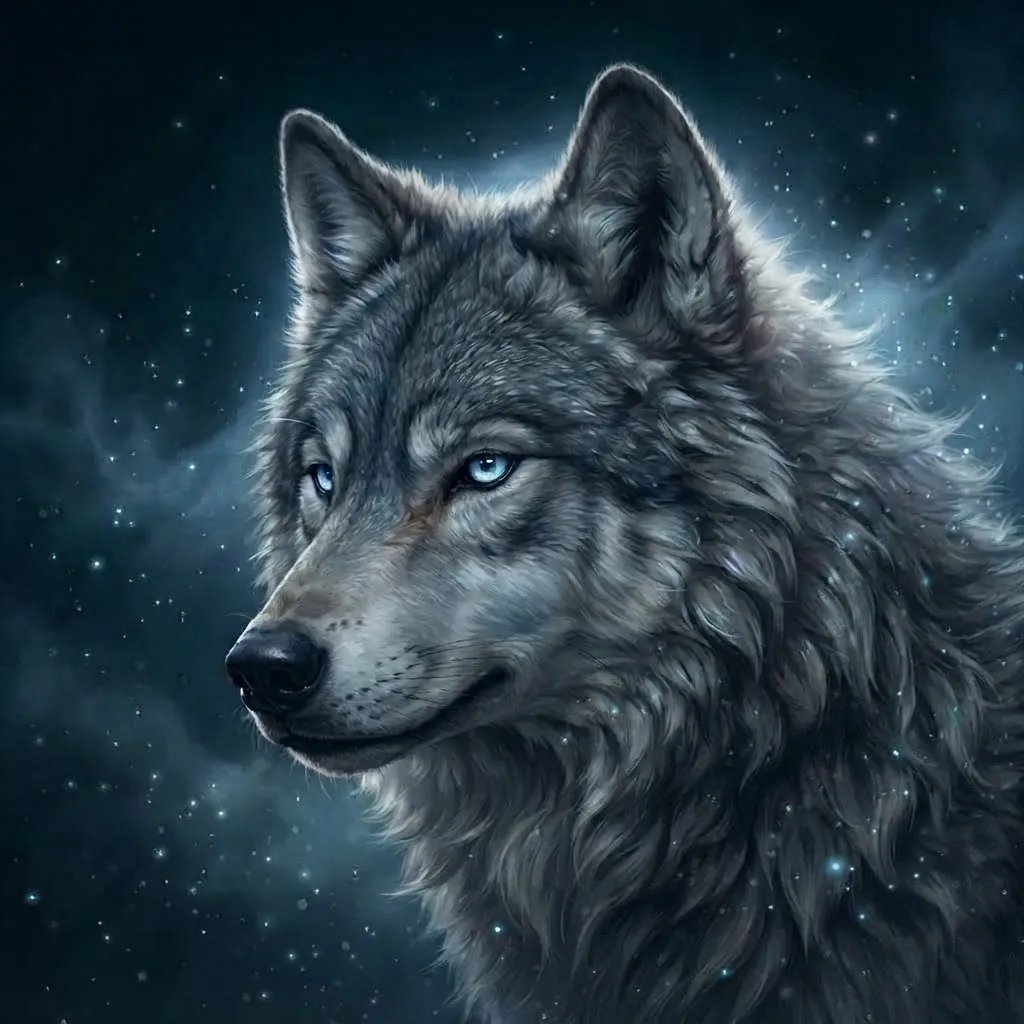
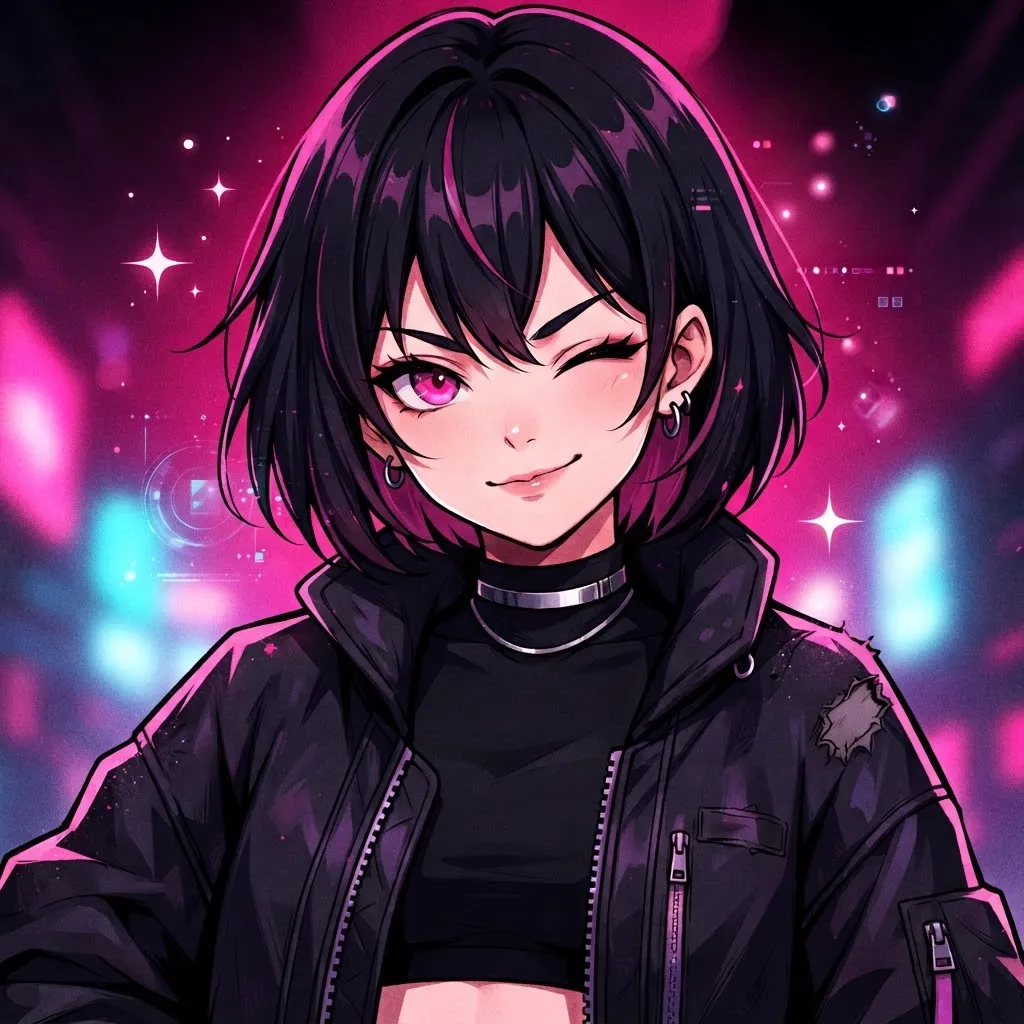
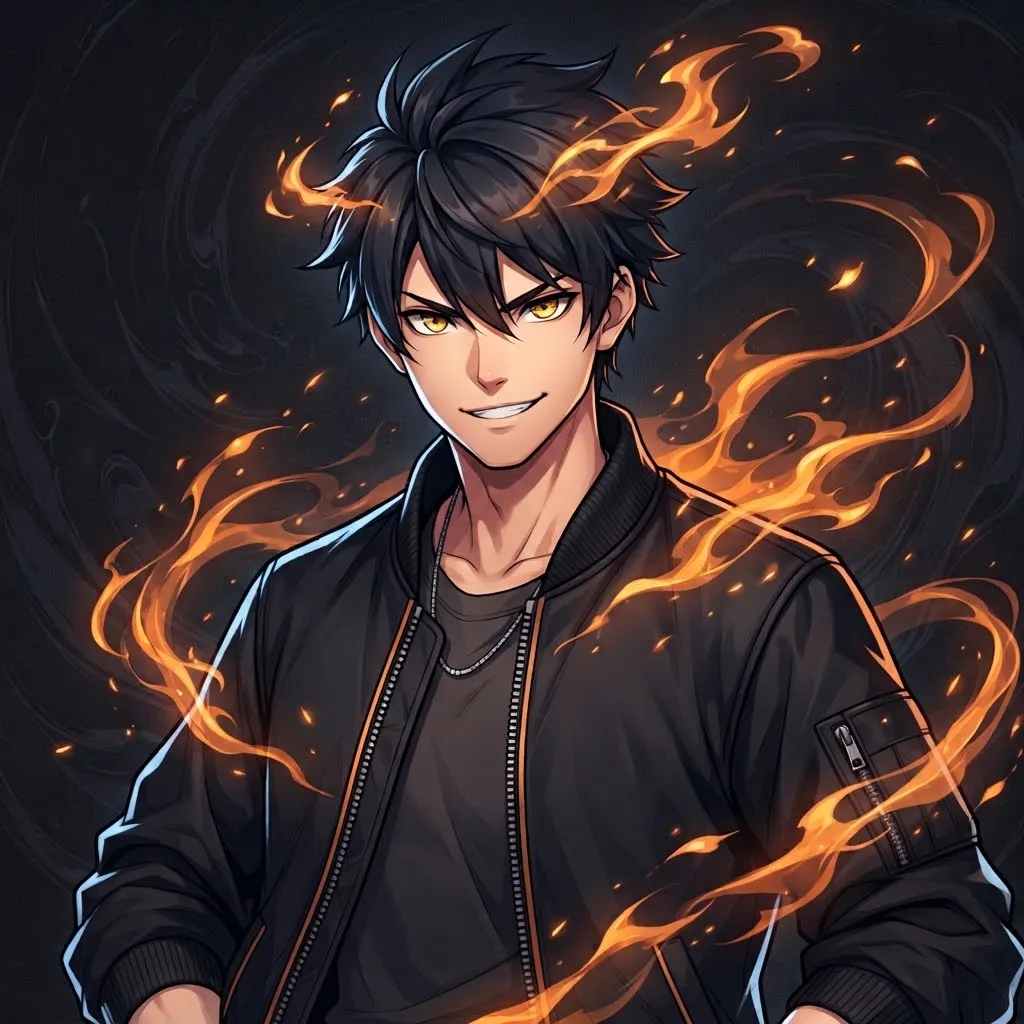
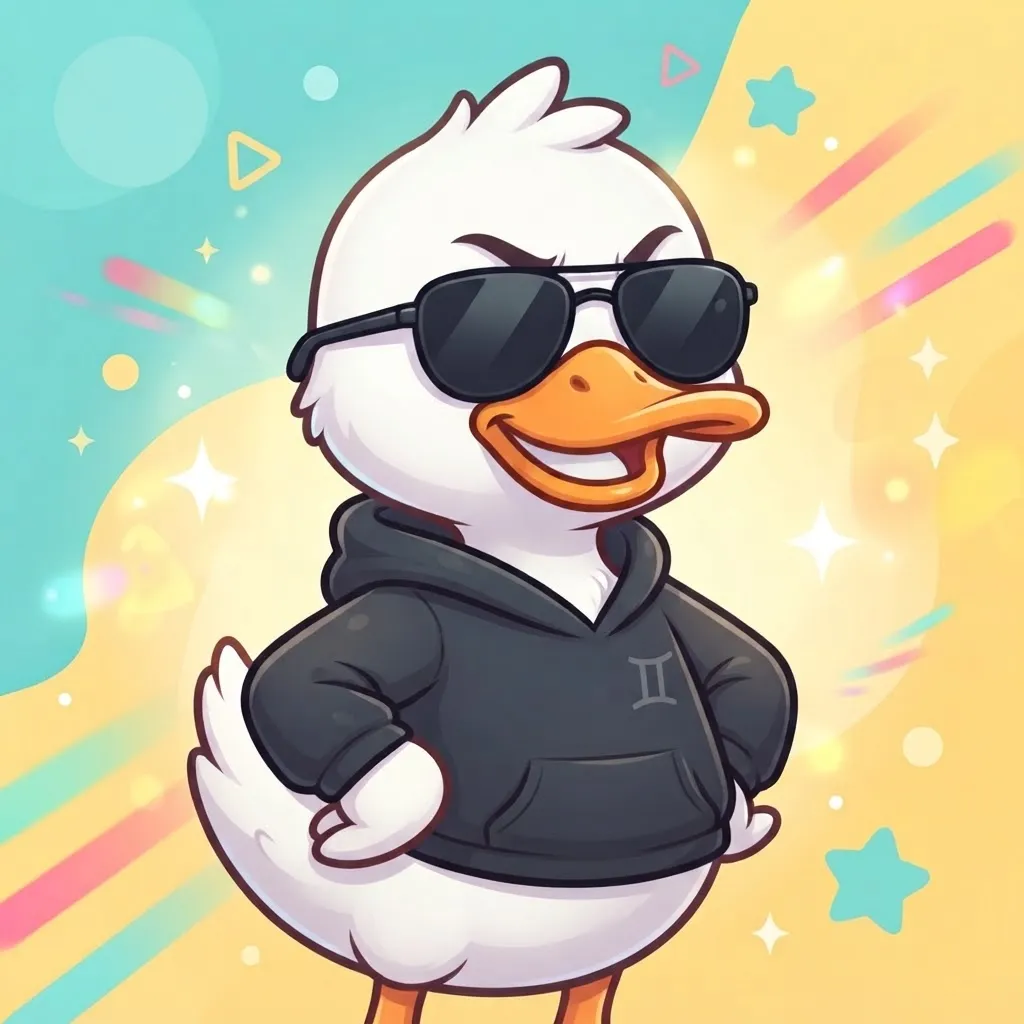
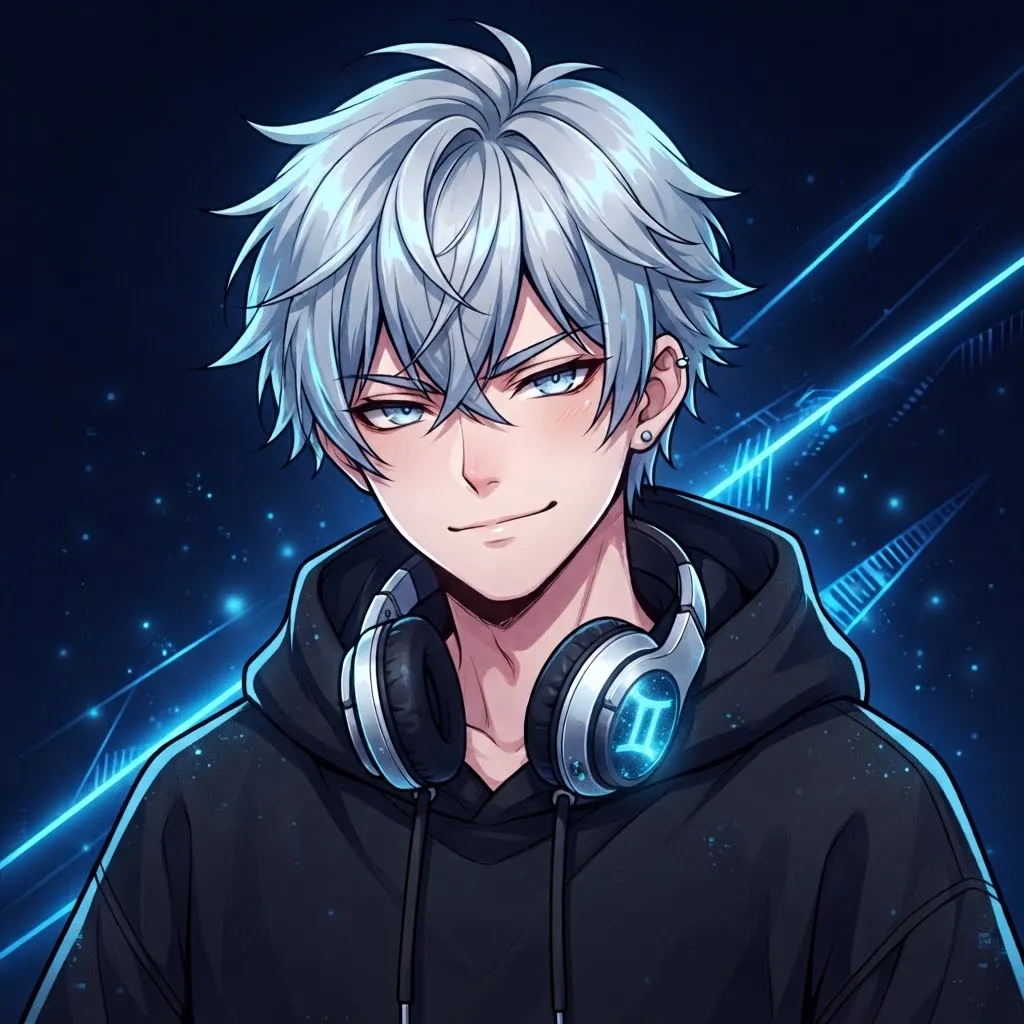
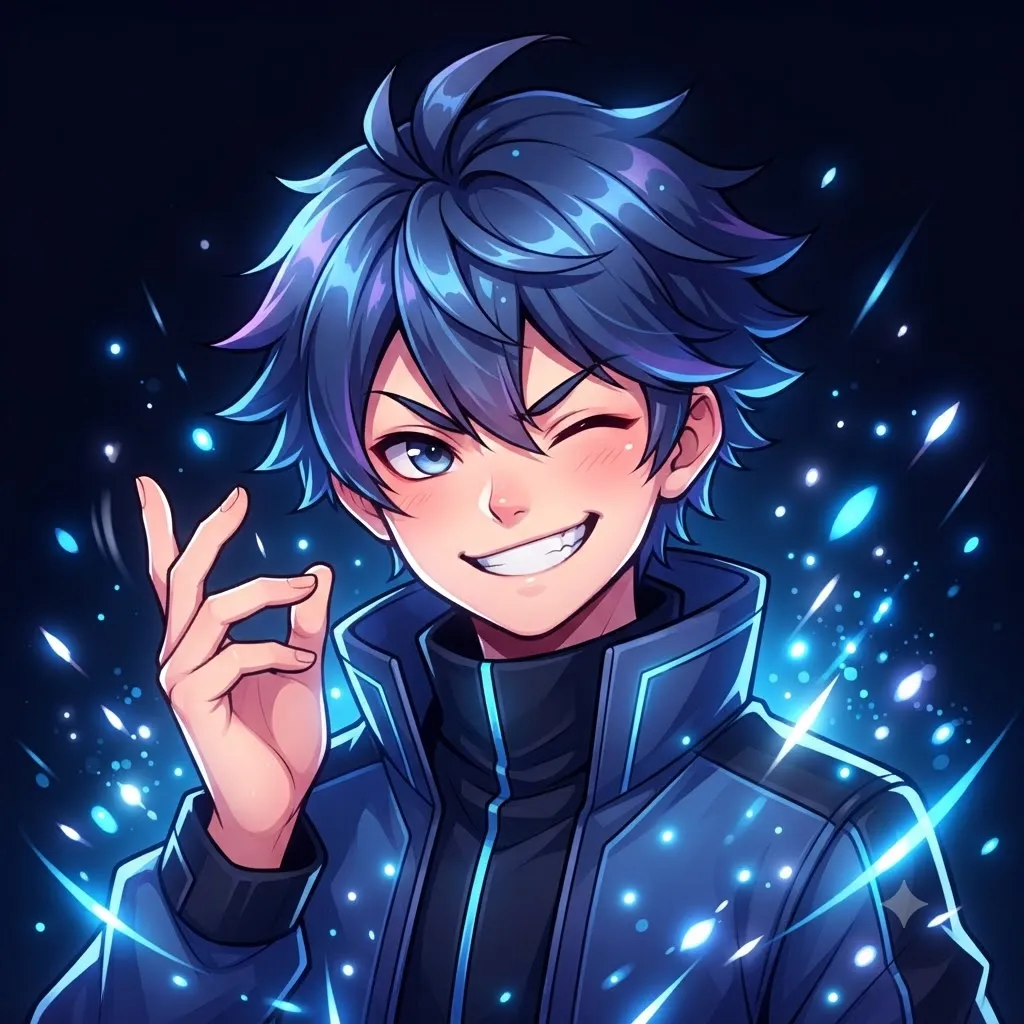
Cool doesn’t need to be dramatic. Some of our favorites here are tiny loops: sunglasses sliding down a nose, a candle flame flickering, a skateboard flip that repeats every second. Subtle motion often looks classier than big action.
Meme Gif Pfp

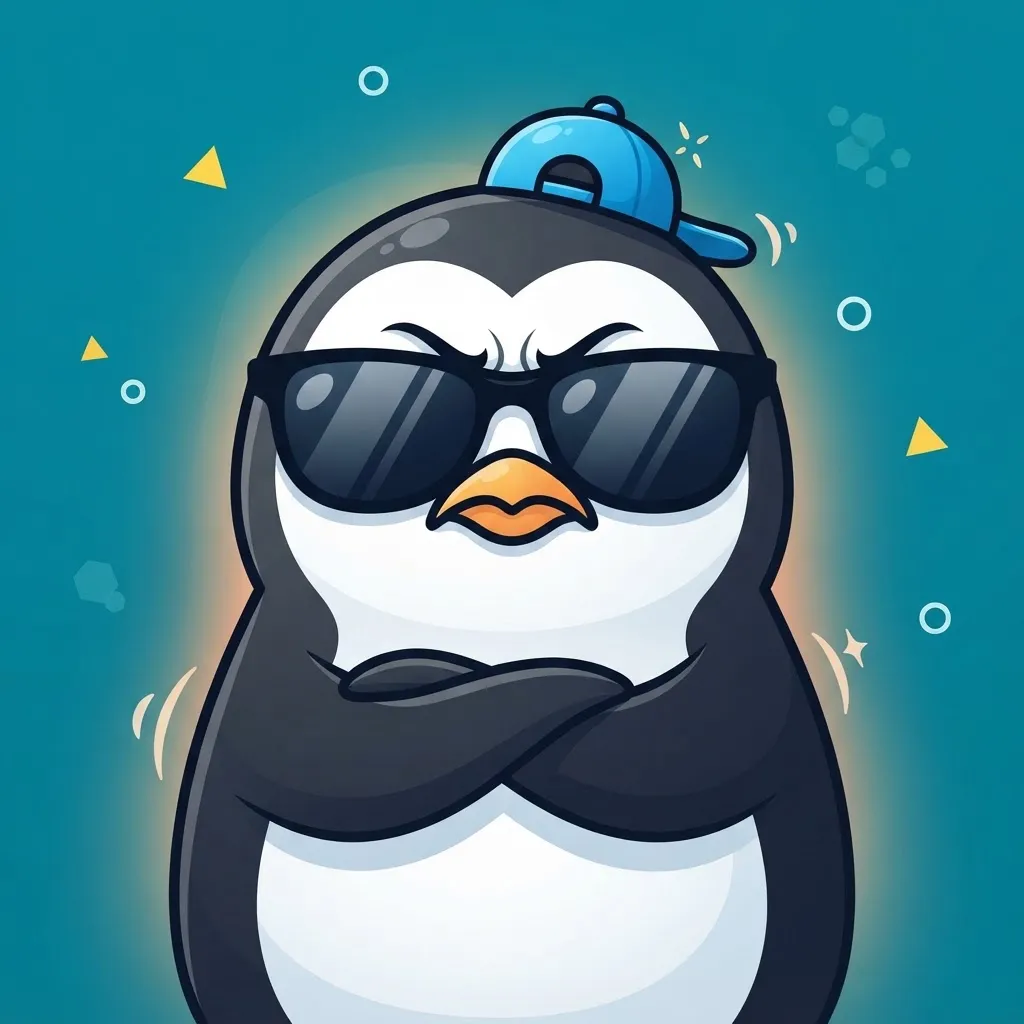
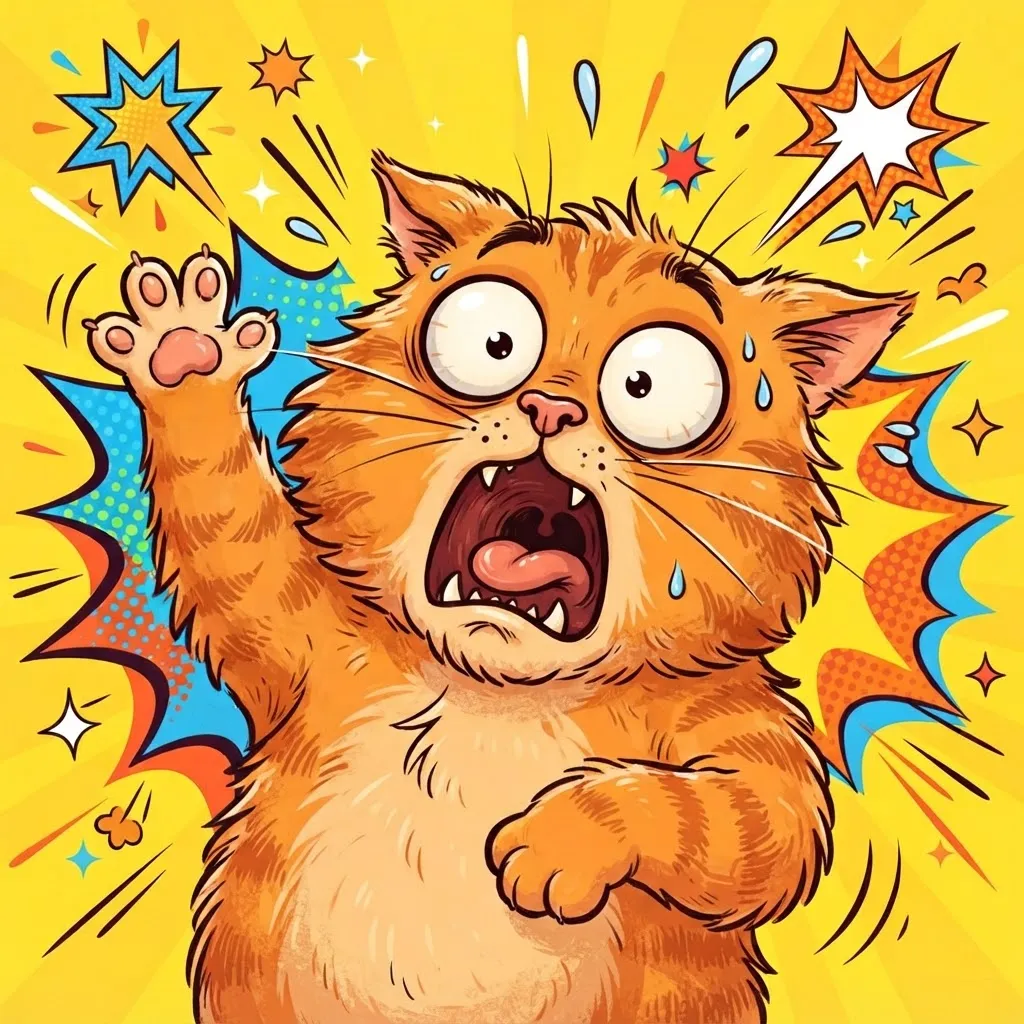
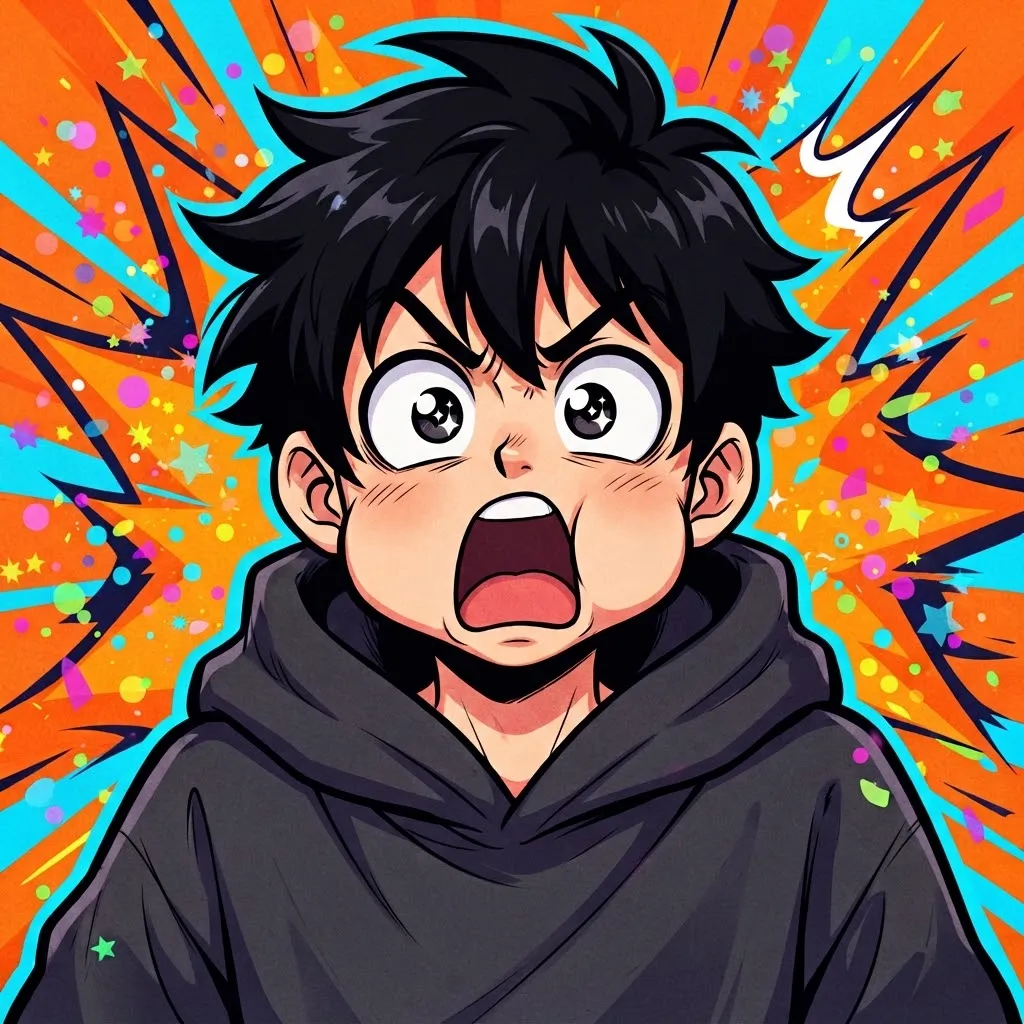
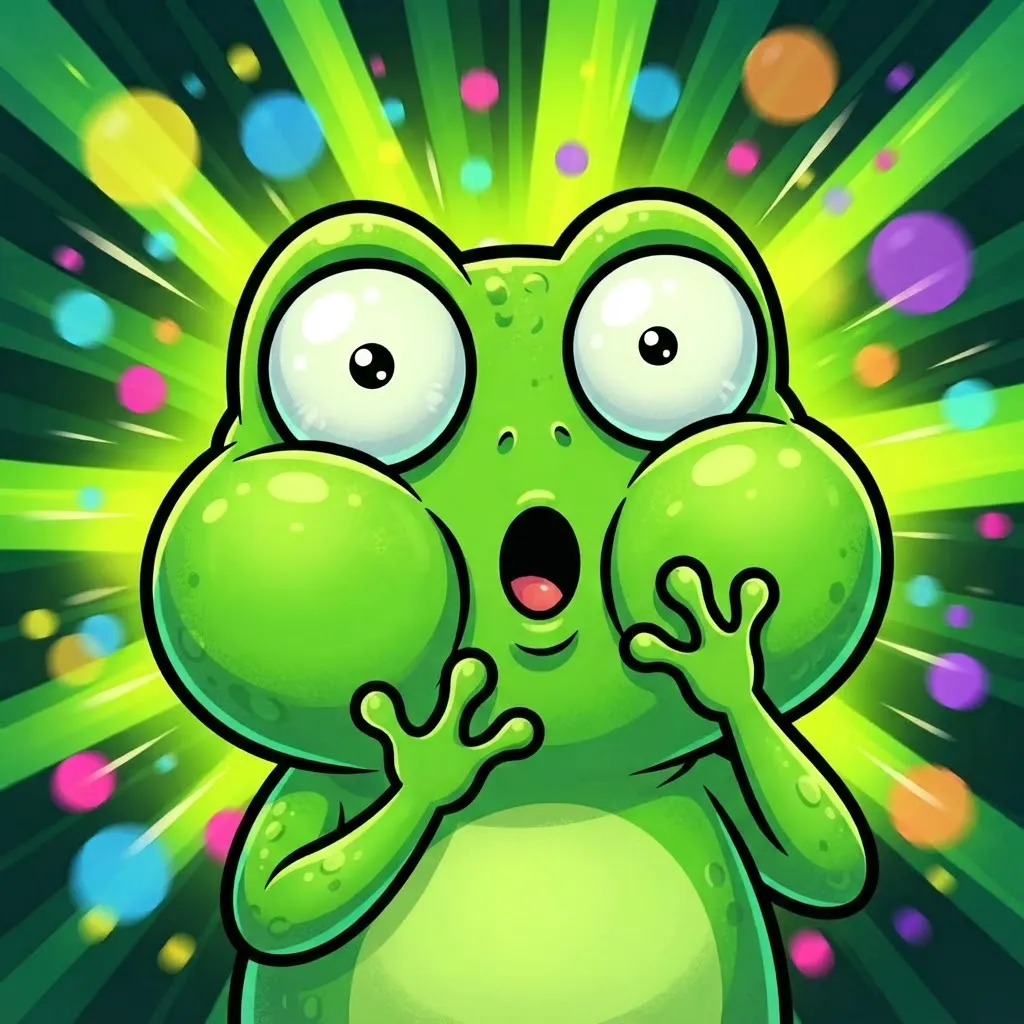

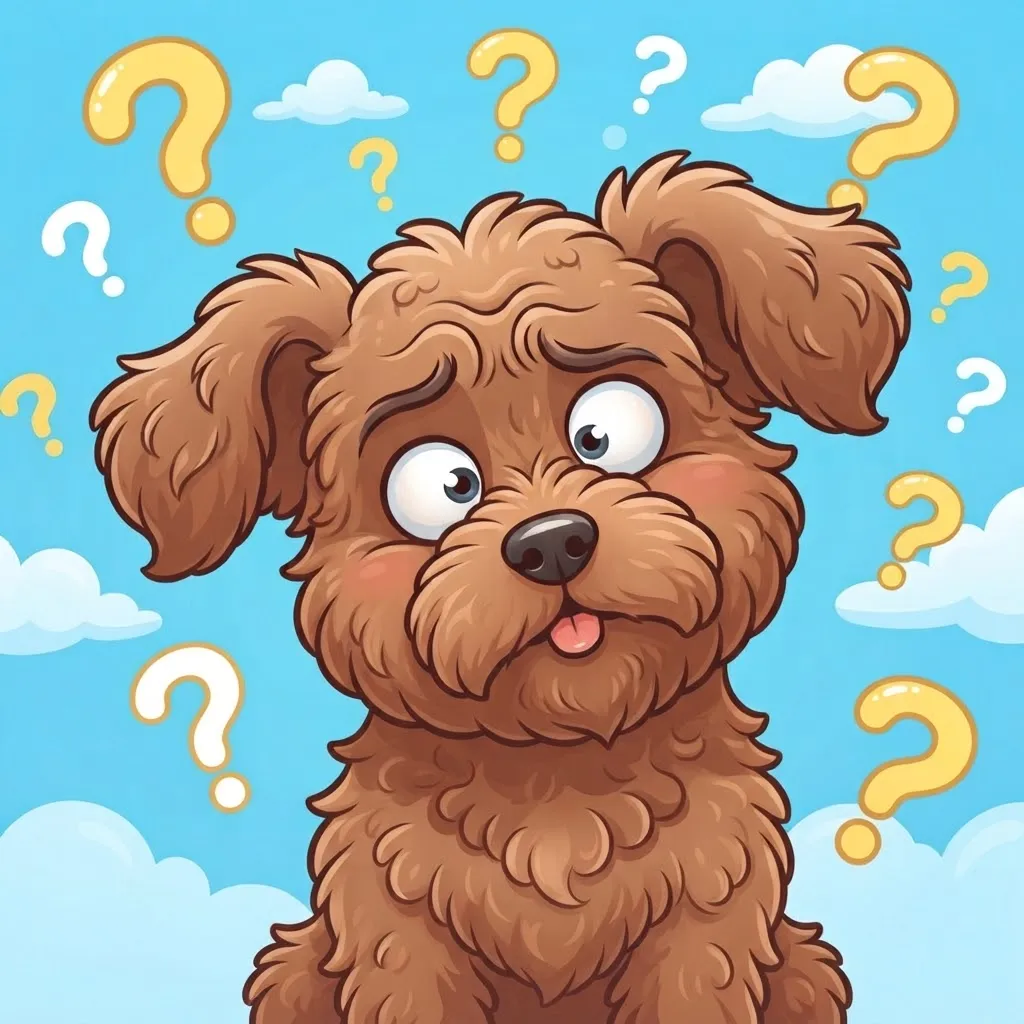
Reaction faces were made to move. This set covers blinking guys, side-eye cats, slow zoom-ins and confused stares, all redrawn as original fan versions instead of ripped clips. They turn every message you send into a punchline.
A small etiquette note from our side. Meme loops land best in casual servers. In a study group, a work Discord or a server for a game guild with strict rules, a constantly vibrating face can feel distracting, so keep a calmer backup ready.
Moving Gif Pfp
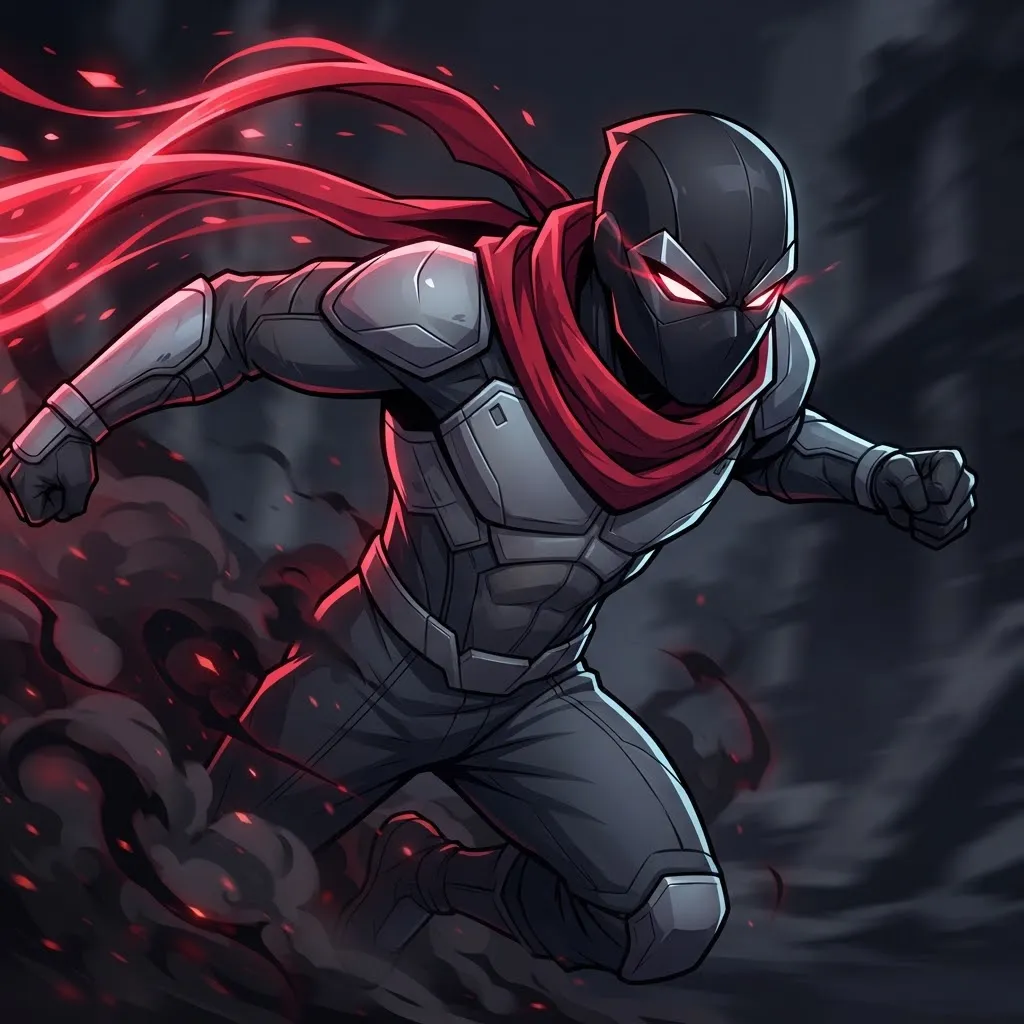
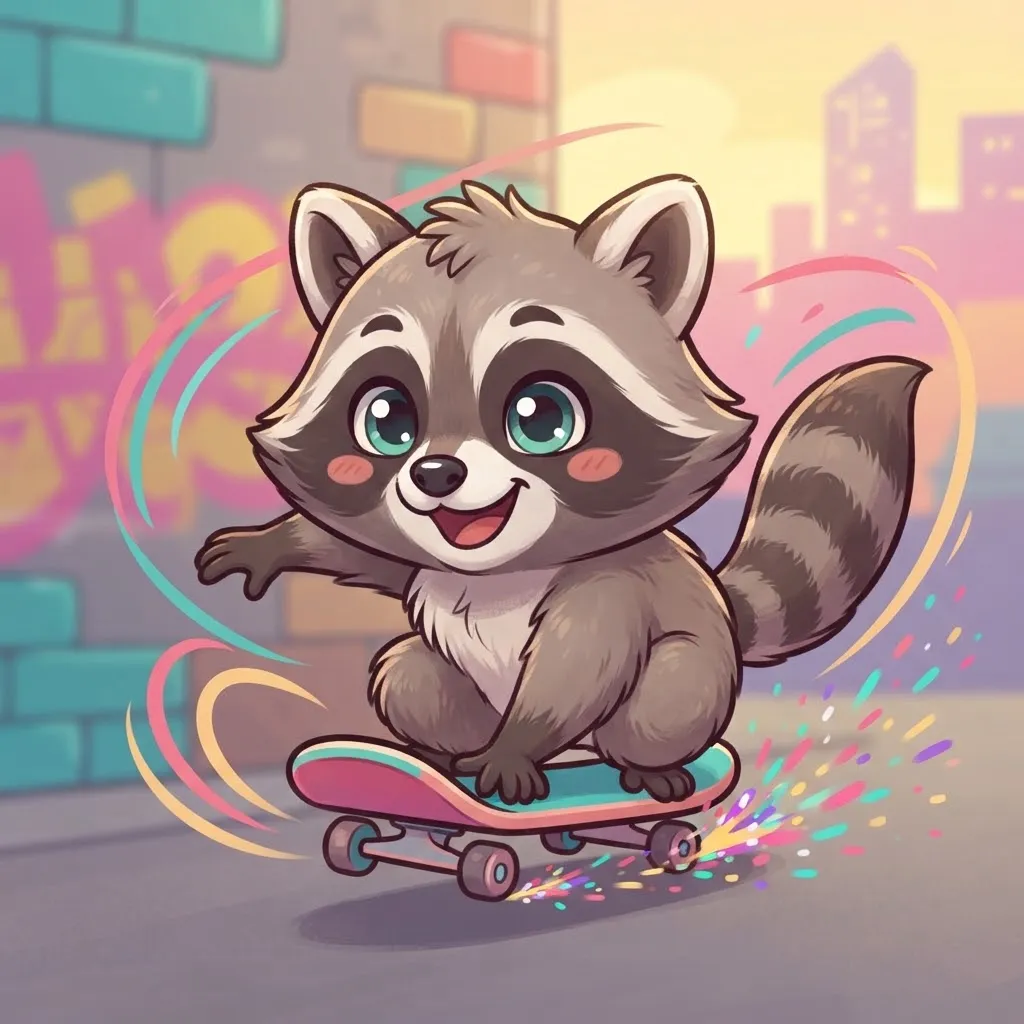
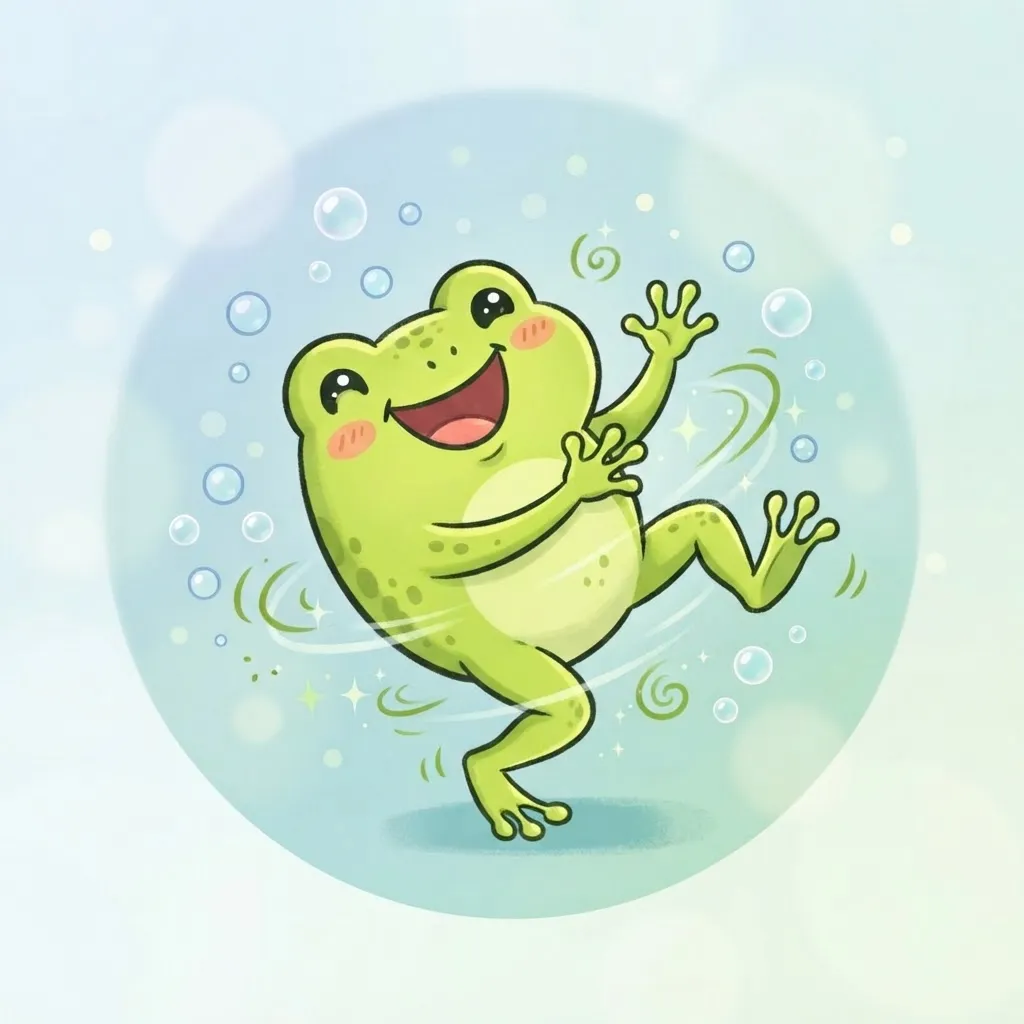
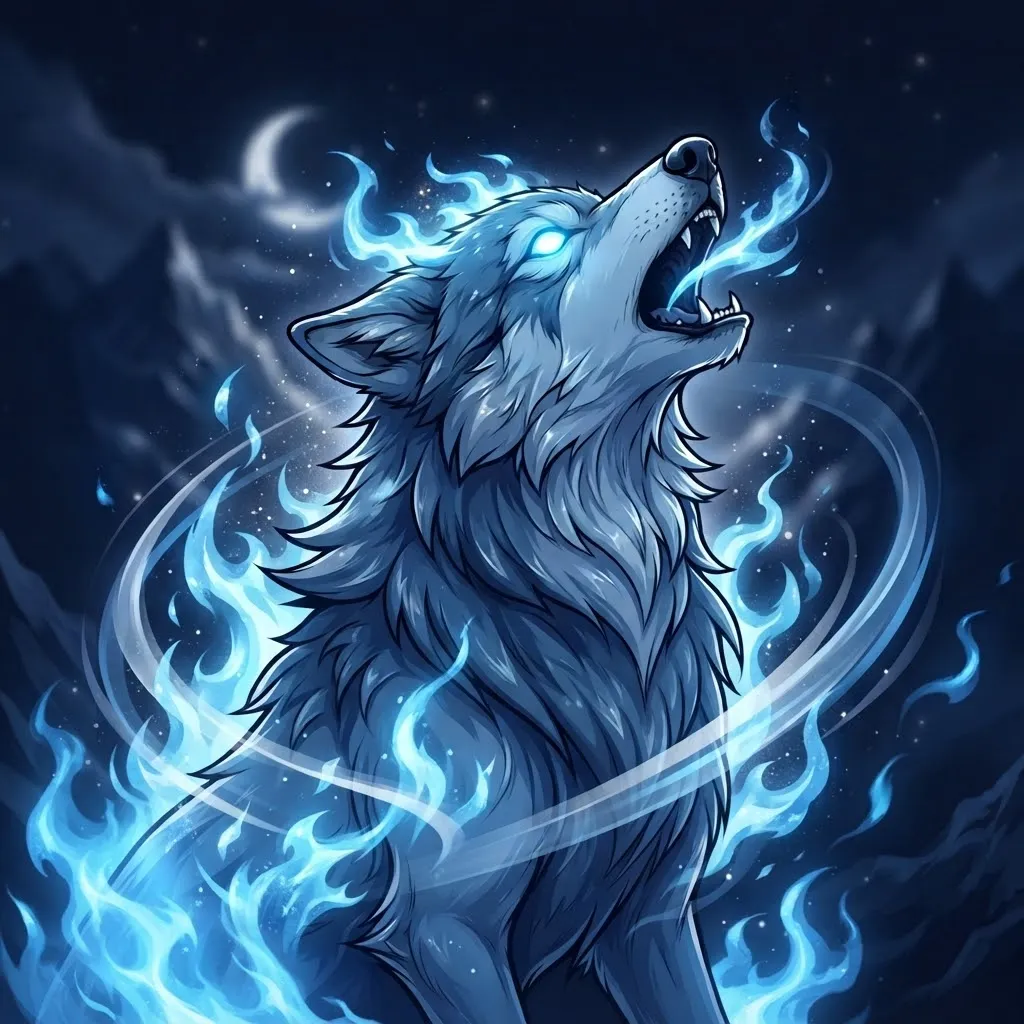
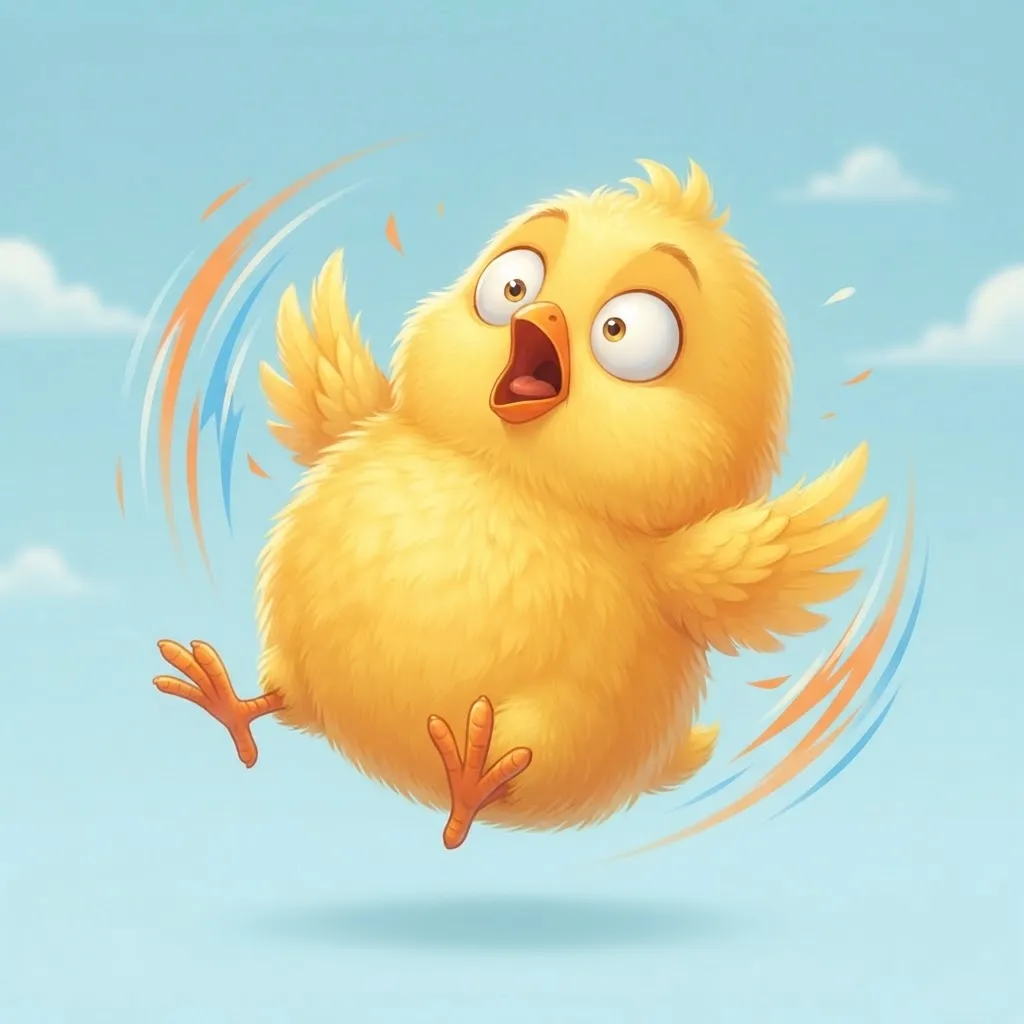
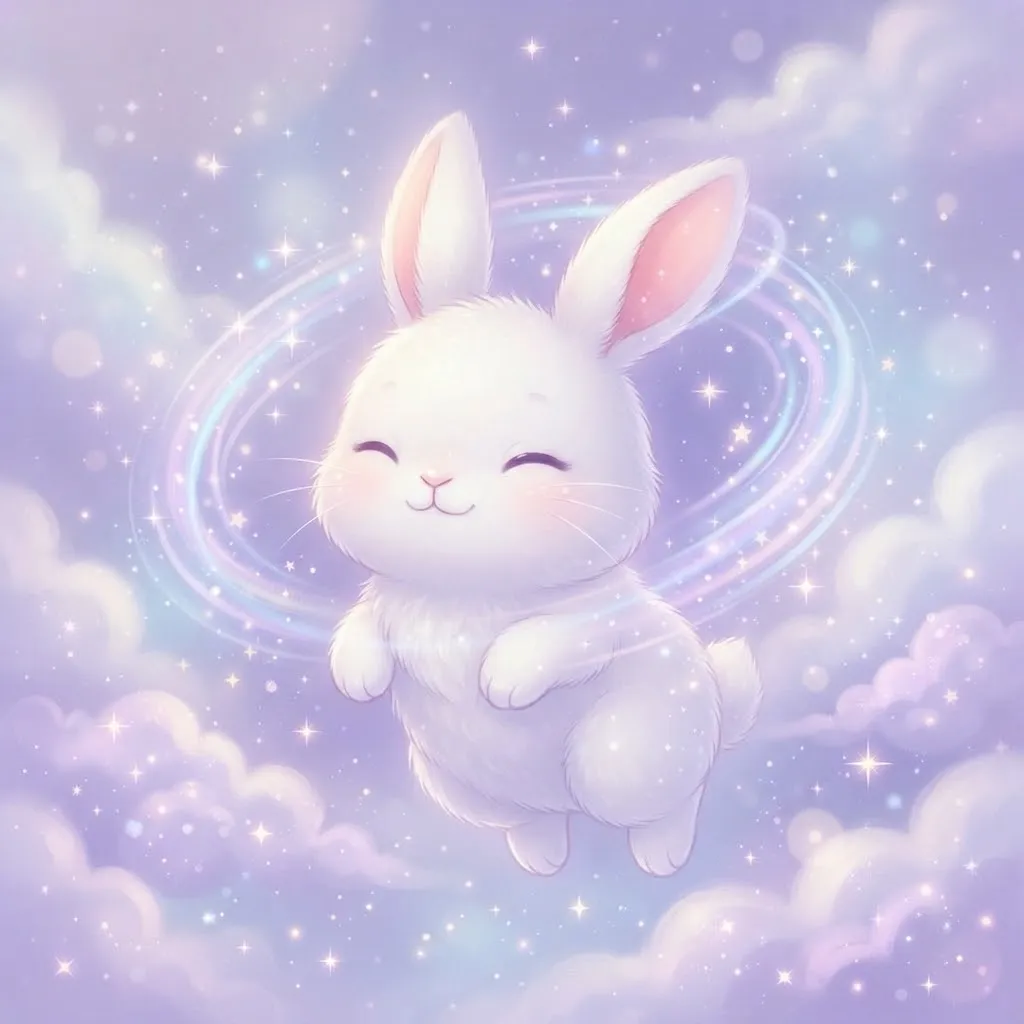
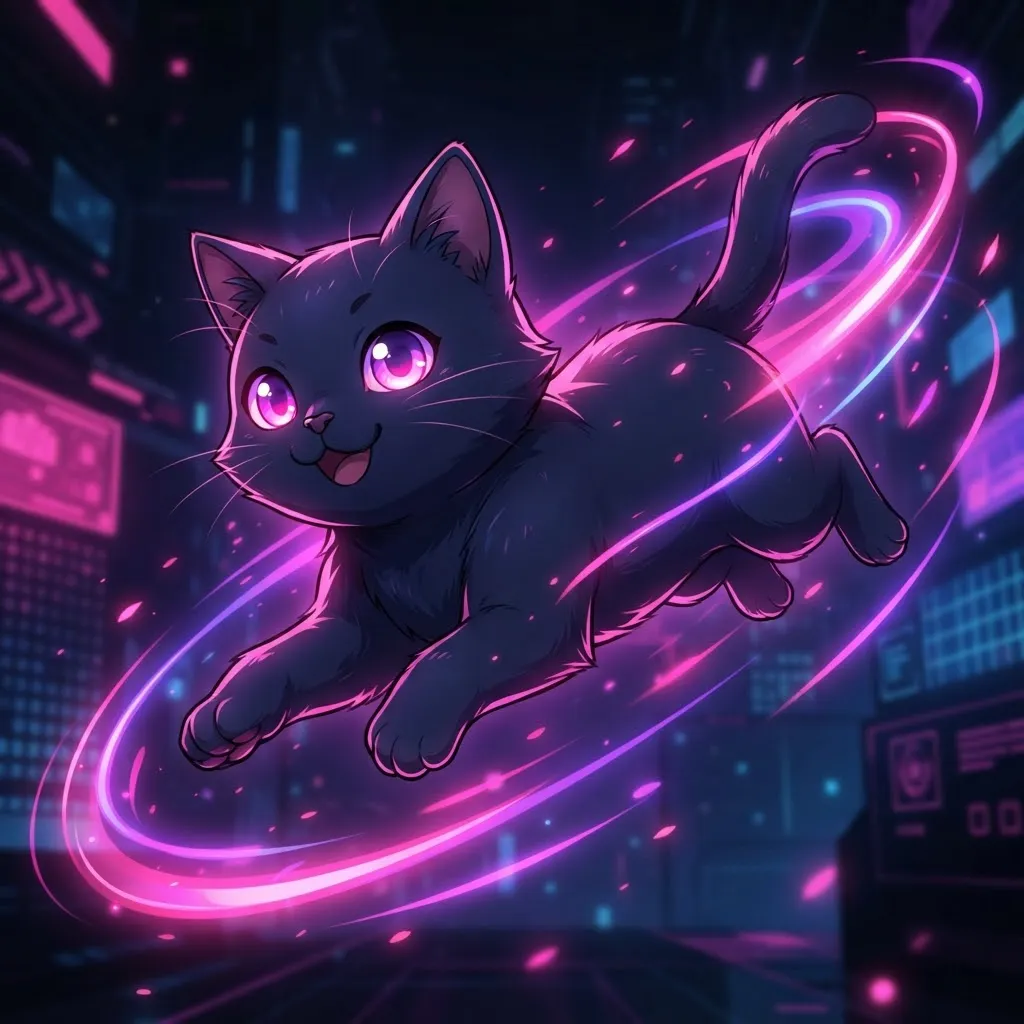
“Moving” is the broadest group in the collection: drifting clouds, spinning planets, waves, flowing hair and pulsing neon signs. If you want animation that isn’t tied to a character or a joke, start here.
How to make a loop look seamless
- Match the first and last frames, so the jump back to the start is invisible.
- Keep loops short, roughly one to four seconds, so they repeat smoothly and stay light.
- Animate one element at a time. Too much movement turns into noise at small sizes.
- Crop to a square before you export, so the app doesn’t cut off part of the motion.
Funny Gif Pfp
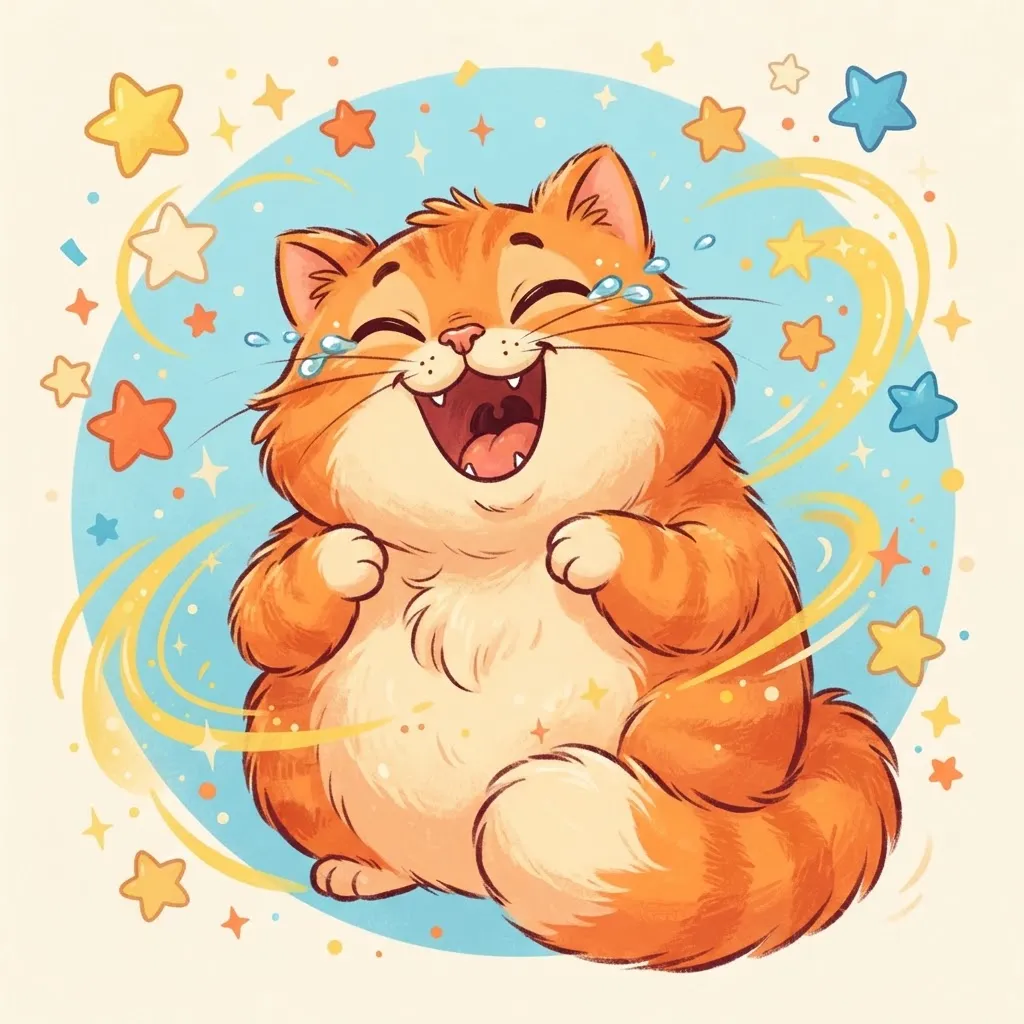
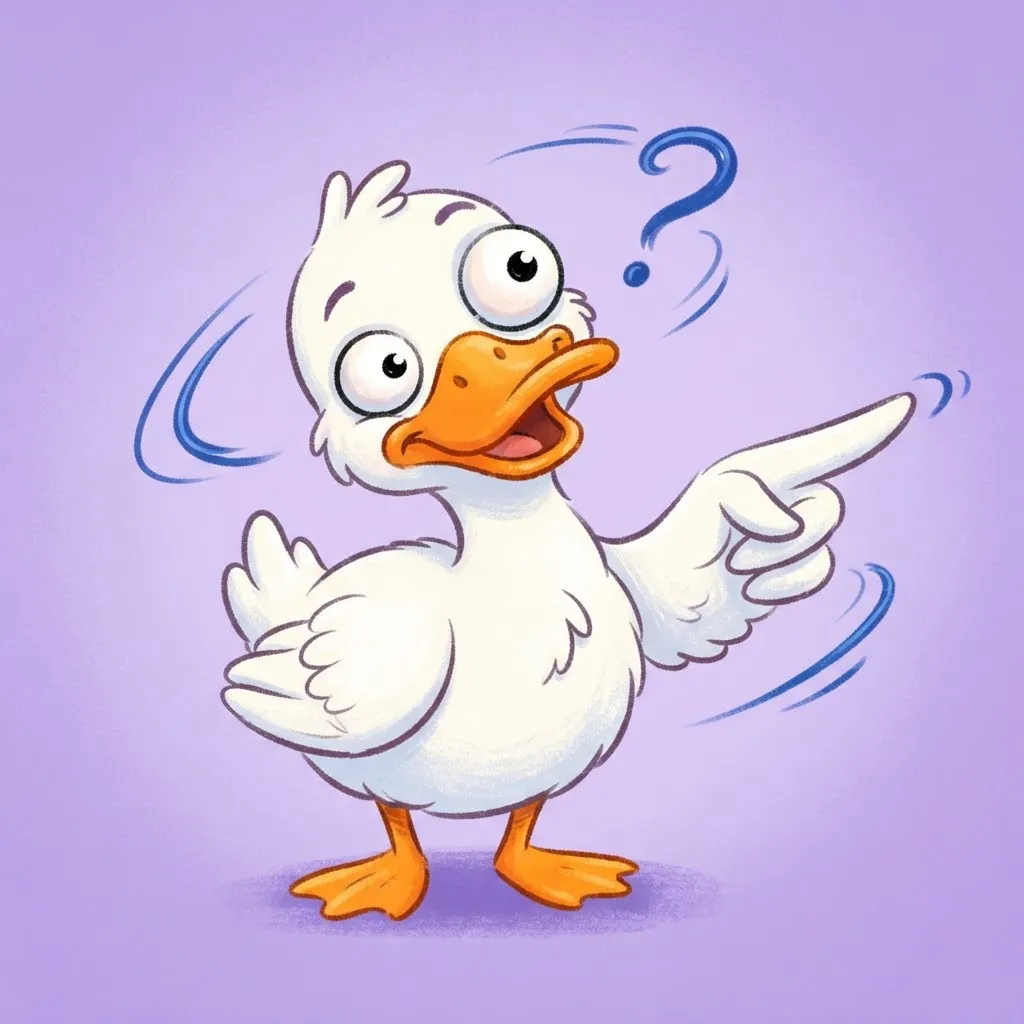
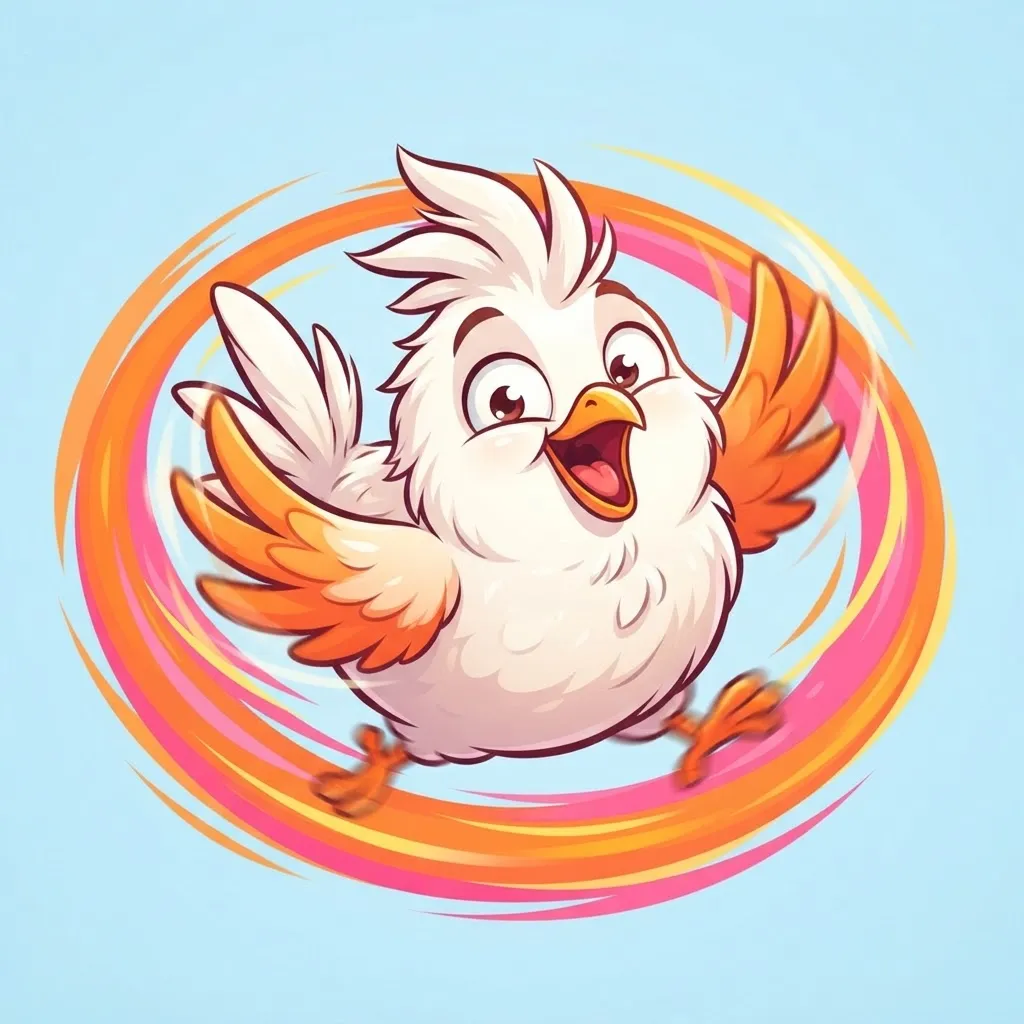

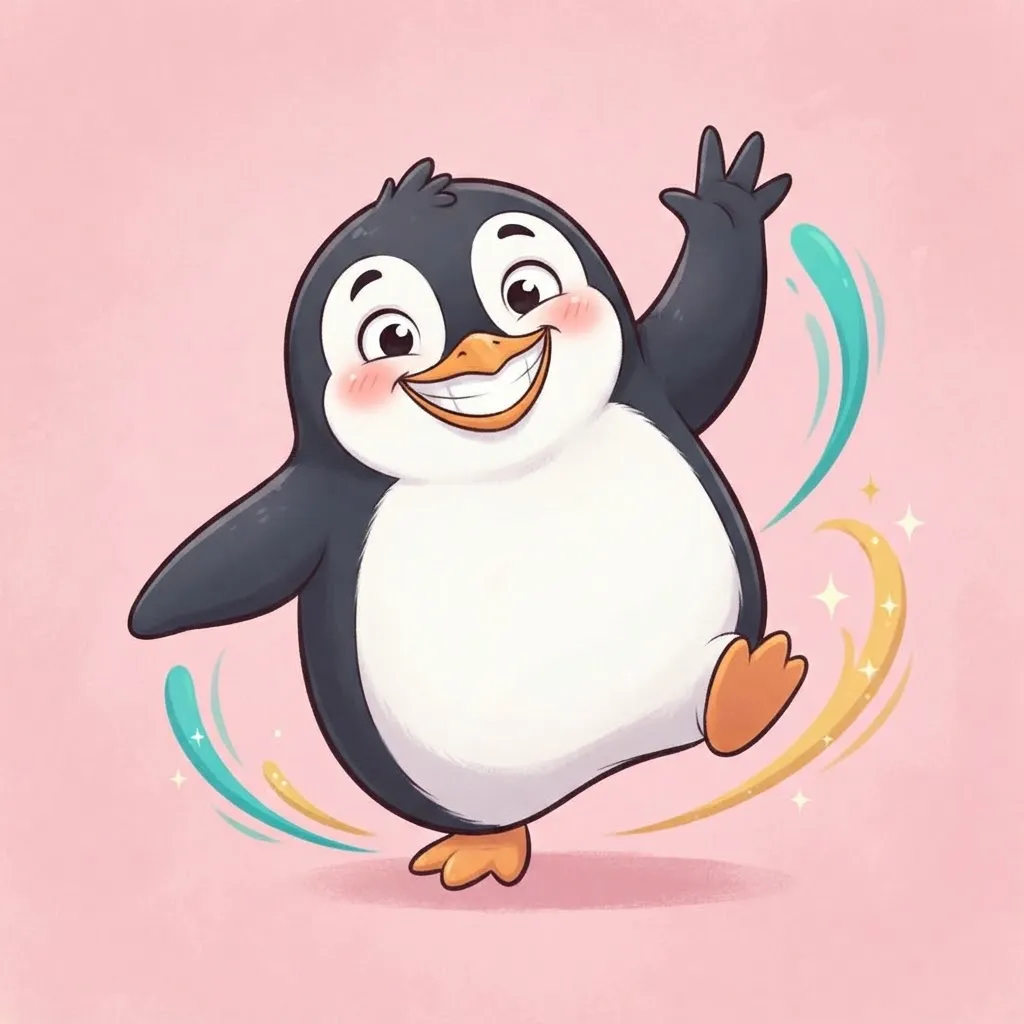

Our funniest loops are the ones that never stop: a dog spinning in circles forever, a frog vibrating with joy, a cat falling off a table on repeat. The animation becomes the joke. Friends in your server will notice it long before they read your message.
If you want to make your own funny loop, short clips of pets are the easiest place to start. Trim a one-second moment, crop it square and export it as a GIF with a free editor. Use your own footage, though, since clips from shows or other creators may not be yours to reuse.
Gif Pfp Anime
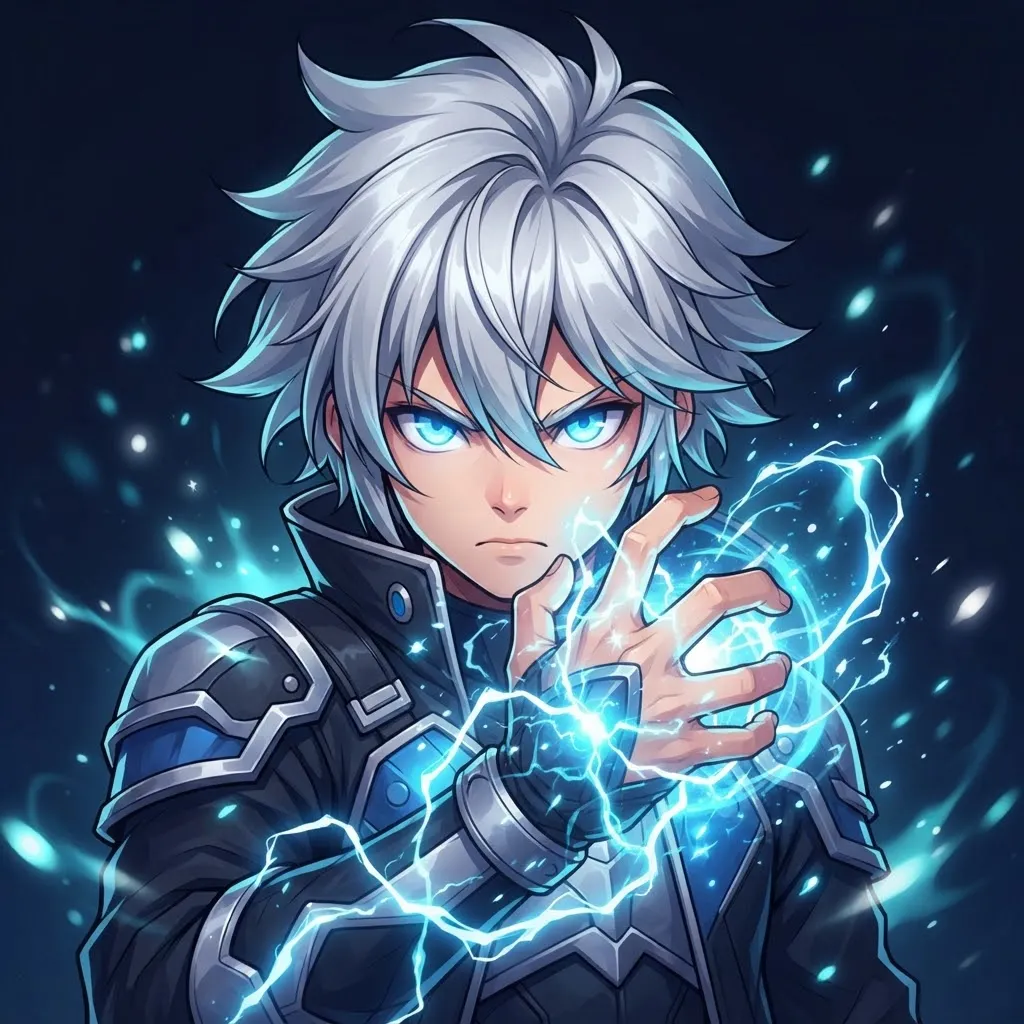
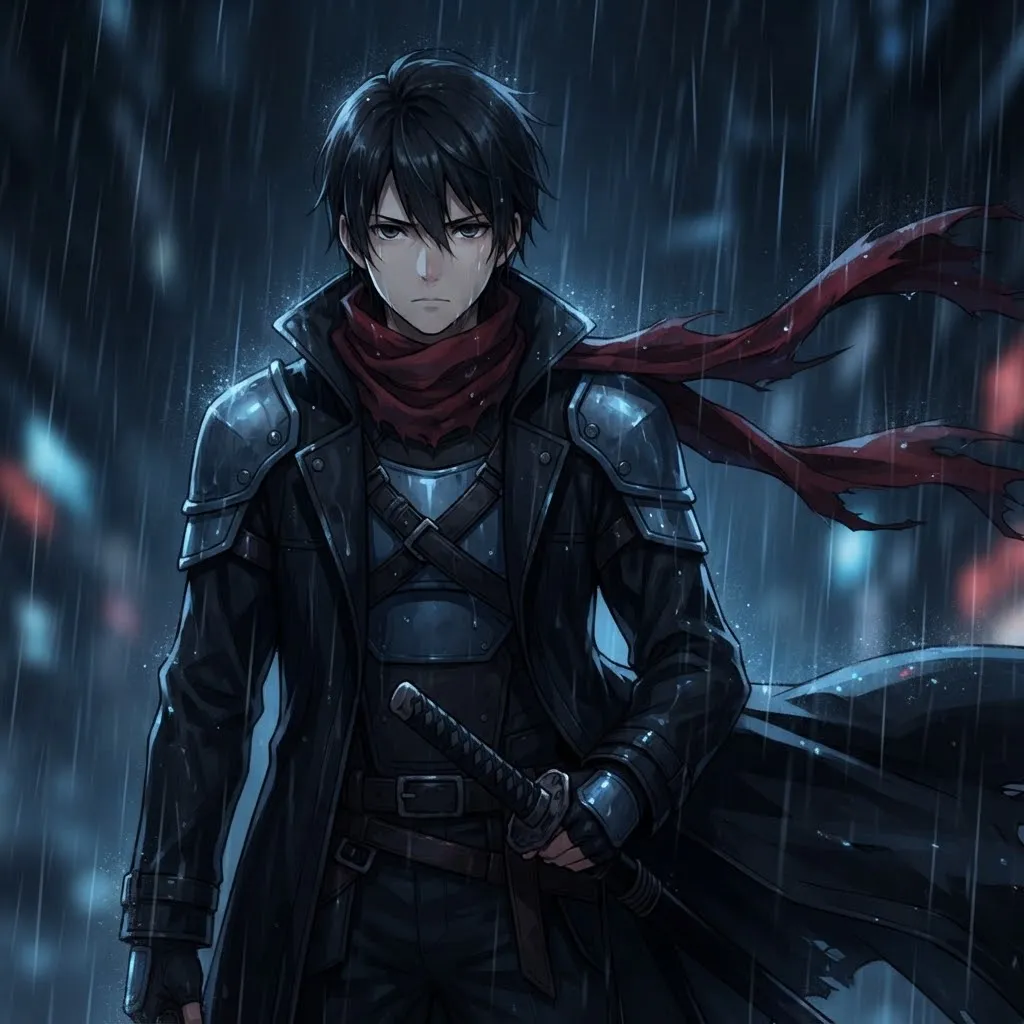
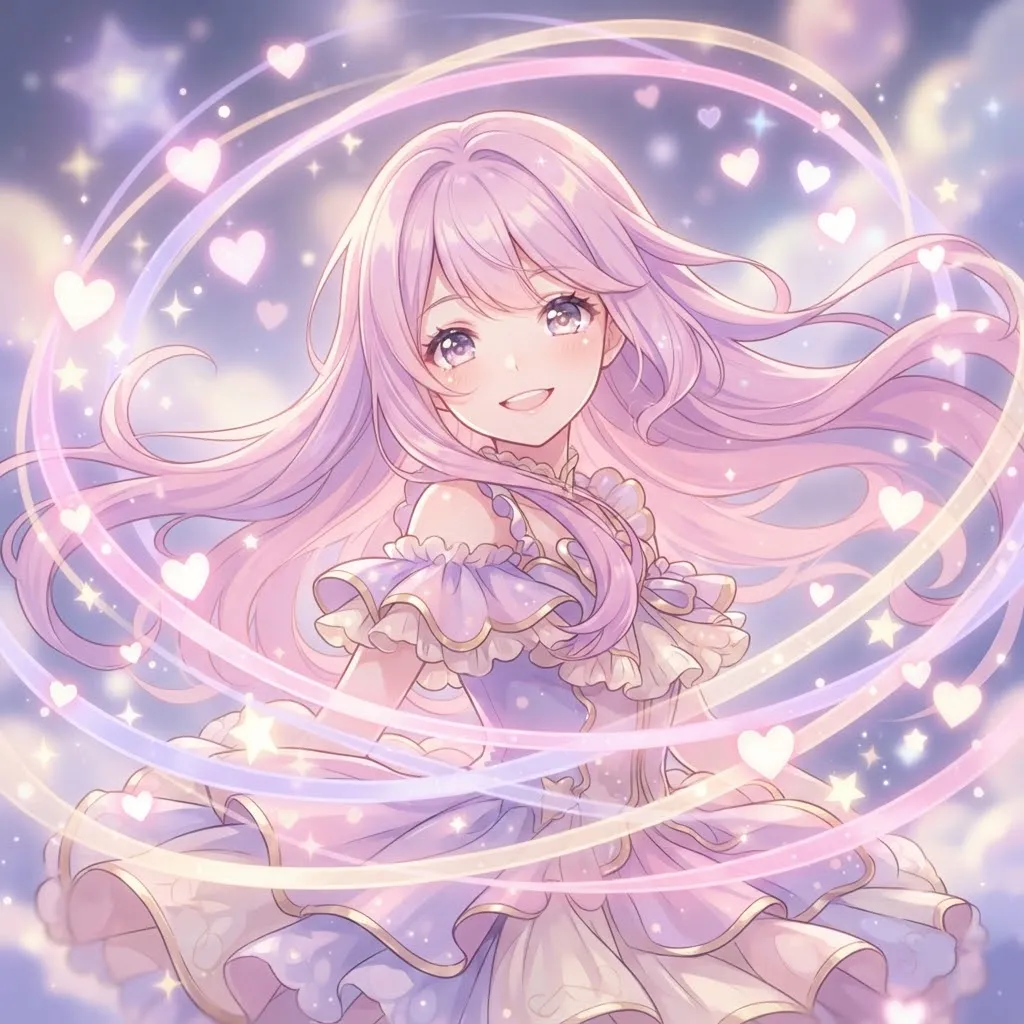
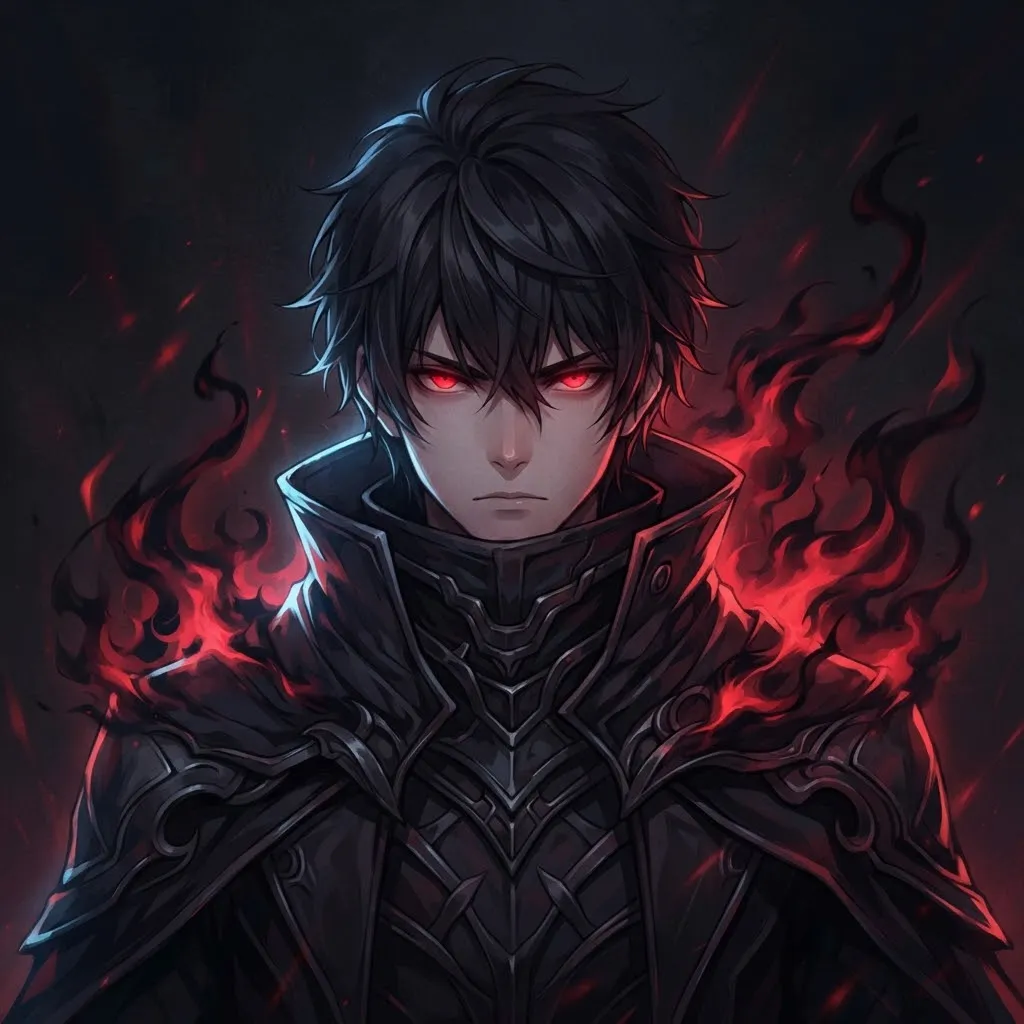
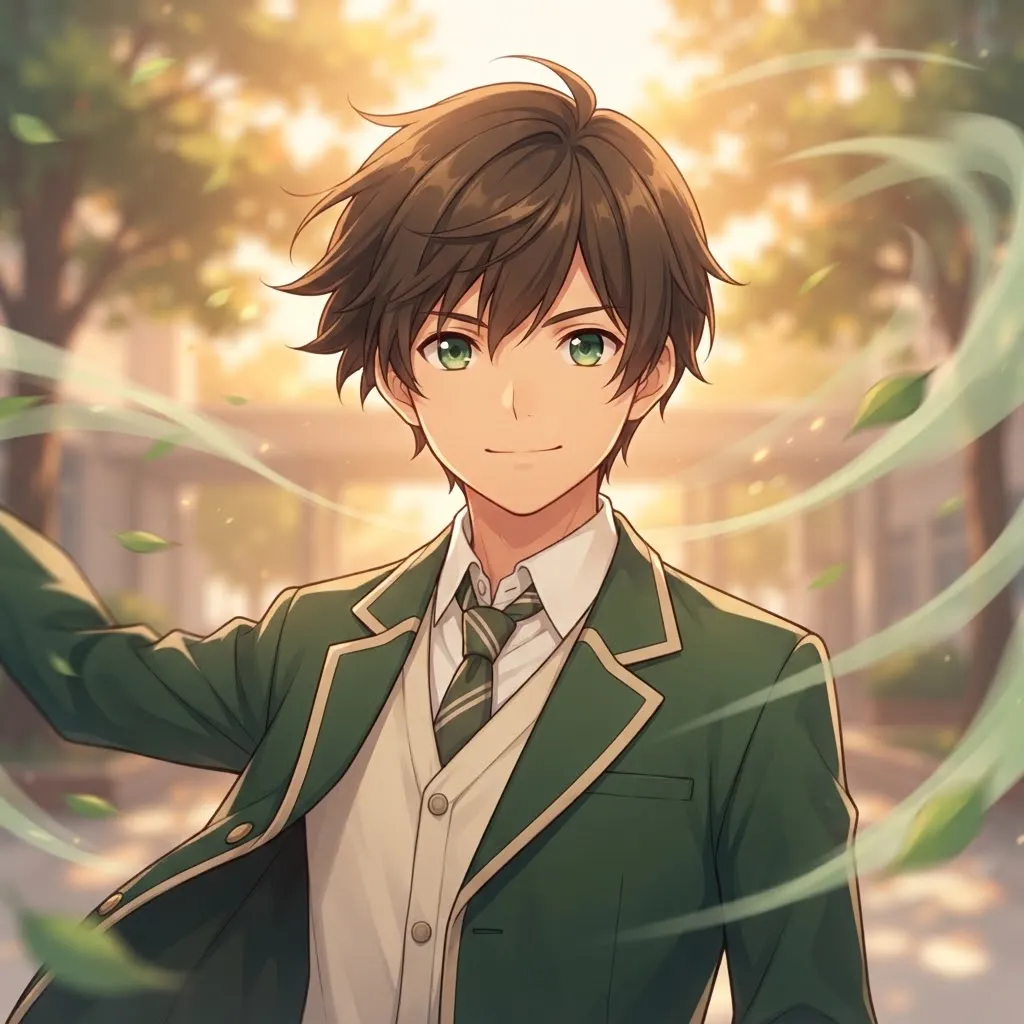
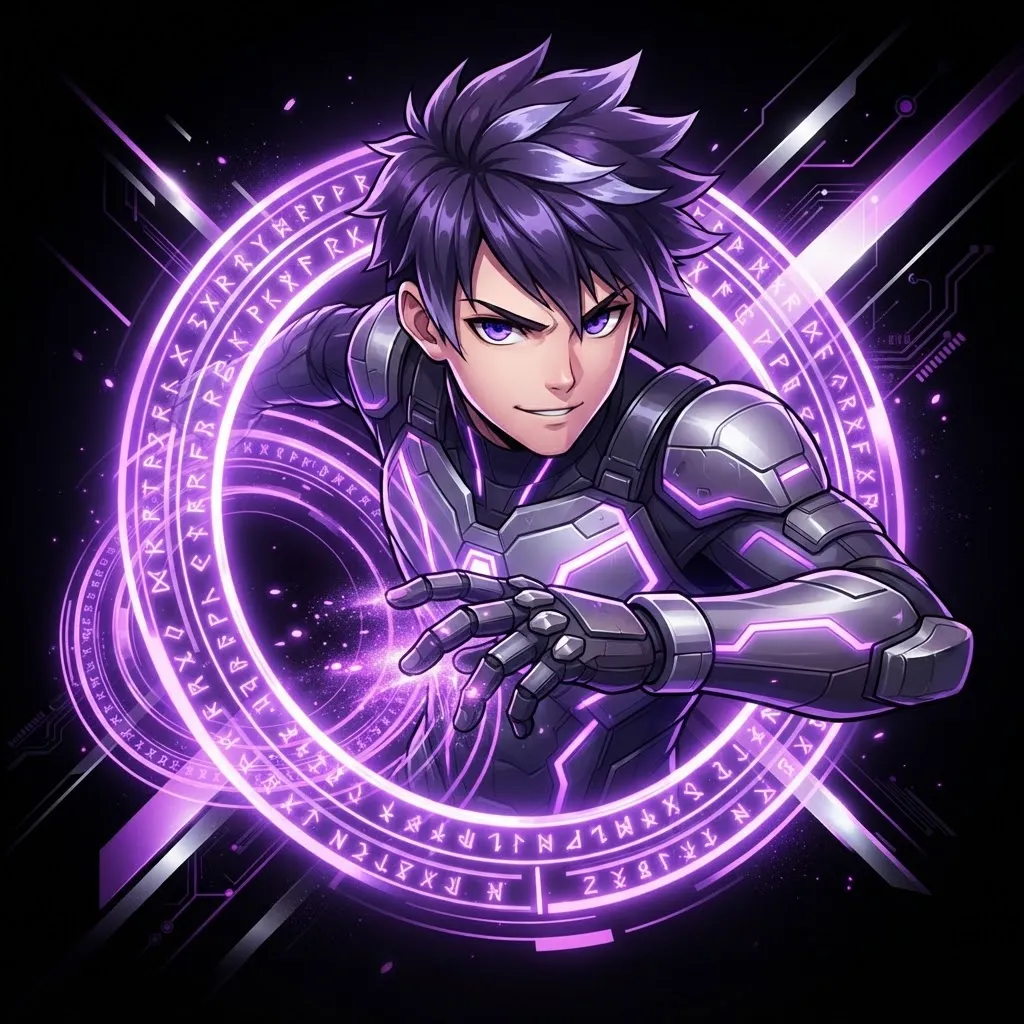
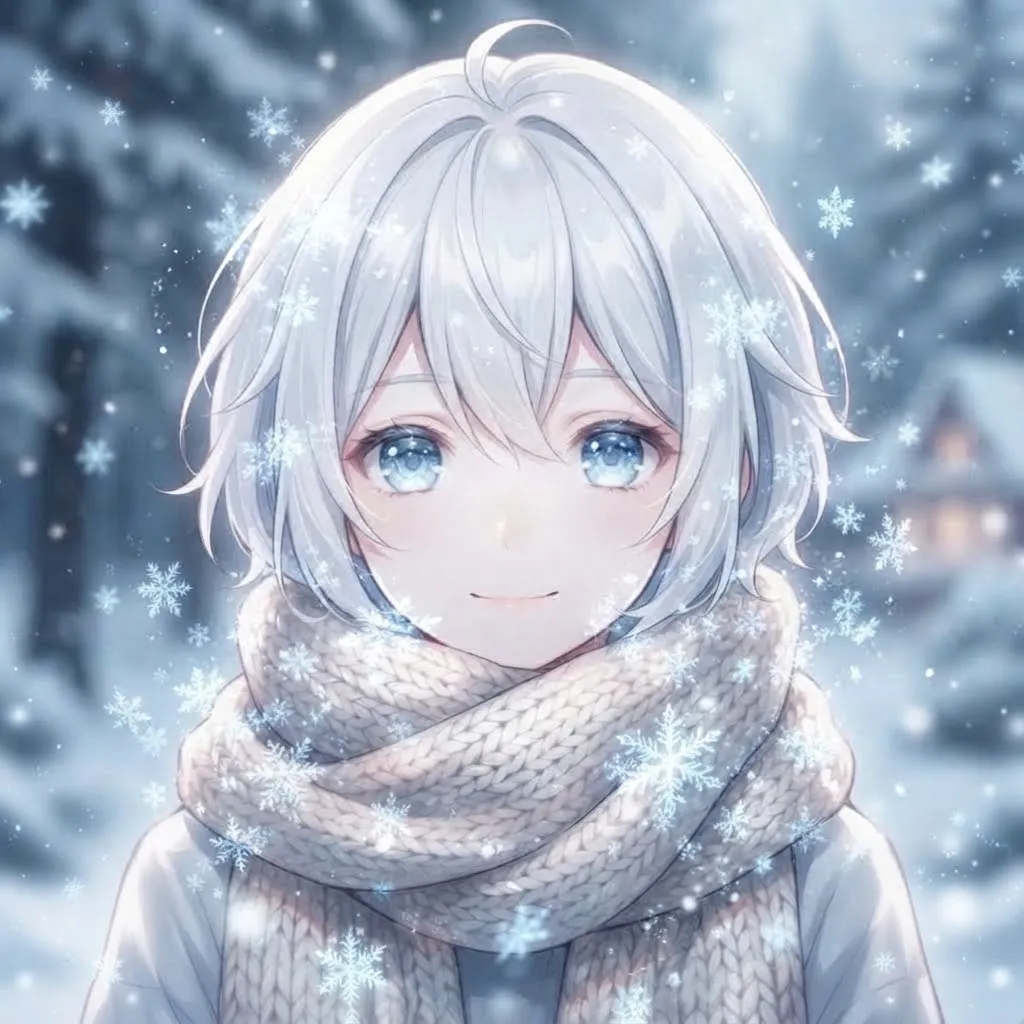
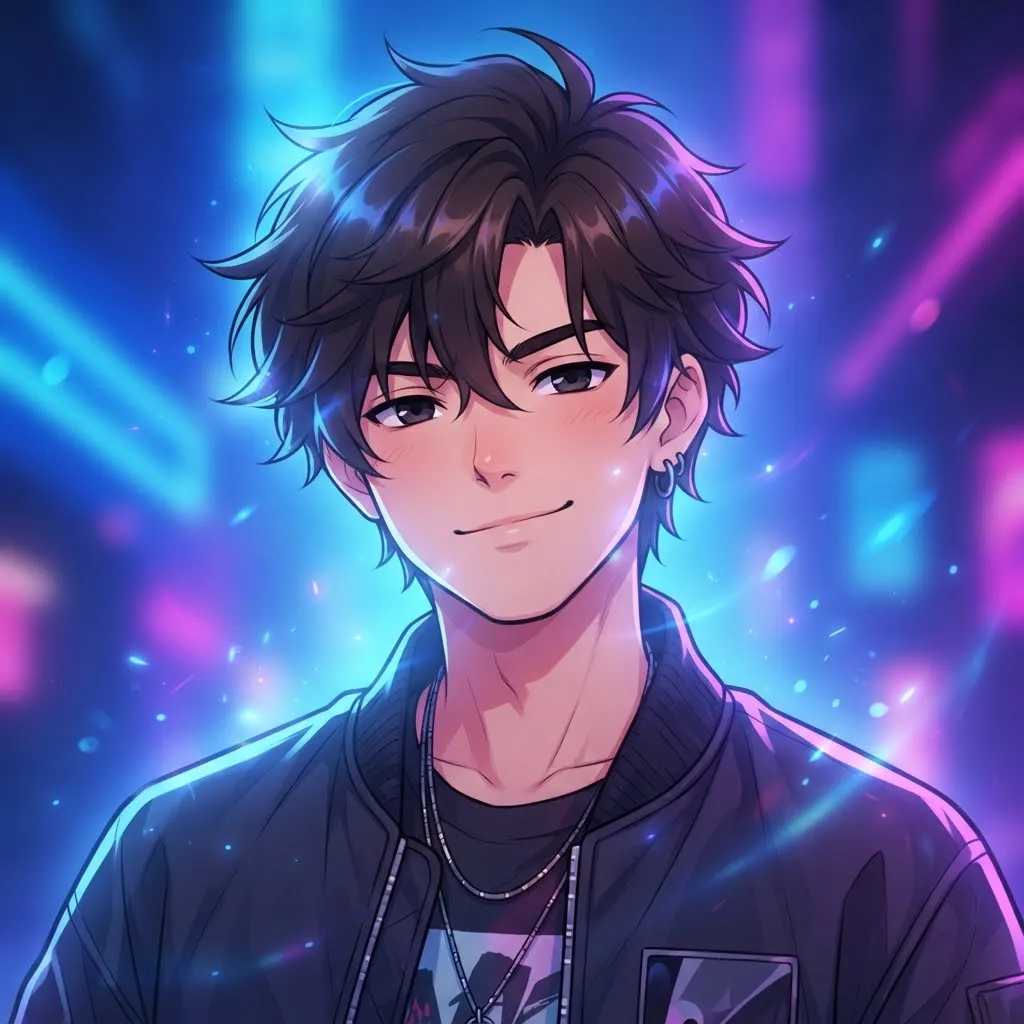
Anime is built for short loops. Hair blowing in the wind, a quick wink, a sword being drawn, a dramatic eye-glow. Every image in this set is fan art made by our team, not footage from any series. Our recommendation is to pick a loop where the face stays still and something around it moves, so you’re still recognizable.
Some anime loops come out of fan edits made from real episodes. Those clips belong to the studios that made them, so we drew our own short animations instead. If you edit footage yourself, keep it for personal use and be careful about reposting it.
Cute Gif Pfp
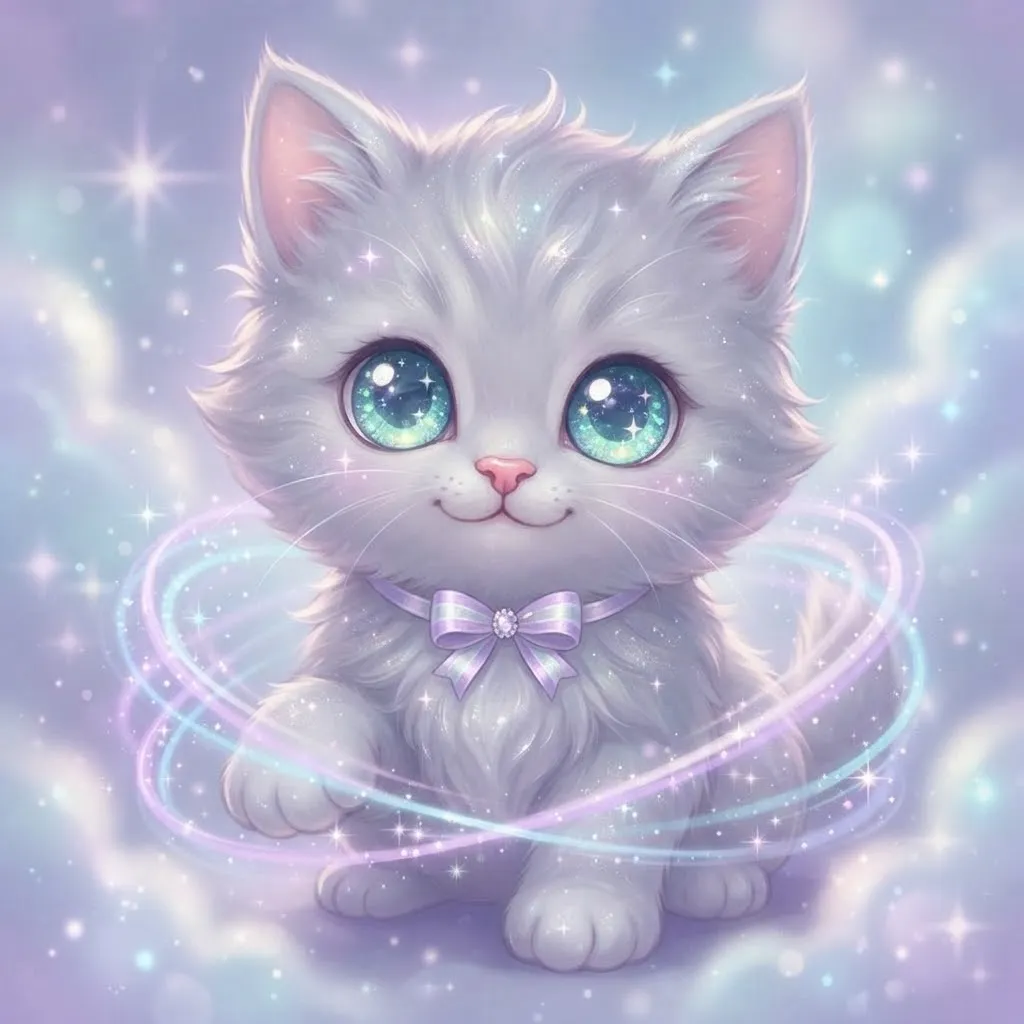
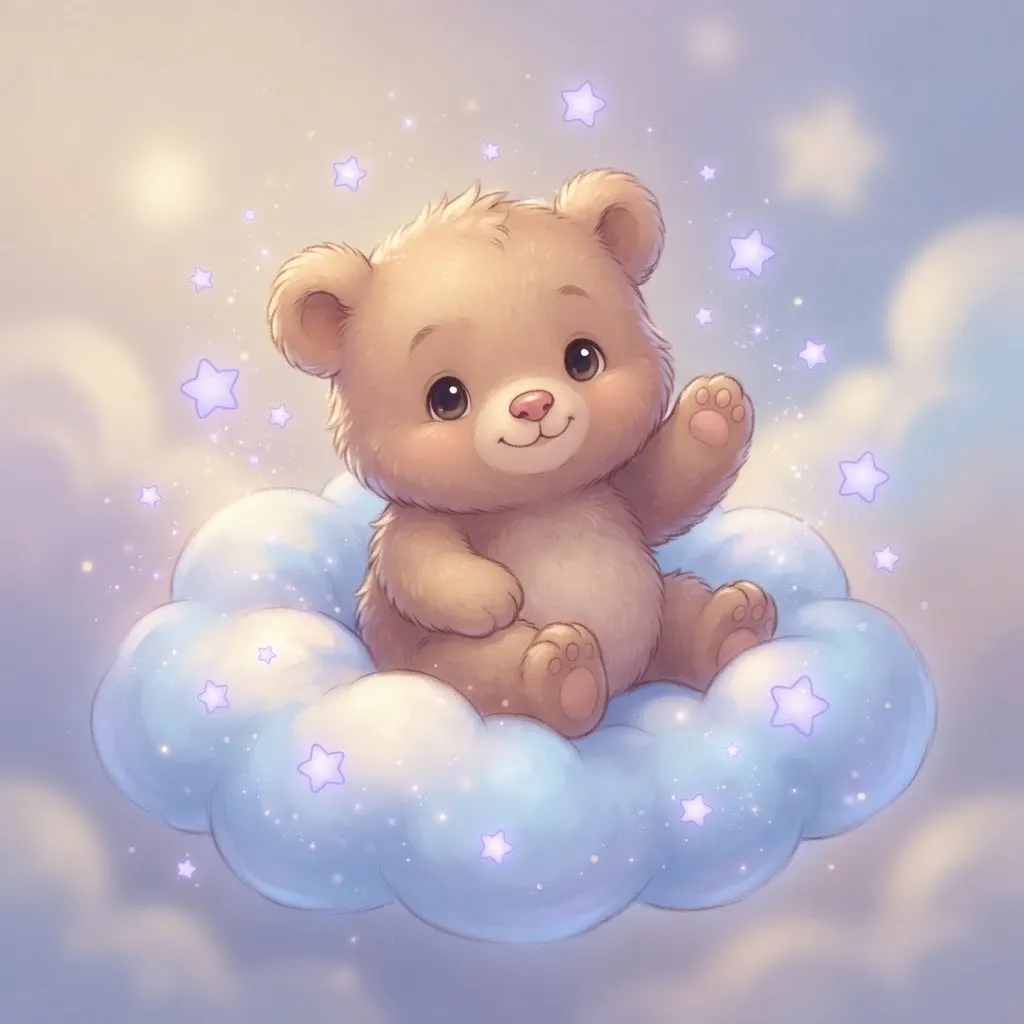
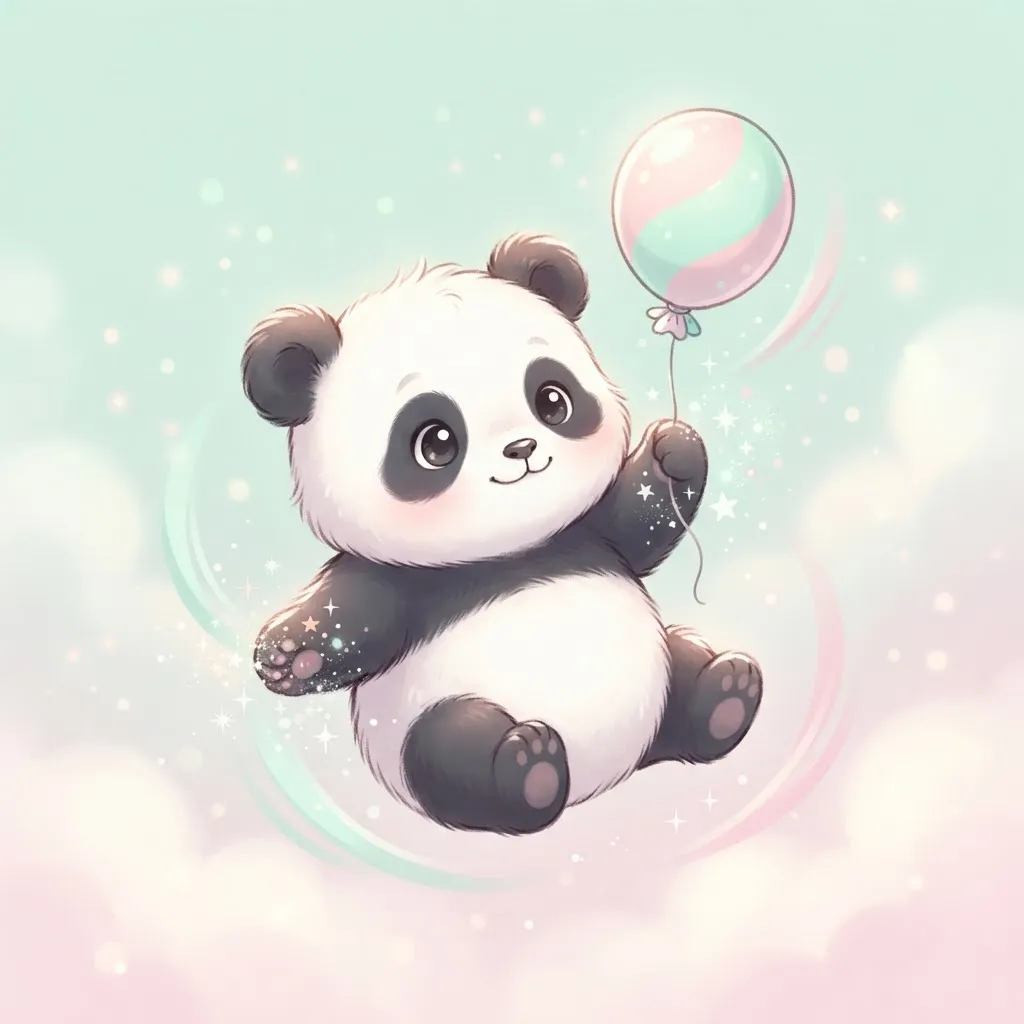
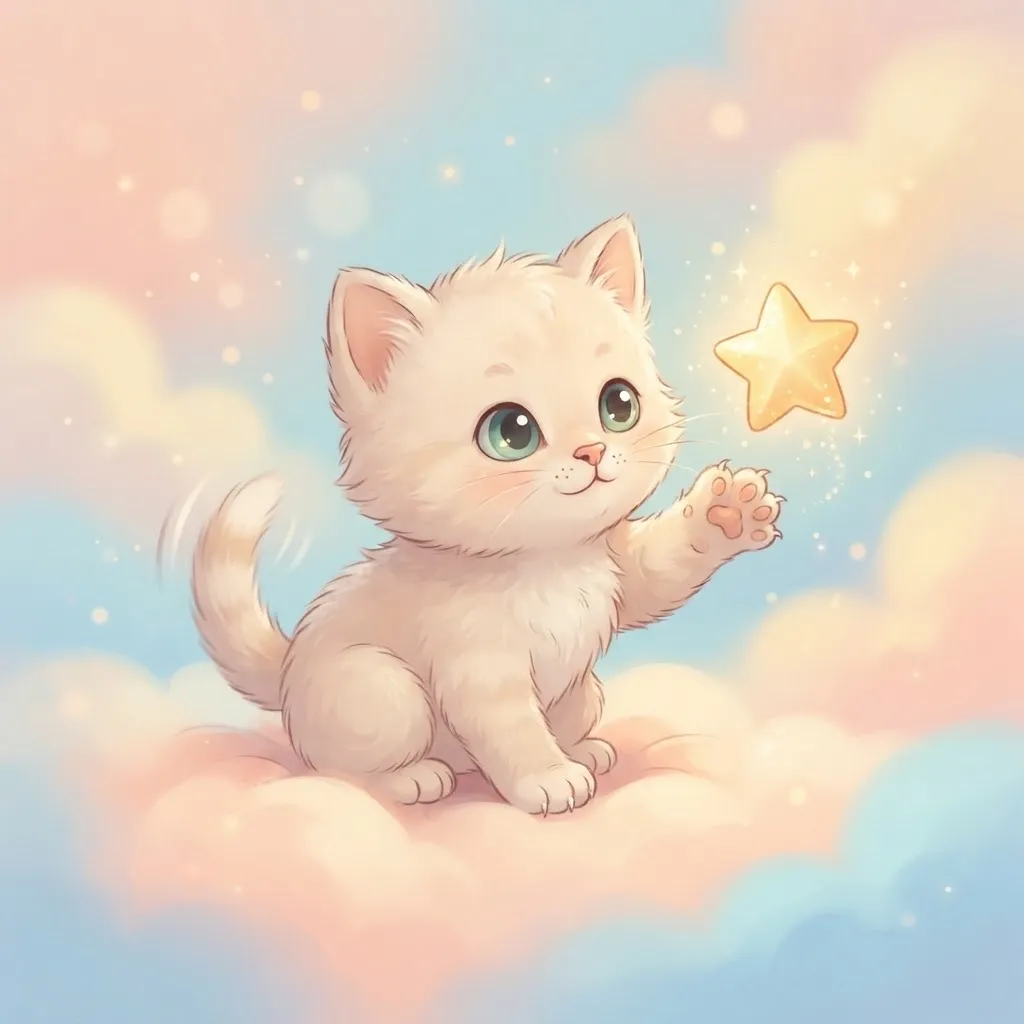
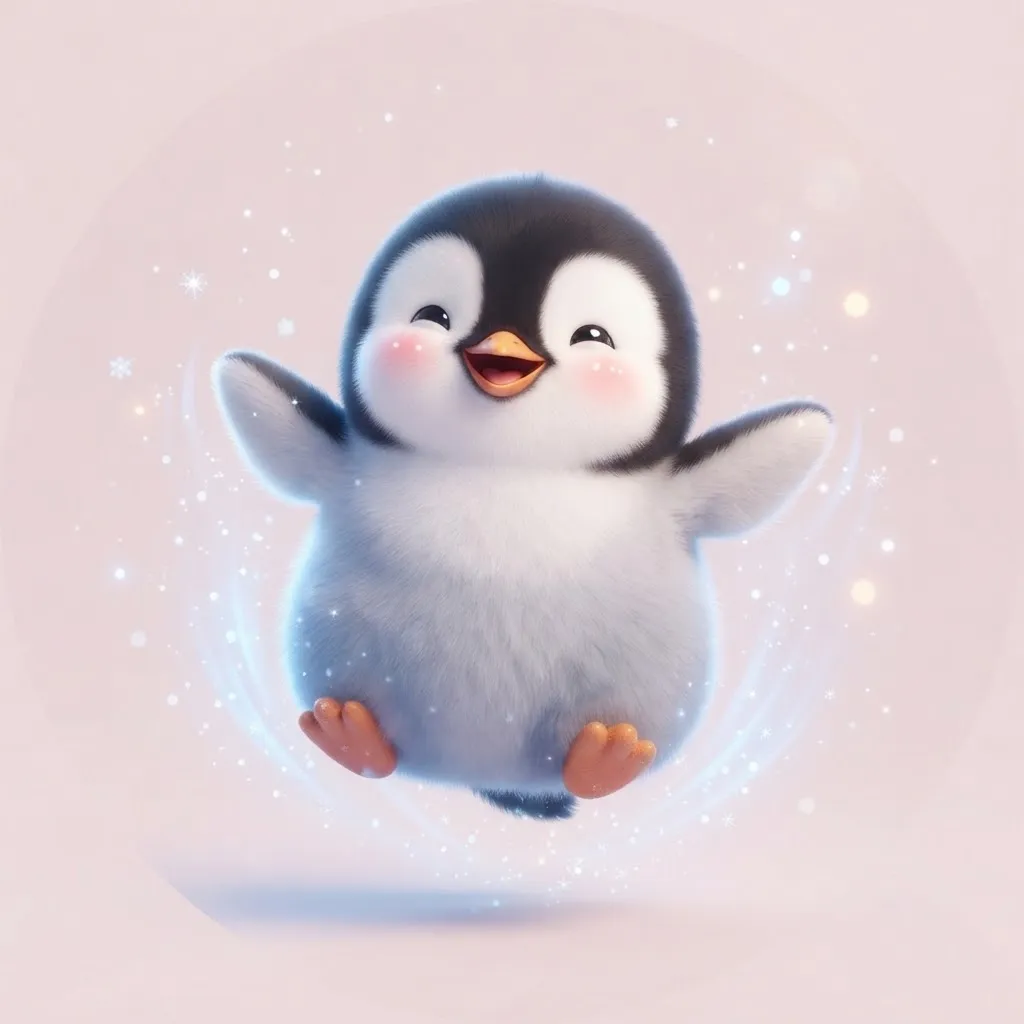
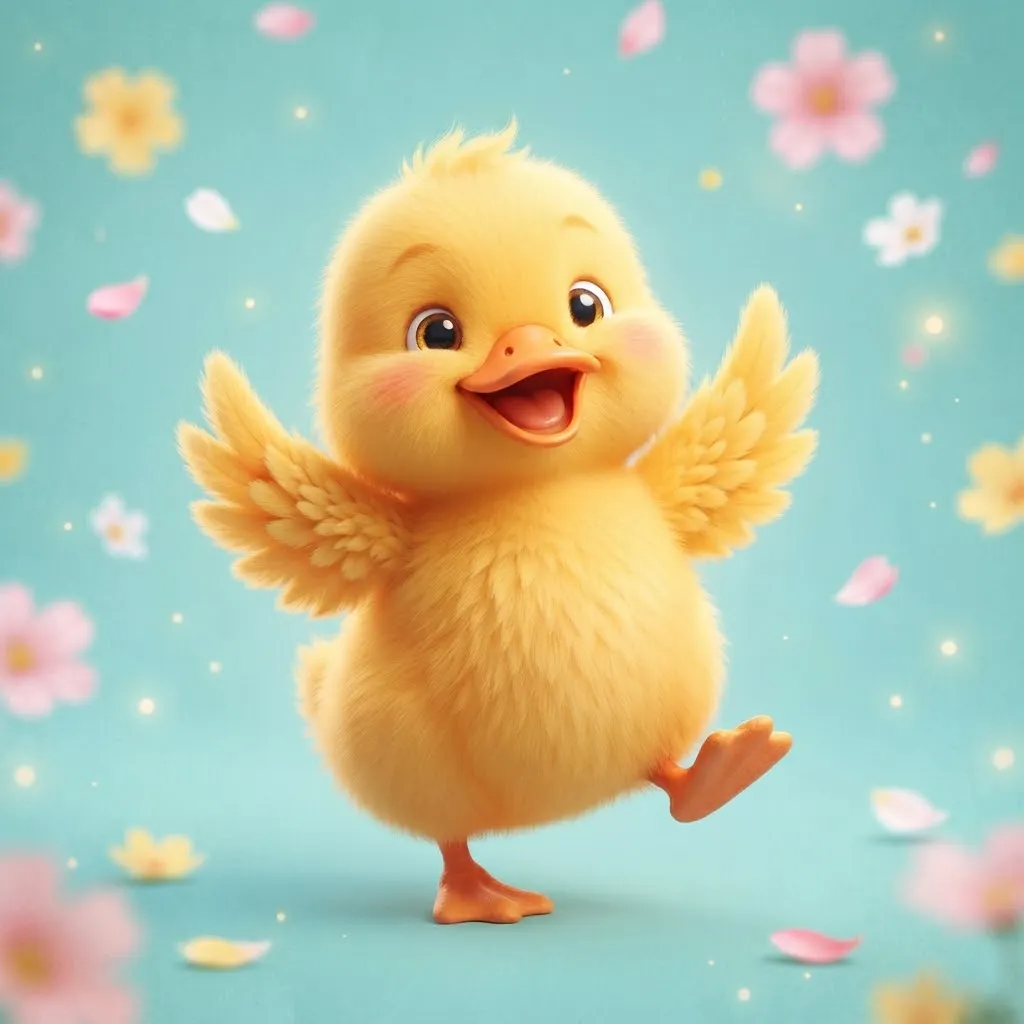
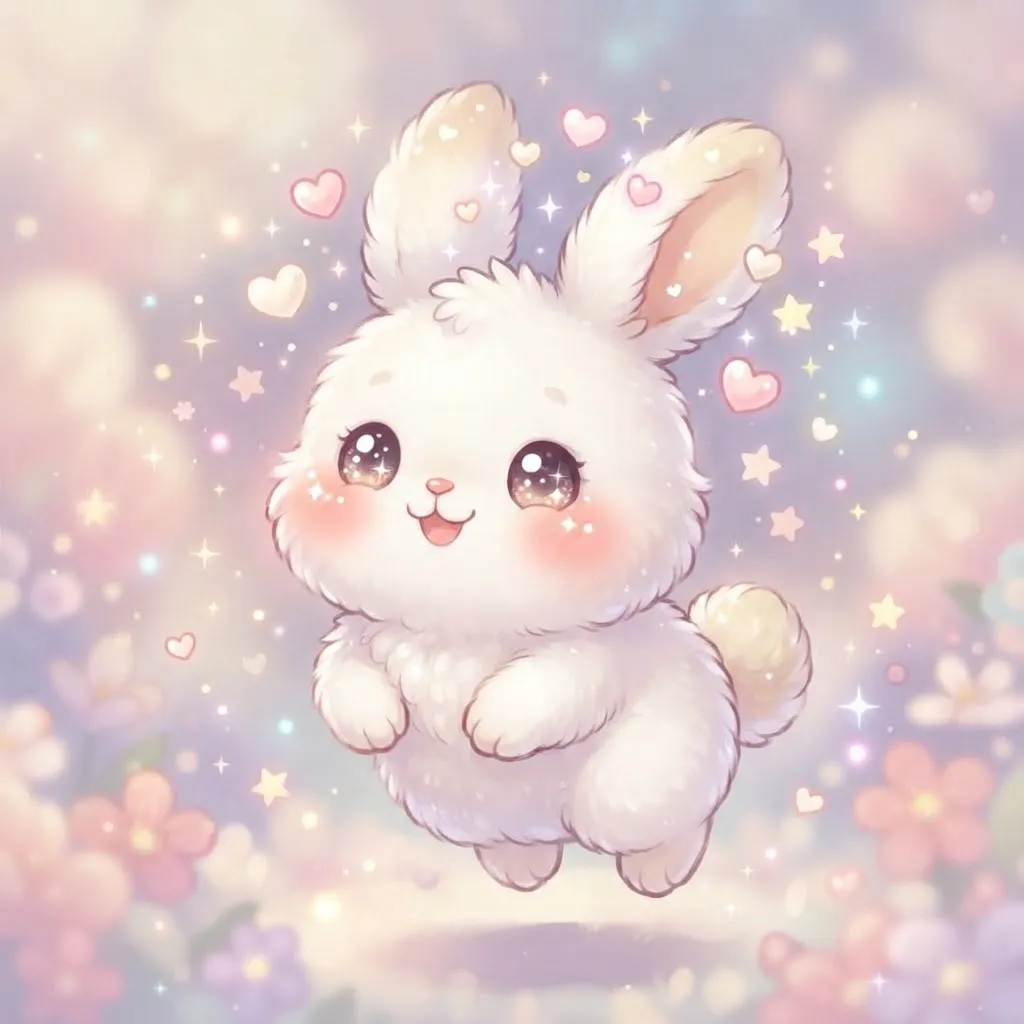
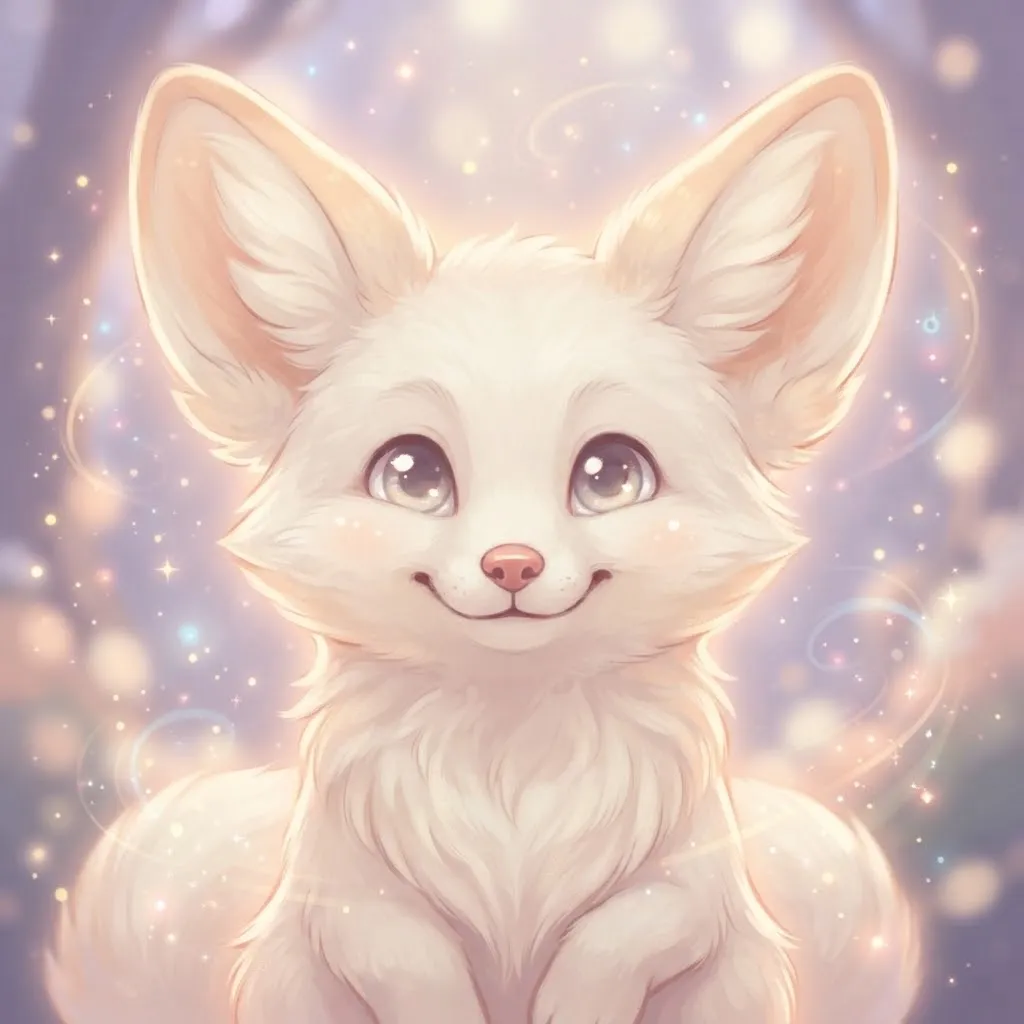
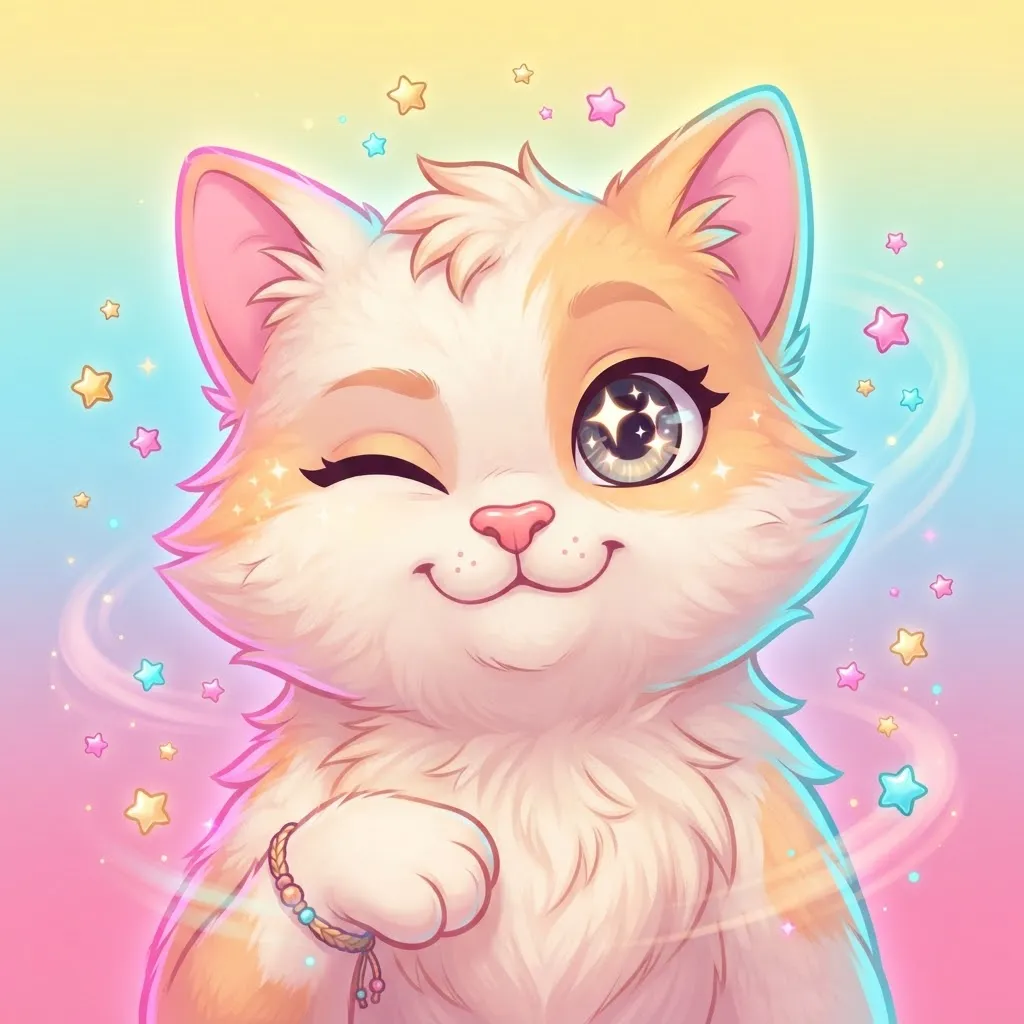
Bouncing bunnies, sleepy kittens, waving bears and hearts floating upward. These cute loops are soft and pastel. They pair nicely with a matching banner color, since gentle pinks and lavenders look calm against Discord’s dark theme.
Cute art also has a practical advantage: rounded shapes and big eyes survive heavy shrinking better than detailed scenery. Even in a crowded member list, a bouncing bunny still reads as a bouncing bunny.
Gojo Gif Pfp
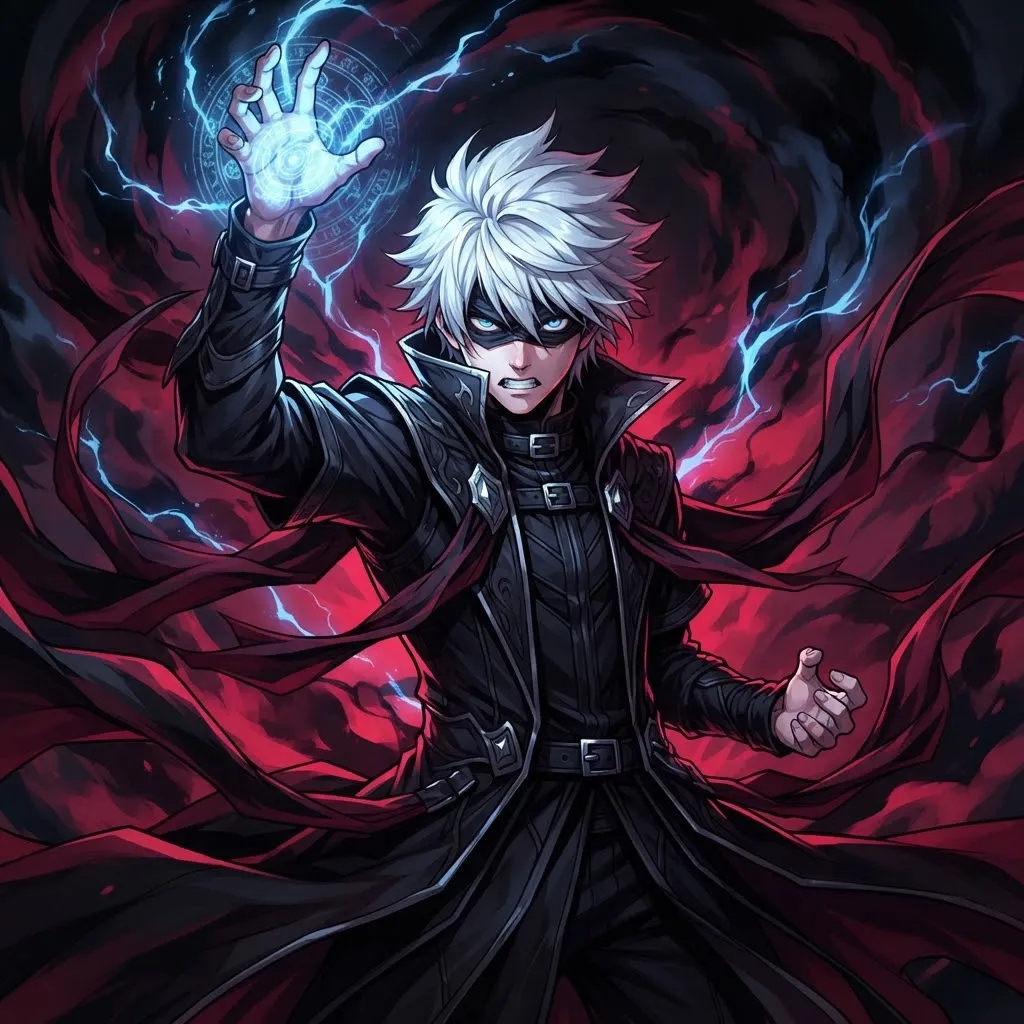
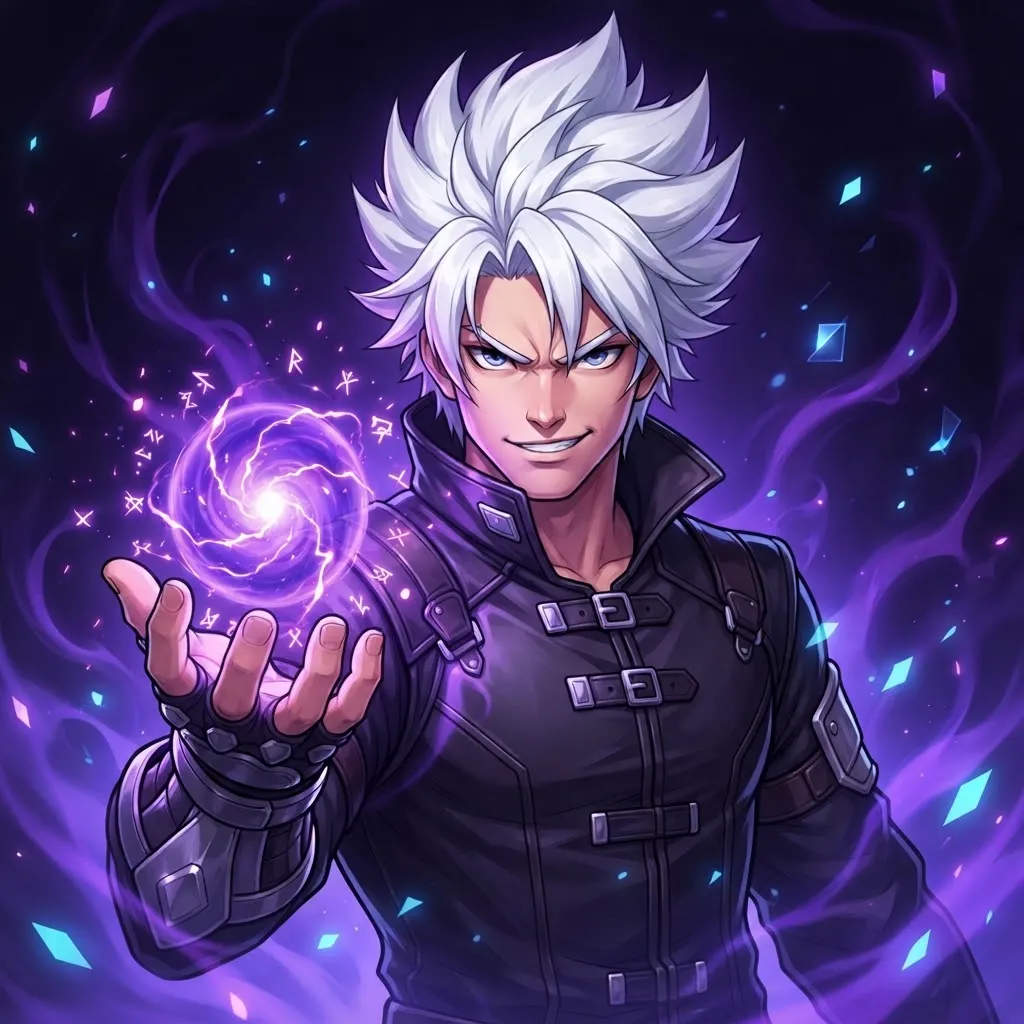
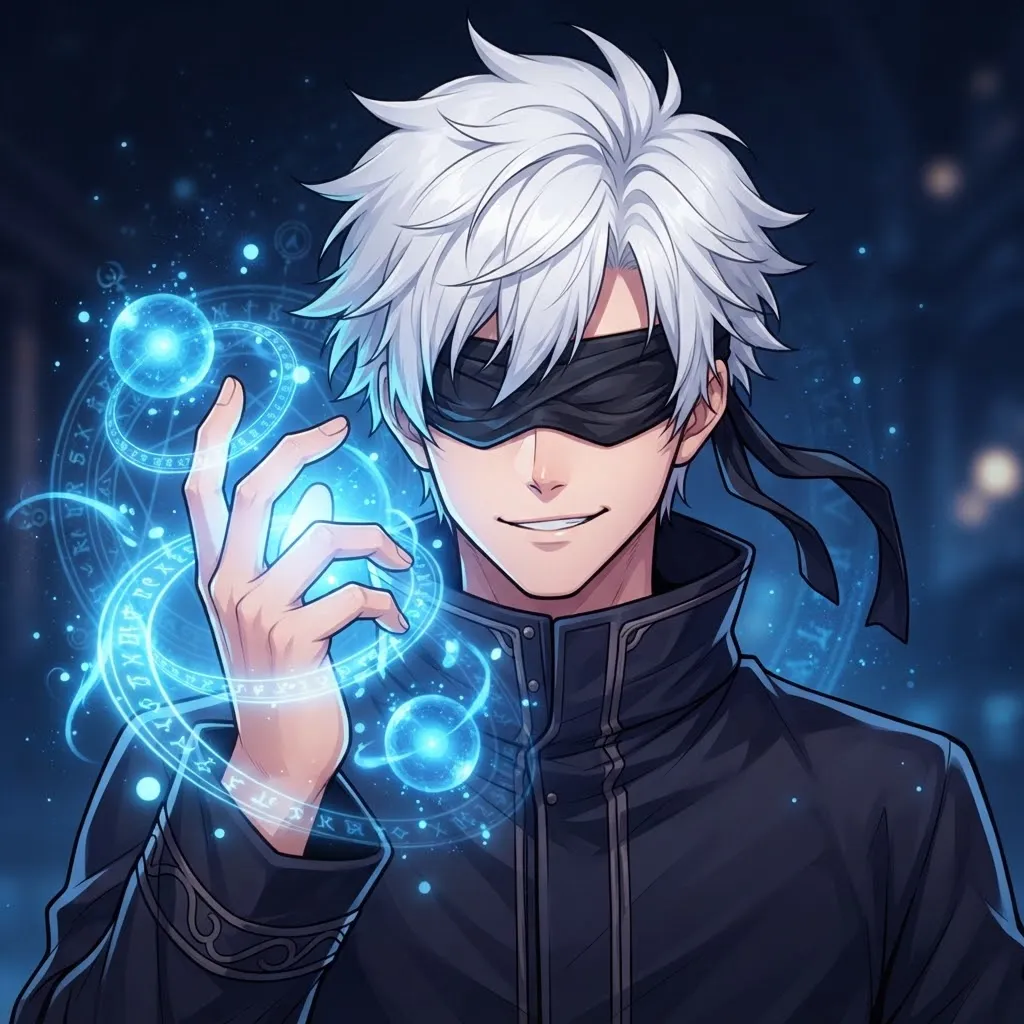
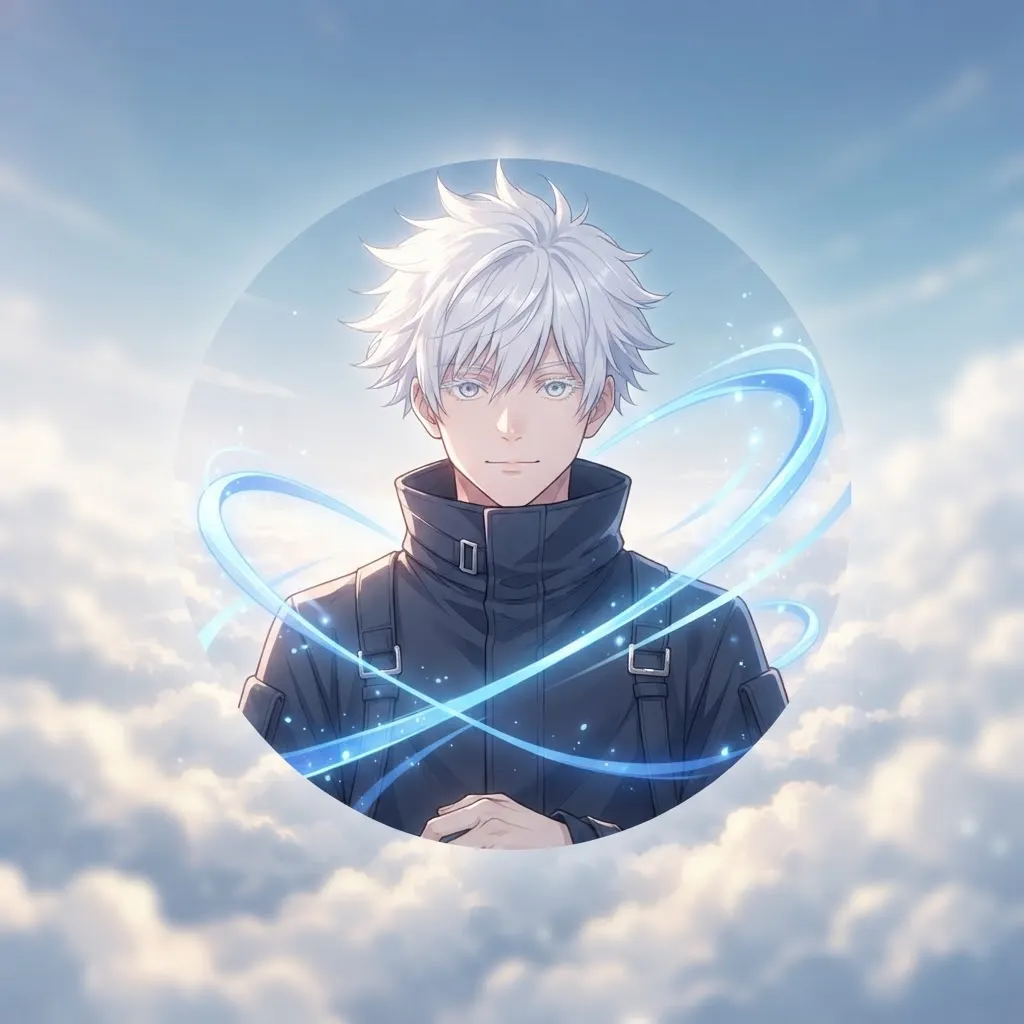
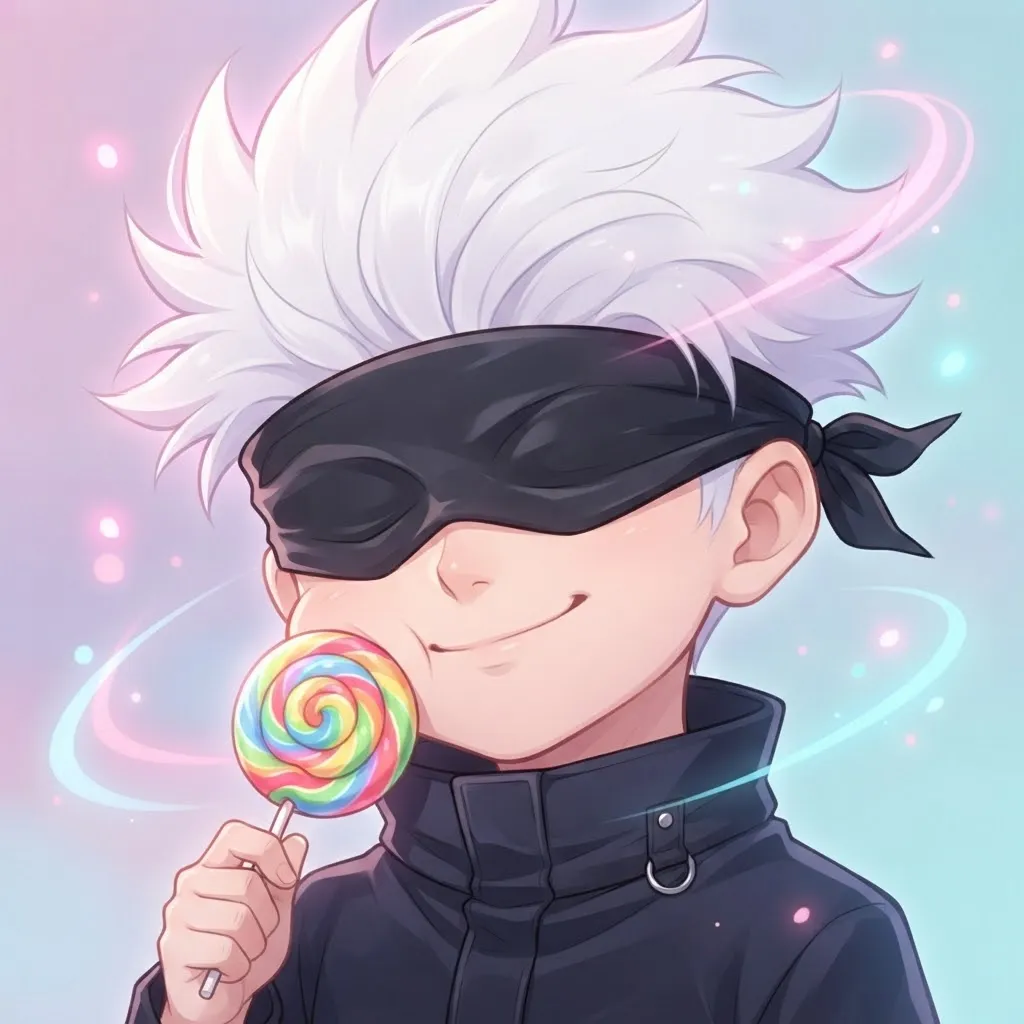
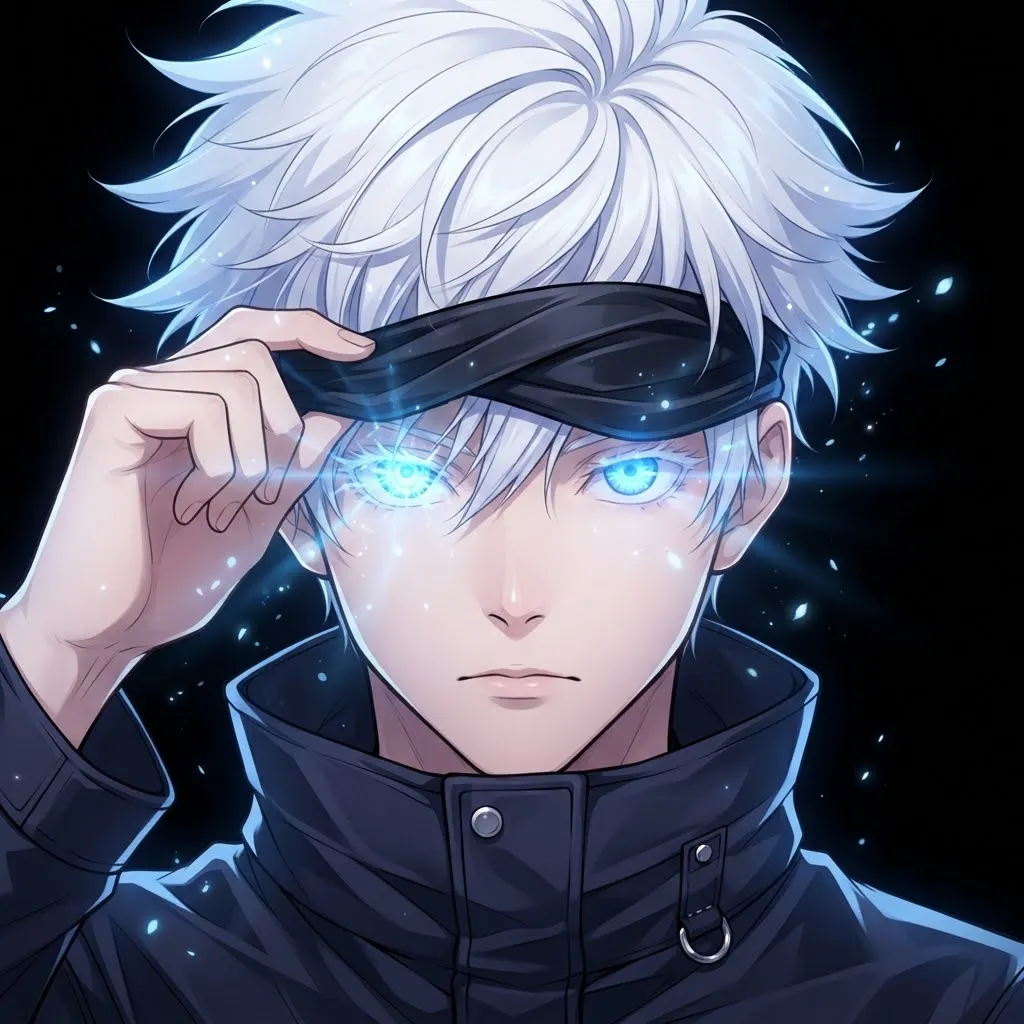
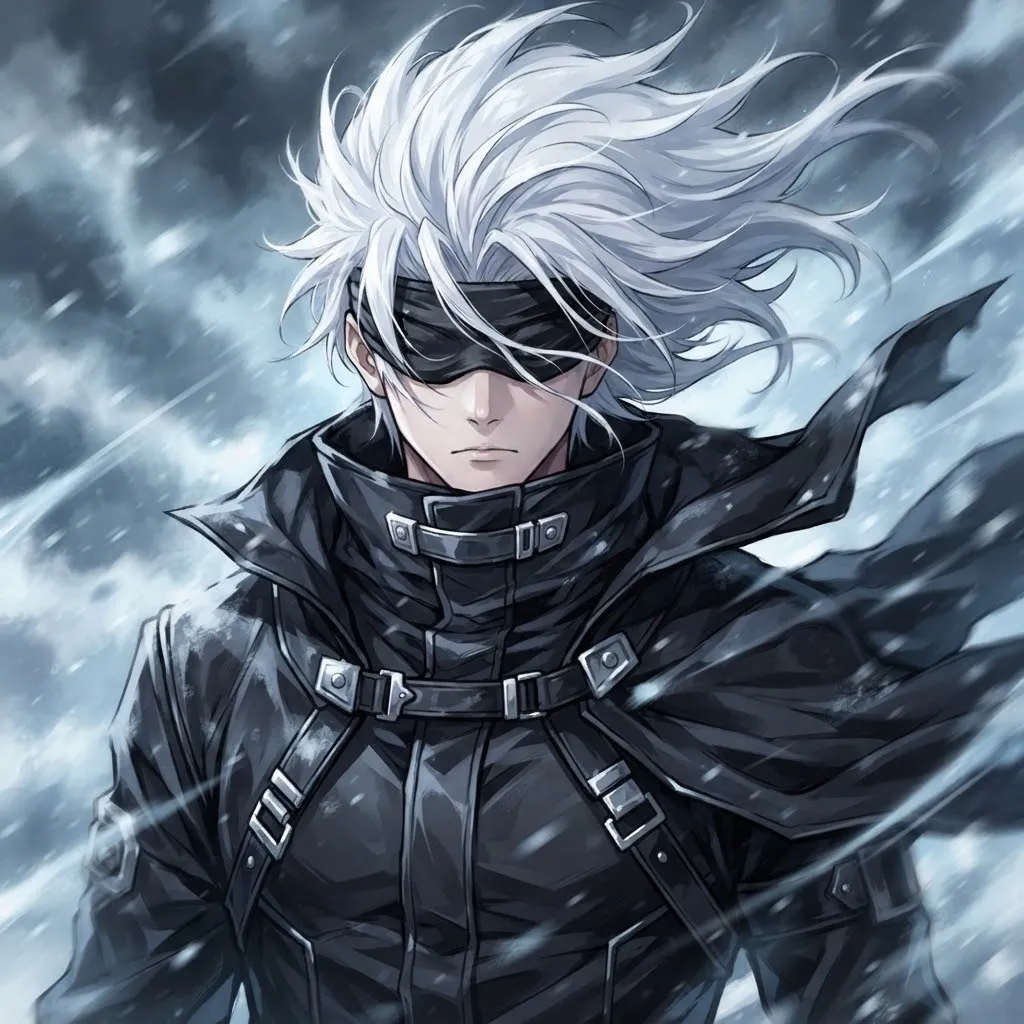
Satoru Gojo is one of the most requested characters for animated avatars, and it’s easy to see why: the blindfold lifting off, that piercing blue gaze and Infinity effects shimmering around him. These loops are original fan art.
Gojo is from Jujutsu Kaisen by Gege Akutami, and we’re not affiliated with the series. If you want still versions too, our separate Gojo collection has dozens.
Dark Dark Gif Pfp
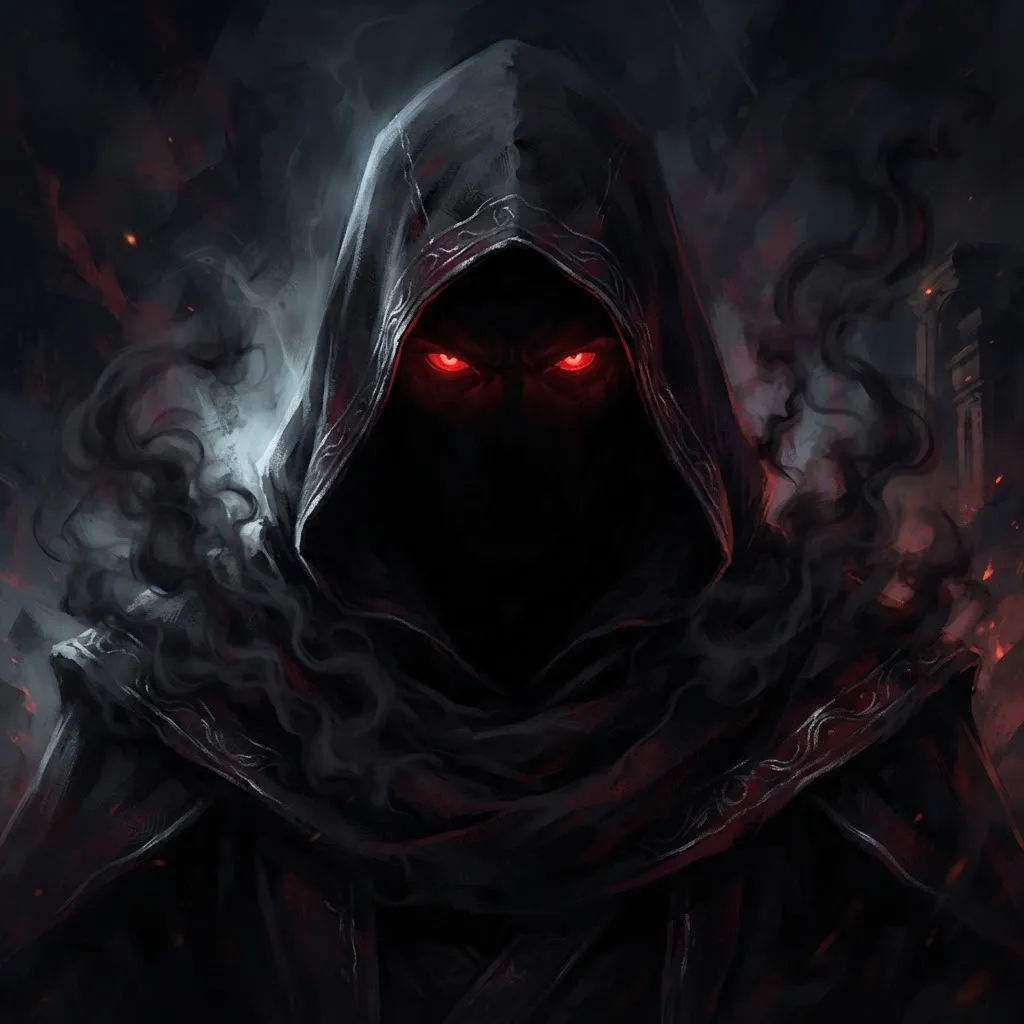
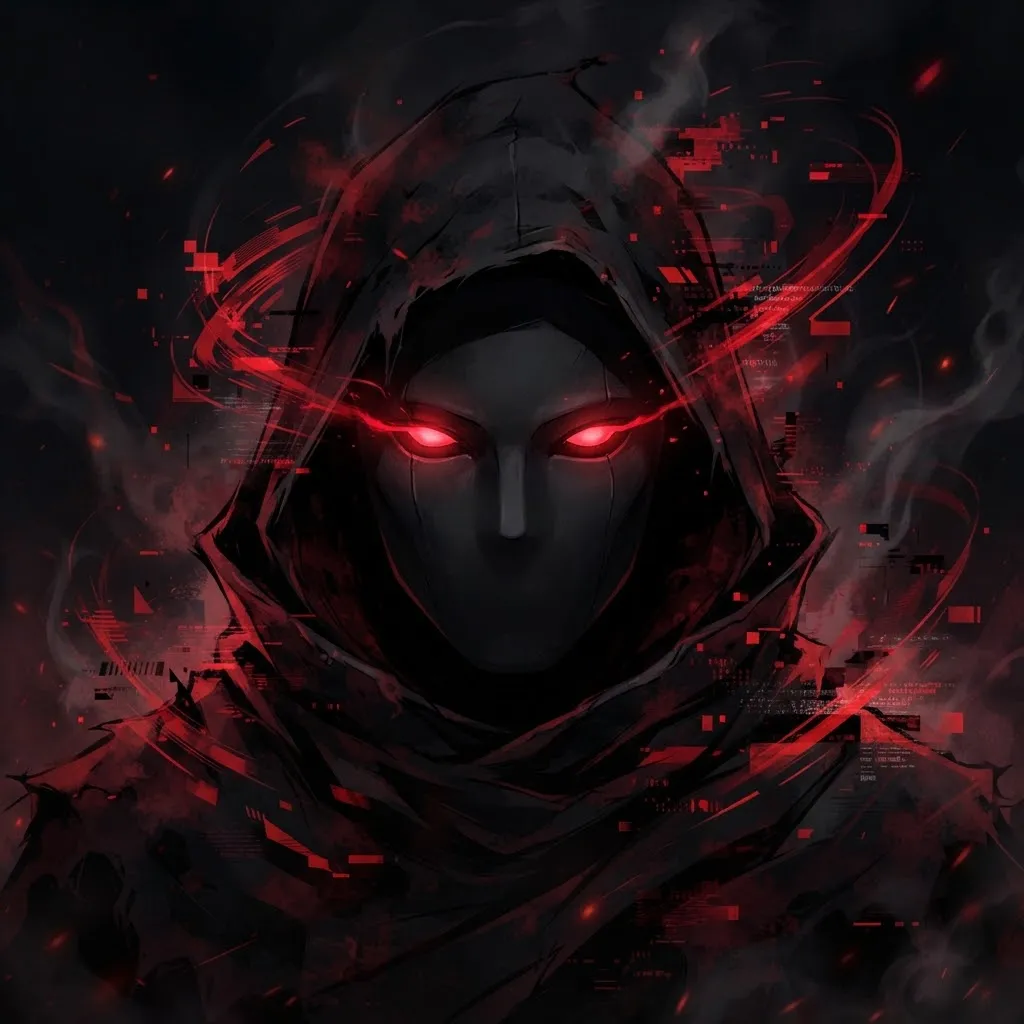
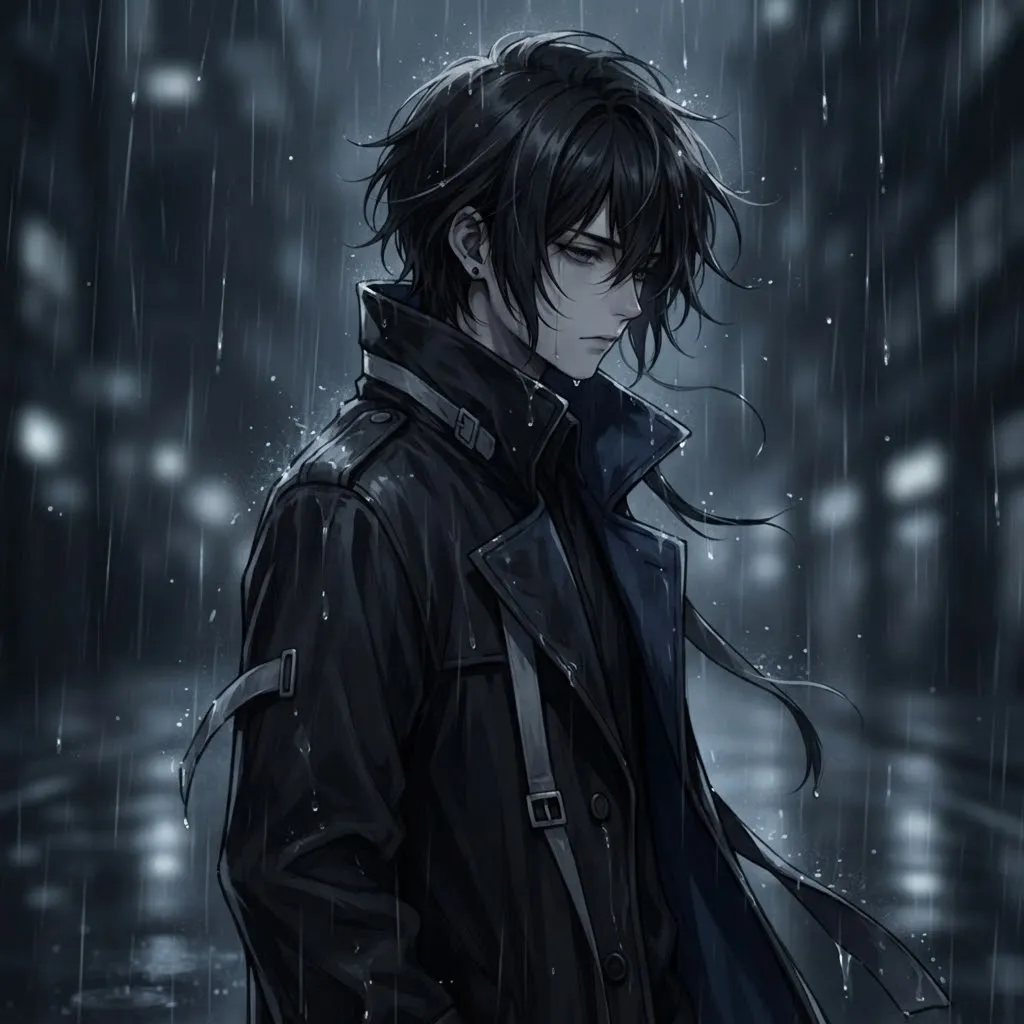
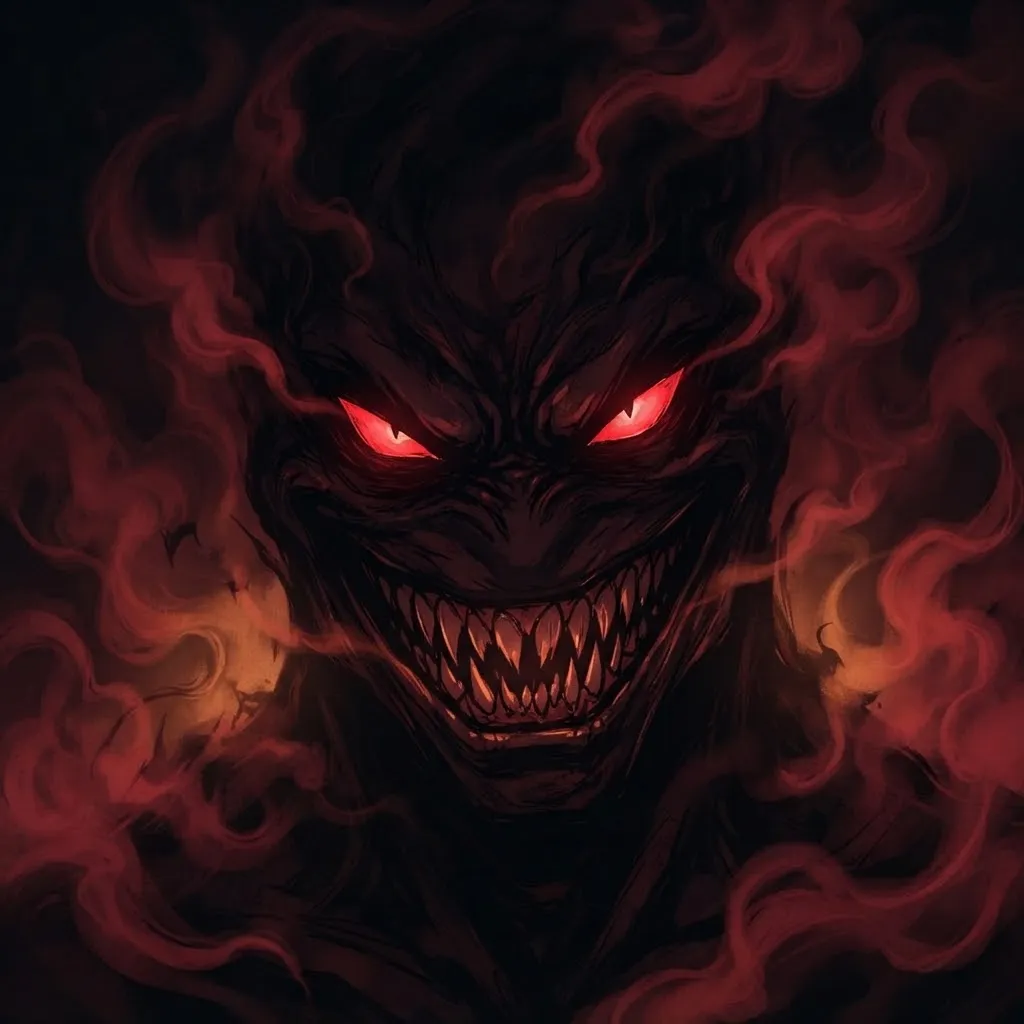
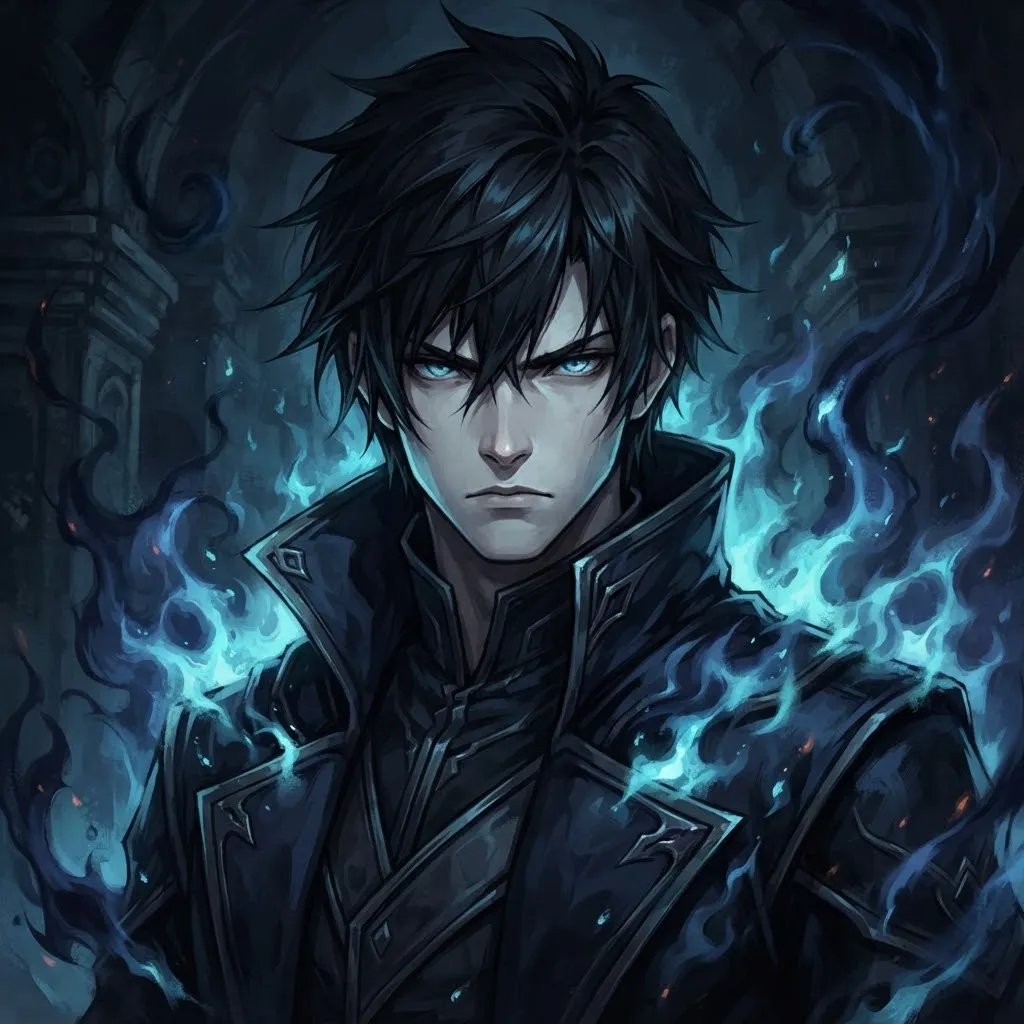
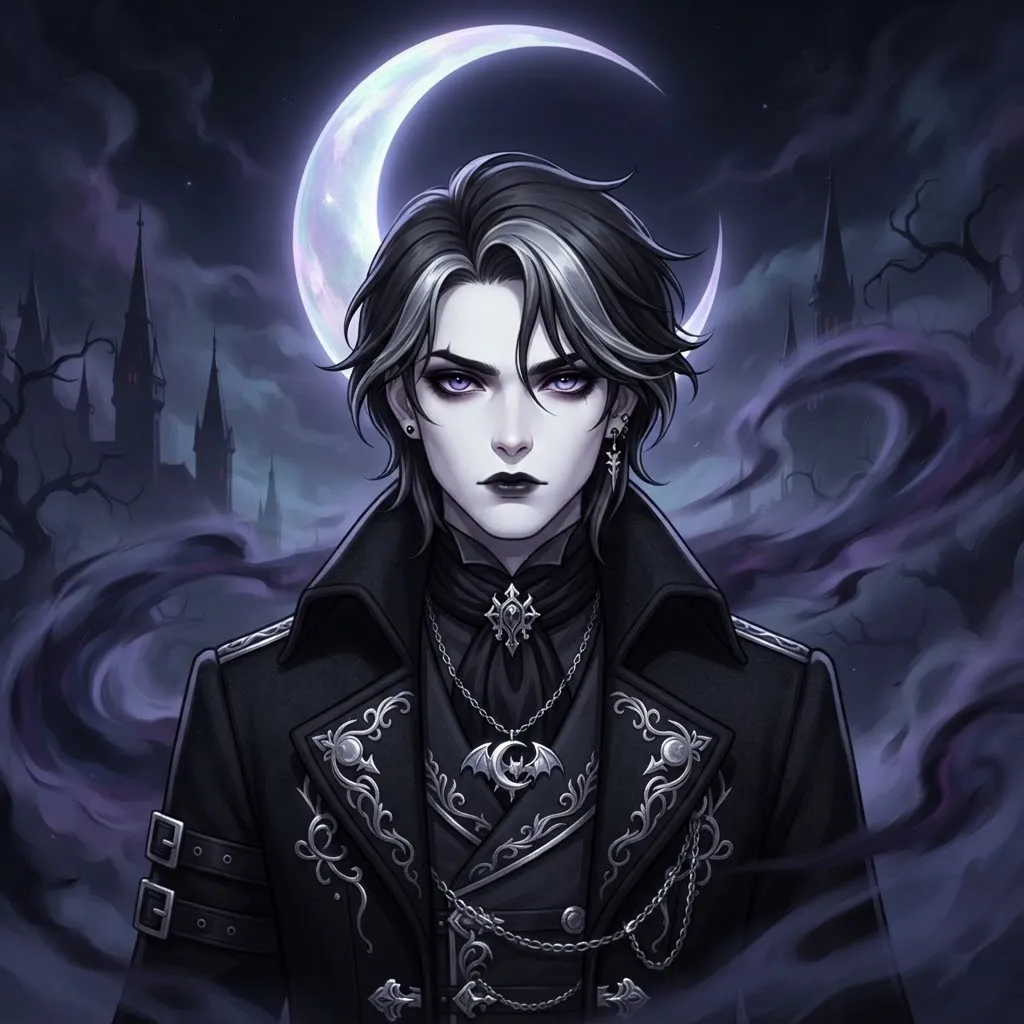
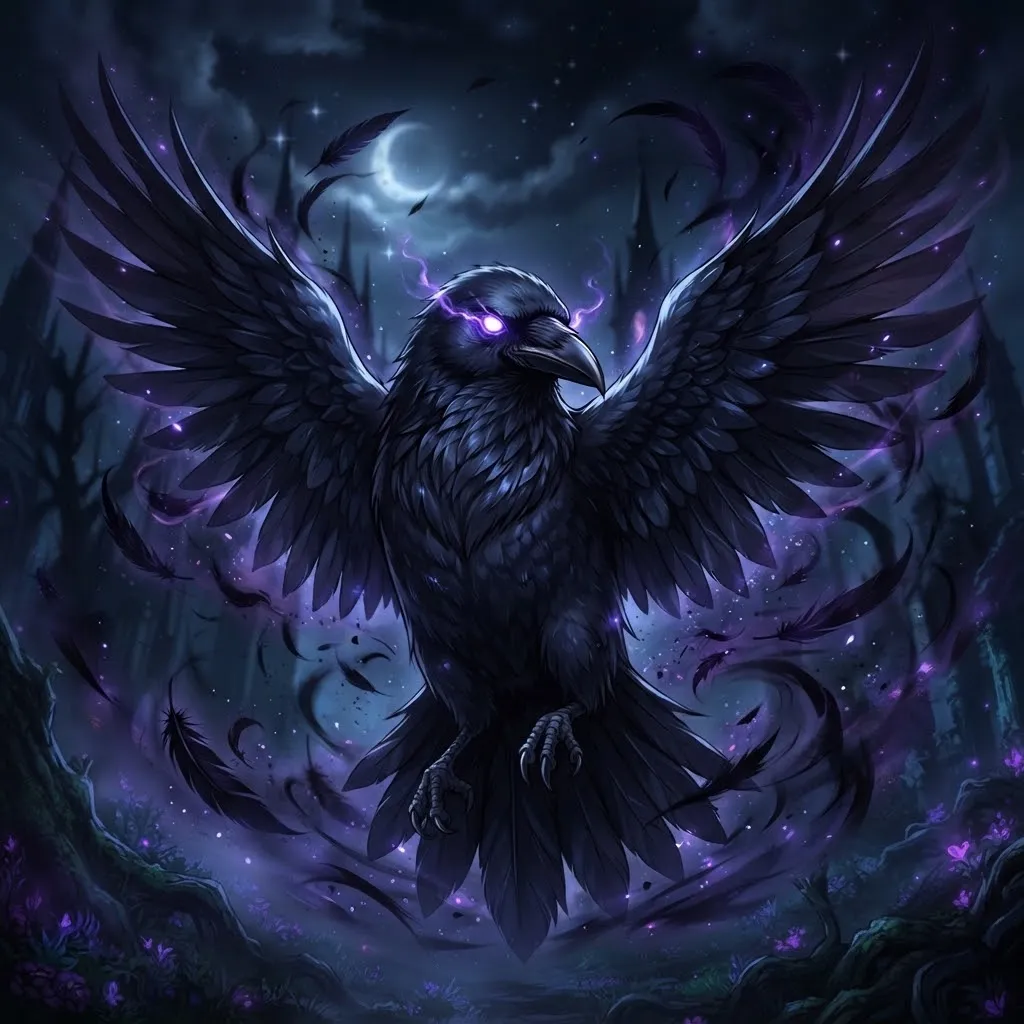
This second dark group goes heavier: horror-movie static, faces appearing in mirrors, shadows crawling across walls. Not for everyone, and that’s the point. If your server has a no-jumpscare rule, skip the ones with sudden reveals.
Since horror loops can be intense, think about your audience. A server full of horror fans will love a slow creeping shadow. A general hangout might not appreciate a face suddenly popping up next to every message.
Aesthetic Gif Pfp
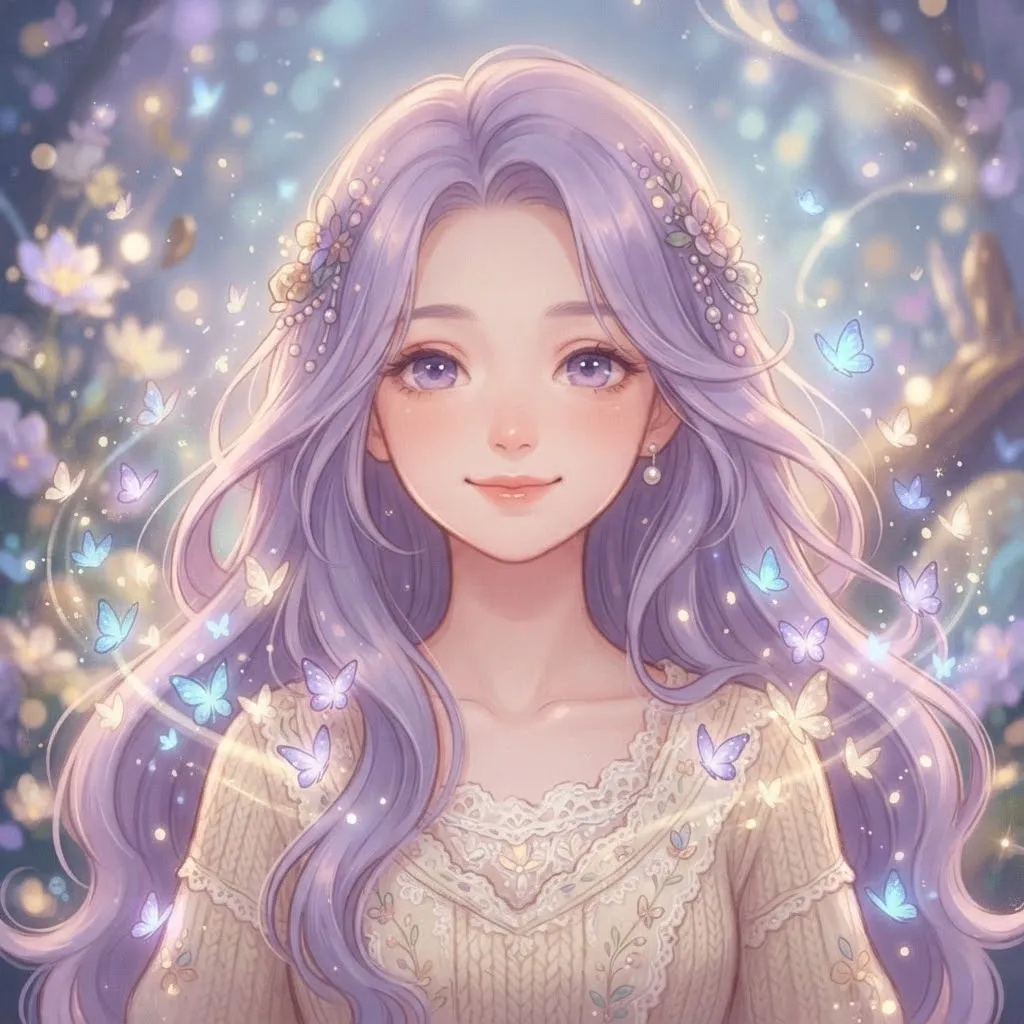
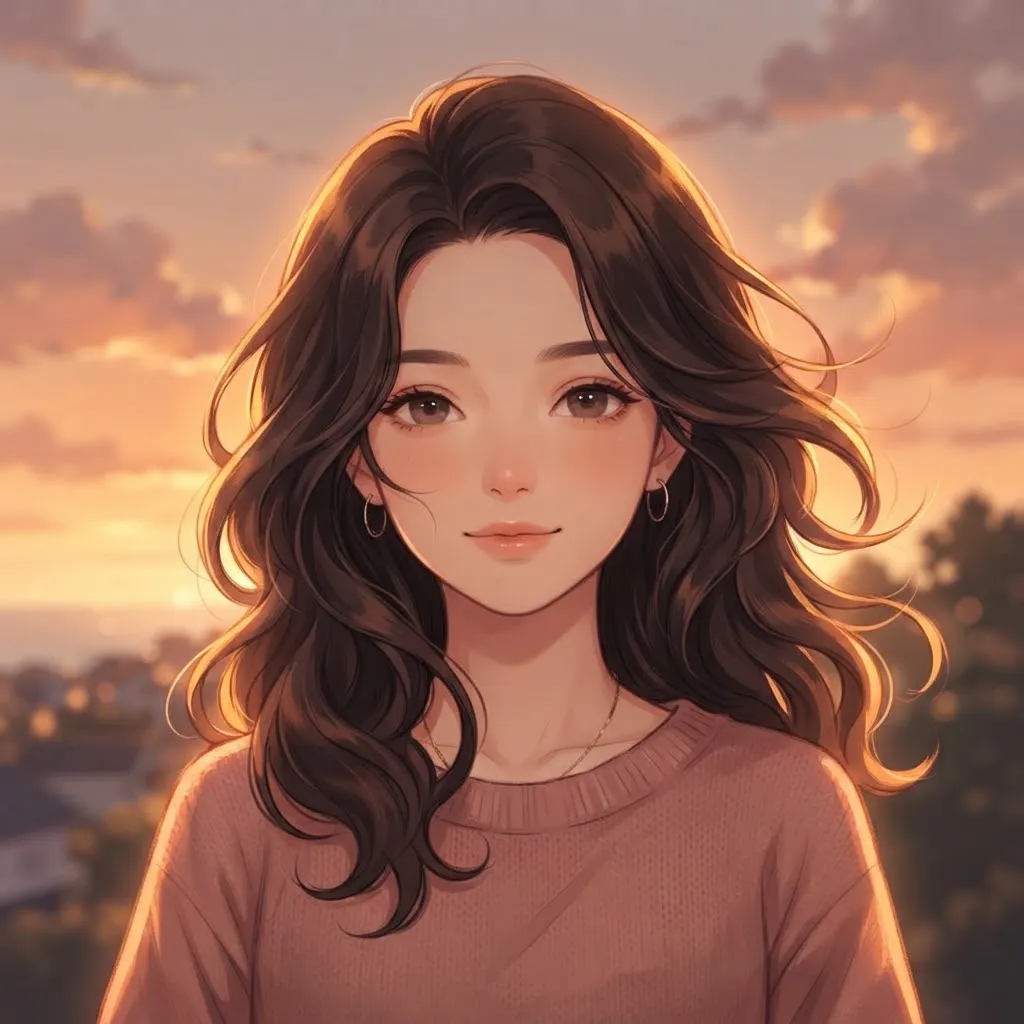
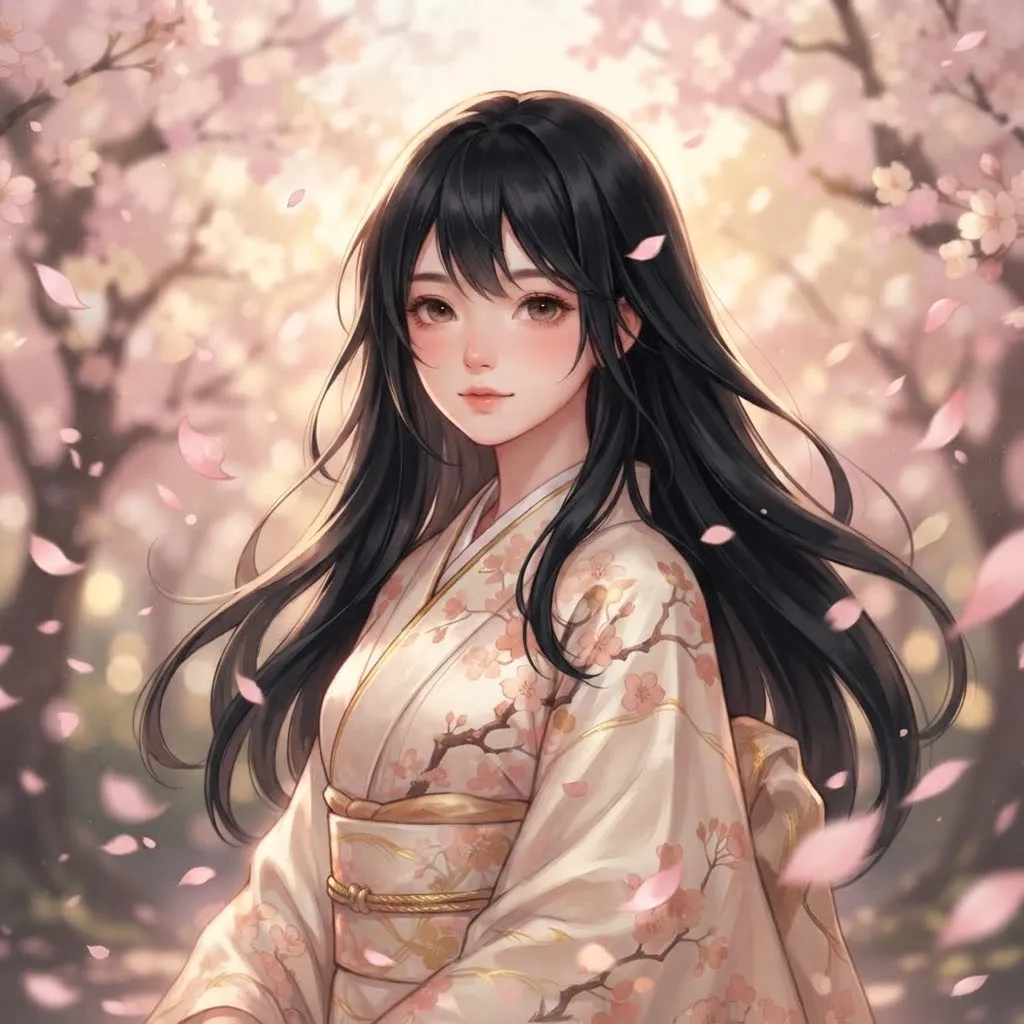
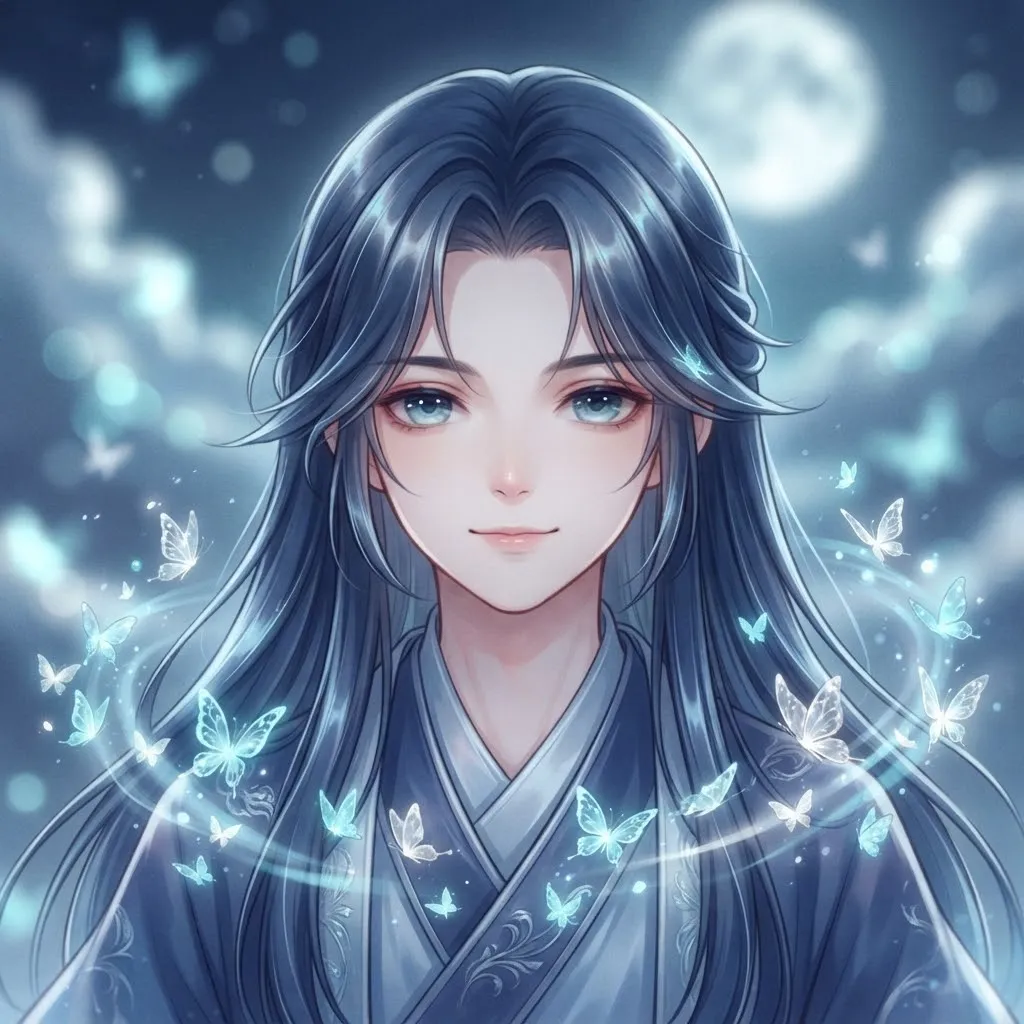
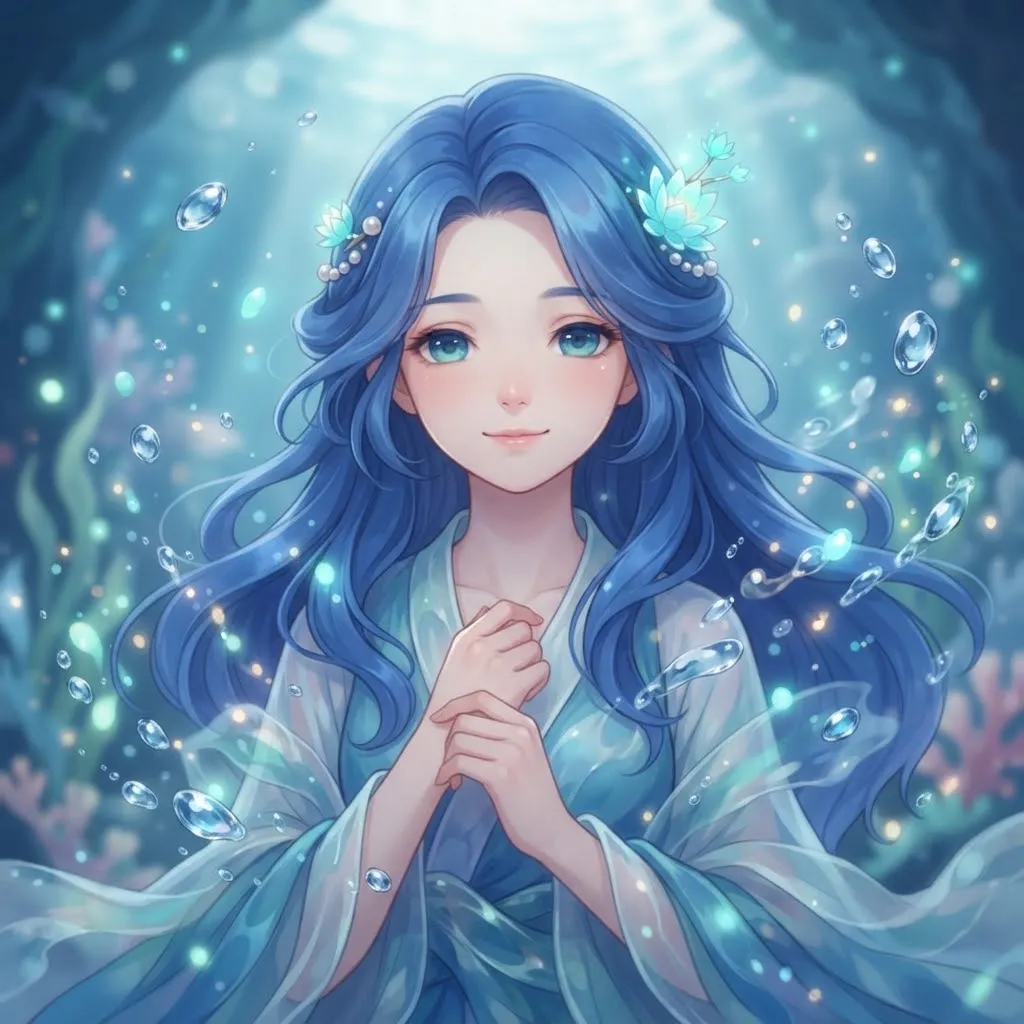
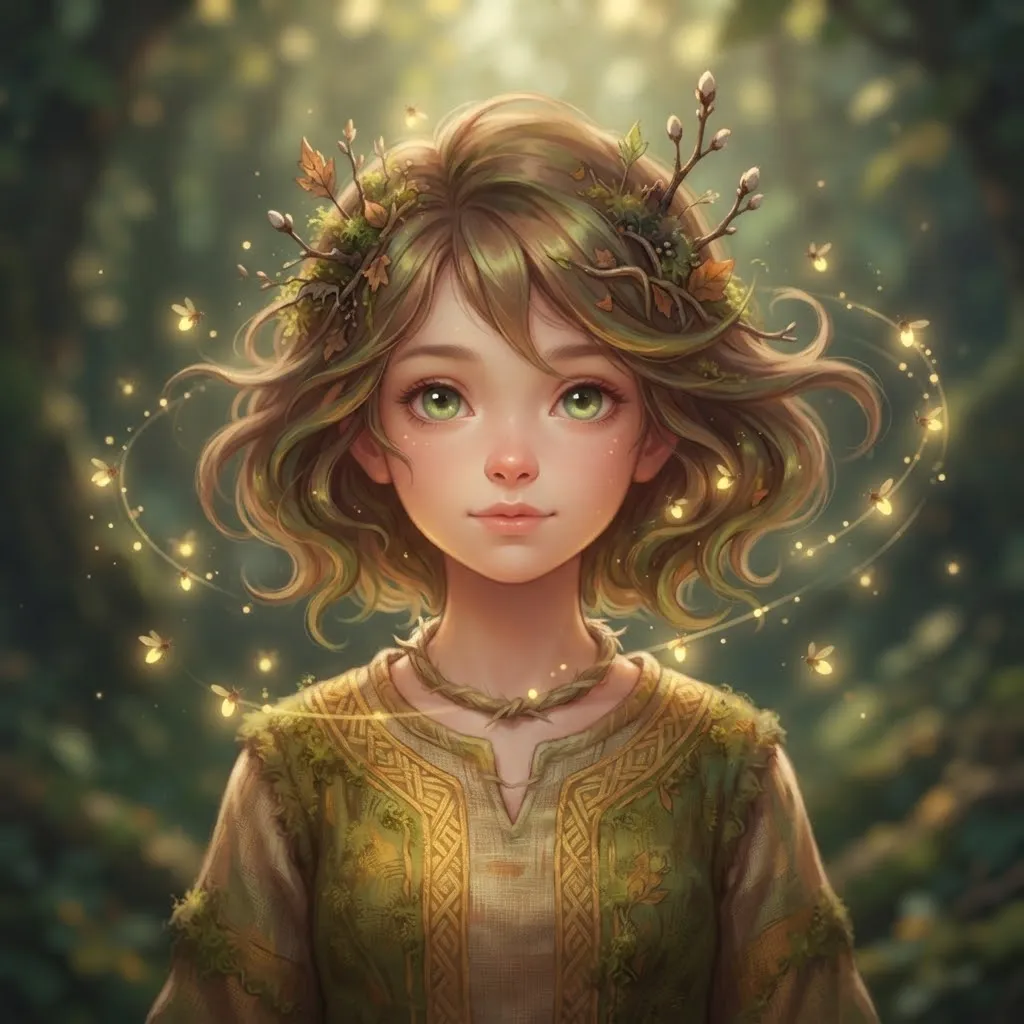
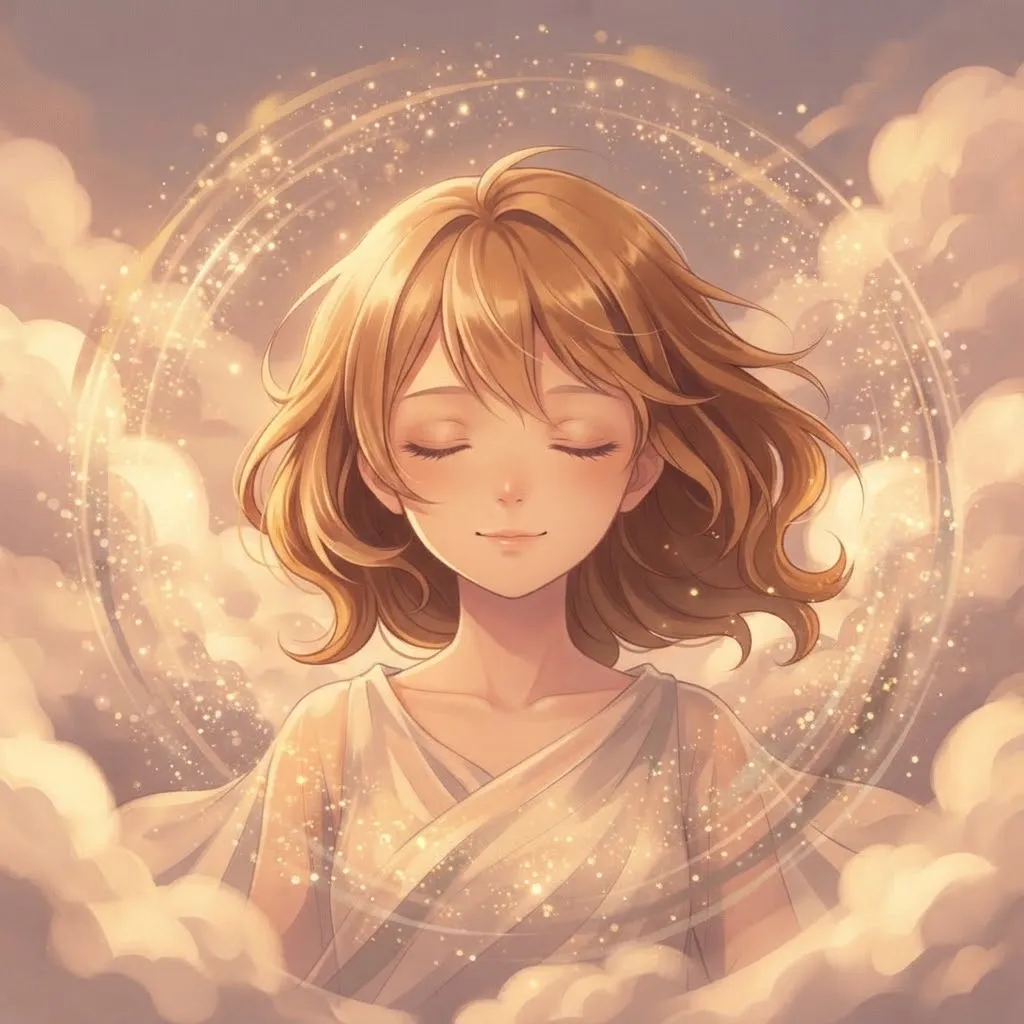
Aesthetic loops are mostly about mood and color: film grain flickering, sunsets shifting tone, petals drifting past, a lo-fi bedroom with rain outside. Nothing dramatic happens, and that’s why they feel so calm. They pair well with a soft profile theme.
Frame rate matters more than people expect here. Aesthetic loops look dreamier at a lower frame rate, around 10 to 15 frames per second, which also keeps the file small. Fast, smooth motion works for action, but calm moods benefit from a slower, softer rhythm.
Best Gif Pfp for Discord
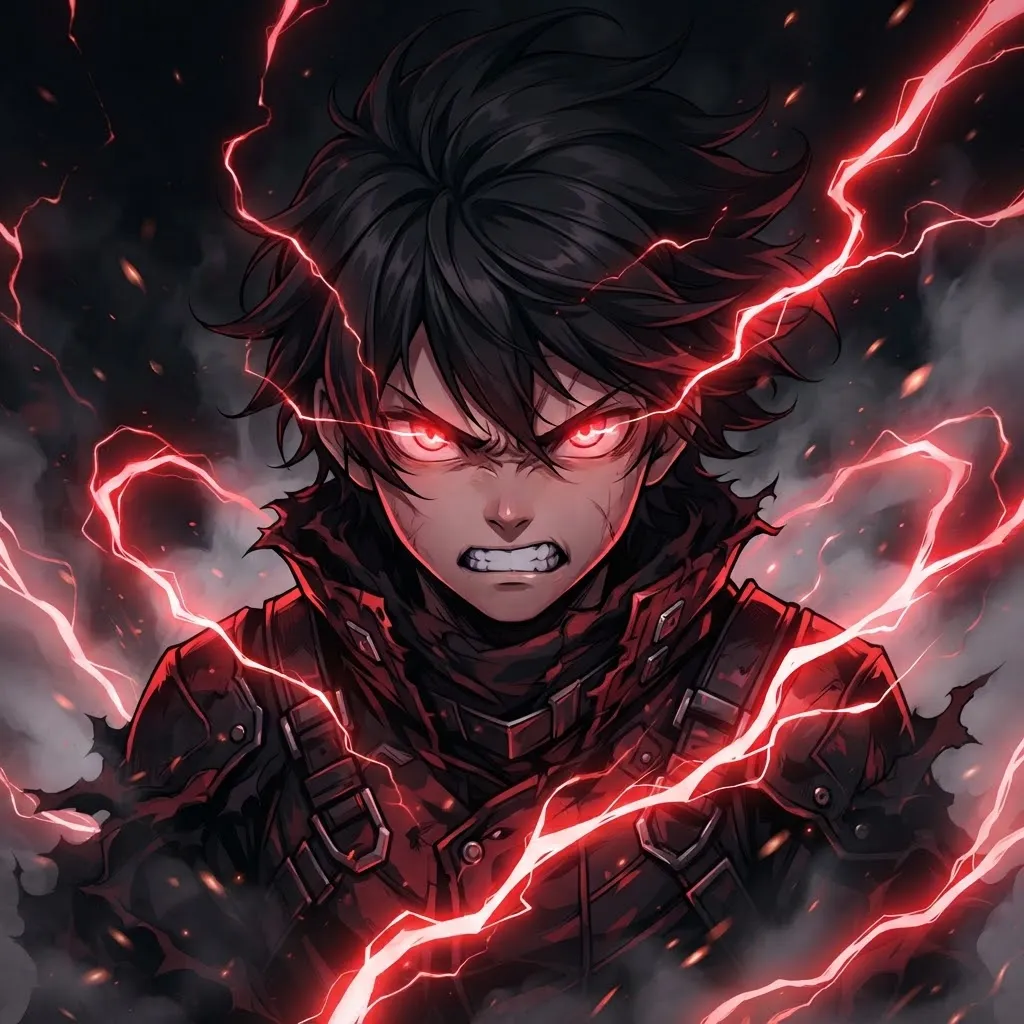
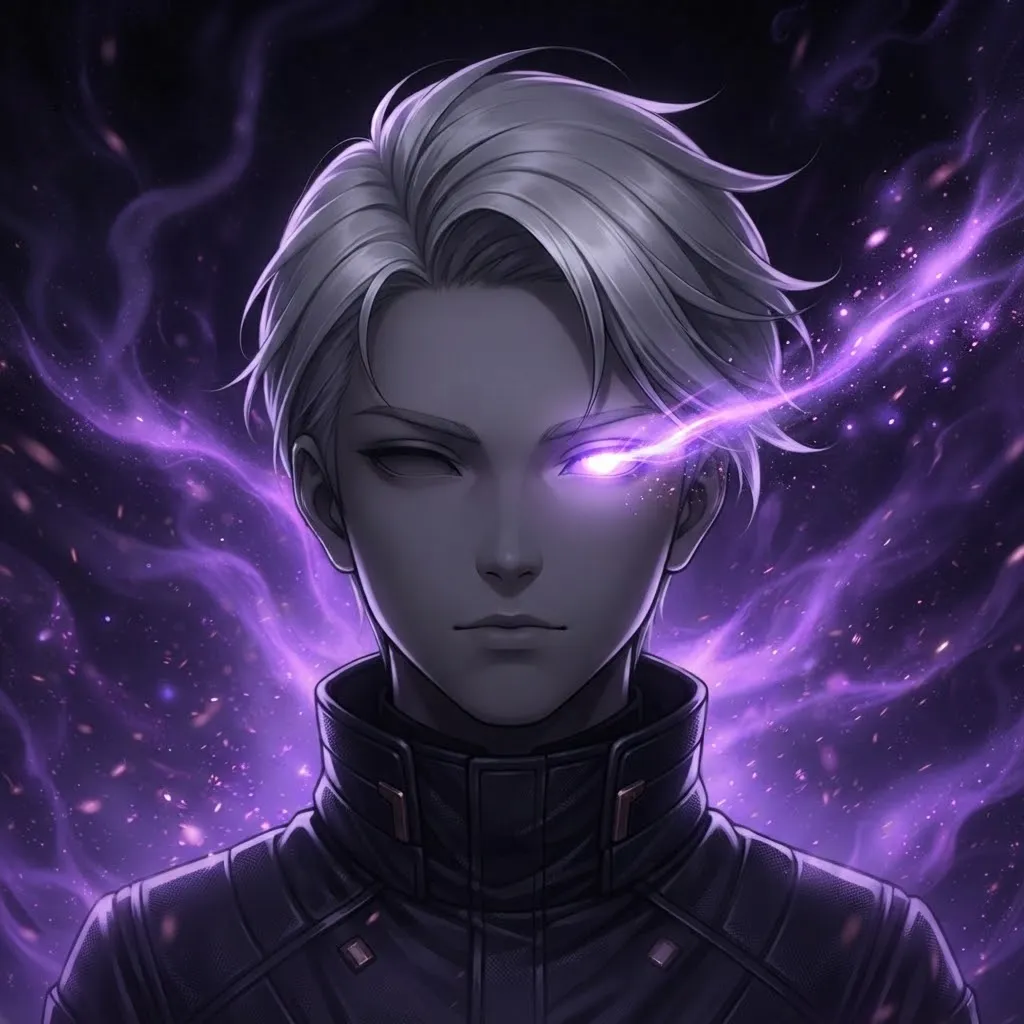
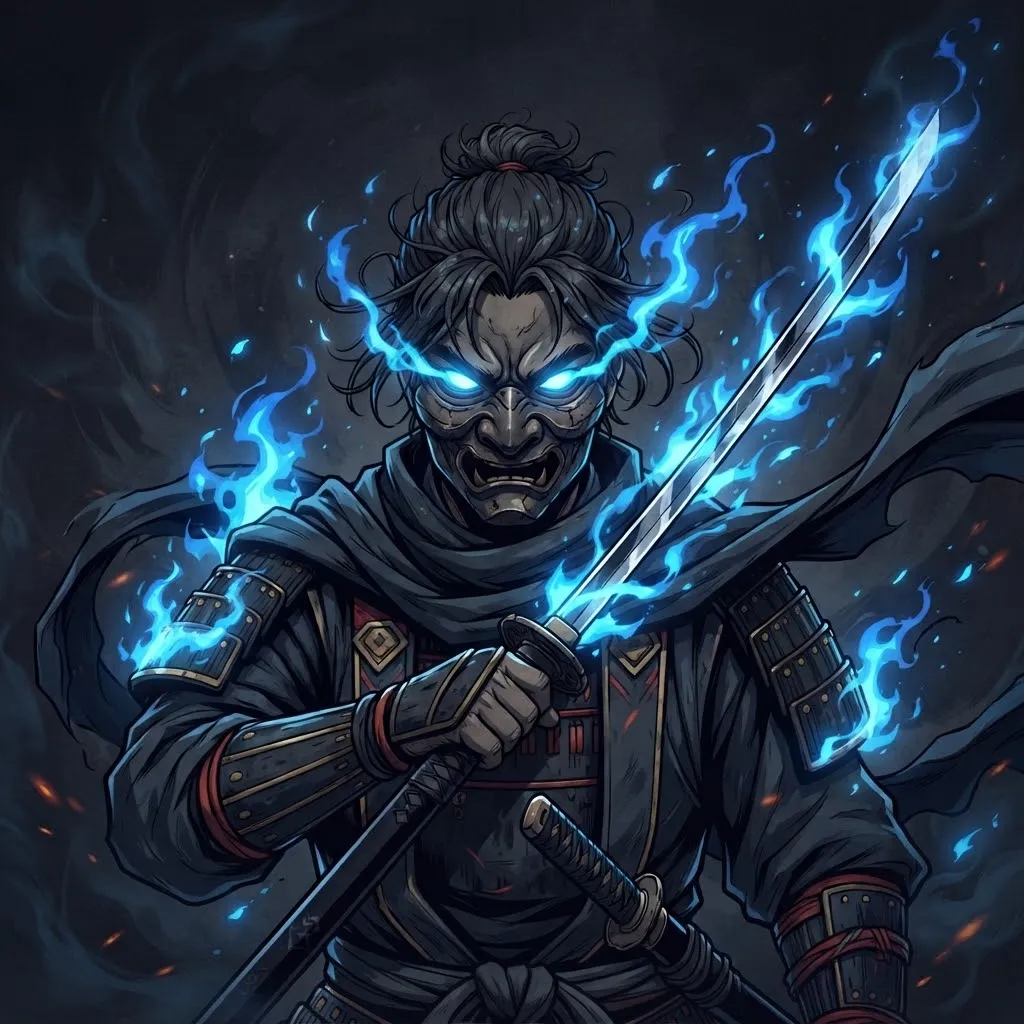
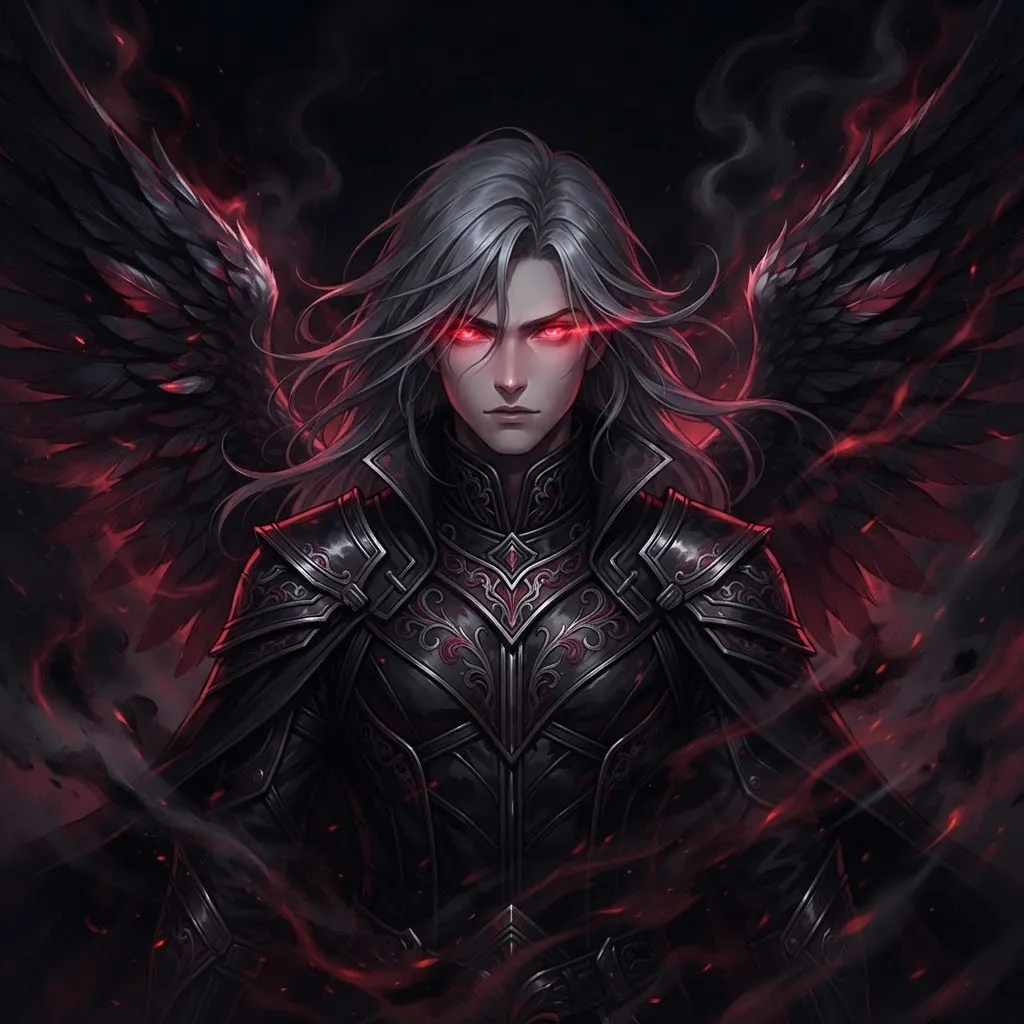
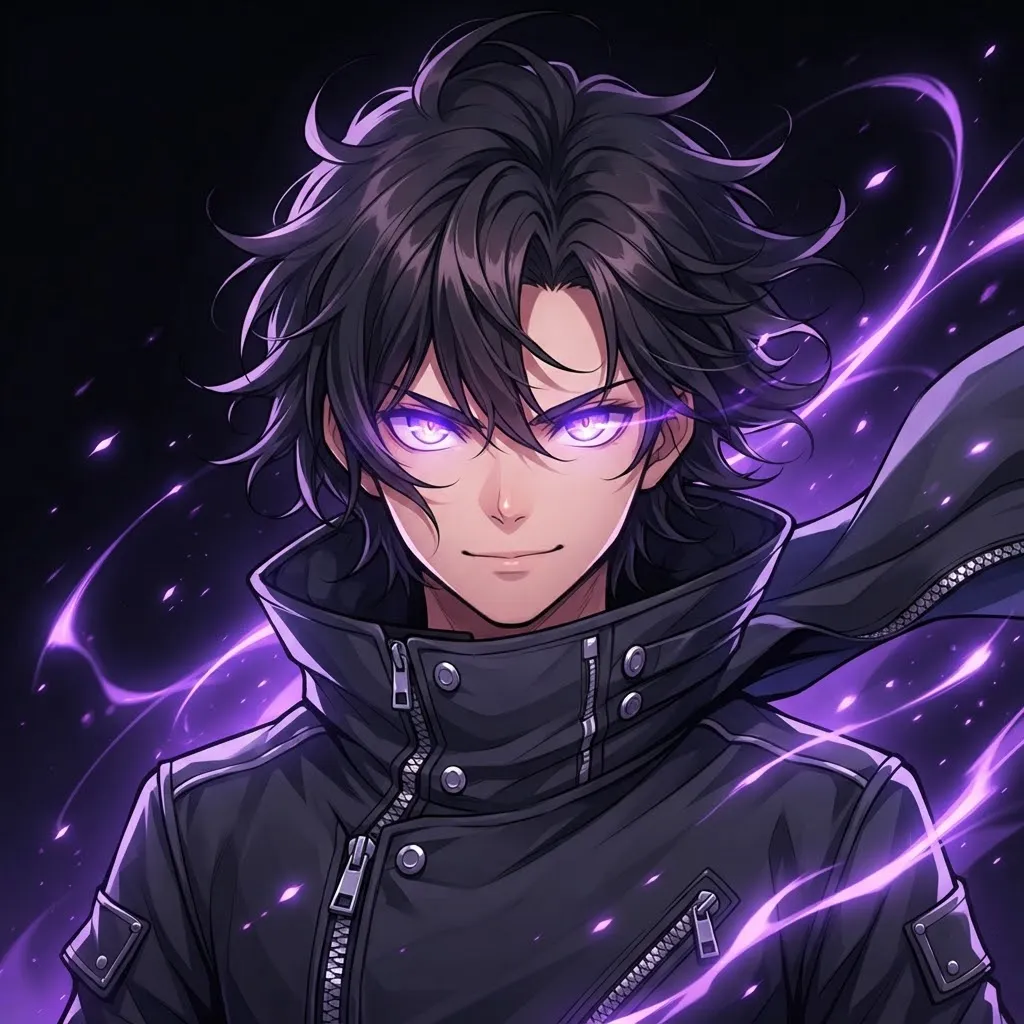
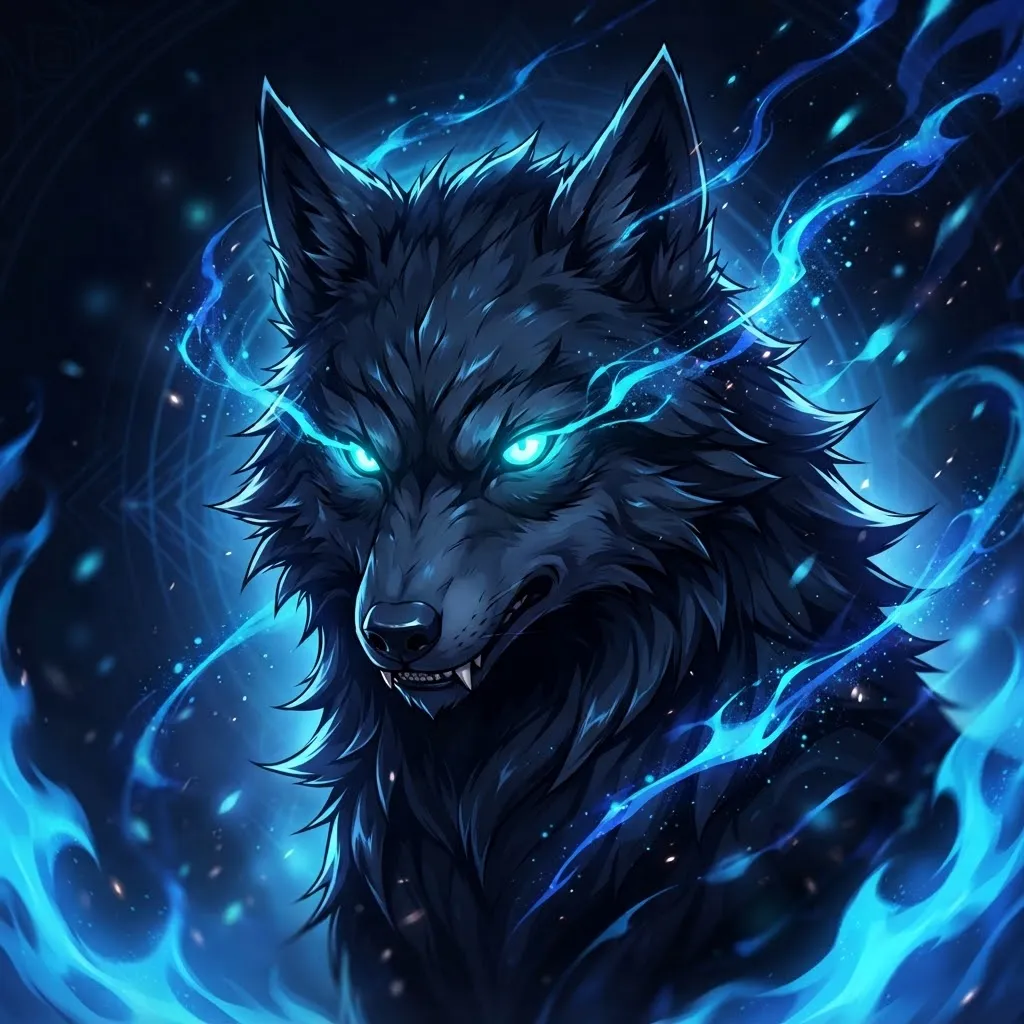
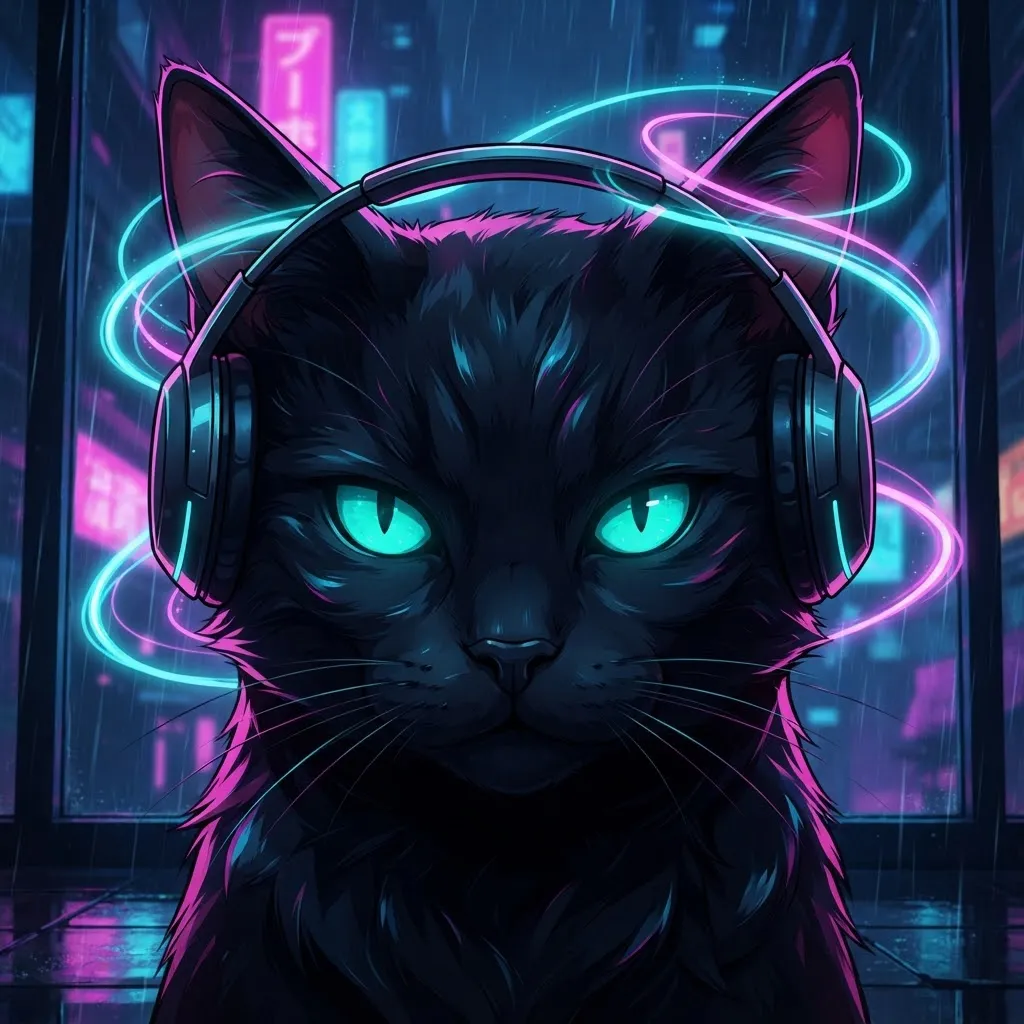
If we had to pick the loops that work hardest on Discord, it would be these: high contrast, one clear moving element and art that’s still readable when the avatar is at its smallest. Each one was checked against the dark theme at small size before it made the cut.
Our quick test is easy to copy. Shrink the image down to the size of your thumbnail on screen, look away for a second, then glance back. If you still recognize the shape and notice the motion, it passes.
Best Aesthetic Gif Pfp
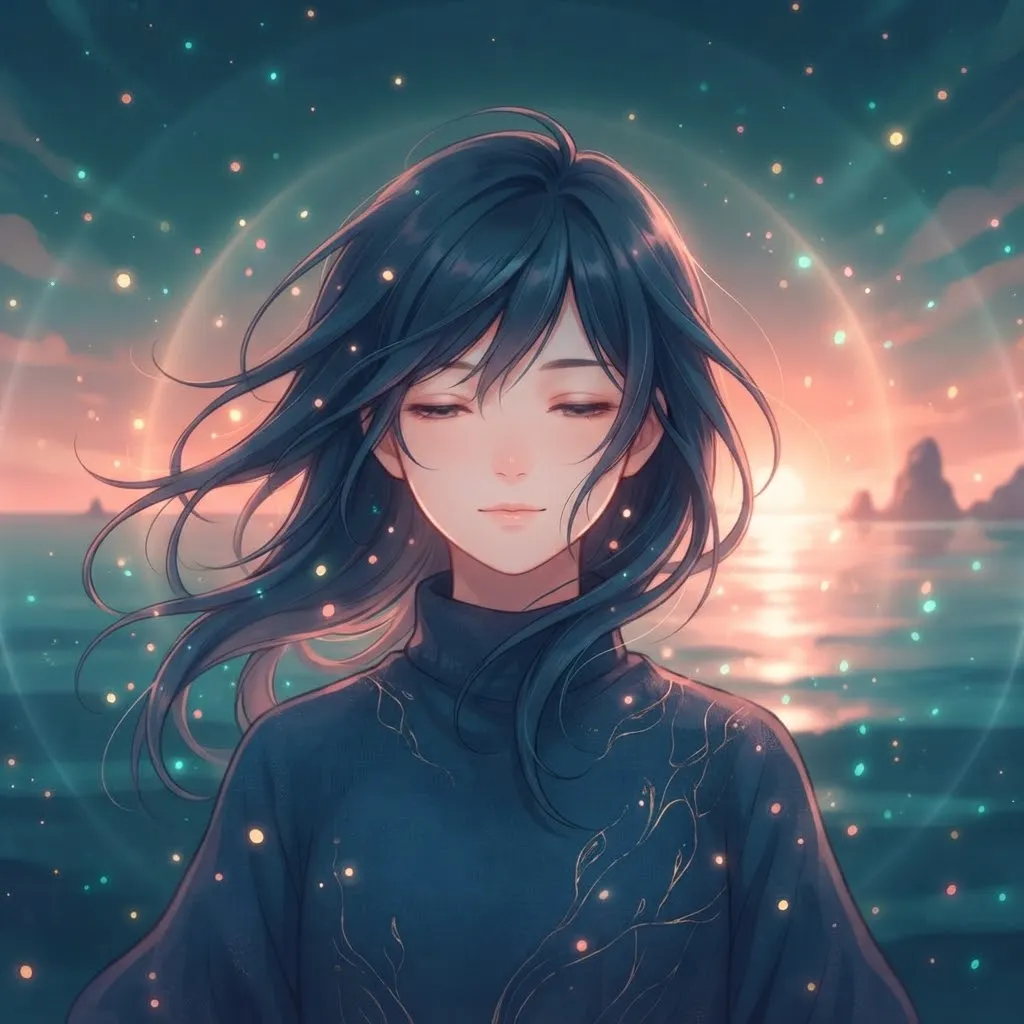
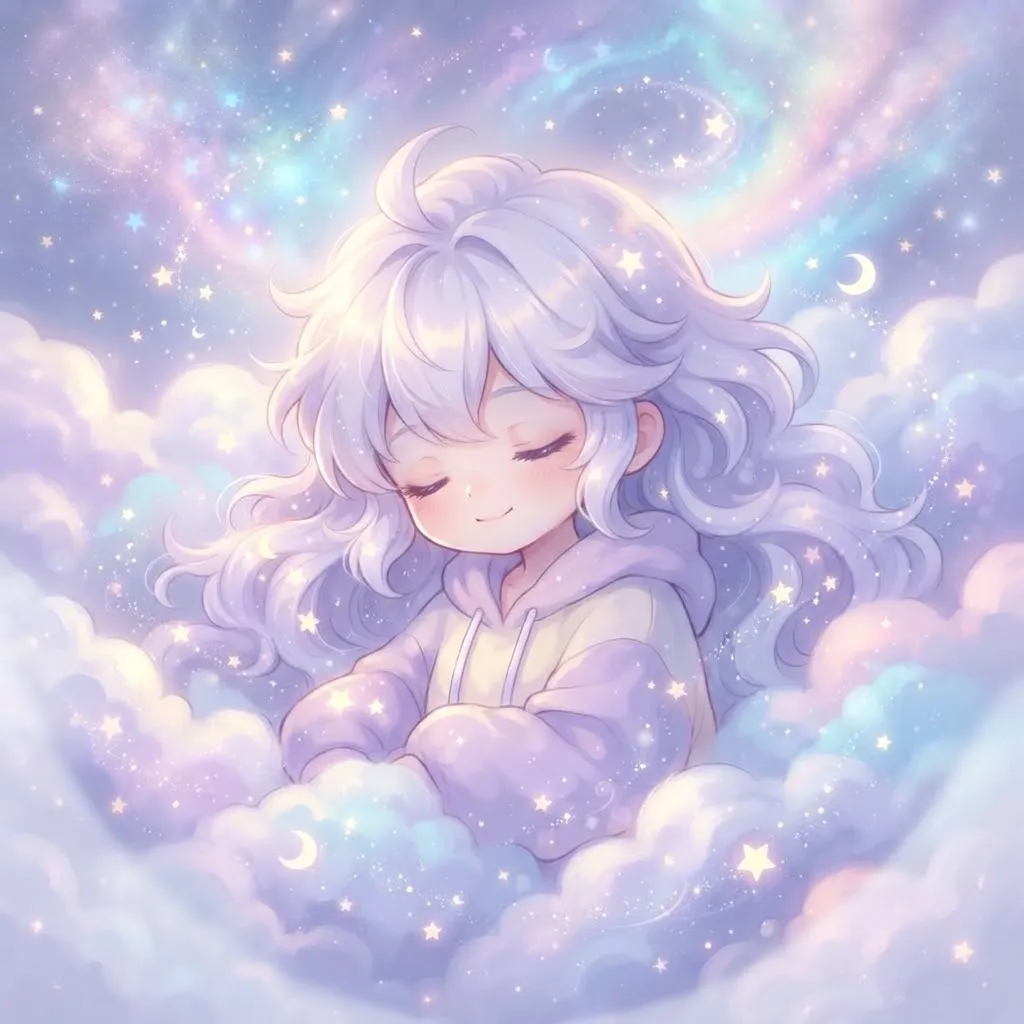
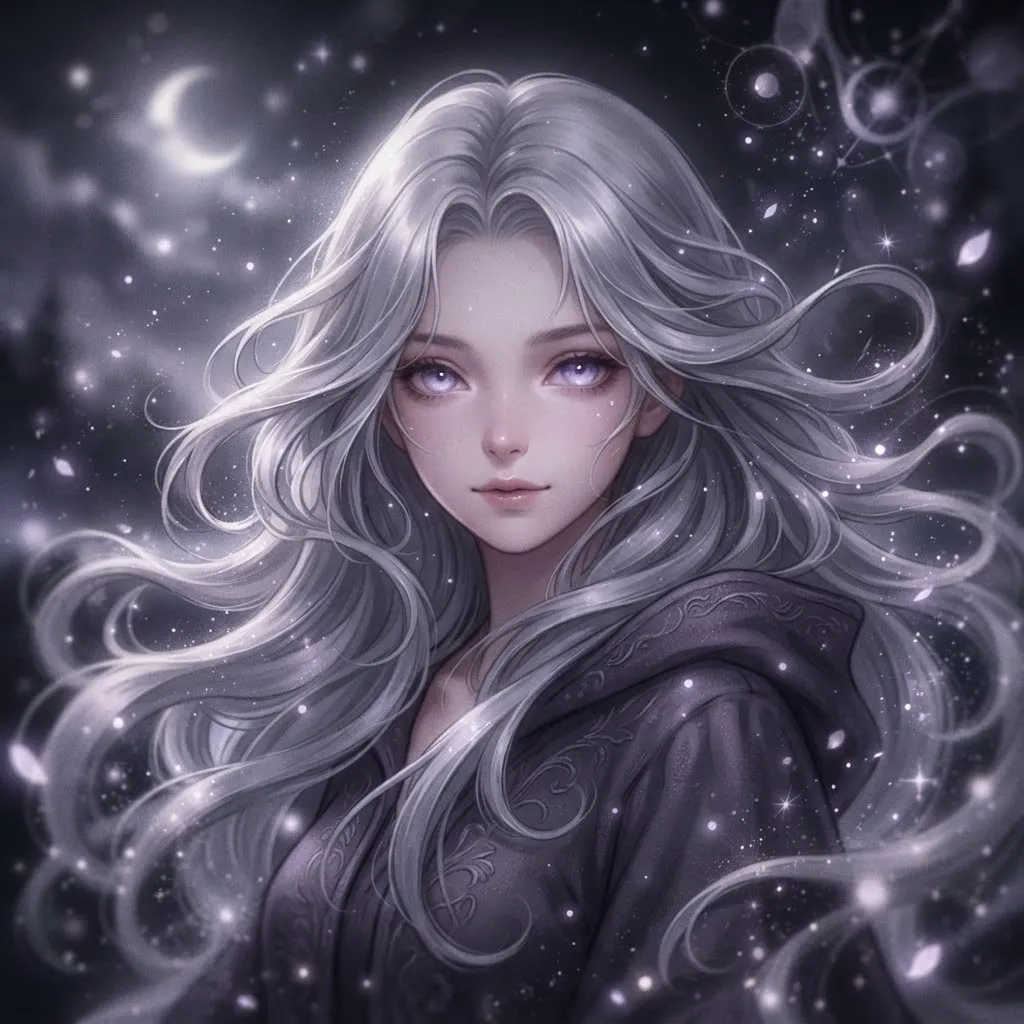
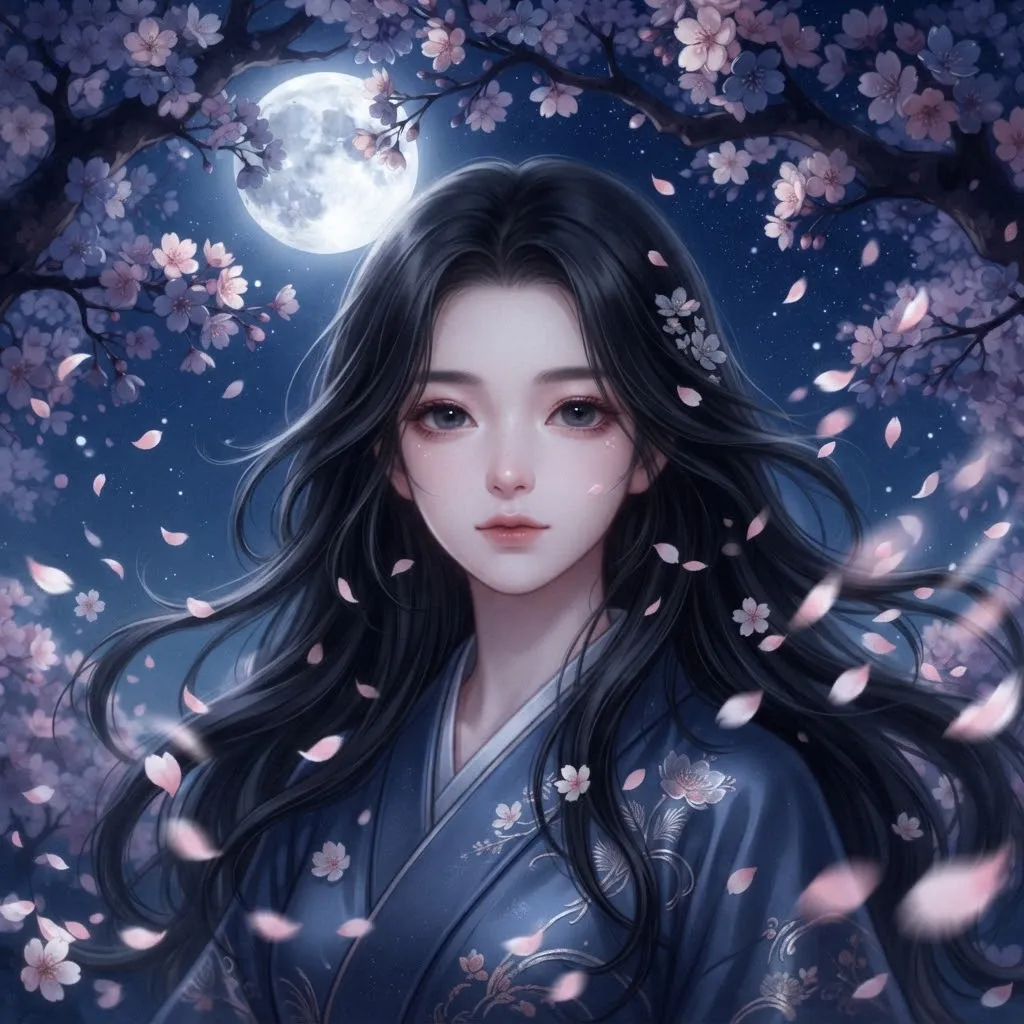
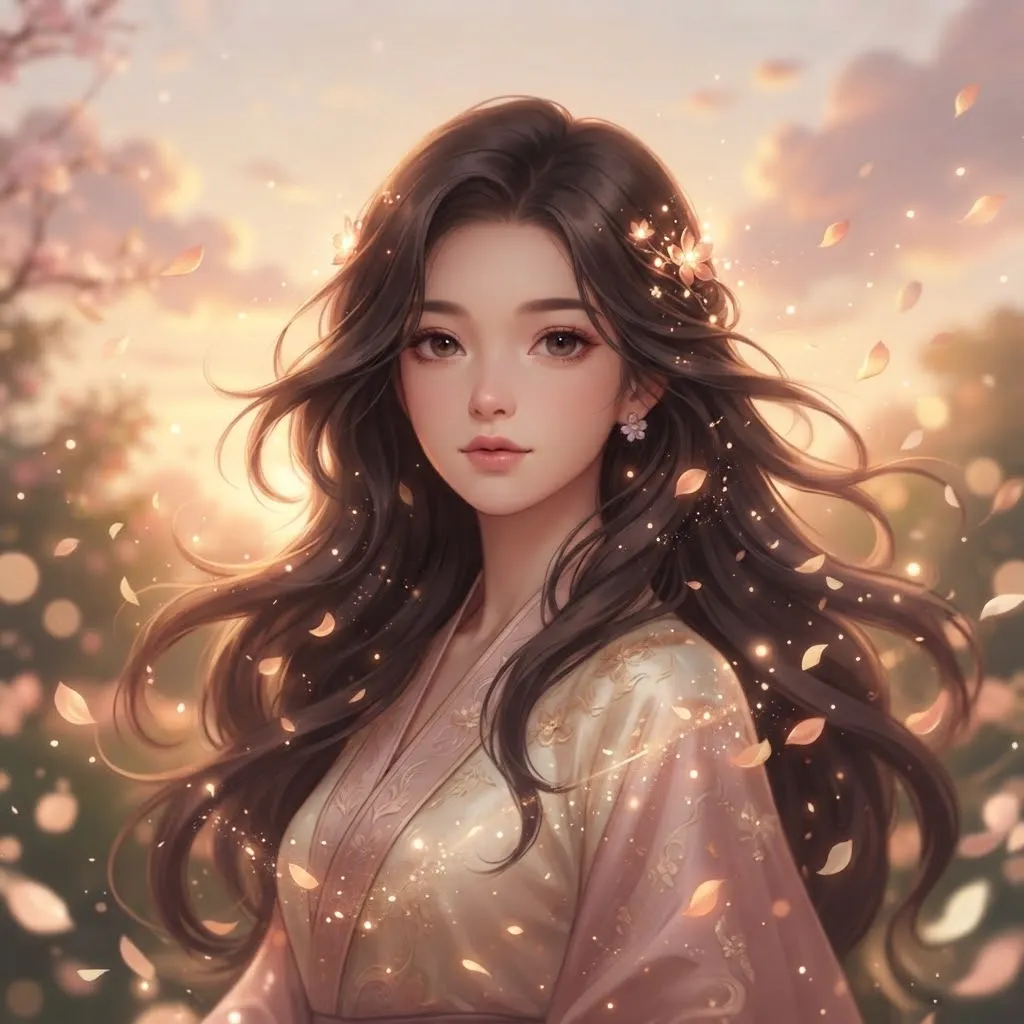
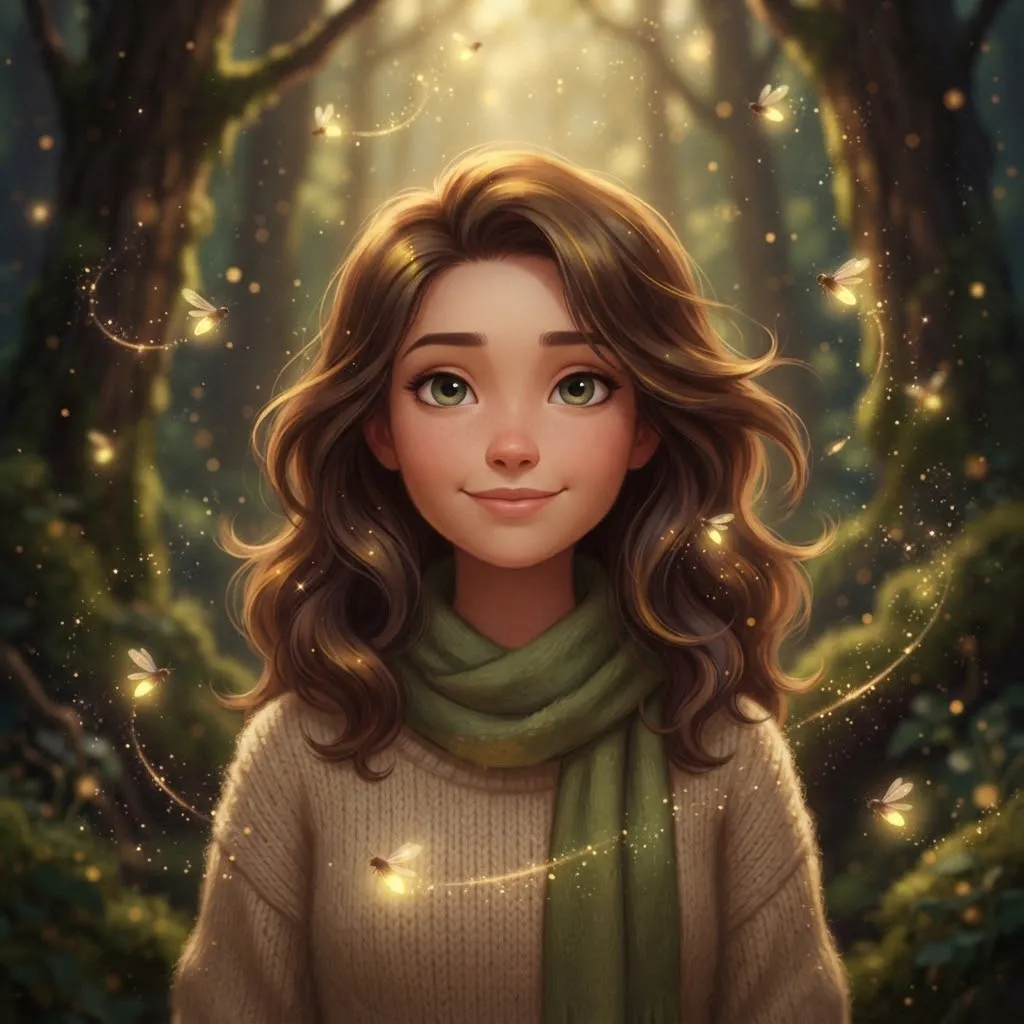
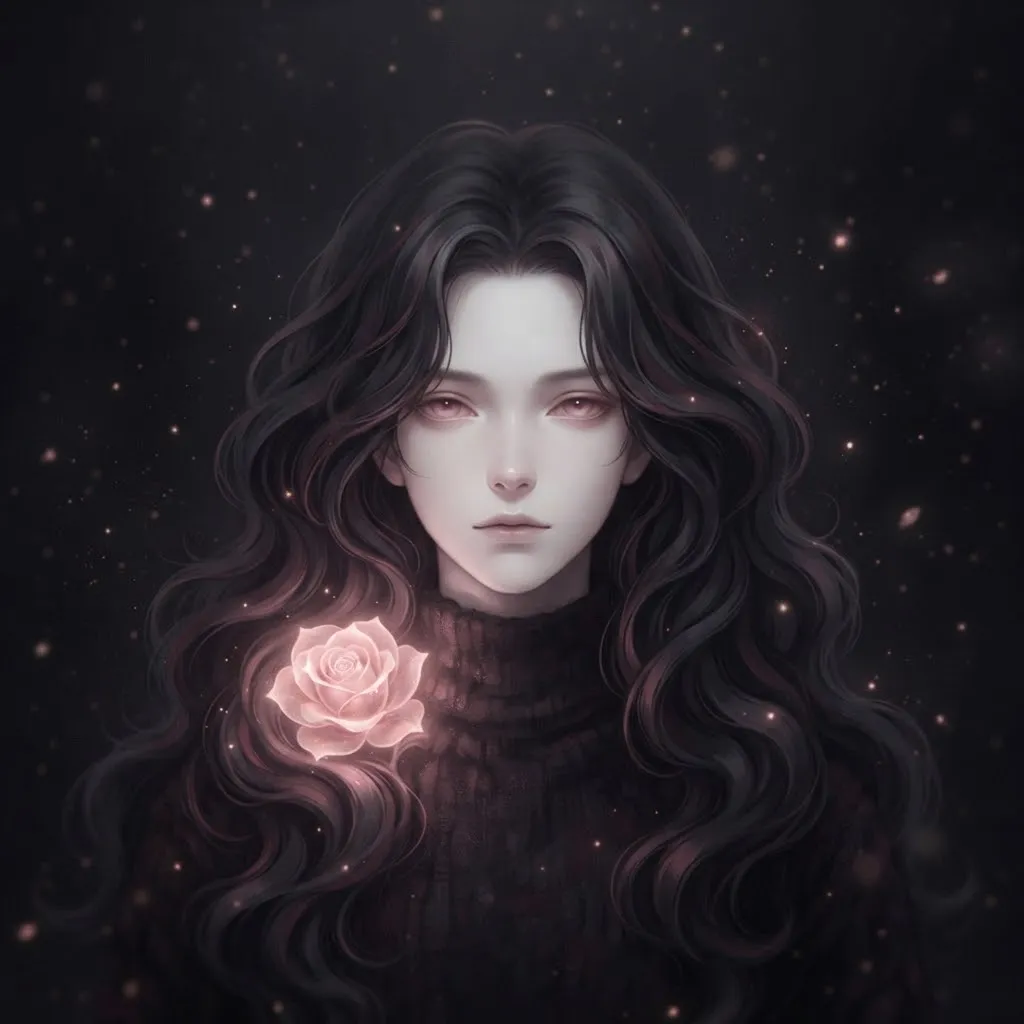
Our top aesthetic picks share a few traits. The color palette stays consistent from frame to frame, the movement is slow and the loop point is hard to spot. These are the loops our team kept coming back to while building the collection.
If you can’t decide between two, pick the one with the slower loop. In our experience, gentle motion is easier to live with over weeks of chatting, while fast loops get tiring sooner.
Pinterest Gif Pfp
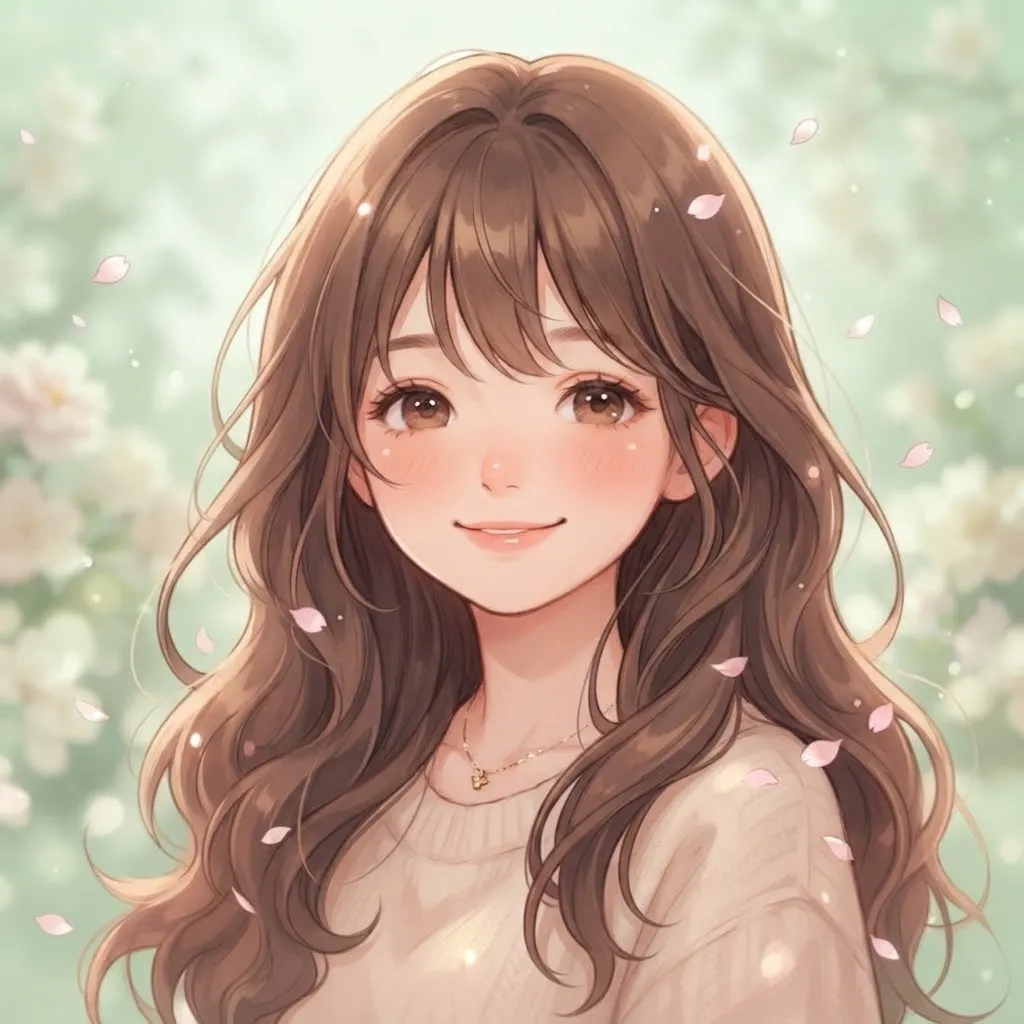
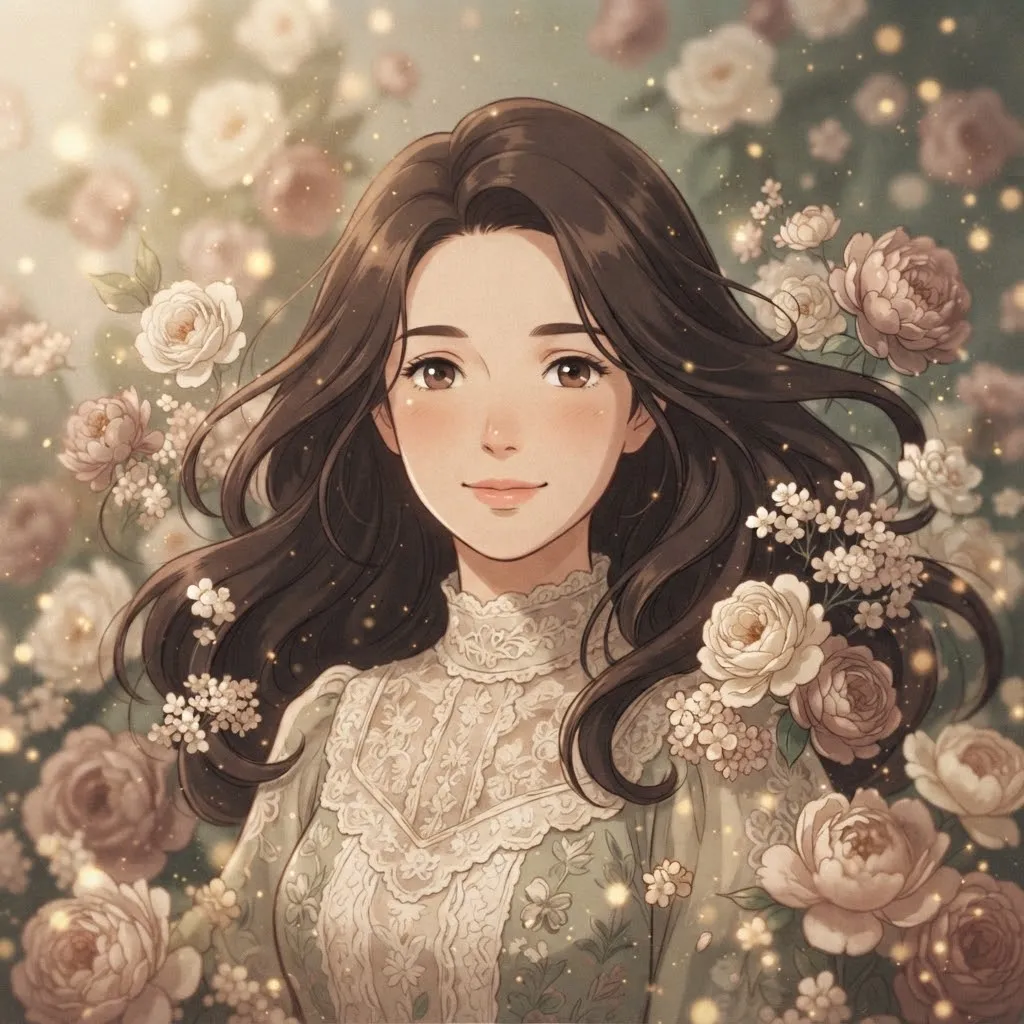
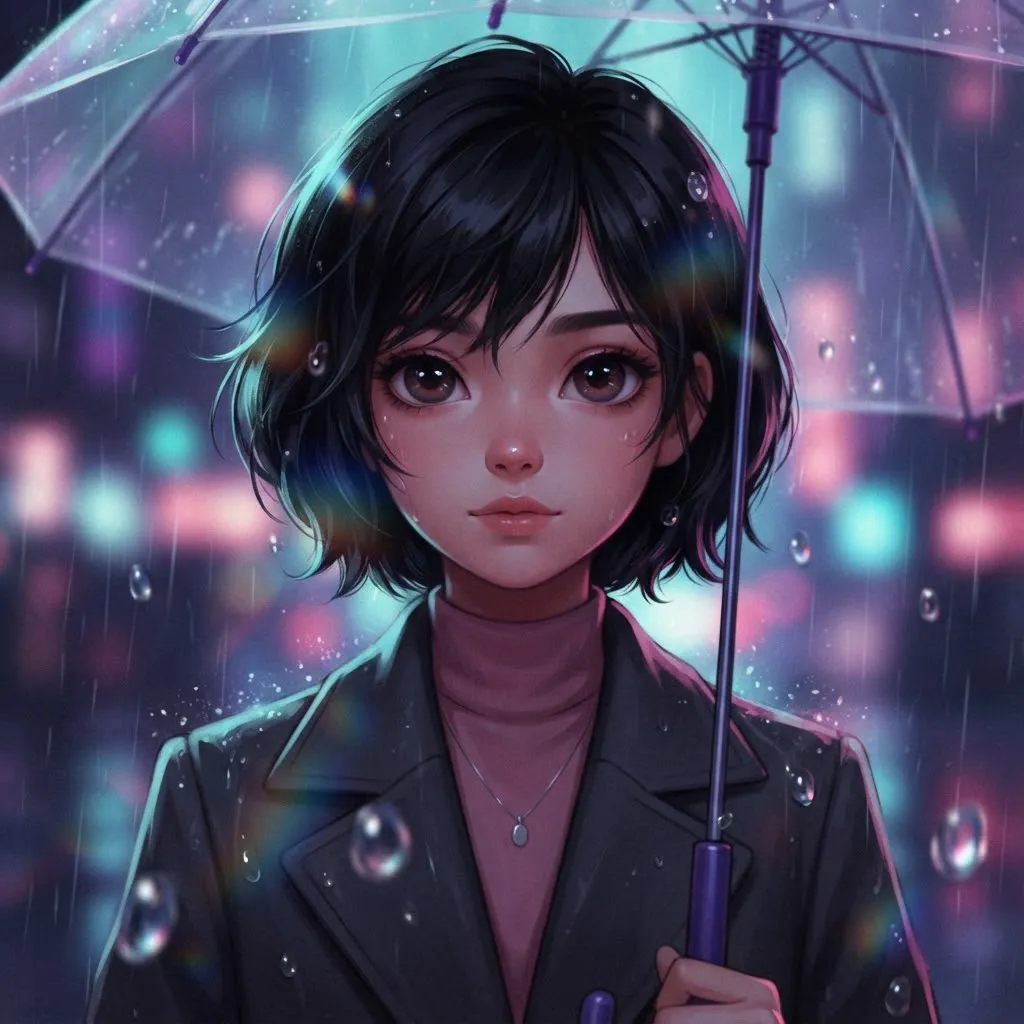
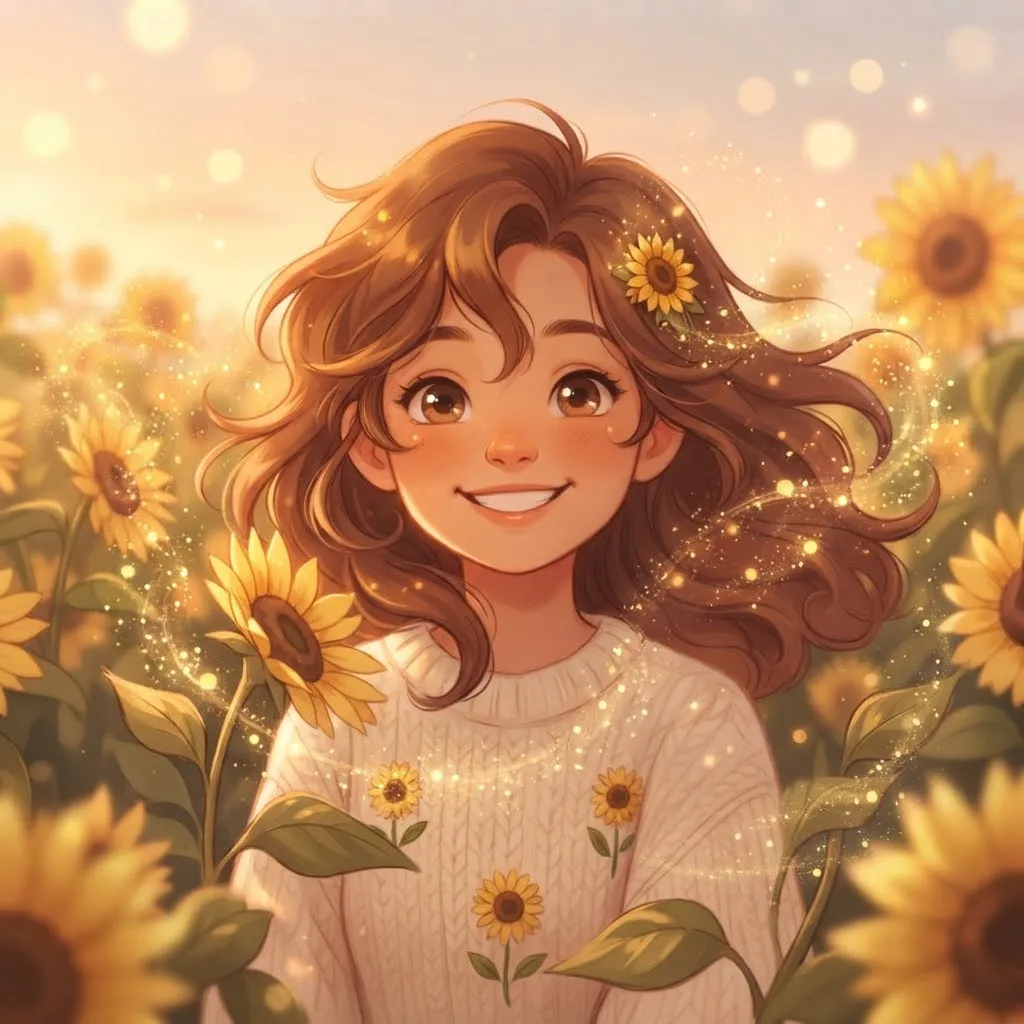
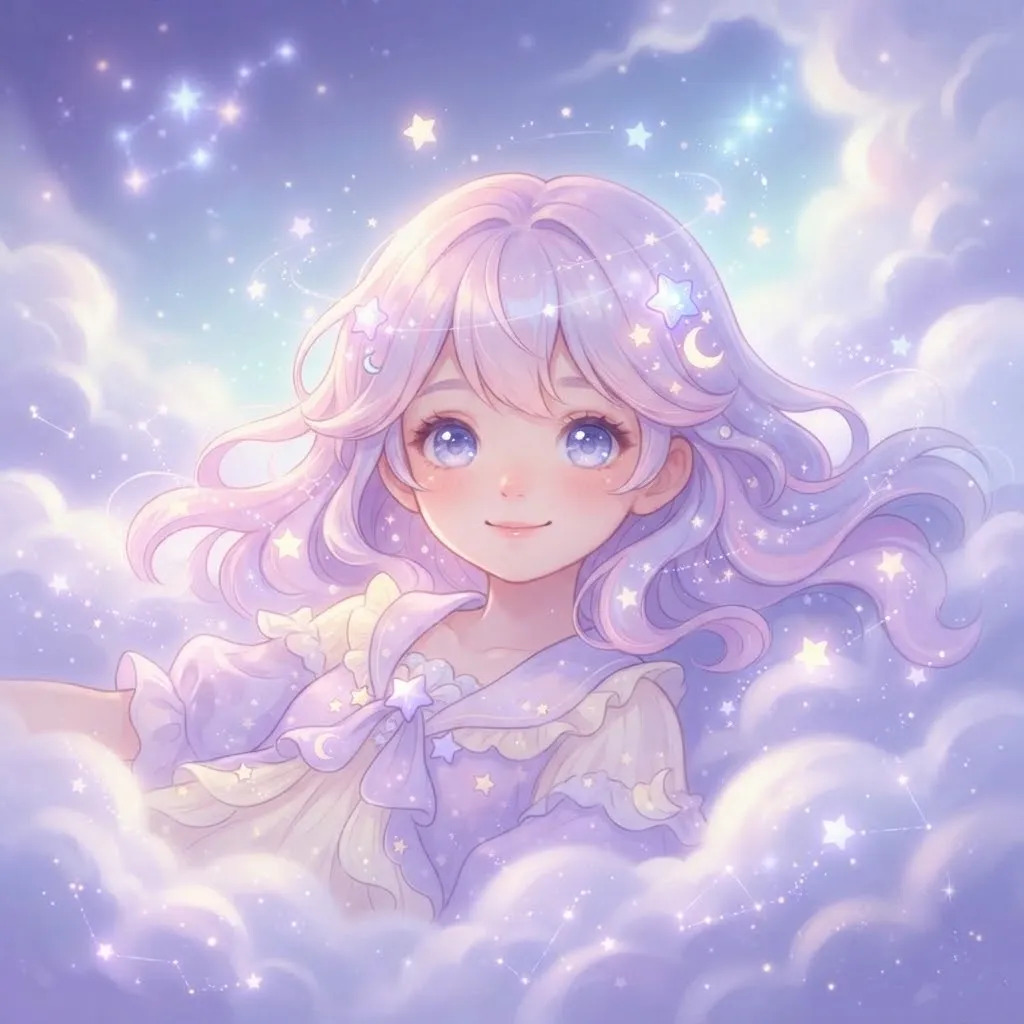
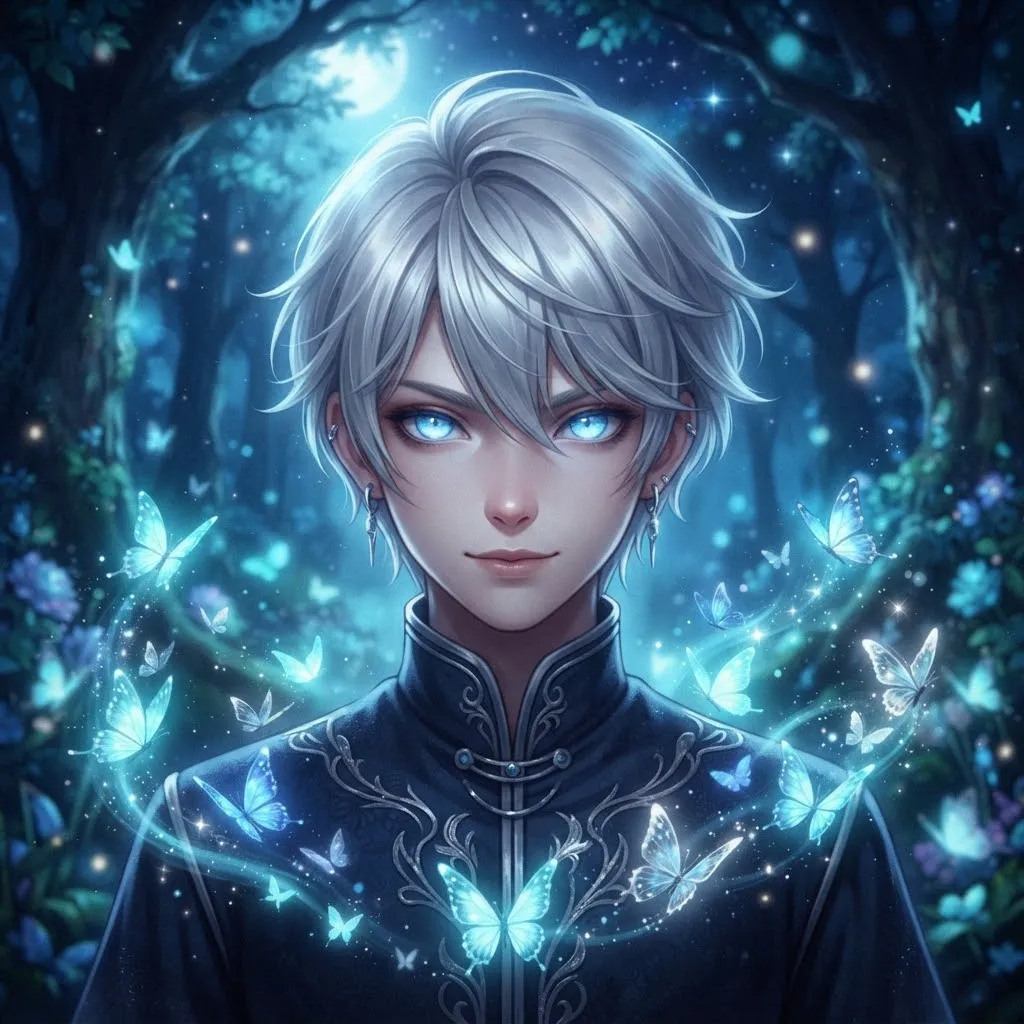
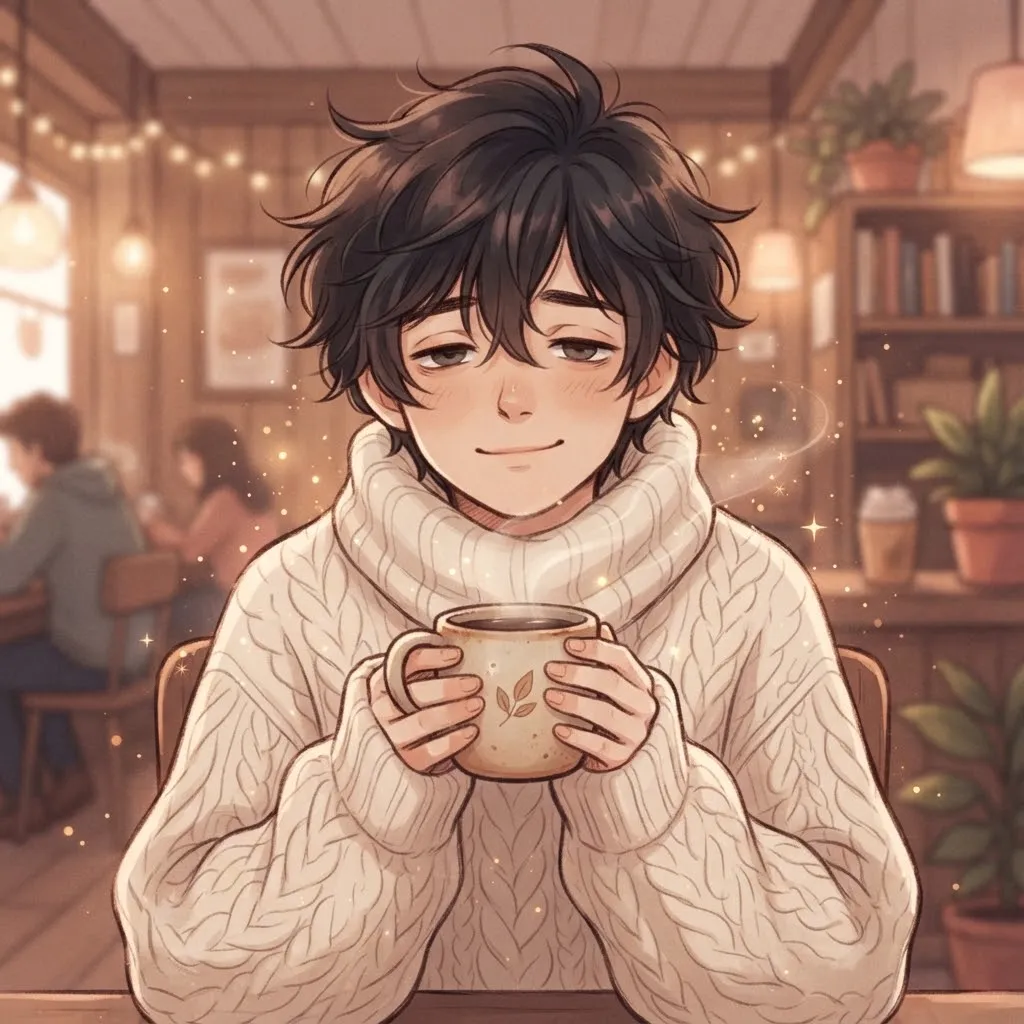
A lot of animated avatar inspiration starts on Pinterest boards, where people save soft loops, glitter edits and dreamy anime clips. This set follows that saved-to-a-board style. It’s also a good place to look if you’re building a matching banner.
When saving inspiration from a board, remember that a pin is not permission. Use saved loops as mood references, then pick from original sets like ours or create your own version with your own art.
Tiktok Gif Pfp
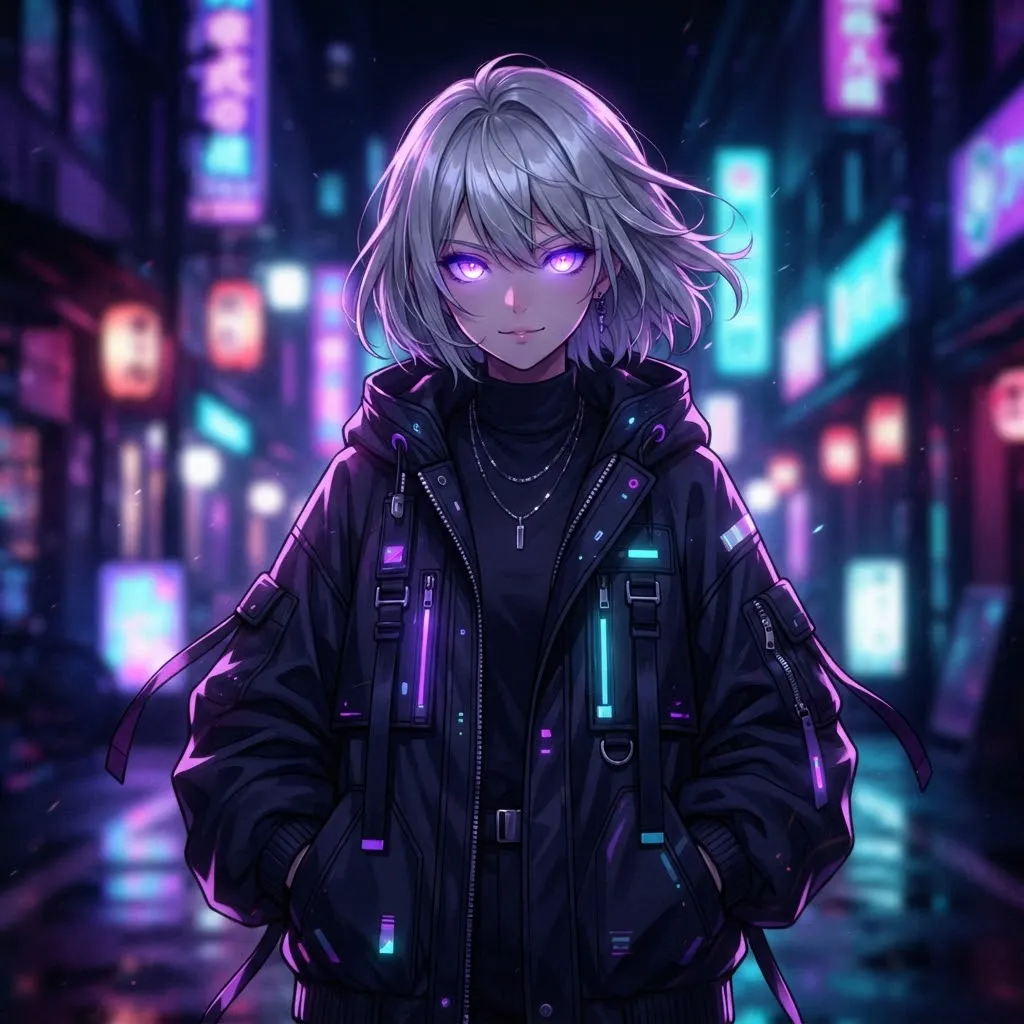
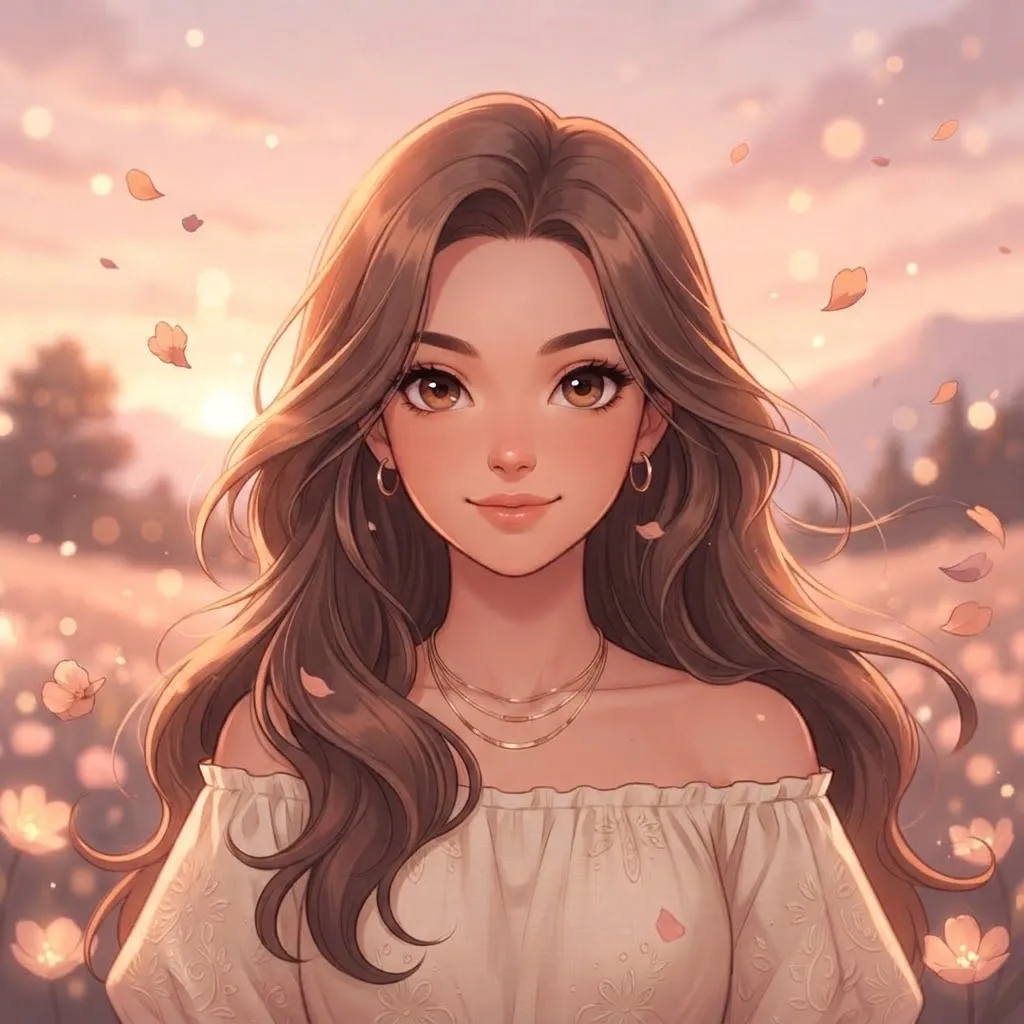
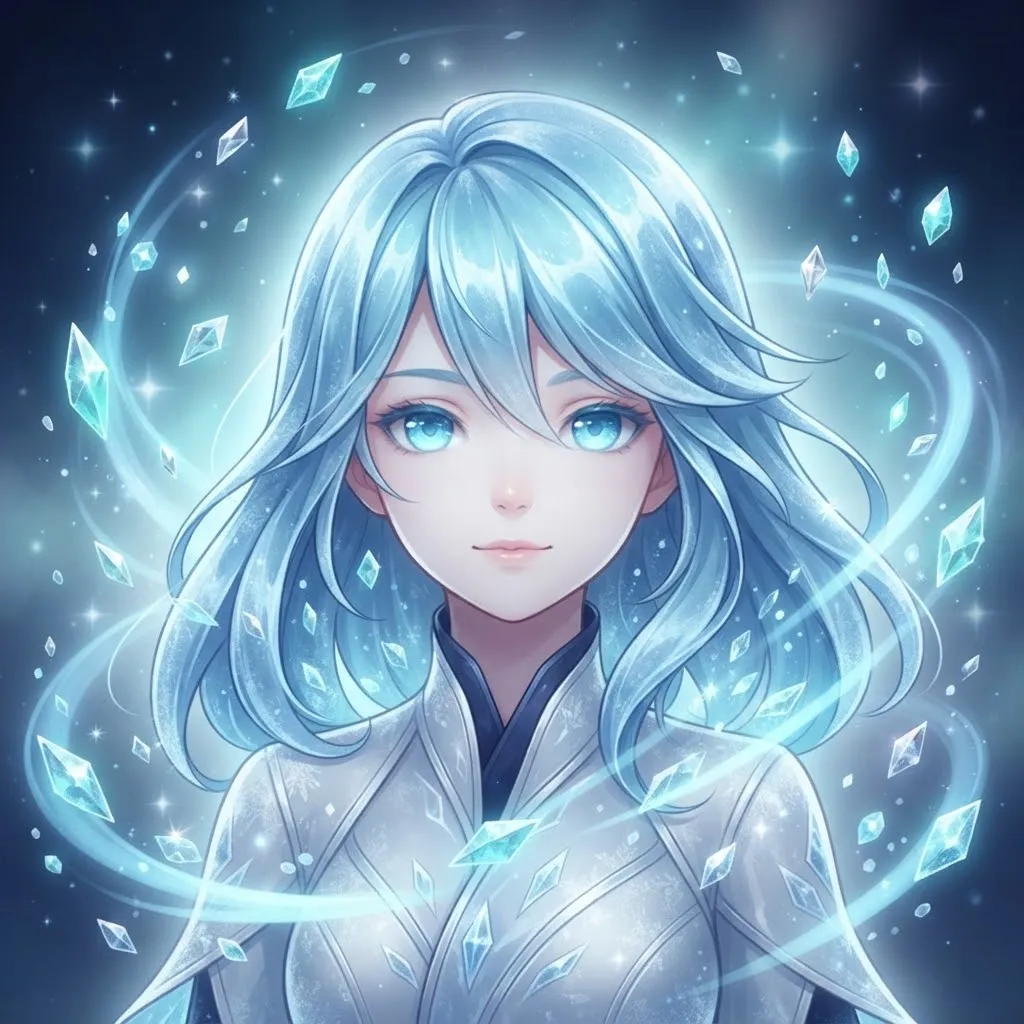
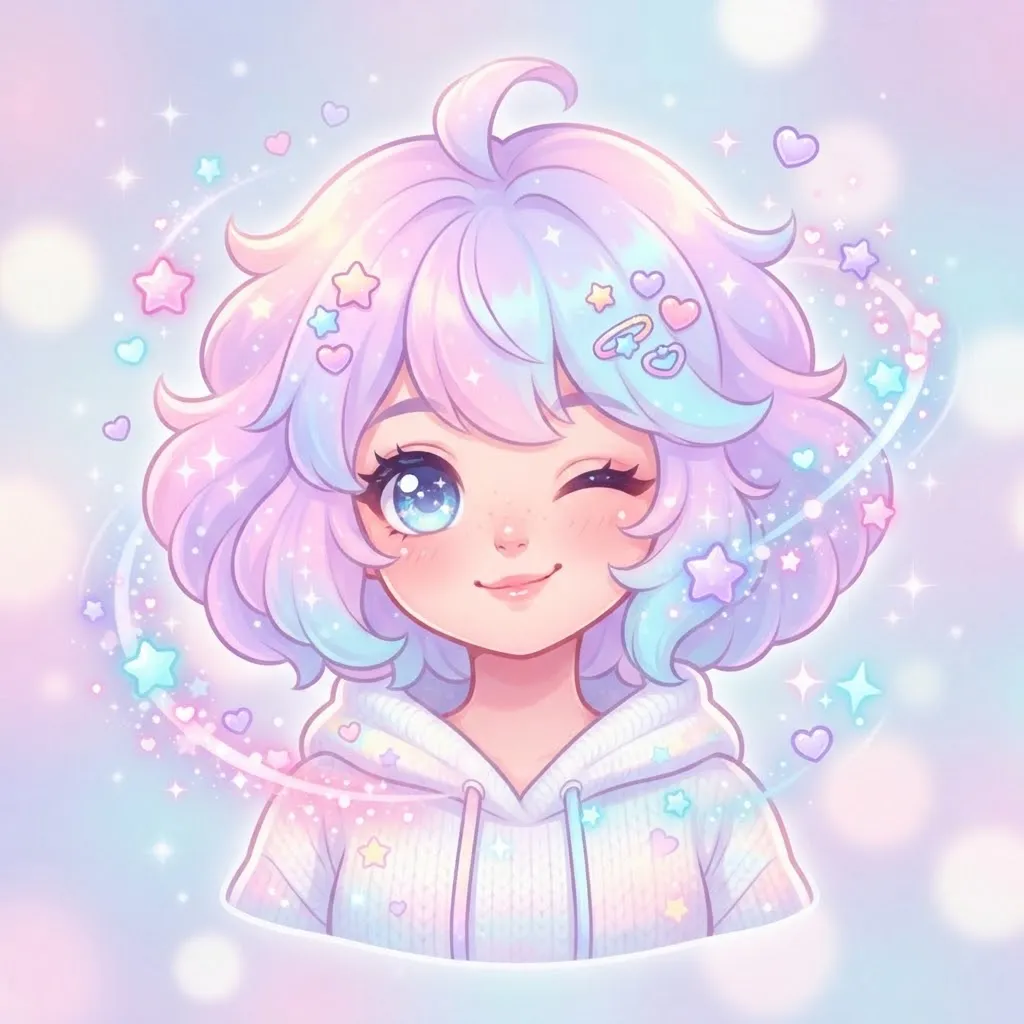
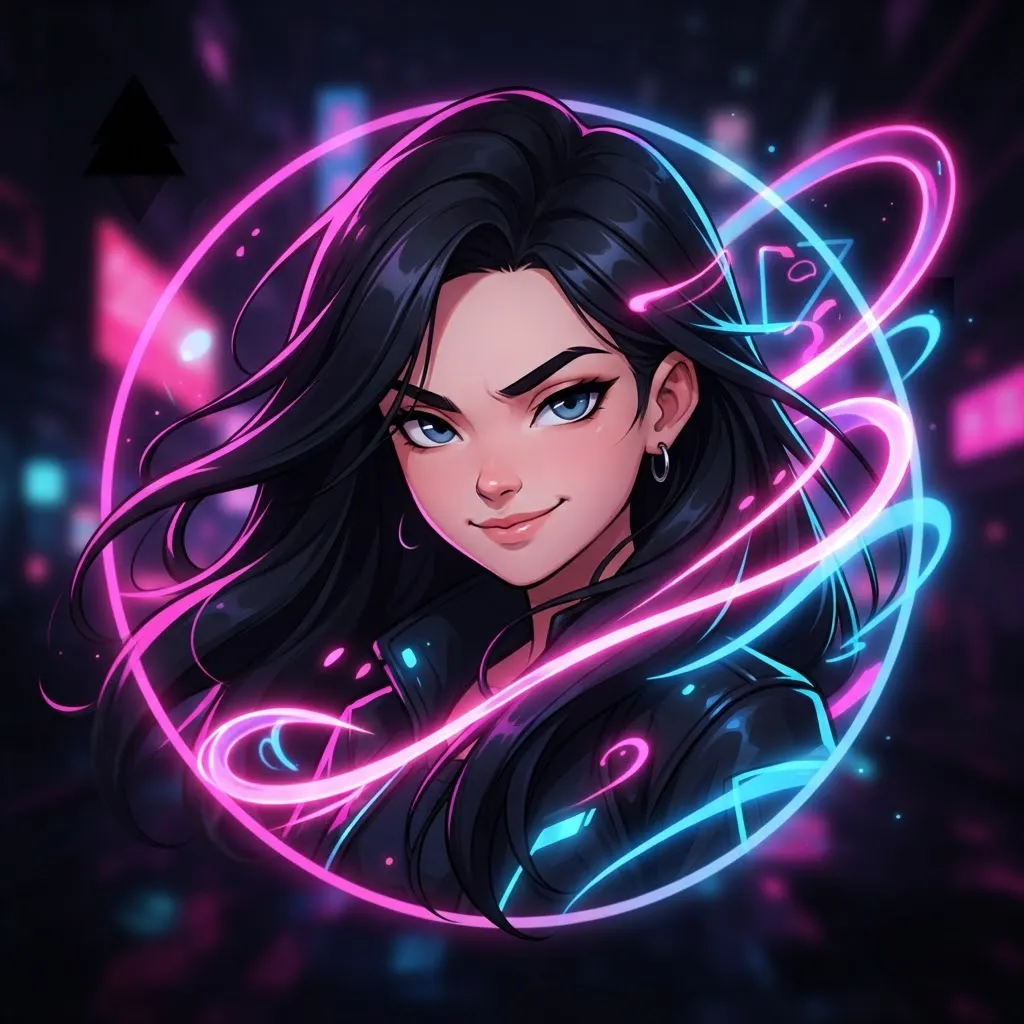
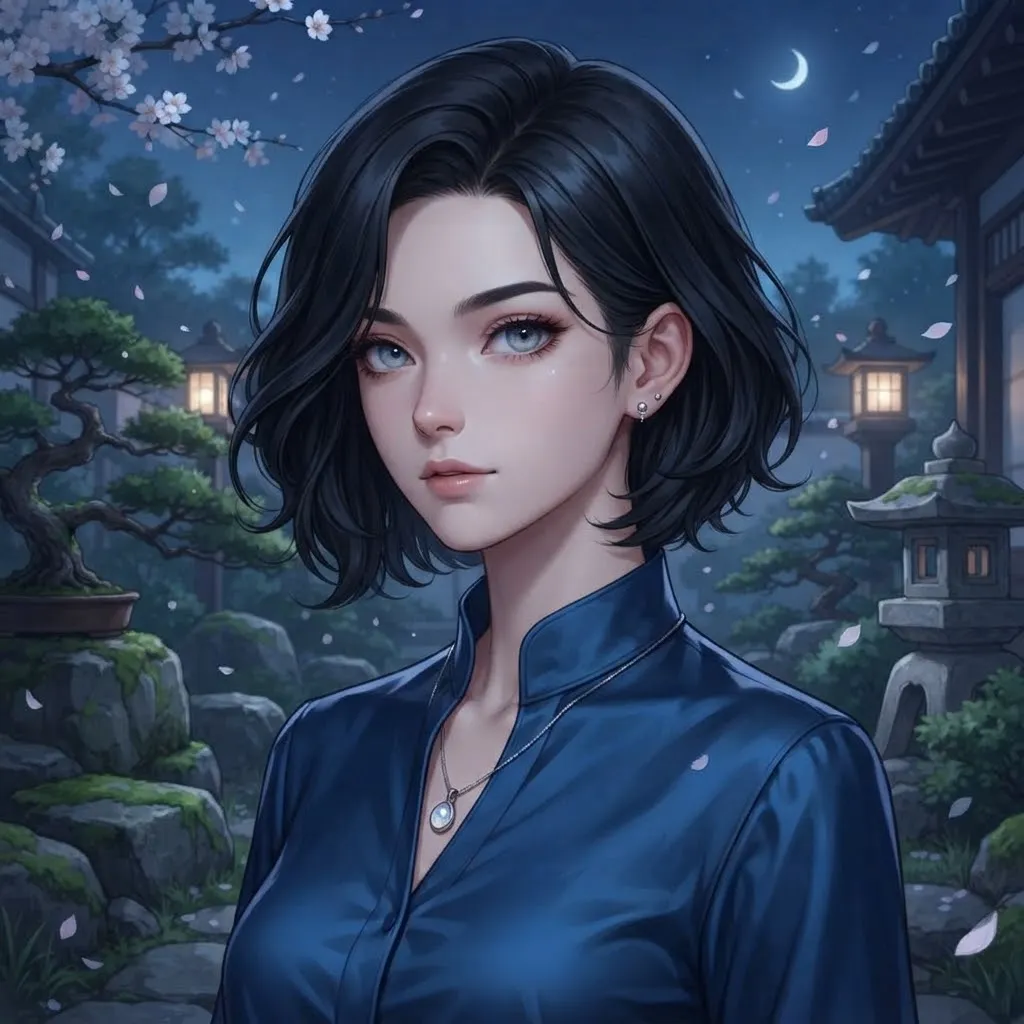
This second TikTok-inspired set borrows the platform’s trending looks: quick zooms, sparkle overlays and dance-style bounces. Because the TikTok profile photo is generally still, think of these as Discord or forum avatars with TikTok energy, and use a single frame for the app itself.
Pinterest Discord Gif Pfp
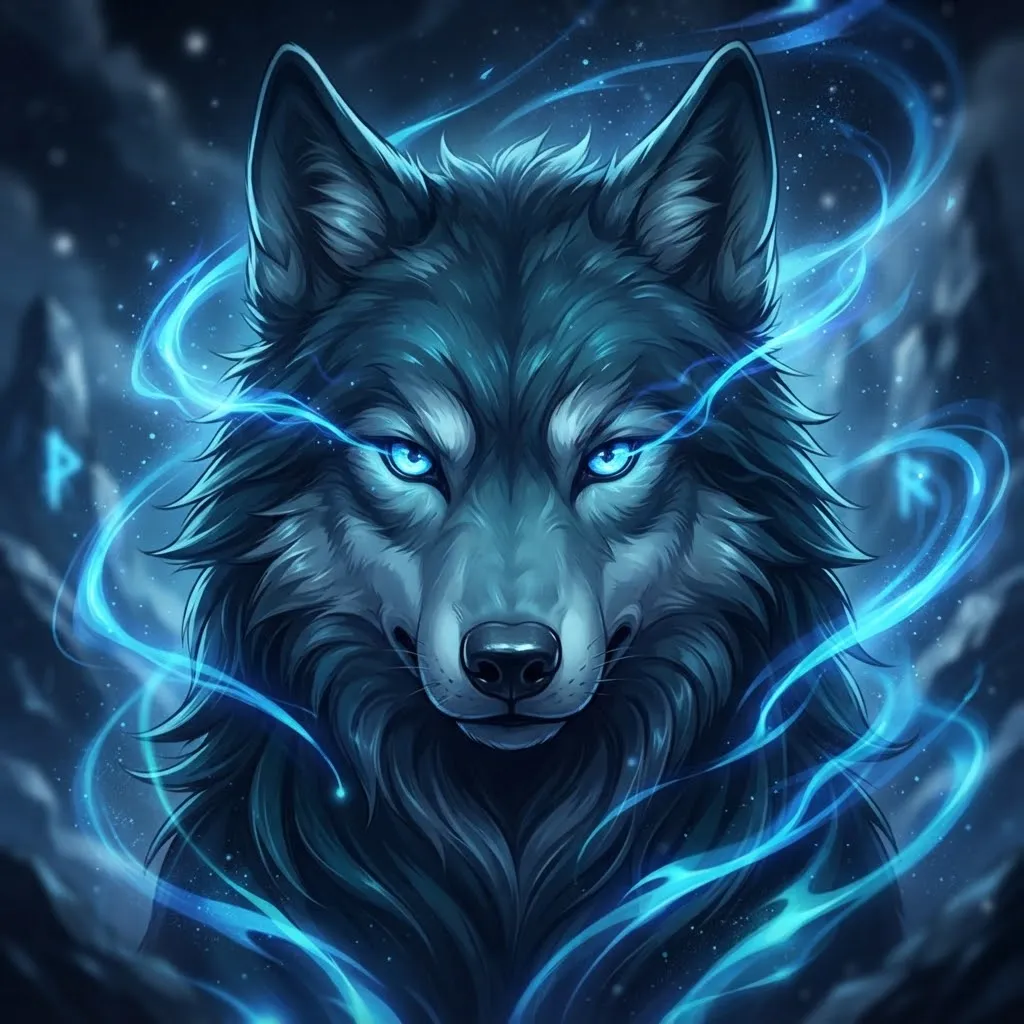
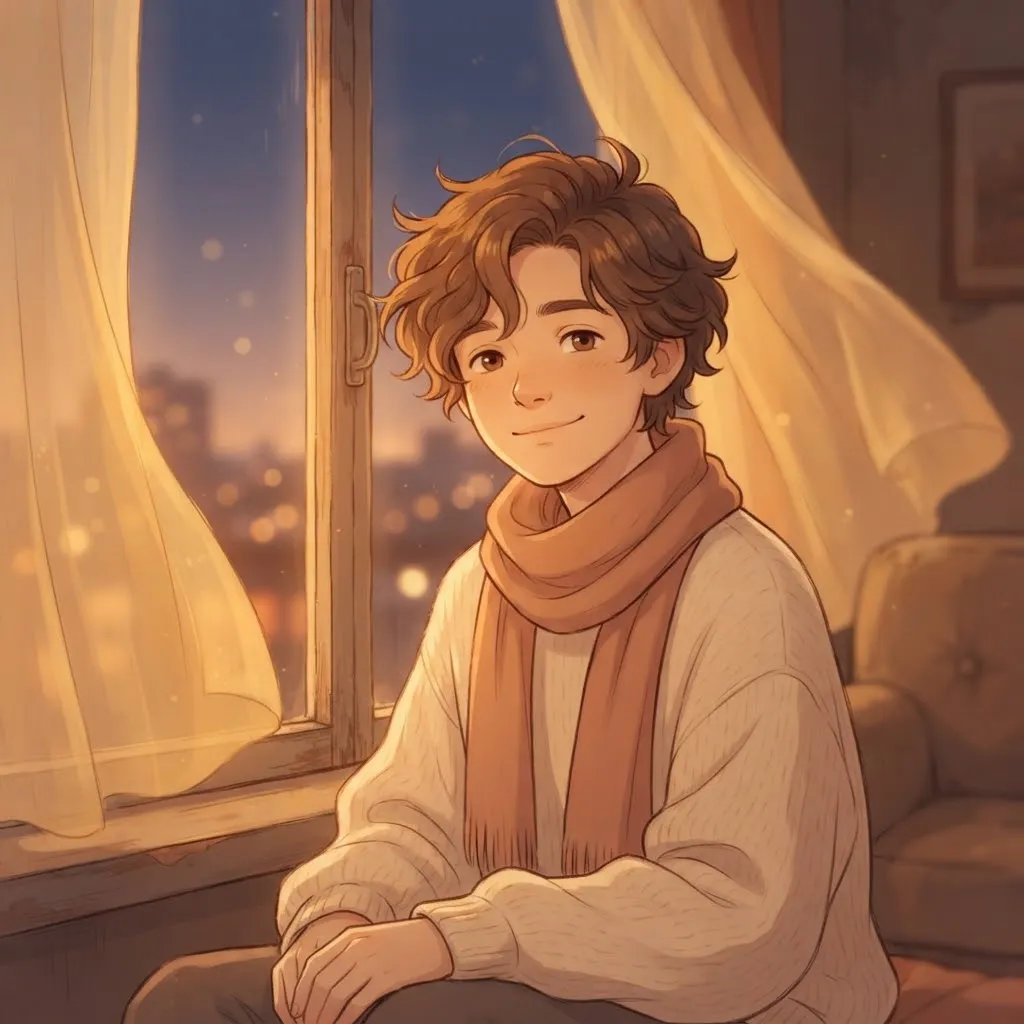
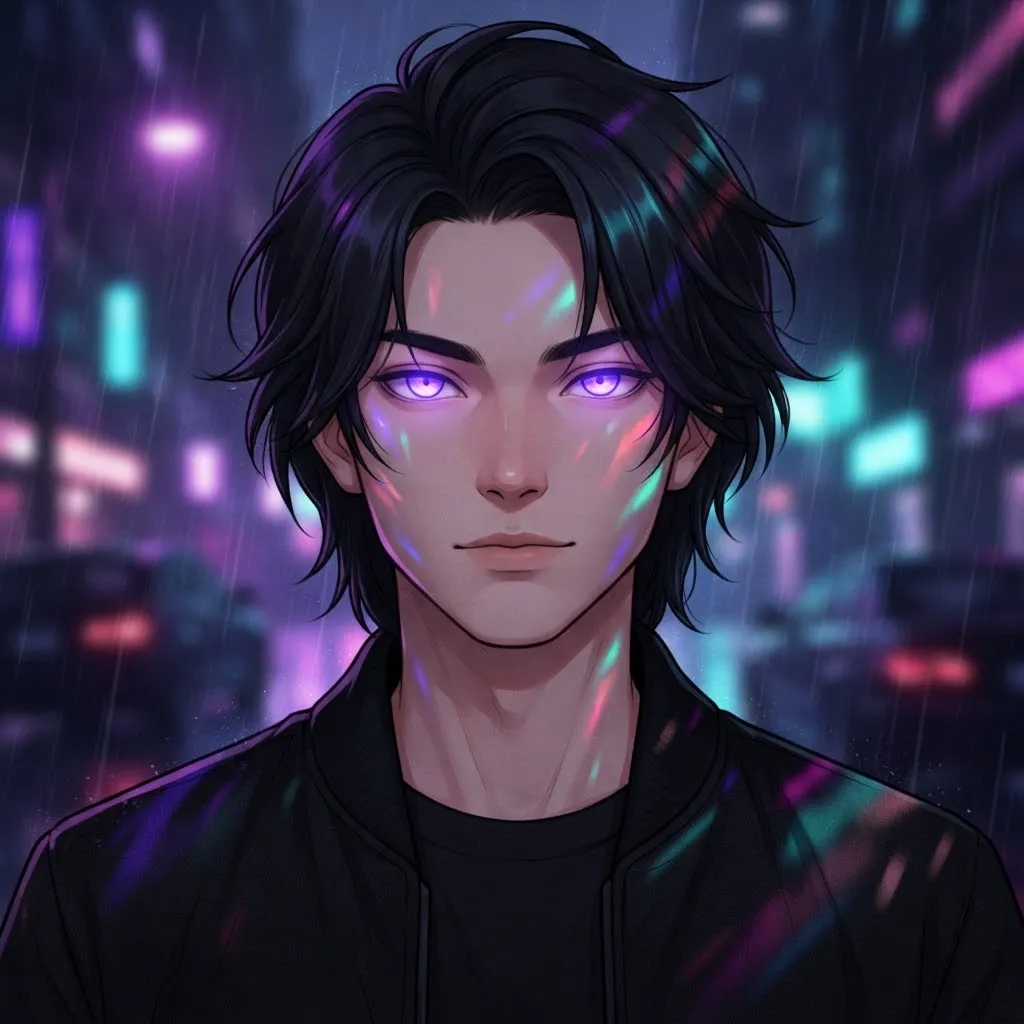
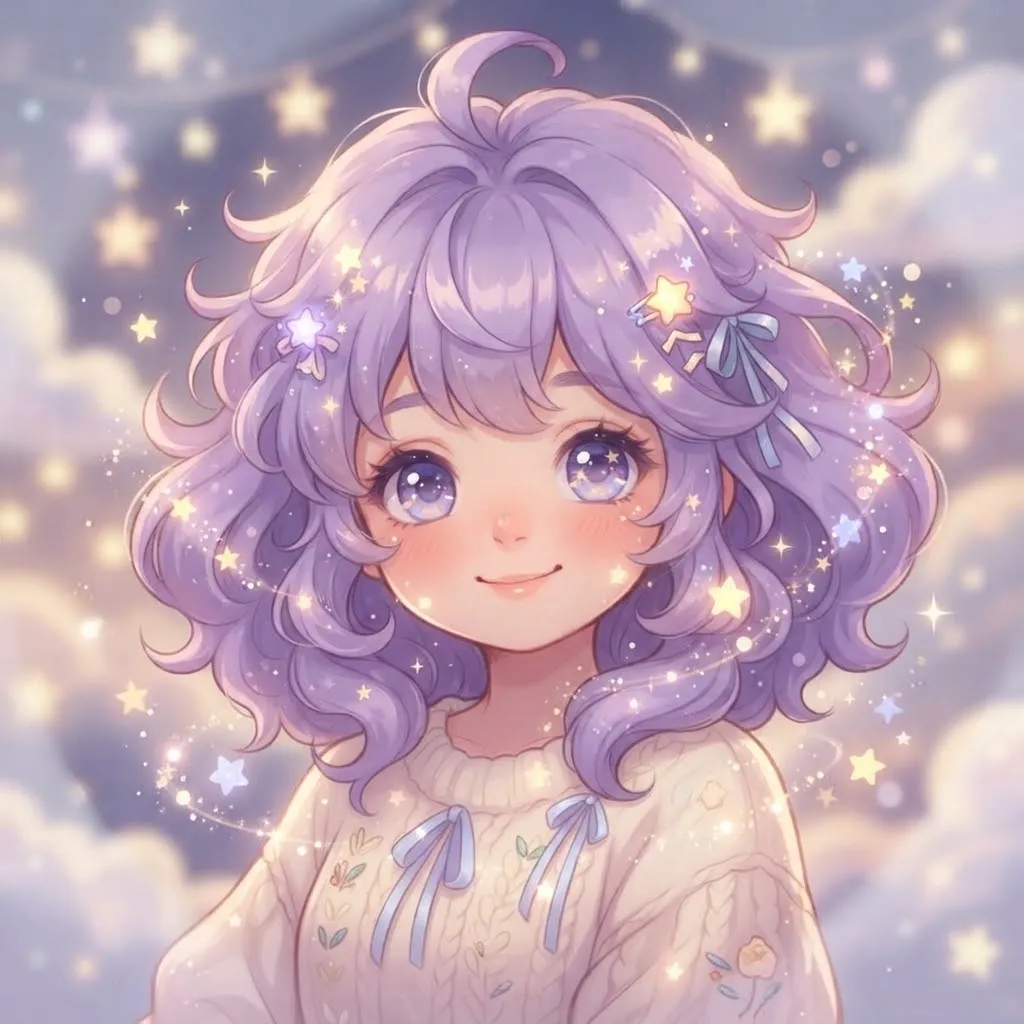
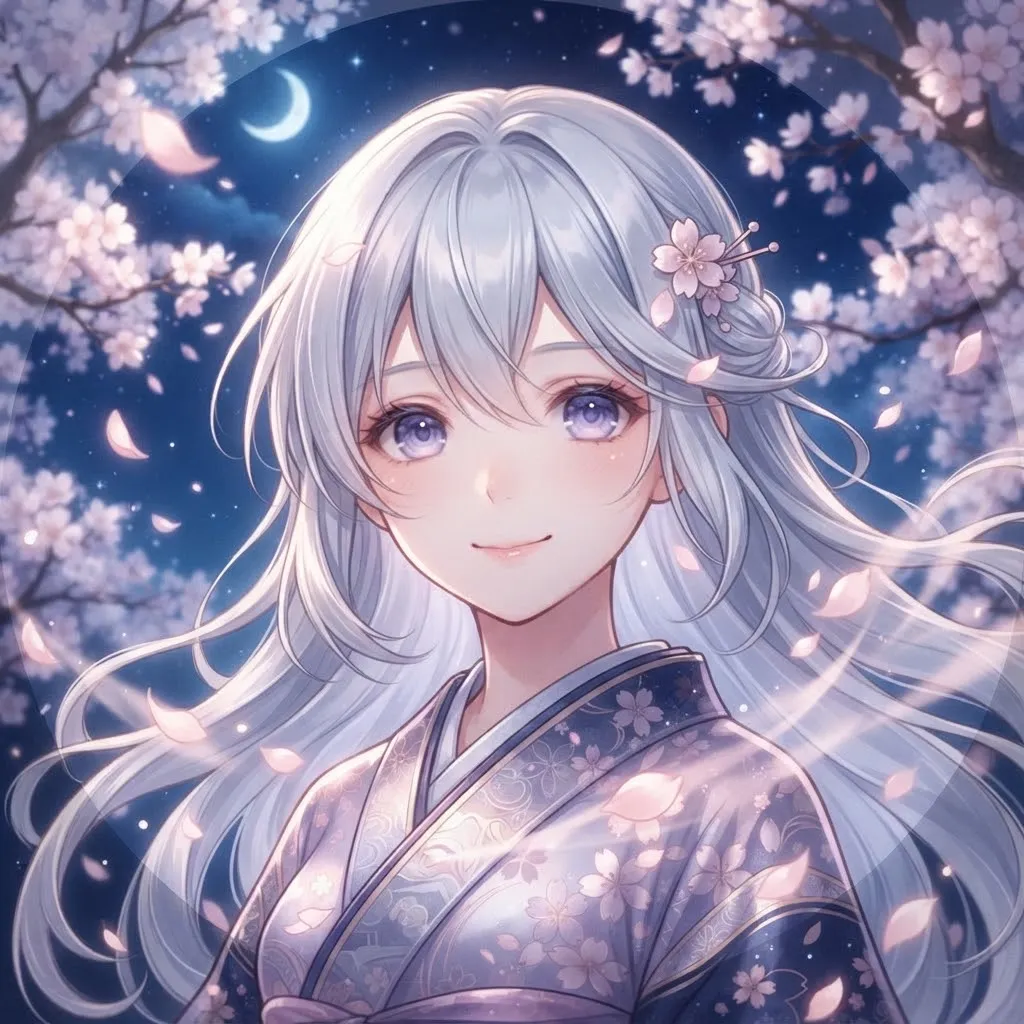
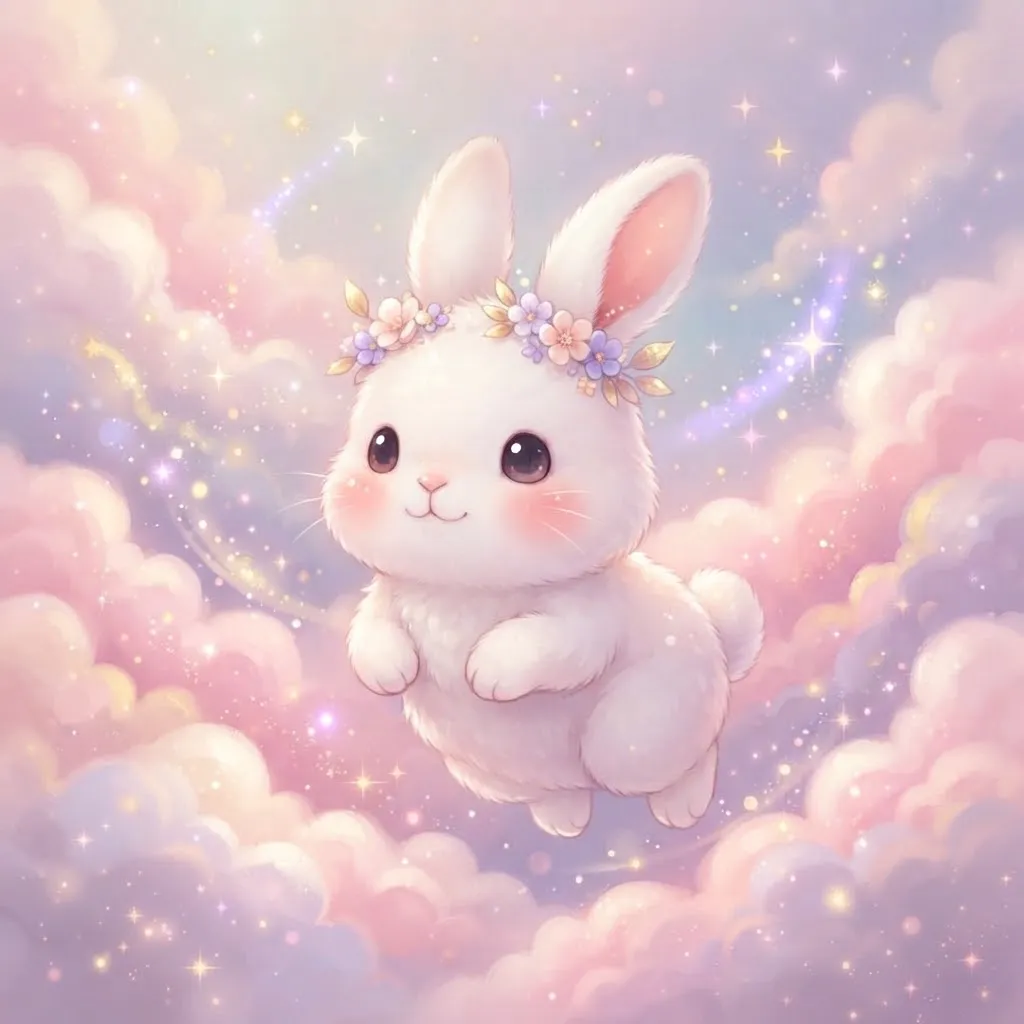
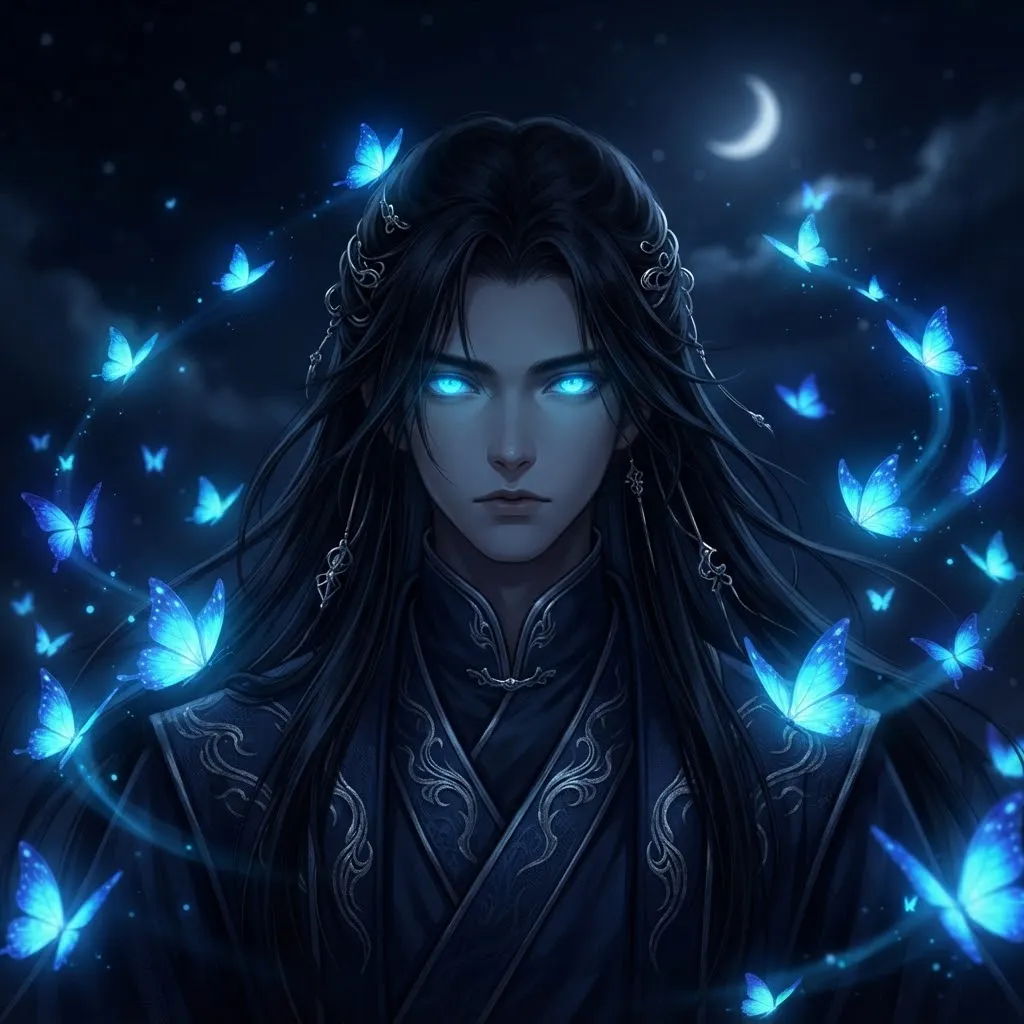
These sit where Pinterest’s soft style meets Discord’s practical needs. You get the dreamy aesthetic, but with stronger outlines and brighter highlights, so the art doesn’t disappear on a dark background. It’s the best of both.
A tip for this style: soft pastel art can wash out against dark gray. Adding a thin, slightly darker outline around the main shape keeps the dreamy palette while giving the avatar enough edge to show up clearly.
Good Gif Pfp
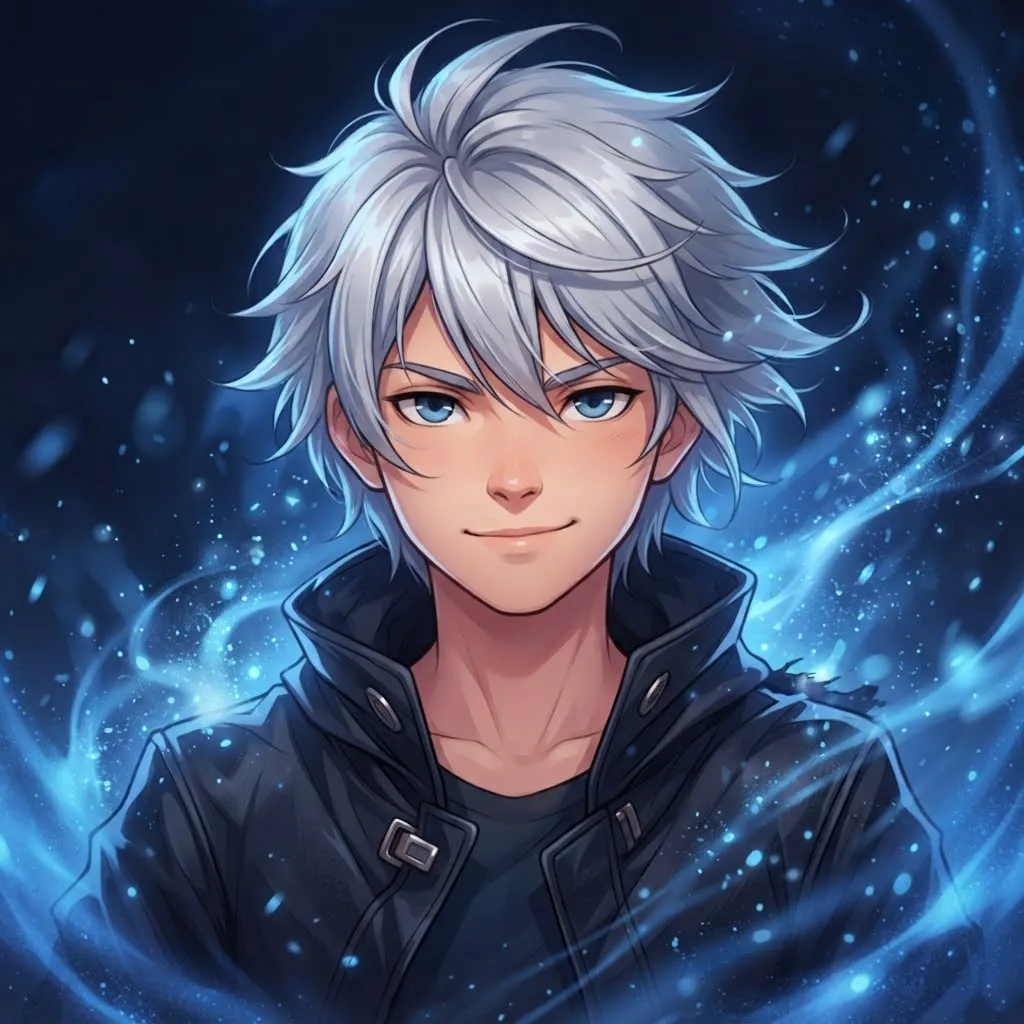
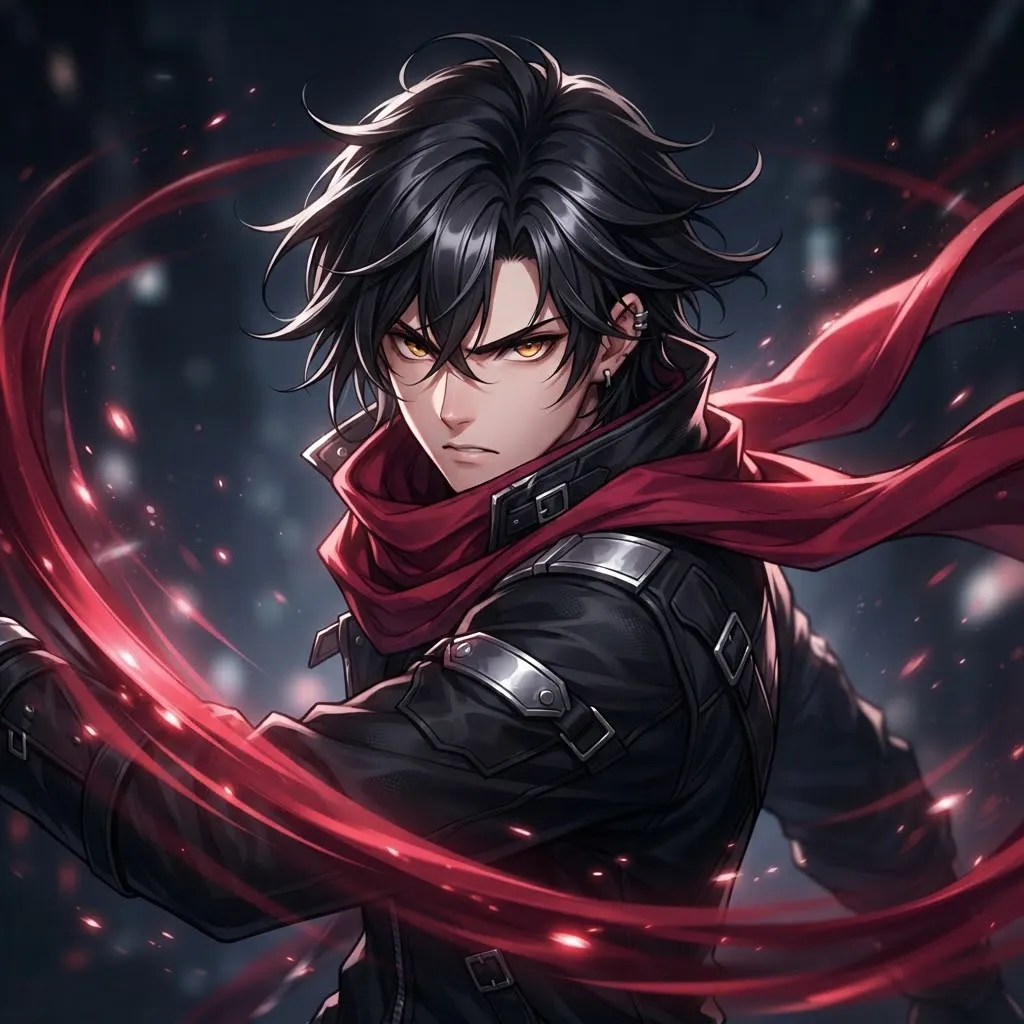
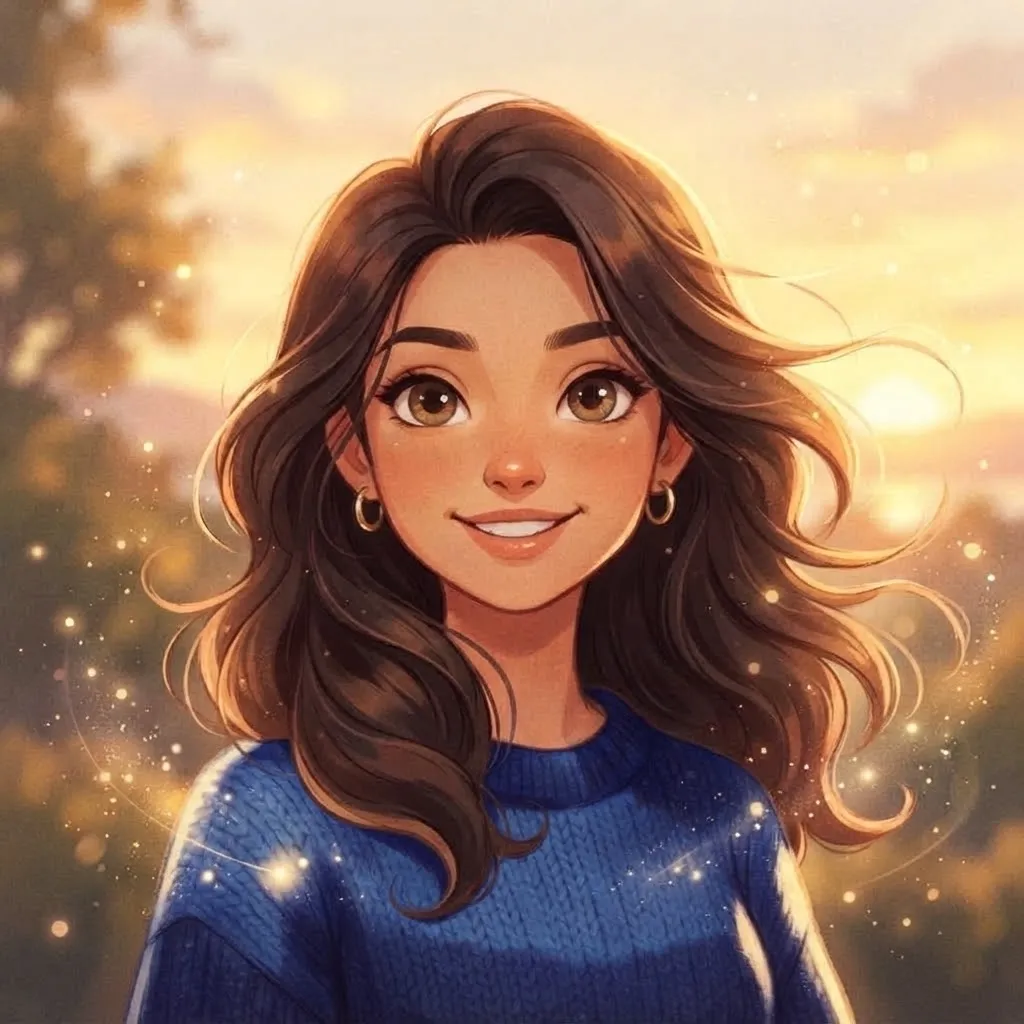
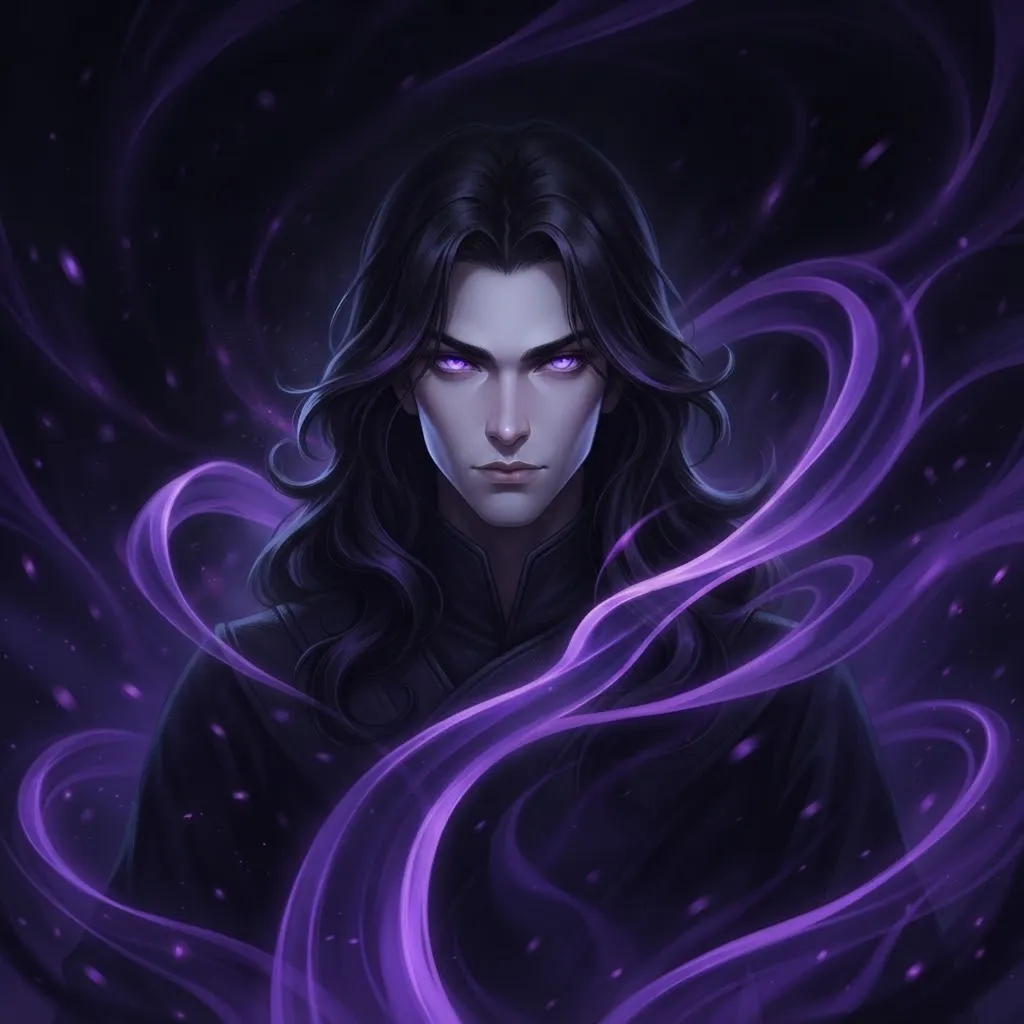
What separates a good animated avatar from a messy one? After building this whole collection, our answer is simple.
Our quick checklist
- The first frame works as a still image on its own.
- Motion is smooth, with no jumps or stutters at the loop point.
- The file isn’t so large that it takes ages to load.
- There’s no rapid flashing, which can trigger seizures in people with photosensitive epilepsy.
- You can still tell what the picture is at its smallest size.
Best Discord Nitro Gif Pfp
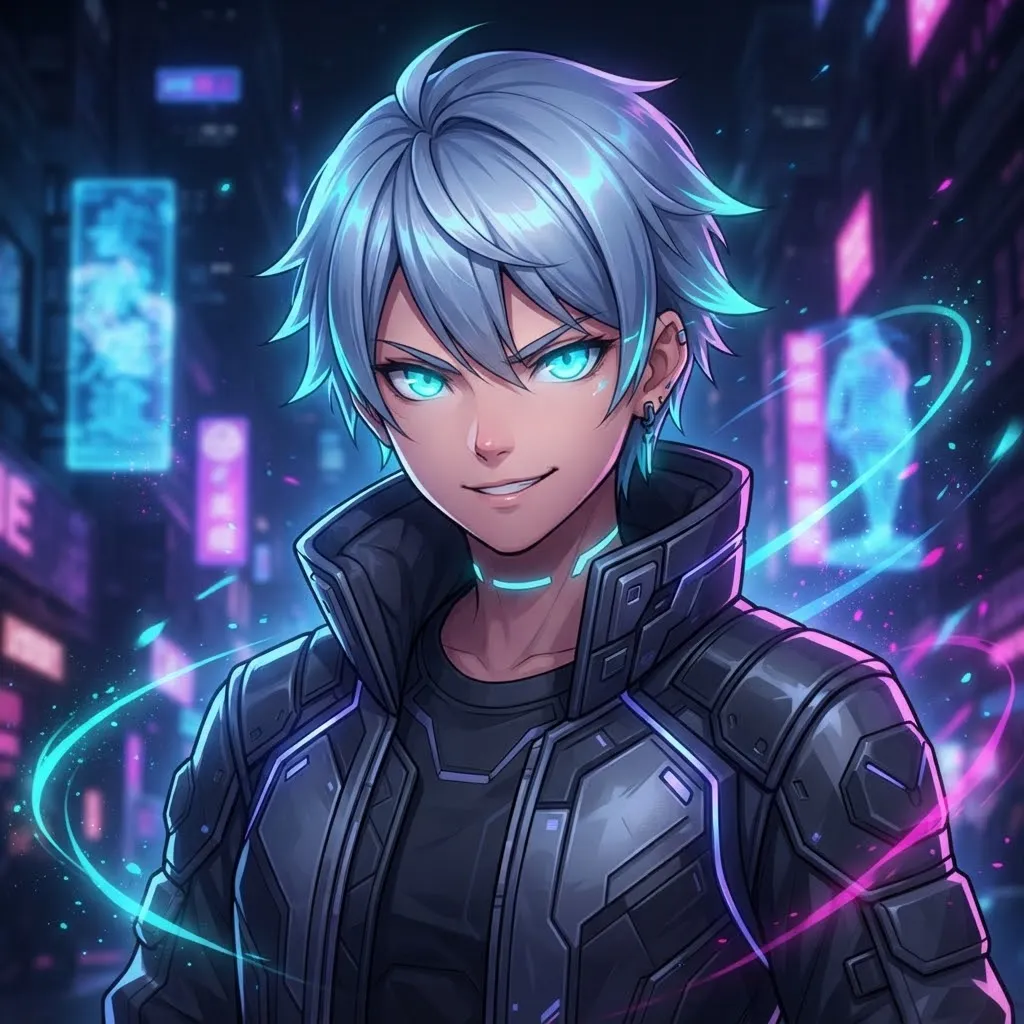
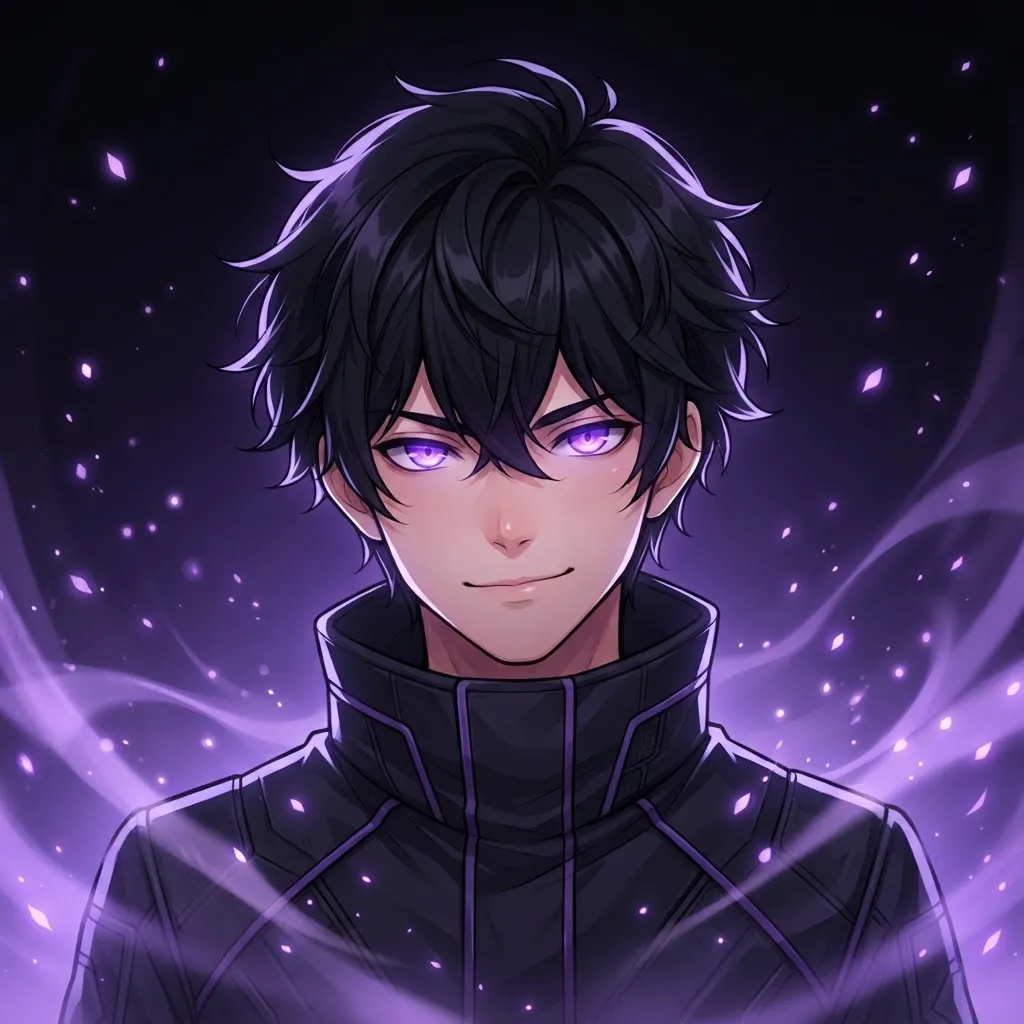
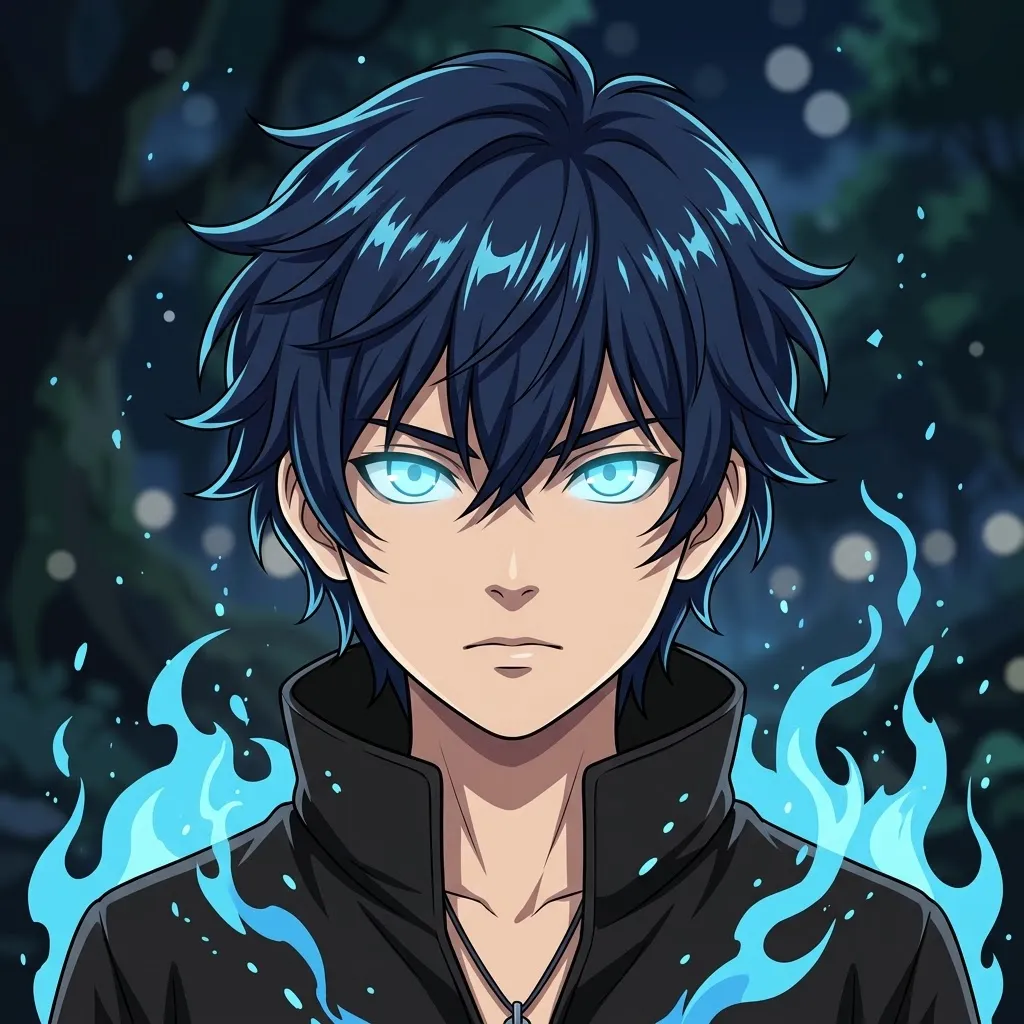
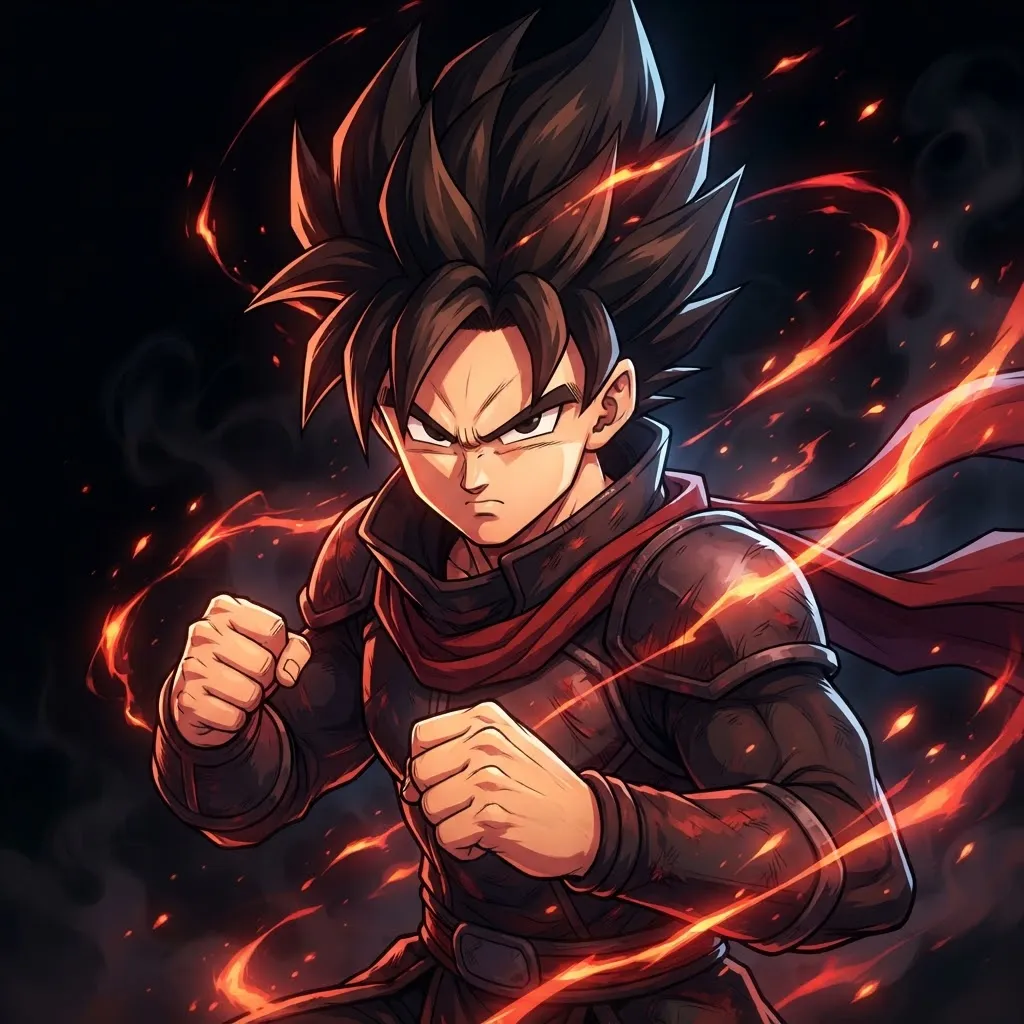
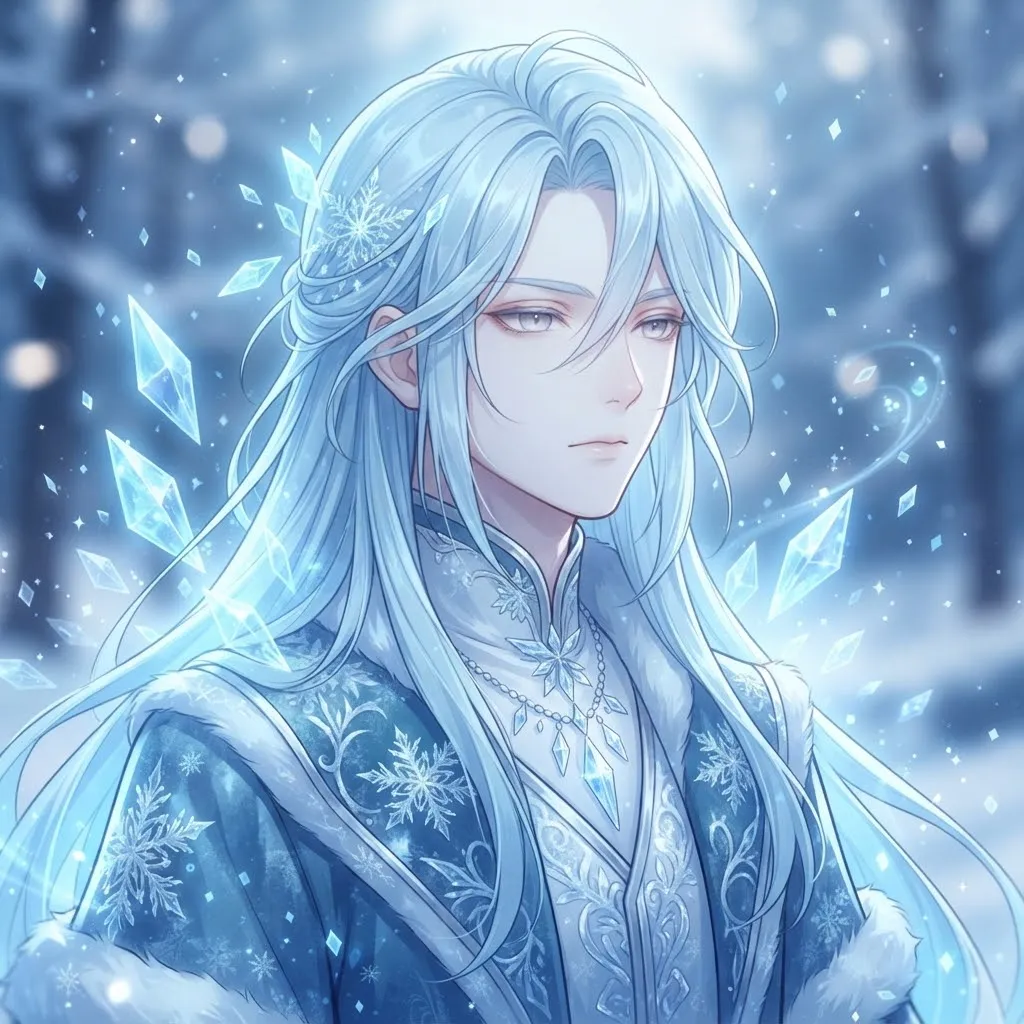
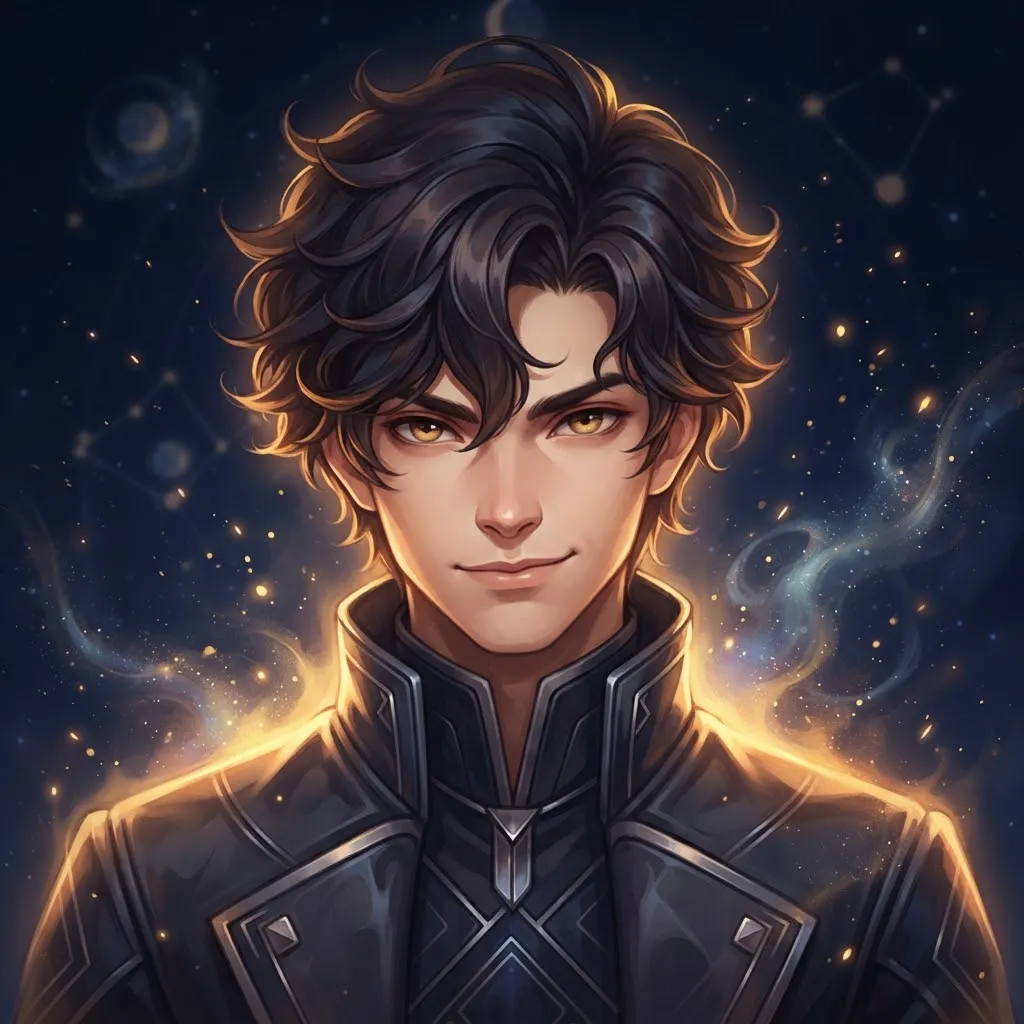
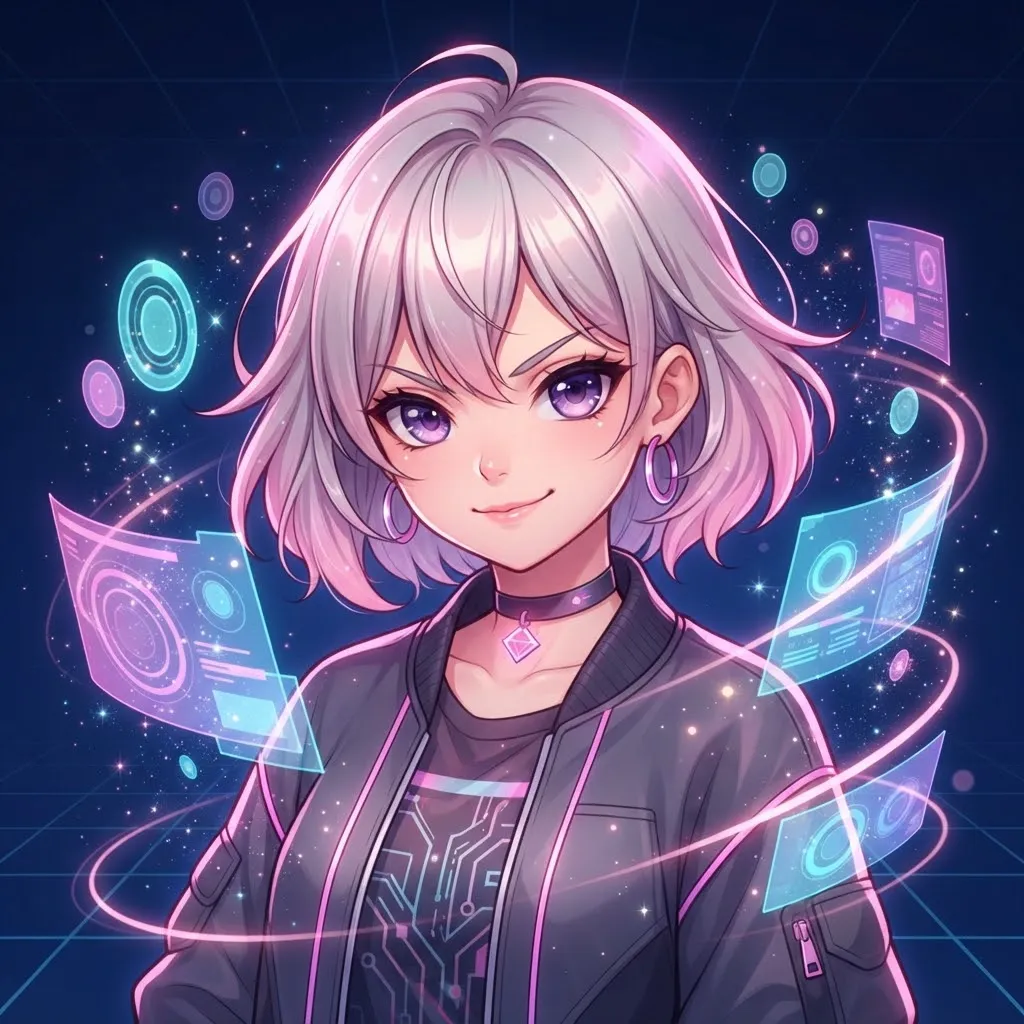
Nitro unlocks the moving avatar, so if you’re paying for it, use a loop that’s worth it. Our pick for this section: rich, detailed animation that shines on your full profile card, with a strong silhouette that still works in the member list. These also pair well with Nitro’s profile banners.
Nitro also lets you set a profile banner, and the best setups treat the two as one design. Pull a color from your loop, use it for the banner and keep the banner itself still. One moving element on a profile is plenty.
Matching Gif Pfp for Best Friends
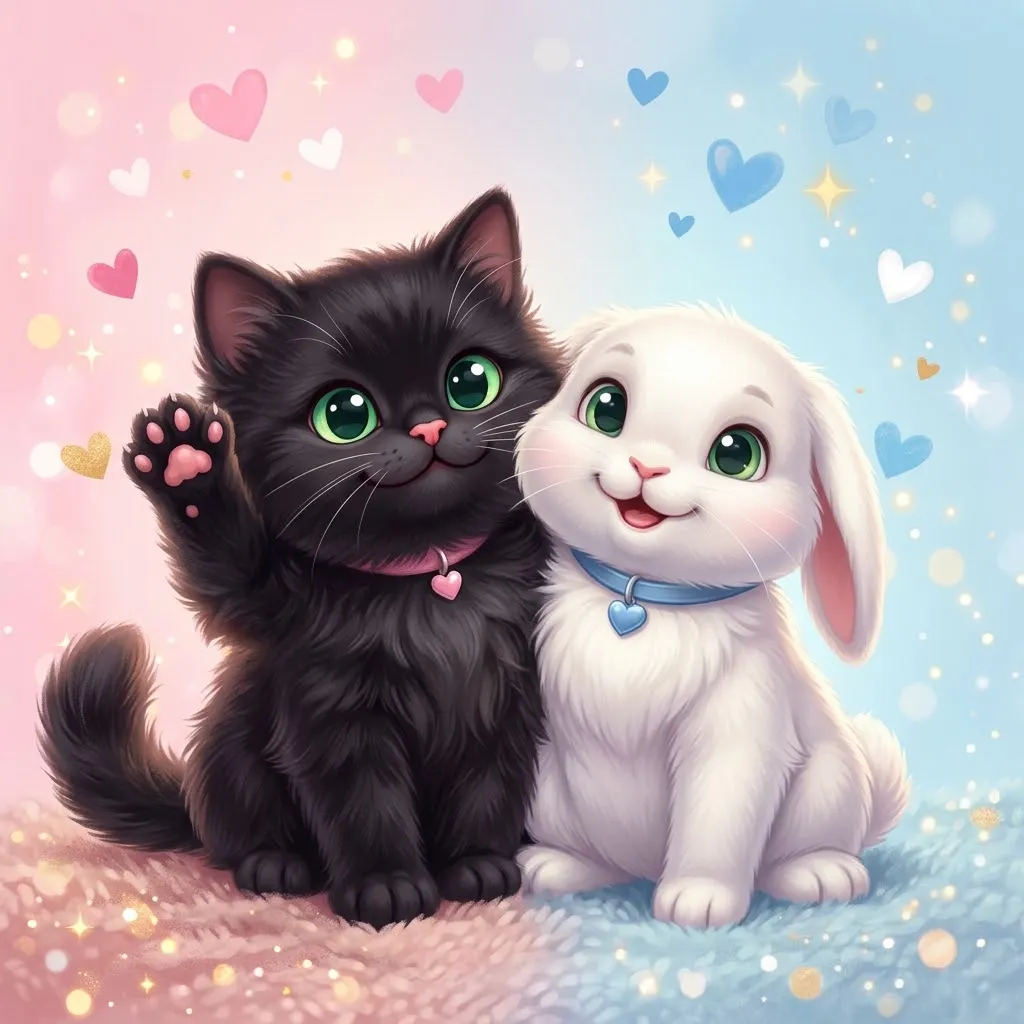
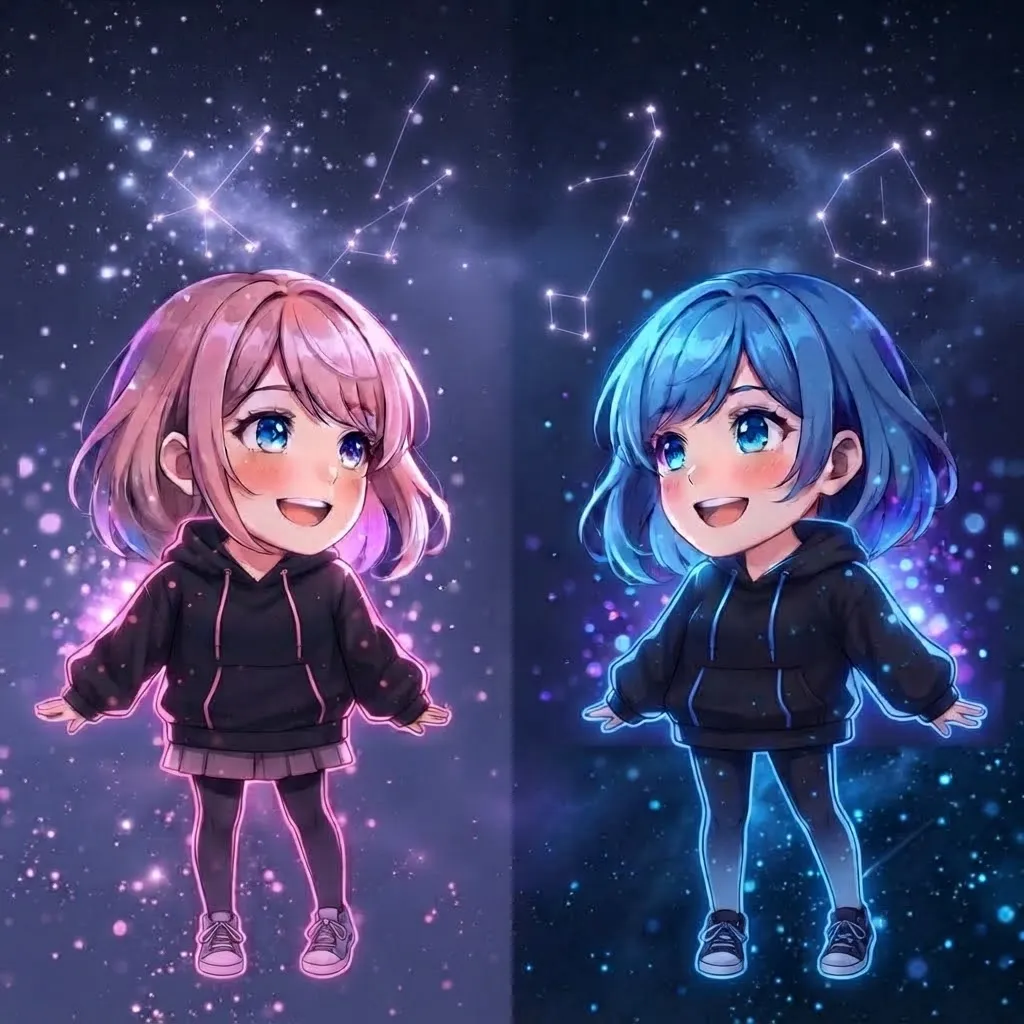
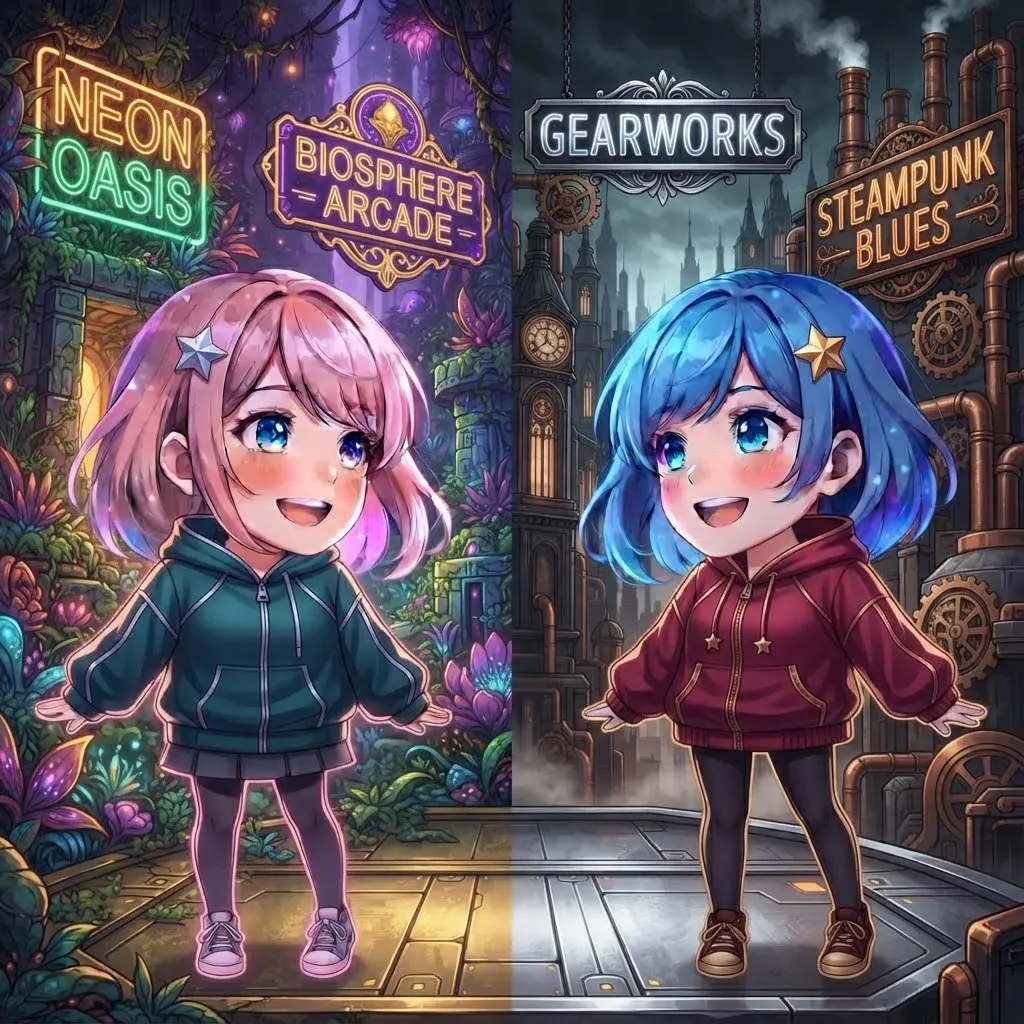
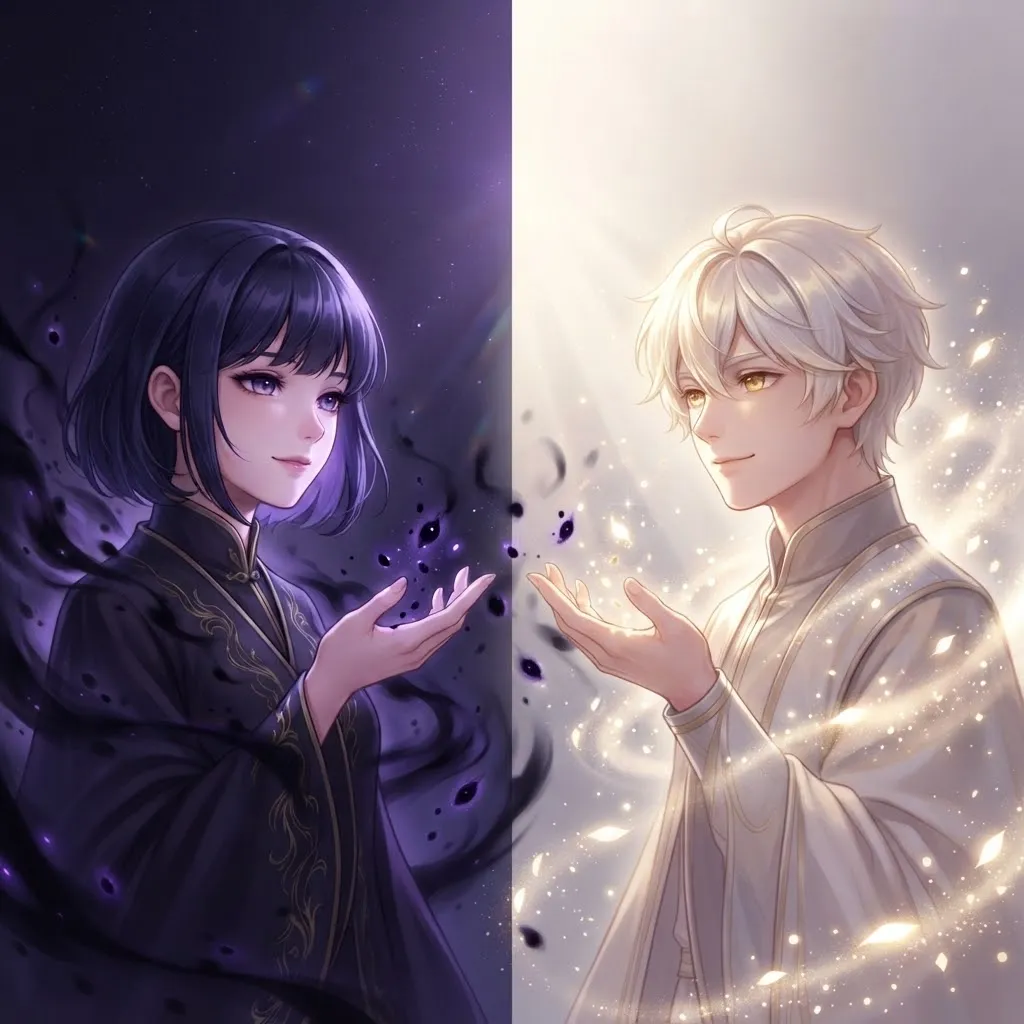
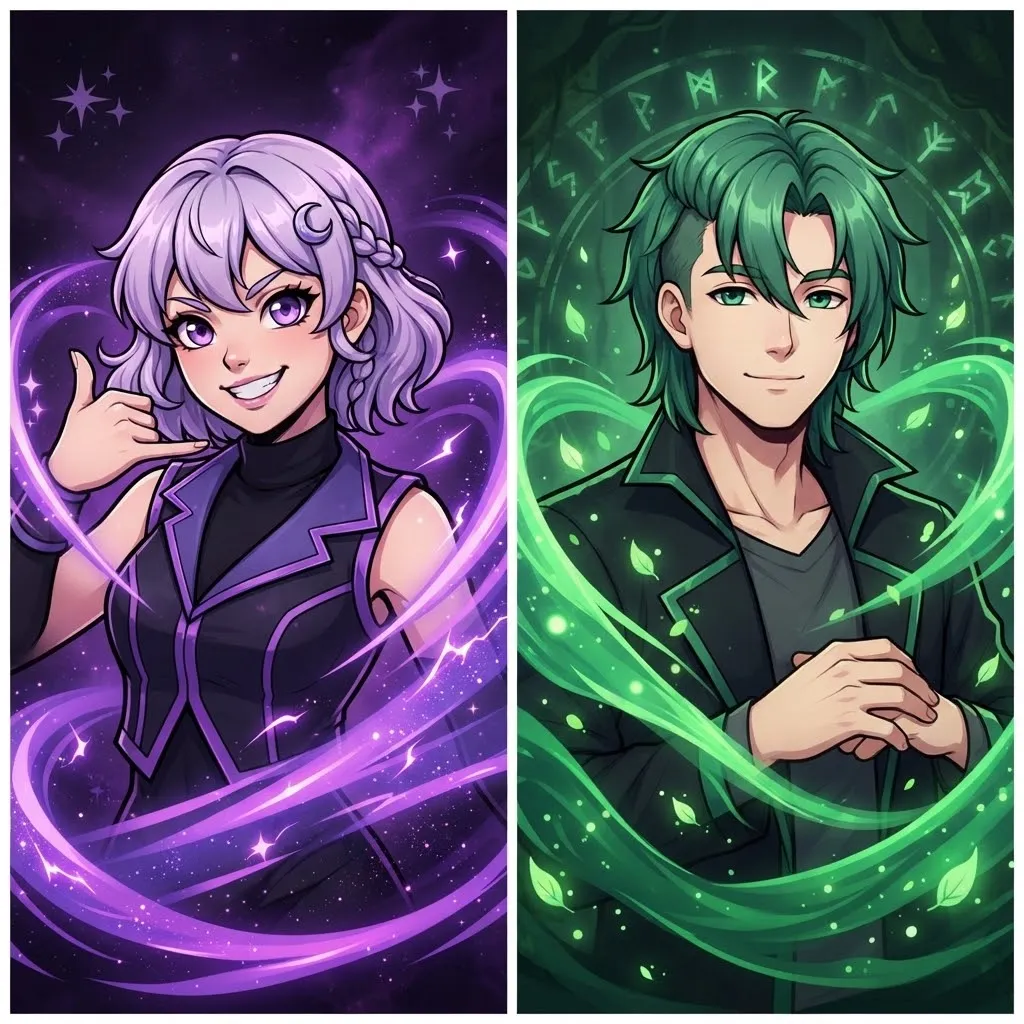
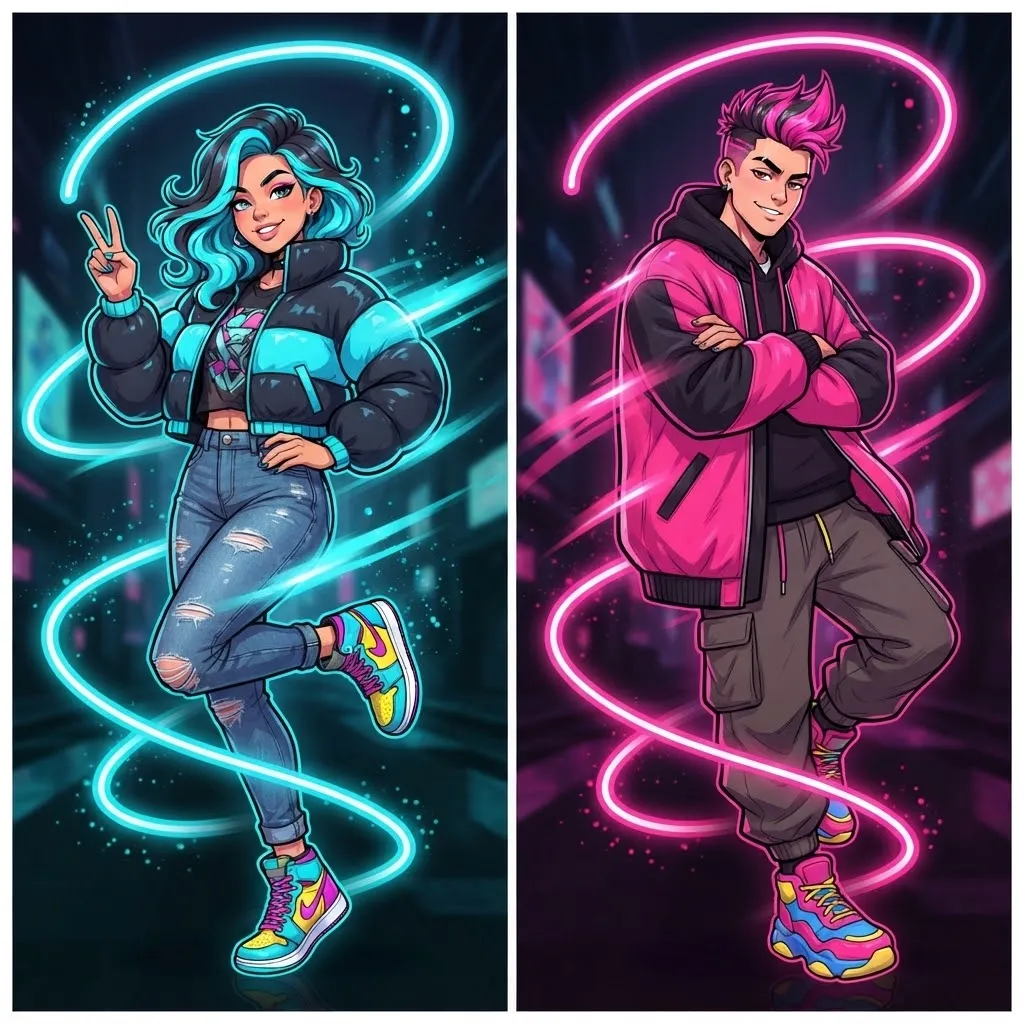
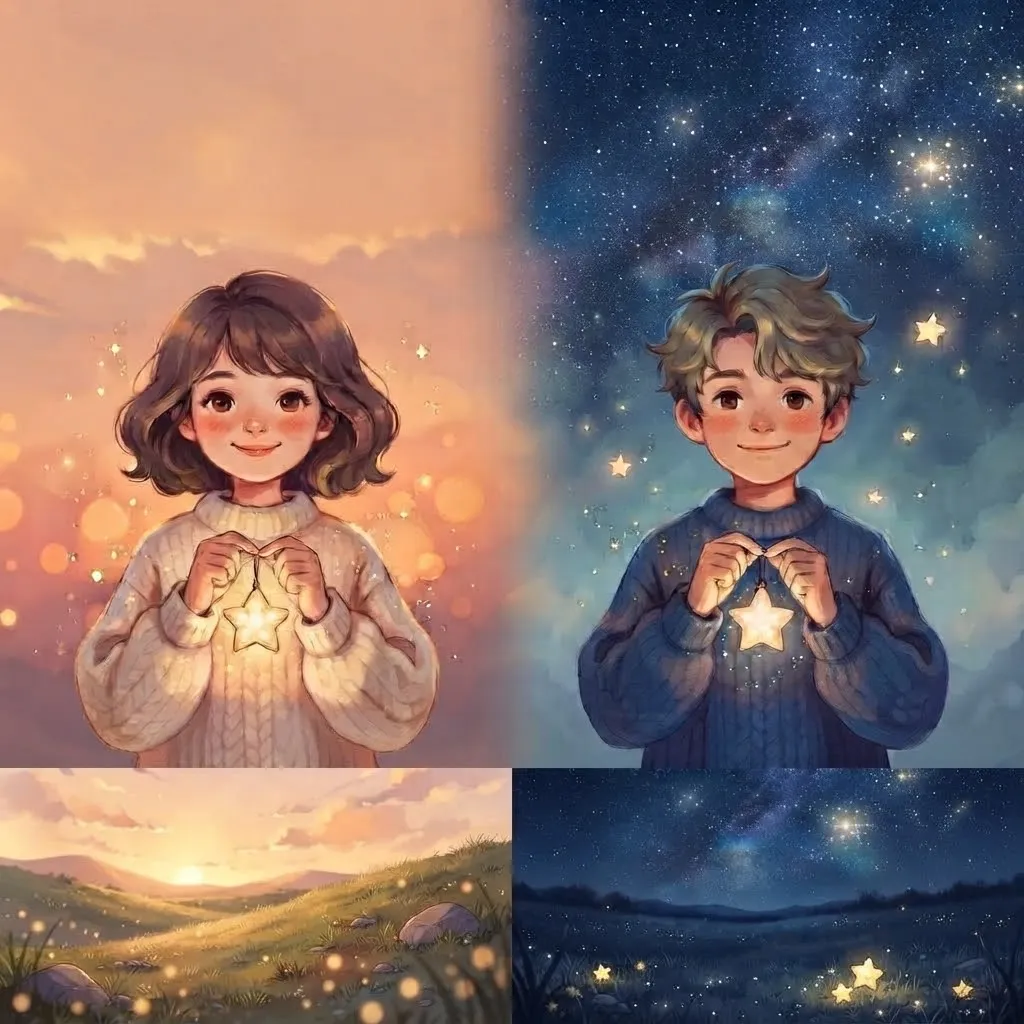
Animated pairs are twice the fun: two halves of a heart that pulse together, a pair of cats high-fiving across profiles, two characters passing a ball back and forth. Set them on the same day and your names will look linked in every chat.
Not everyone in a pair will have Nitro. If one friend is on a free account, their half will show as a still image, so choose a design where the still frame still makes sense next to the moving one.
Conclusion
A great animated avatar does a small thing well. It has one clear motion, a loop you can’t spot, a first frame that looks good on its own and nothing that flashes too fast. Remember that Discord with Nitro is where these really come alive, while most other apps will show a still. Choose the mood that fits you, from dark and tuff to cute, funny or aesthetic.
Try one for a week and see how often someone asks about it. If you’d rather go still, our Discord and anime collections have plenty of options.